-
-
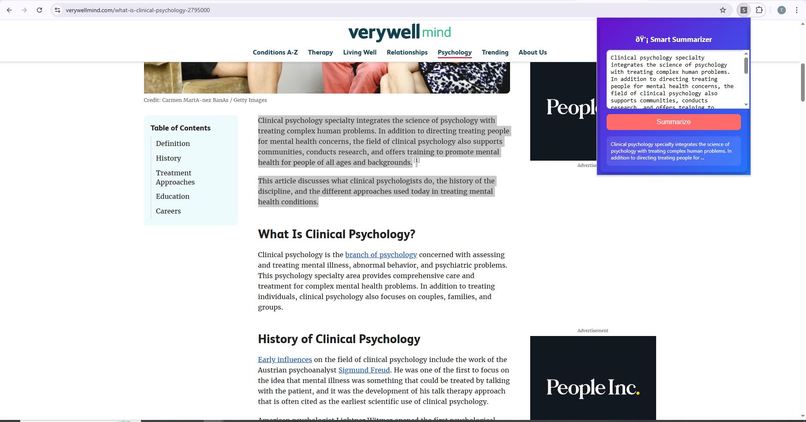
screenshort
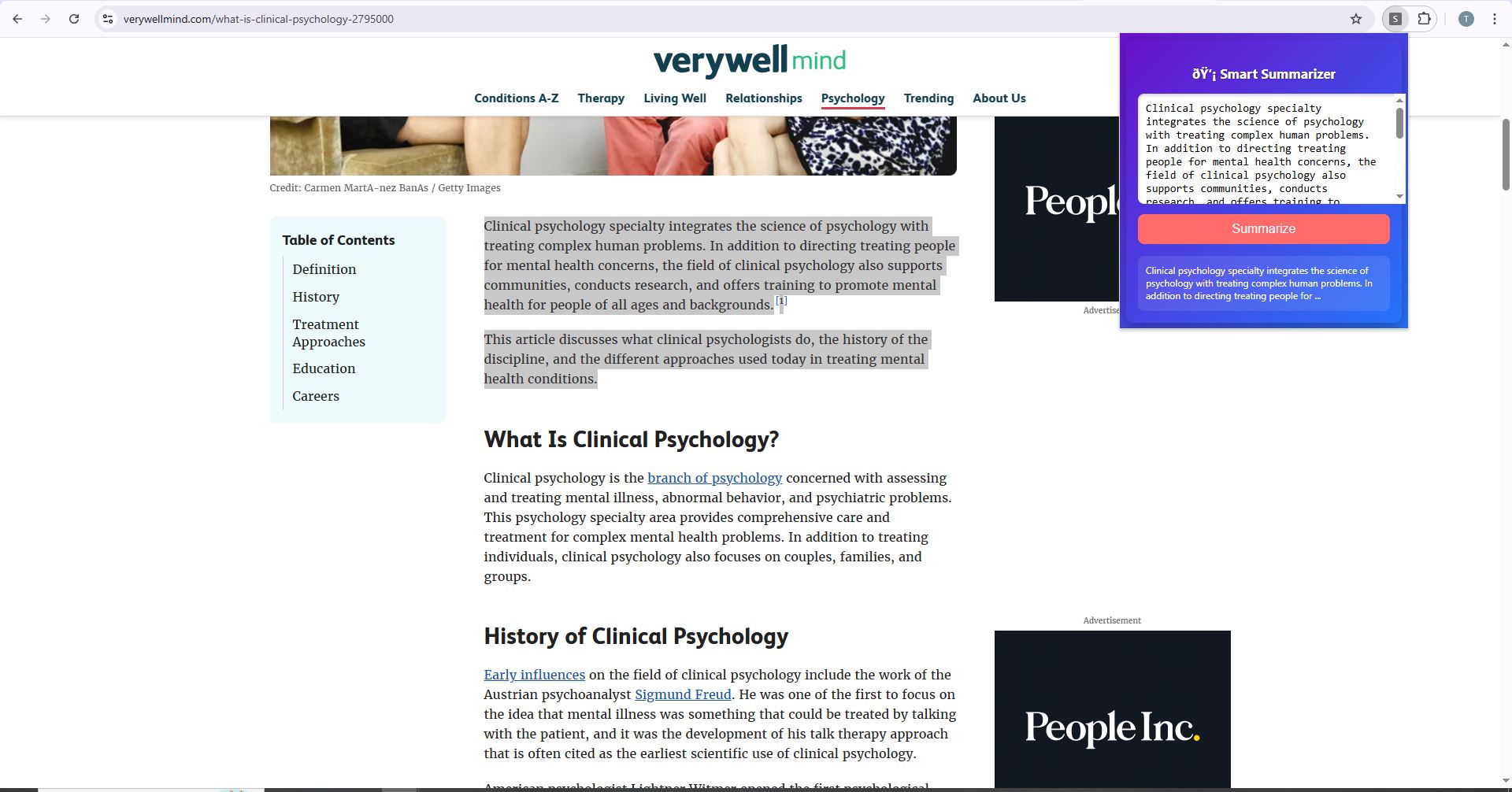
Inspiration
I noticed that while browsing the web, there’s so much content—long articles, blogs, and papers—that it’s hard to get the key points quickly. I wanted a tool that could summarize content instantly and also explain complex topics in a simple way.
This inspired me to create the Smart Web Summarizer, a Chrome extension that lets users highlight text or a whole webpage, then get an instant summary or simplified explanation using AI.
What I Learned
How to build a Chrome extension with popup UI and background scripts
Connecting a frontend Chrome extension to a Python Flask backend
Handling JSON data between JavaScript and Python
Using Flask-CORS to allow browser requests from a local extension
Designing a user-friendly, colorful interface
How I Built It
Frontend: Chrome extension with popup.html, popup.js, and stylish CSS for a clean UI
Backend: Python Flask API that receives text, processes it, and returns a summary
Communication: JSON POST requests from the extension to the Flask API
Optional AI integration: Can connect to AI models (like Gemini/OpenAI) for smarter summaries
Challenges
Figuring out Chrome extension folder structure and manifest file requirements
Making the backend and extension talk correctly via JSON requests
Designing a UI that is attractive, responsive, and easy to use
Built With
- chrome
- css-backend:-flask
- flask-cors-frontend:-chrome-extension-apis-apis:-optional-gemini/openai-api-for-advanced-ai-summaries-tools:-vs-code
- html
- javascript
- languages-&-frameworks:-python

Log in or sign up for Devpost to join the conversation.