-
-
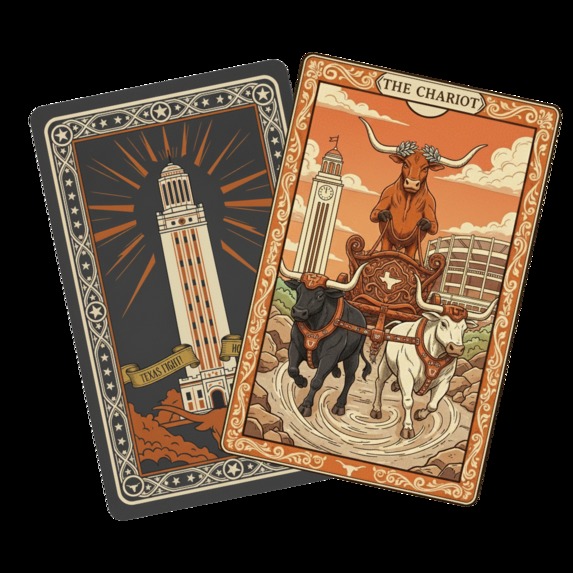
Application Icon
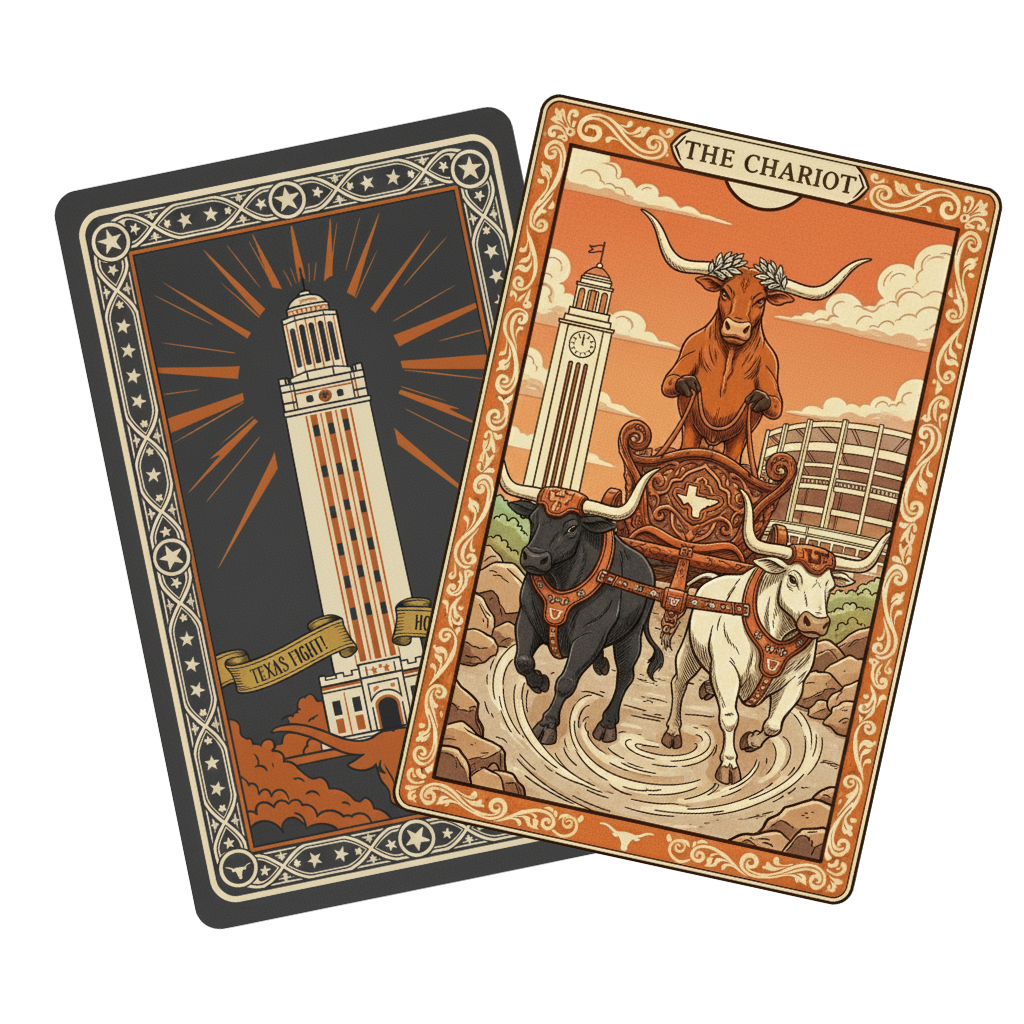
Inspiration
The celestial theme of the hackathon.
What it does
Gives the user a Tarot Reading based off of the user's input and card selection.
How we built it
We used React, JavaScript, and CSS to build our project. We also used the help of various AI such as Gemini, OpenAI, Nano, and Cursor. In our backend we also made a use of the Gemini API. We began small with only a page for the chat box and built up from there. We added more pages and updated our backend to include Gemini AI to output an interpretation of user input and card selections. We then generated all our UT-themed card Tarot card images using Google's Nano AI and coded them in. Then we began making our application look better, adding animations, changing color schemes, achieving great contrast, etc.
Challenges we ran into
Initially when using the Gemini API, we were having trouble using it because we were using the old version controls, but that was a simple fix. We also ran into the problem of having to automate the generation of 78 UT-themed Tarot cards with AI, so we manually generated each image. We also had trouble making a good design for the website as no one on our team was experienced with designing websites.
Accomplishments that we're proud of
We are proud of a completing a working application that achieved all of our goals!
What we learned
We learned how much AI can help build a project. We learned some capabilities of the Gemini API.
What's next for AI Tarot Card Reader
What's next for this Application is a more visually appealing design, including better transitions and more. Another future improvement we could make is adding functionality for continued discussion about revealed tarot card readings with the user and AI. Another thing we'd like to implement next is a page for with info about each card.
Built With
- css
- gemini
- gemini-api
- javascript
- nano
- react


Log in or sign up for Devpost to join the conversation.