-
-

logo
-

Inspiration
I have 26 tabs open right now. A saner response would be to close them before they increase, but here's the thing: I need them. Well, I might need them. Anyways, the problem isn't having too many tabs, it's finding the one I actually need when I need it. Chrome has a tab search feature, but it only works if you remember the exact title. Who remembers tab titles? I just remember "that article about the thing" or "the page with the code example." That's when I realized: what if my browser could understand what tab I'm actually looking for, not just match titles?
What it does
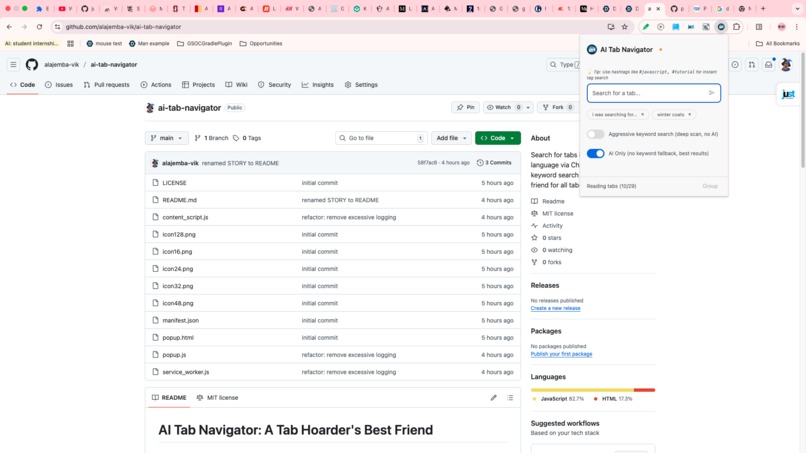
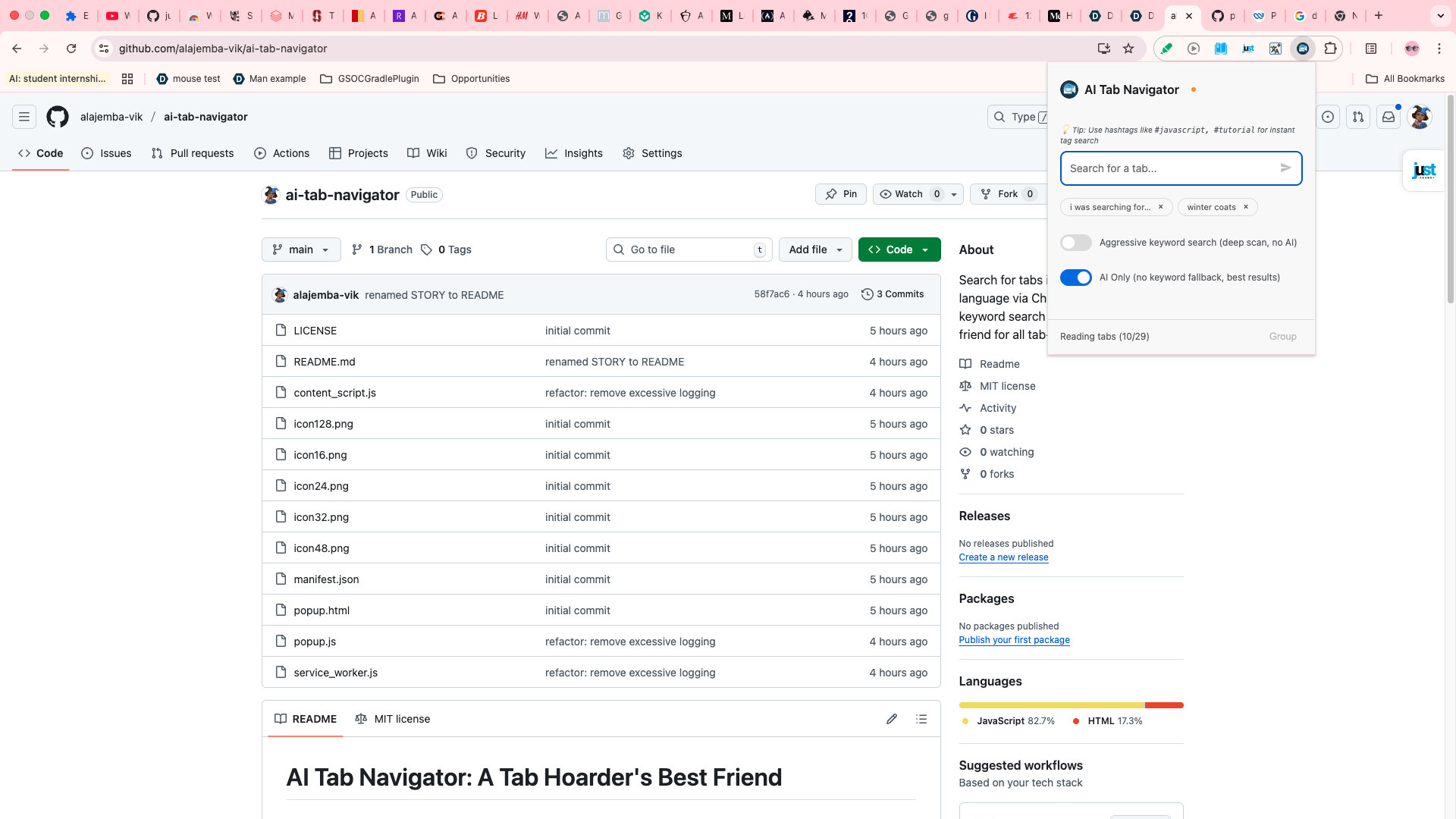
AI Tab Navigator is a Chrome extension that lets tab-hoarders like myself search through their tabs using natural language queries with the help of Chrome's in-built AI APIs. Chrome has a search tab feature, but it's only helpful when you remember the title of your tab which most of us wouldn't if we had a ton of them open.
- It analyzes tab content using Chrome's built-in Prompt API
- Understands context and semantic meaning, not just exact keyword matches
- Shows AI-generated summaries using the Summary API and relevance scores with quoted evidence
- Provides instant keyword search with AI enhancement in the background
- Allows grouping matching tabs and maintains search history
- Provides summaries for tabs to allow quickly understanding what a tab is about without switching
- Allows closing tabs too within search results
How we built it
Tech Stack:
- Frontend: Vanilla JavaScript, HTML, CSS (Chrome Extension)
- AI Integration: Chrome's built-in Prompt and Summarization API
- Storage: Chrome Storage API
Architecture:
- Hybrid Search System: Optional keyword-based fallback + AI enhancement (different modes available)
- AI-Powered Tab Summarization: Automatically generates summaries and tags for each tab by analyzing page content, stored in local cache for instant access
- Three-Stage AI Verification by AI for all results: Assessment -> Challenge Reasoning -> Prove with Quotes
- Scoring: Accepts lower-scored results (4-5) when no high-quality matches (6+) exist
- Category Validation: AI must validate semantic matches belong to the same category (e.g., "ice-cream" matches "food", but NOT "movies")
Key Features Implemented:
- Temperature 0.0 and topK 1 for deterministic AI responses
- Uncertainty detection (rejects results' reasons with hedging language like "but", "might", "possibly")
- Chrome:// URL filtering (excludes internal pages unless explicitly searched)
- Stop word filtering for natural language queries
- Quoted text validation against actual tab content
Challenges we ran into
AI Hallucinations: The AI kept returning results with creative but totally wrong reasoning. Like when I searched for "food", it suggested a Chrome Extension tab saying "Chrome Extension is food for developers." I had to add strict category validation so the AI would actually check if things belonged to the same category before claiming they matched.
Tab ID Mix-ups: The AI kept confusing which tab was which when I used regular numbers as IDs. It would give me a reason about one tab but return a completely different tab ID. Switching to string references like "tab1", "tab2" fixed this completely.
Too Creative with Matches: The AI was being way too liberal with what it considered "related." I had to dial it down with temperature=0.0 and topK=1, plus adding explicit rules about category matching.
Prompt Length Problems: Huge prompts take too long for the AI to process and most failed . Had to keep rewriting and condensing while still being clear about what I wanted.
No Results at All: Had a considerable number of scenarios where no results were returned for a score >= 6 so updated prompt to allow returning lower-quality matches (score 4-5) if it can't find anything 6+.
Wishy-Washy AI Responses: Sometimes the AI would be honest and say stuff like "Keyword found, but context is about something else." I added detection for uncertain language so these results get filtered out since it was quite clear that there was a high degree of uncertainty with that reason.
Accomplishments that we're proud of
- Got the AI to stop hallucinating by making it prove every match before results are returned
- Made AI responses consistent and predictable with temperature=0.0 and topK=1
- Built a search that's fast with keyword matching across all tab contents and smart with AI enhancement (although comparably slower)
- Fixed the tab ID confusion with a simple but effective solution (string refs instead of numbers)
- Made it transparent so that users can see exactly why each tab matched with quoted evidence
- Everything runs on-device, so no data leaves a user's machine
What we learned
AI needs strict rules: Just because you give it a JSON schema doesn't mean it won't get creative in weird ways. You need validation, uncertainty detection, and category checks.
Temperature and topK are important: Changing these from default to 0.0 and 1 made my results go from all over the place to actually reliable.
String refs > numeric IDs for AI: Turns out AI is better with "tab1" than with long numbers.
Make the AI show its work: Forcing it to find proof wasn't just about catching errors, it made the results more reliable.
Prompt engineering takes forever: I went through so many versions of the prompts. Shorter and example-driven worked way better than long explanations.
What's next for AI Tab Navigator
For now it does what I need by helping me find my tabs. I'll probably just use it as-is for a while and see how it goes in real life.
That said, I'm wondering if the tools I'm using (Chrome's built-in AI APIs) are actually the best fit for this problem. Maybe there are other approaches worth exploring:
- Different AI models or methods that might handle tab search better
- Different technical approaches that could work more reliably
- Maybe a completely different architecture would make more sense
The real question I'm still figuring out is: what's actually the best way to help people find their tabs?

Log in or sign up for Devpost to join the conversation.