My Project Story: Building a Privacy-First AI Summarizer The Inspiration: Privacy Performance the core inspiration for my project, an on-device AI Summarizer, stemmed from a desire to merge the power of Large Language Models (LLMs) with the principle of user privacy. I noticed that most web summarization tools require sending your article content to a cloud server, which can be slow and raises data security concerns.The moment I learned about new built-in AI APIs in modern web browsers, specifically the availability of Gemini Nano to run locally, I saw a path to a better solution. My goal was to create a tool that could instantly condense long web articles into key points without ever sending the user’s reading data over the internet. This client-side approach offers a significant advantage in terms of both data localization and latency reduction.How I Built the Project: The Technical Journey my project is implemented as a single-file, modular Chrome Extension (Manifest V3).
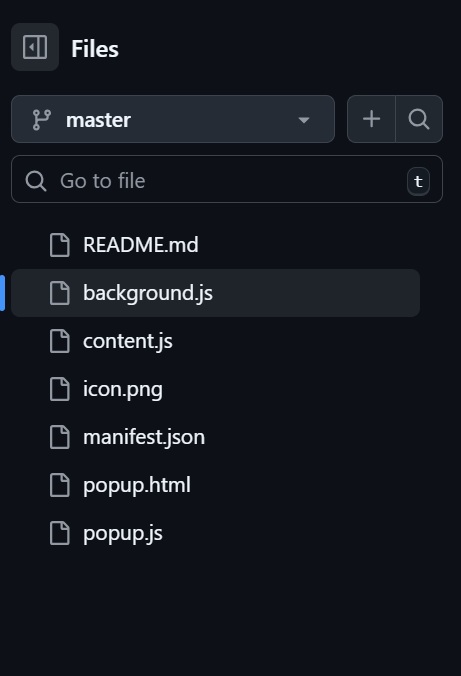
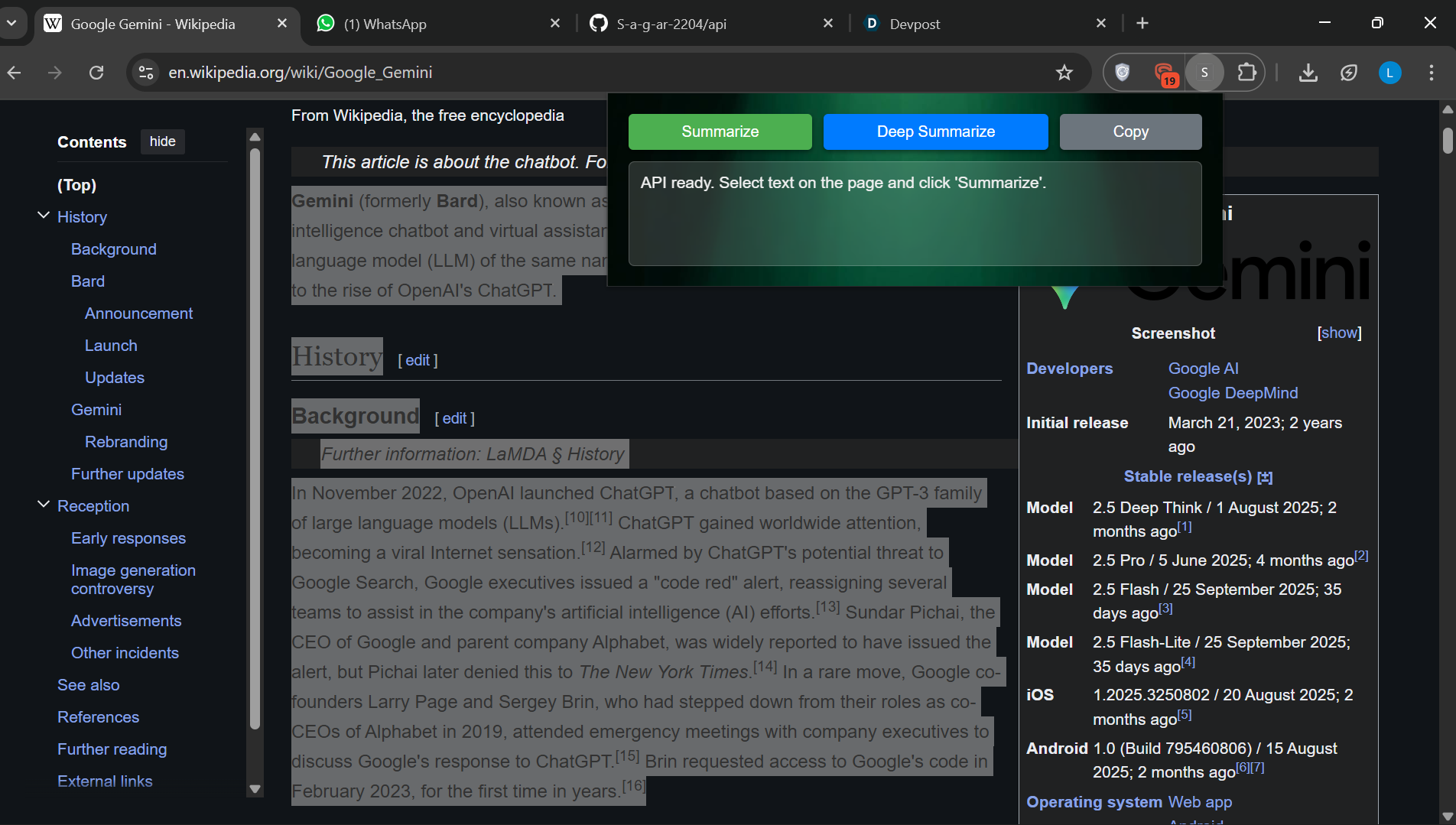
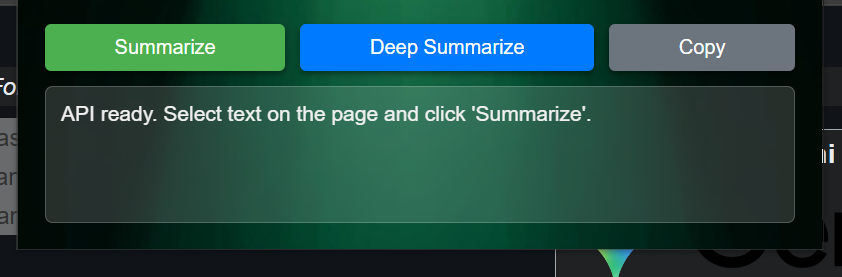
- Core Structure (HTML/CSS/JS)The extension consists of a simple pop-up interface (the popup.html and its Associated javascript) that is injected into the current tab via a content.js script.
- The AI Engine: Summarizer API the heart of the application relies on the browser's built-in Summarizer API, which Leverage gemini Nano.The core function to process the text looked something like this (conceptually, as the Specific API implementation requires handling Origin Trials and browser checks):This function runs the LLM inference directly on the user’s device (provided they meet the hardware requirements, which is a key challenge, as discussed below). The type: 'key-points'option ensures the output is actionable and easy to scan.
- Data Extraction and Communication A crucial step was reliably fetching the main article content. The extension's content script attempts to identify the primary text block (like an article or main div) on a webpage. Since the extension's environment and the webpage's environment are separate, I used message passing via chrome.tabs.sendMessage to securely transfer the scraped text from the content script to the extension service worker,which then initiated the Summarizer API call. What I Learned Client-Side AI is a Game-Changer The most significant lesson was the potential of client-side AI. Running LLMs directly on the device drastically changes the privacy model. Sensitive data, like what a user is reading, never leaves their machine. This model, often referred to as federated learning or on-device inference, represents a major shift in how AI-powered tools are developed. The Nuances of Browser APIs I gained a deep understanding of the security and sandboxing constraints of modern browser extensions (Manifest V3). Learning how to correctly handle the asynchronous nature of theSummarizer.create() method and ensuring the call was triggered by an active user gesture(navigator.userActivation.isActive) was essential to comply with security standards.The Challenges I Faced
- Hardware and Availability Guardrails The biggest non-code challenge was dealing with the strict availability requirements foron-device models. The Gemini Nano model requires specific hardware (like a compatible GPU with sufficient VRAM) and is only available on certain operating systems (Windows, Mac, and Linux desktops, at the time of development). ● Mitigation: I had to implement robust availability checks and provide clear, polite fallback messages to the user if the Summarizer API was unavailable. This taught me the importance of designing for gracefully degraded performance.
- User Experience and Text Selection Determining what to summarize was tricky. Simply taking document.body.innerText resulted in summarizing navigation menus, footers, and advertisements. ● Initial Problem: Low-quality summaries due to irrelevant text input. ● Solution: I implemented a simple heuristic in the content.js script to preferentially select elements with semantic HTML tags like , , or the largest block of text witha high ratio of text content to child elements. This significantly improved the quality and relevance of the summarized output.
- Asynchronous Complexity the process from button click to summary display involved several asynchronous steps: 1) Click to send message 2) Message received and text scraped 3) AI model loaded(Summarizer.create) 4) Summary generated (summarize) and 5) Result returned and displayed. Managing the loading state and error propagation across these different contexts(popup, content script, service worker) required careful use of Promises and async to avoid race conditions and ensure a smooth user experience The experience was challenging but incredibly rewarding, offering a practical demonstration of how powerful, privacy-preserving AI can be built into the fabric of the web.


Log in or sign up for Devpost to join the conversation.