-
-
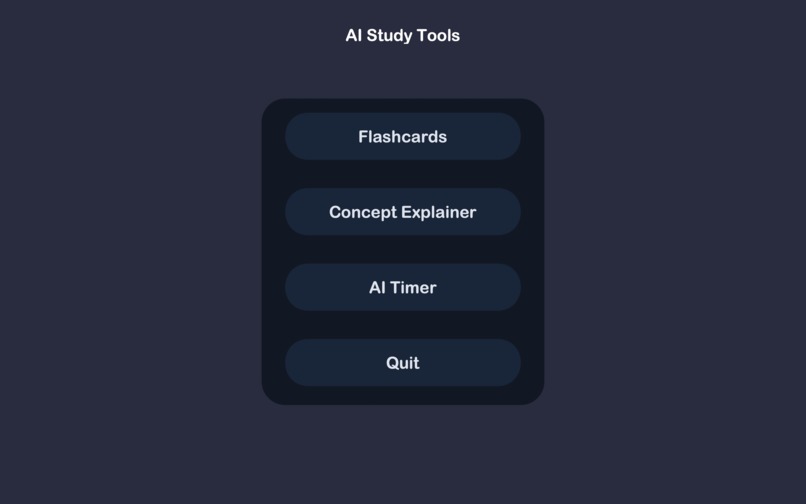
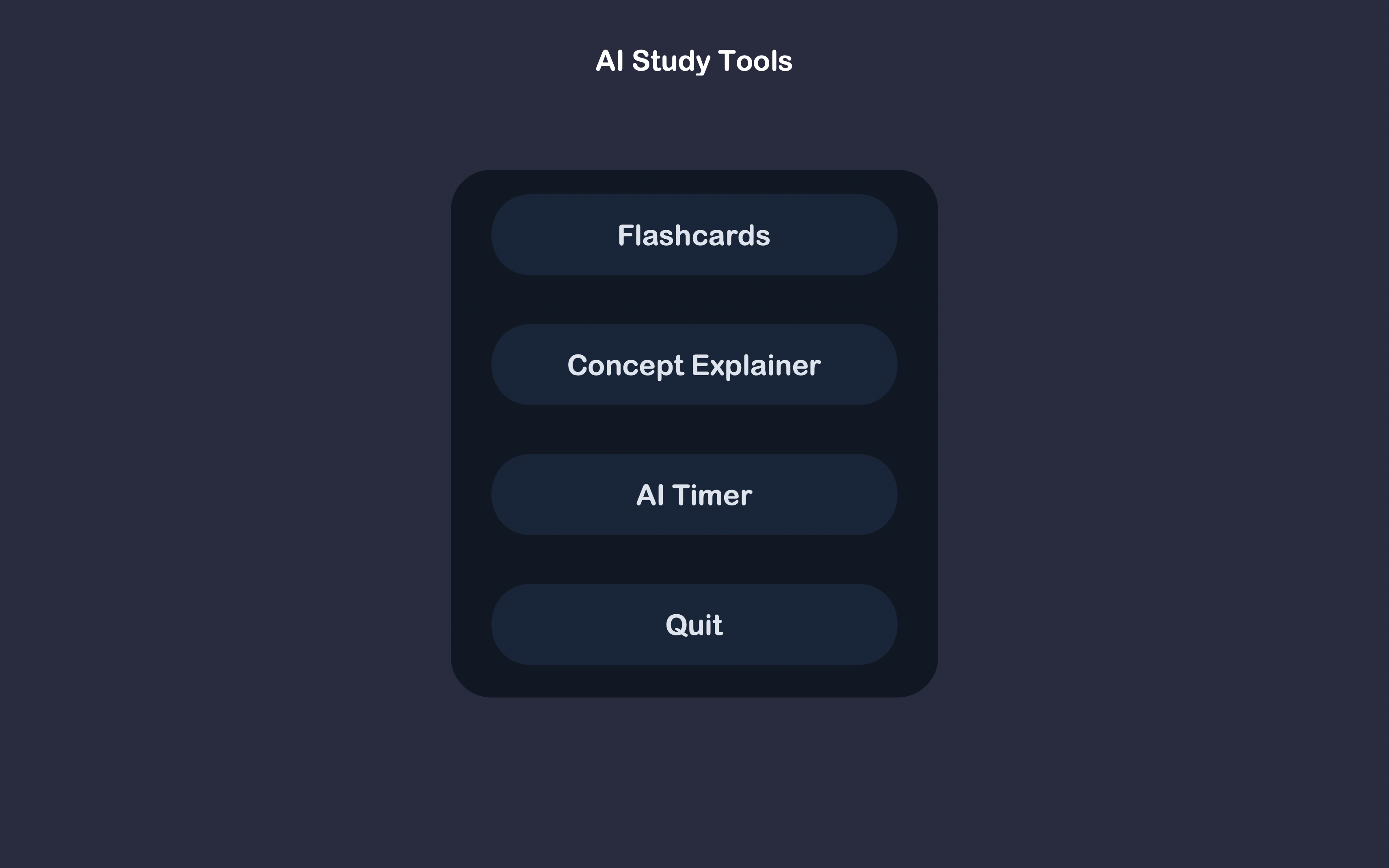
AI Study Tools Menu
🎯 Inspiration
Many times it is hard to understand a concept or connect it with real-world examples, so I made something for that. A tool for when you don't feel motivated, or need some help organizing a lot of information to study. It includes:
- Something that keeps you motivated when you study — since it’s easy to procrastinate or give up.
- A tool that helps you organize information into simple questions, making complex articles or texts easier to break down.
🛠️ What It Does
This project includes three tools:
- AI Study Timer – Keeps you motivated with AI-generated motivational quotes.
- AI Flashcard Generator – Turns articles or text into flashcards.
- AI Concept Explainer – Helps you understand any concept by:
- Providing real-world examples
- Solving math/word problems
- Explaining every step clearly
🔧 How I Built It
- Built using Python and Tkinter, later upgraded to customTkinter for a better UI.
- Used PyGame for sound effects.
- Integrated Ollama to access Phi-2, an AI model that runs locally.
- Relied on tutorials and self-research to learn and implement everything.
🚧 Challenges I Ran Into
- UI design: The original Tkinter UI looked bad. Switching to customTkinter improved the visual design.
- AI prompting: Making the AI follow the prompt correctly required a lot of trial and error. After a lot of trial and error, it is now much better.
🏆 Accomplishments That I'm Proud Of
- Successfully integrated customTkinter to upgrade the entire UI.
- Spent time researching and refining the visual design, which now makes the project look polished and professional.
📚 What I Learned
- Fundamentals of Tkinter and customTkinter
- How to integrate AI into a Python project
- How to add sound effects using PyGame
🚀 What's Next for AI Study Tools
- AI assistant for mental health support
- AI that helps you improve nutrition in your diet
- AI-powered task tracker and reminder system

Log in or sign up for Devpost to join the conversation.