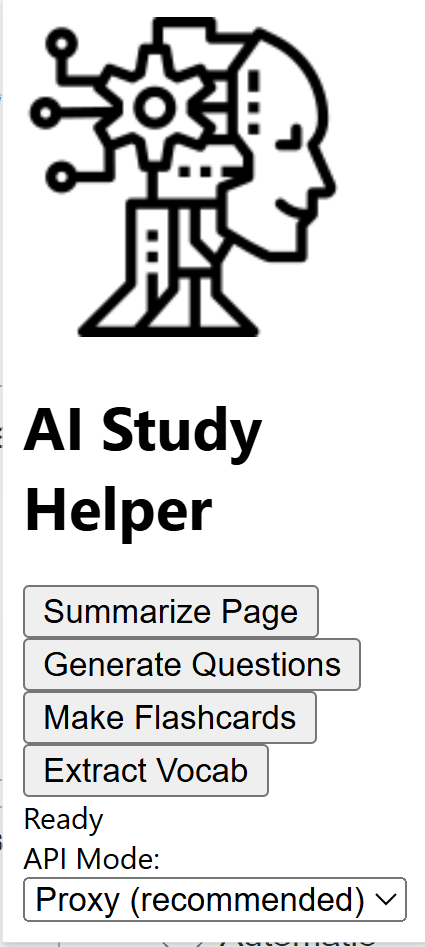
As a student, I constantly found myself wasting time summarizing long articles and turning them into flashcards or practice questions. I wanted something fast, simple, and automatic — something that could turn any webpage into study-ready material with one click.
At the same time, I wanted to learn how AI integrations actually work behind the scenes, especially how to send data securely through a backend instead of exposing API keys. That’s how this project started: a Chrome Extension + Local Proxy that brings real AI power directly into the browser.
Challenges I Faced
Building this wasn’t smooth — I learned a lot:
CORS errors (Chrome extensions add strict restrictions)
429 rate limits from OpenRouter
Fixing “TypeError: Failed to fetch”
Setting proper headers so Chrome could talk to my proxy
Learning how to use Manifest v3, background scripts, and message passing
Understanding how AI APIs actually work behind the scenes
Debugging network calls in both Chrome DevTools and Node.js
All these issues helped me understand how extensions communicate with backends and how AI systems are integrated into real software.
What I Learned
This project taught me:
How to build a full Chrome Extension (Manifest v3)
How to design a popup UI and content script interaction
How to set up a Node.js proxy securely
How to call OpenRouter AI models
How to fix network problems (CORS, rate limits, headers)
How backend and frontend connect to each other
Real-world debugging skills

Log in or sign up for Devpost to join the conversation.