-
-
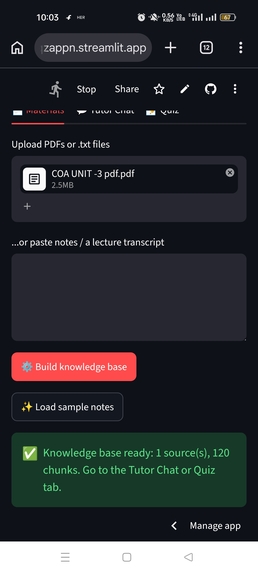
Need to upload a pdf or text class notes.
-
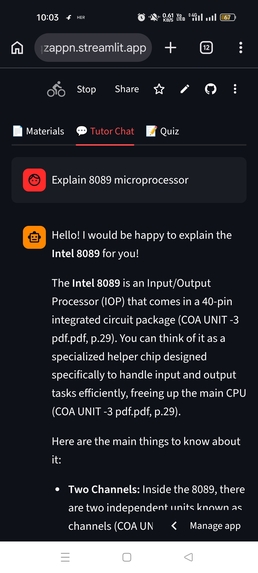
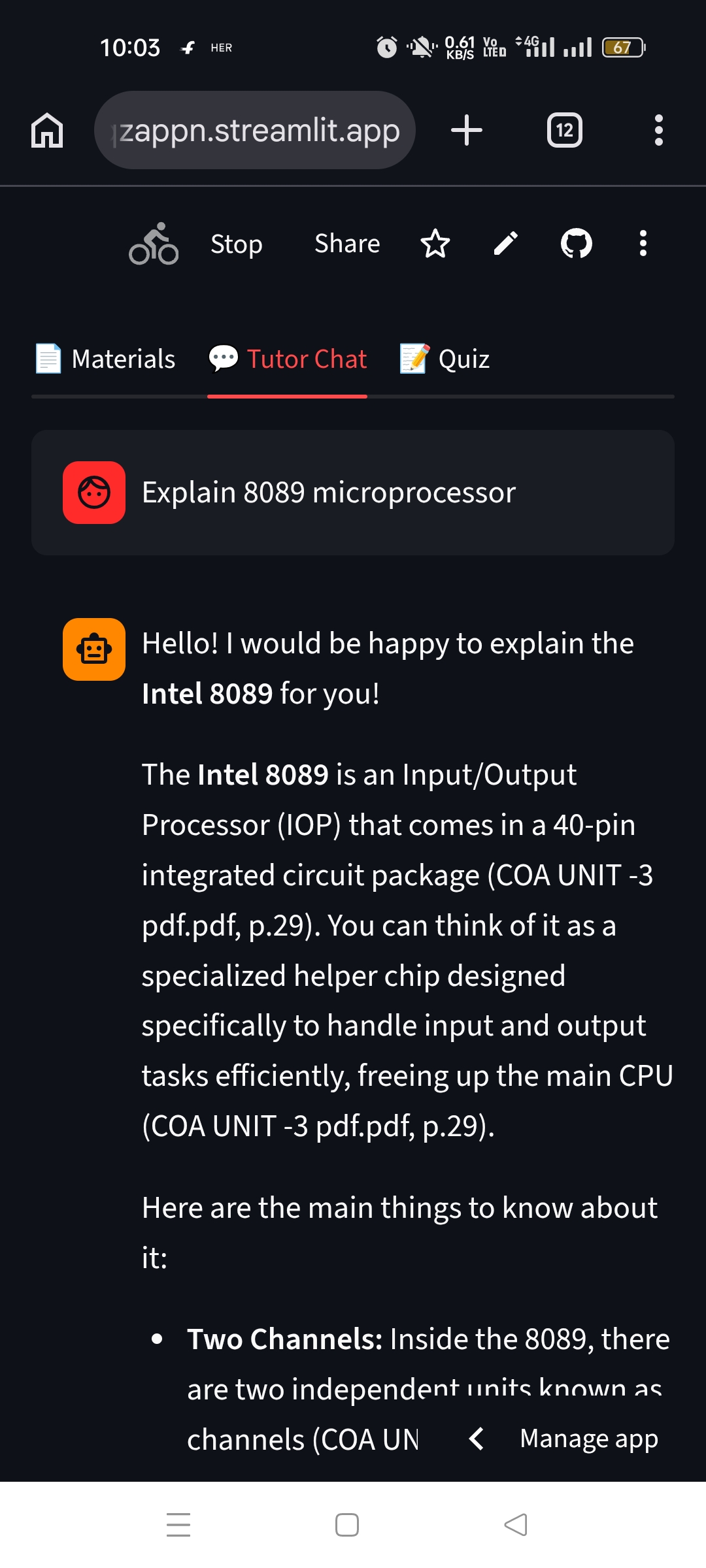
As per uploaded source student can ask question regarding the uploaded file
-
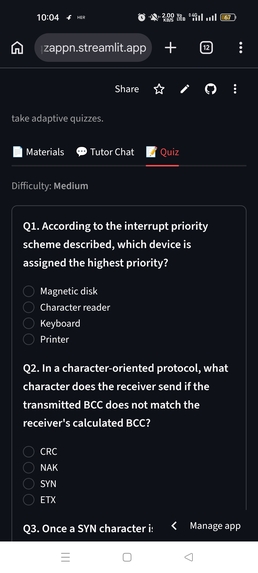
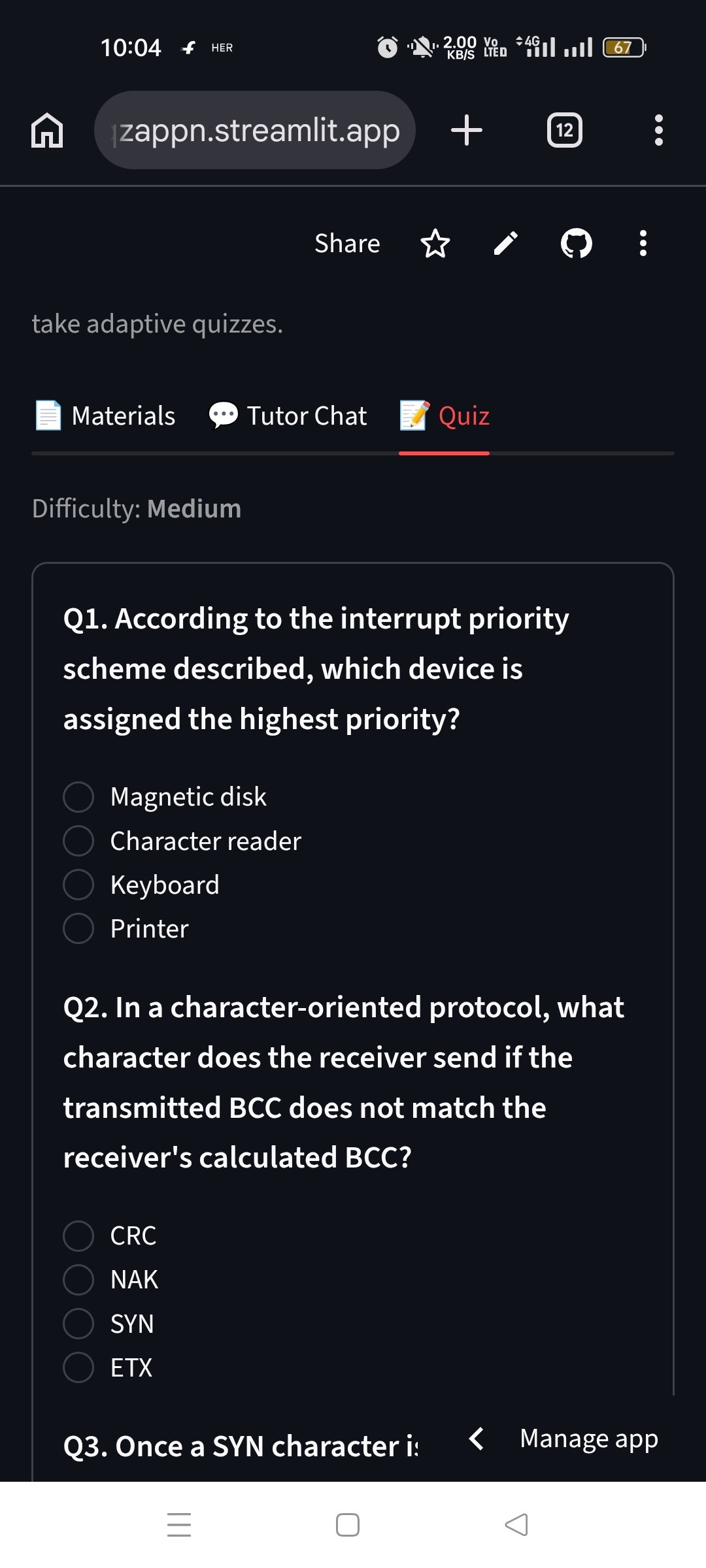
An the chat bot can generate quizz on the explained topic
Inspiration
Students often get generic AI answers that don't match their own syllabus, and they can't tell if the answer is trustworthy. We wanted a tutor that teaches from the student's own materials and shows exactly where each answer comes from.
What it does
AI Study Companion has three parts:
- Knowledge Base: upload PDFs or text files, or paste lecture notes or a transcript.
- Source-Cited Tutor Chat: ask questions and get answers based only on your materials, with the file and page cited and a "Sources used" panel showing the original excerpts. If the answer isn't in your notes, it says so instead of guessing.
- Adaptive Quiz: a 3-question multiple-choice quiz with instant feedback and explanations. Score 3/3 and the next quiz gets harder. Score 1 or less and it gets easier and revisits your weak topics.
How we built it
- Interface: Streamlit, which works on phones and desktops
- Text extraction: pypdf, keeping page numbers for citations
- Retrieval: TF-IDF search over overlapping text chunks, so each answer is grounded in the best-matching excerpts
- AI: the Gemini API for tutoring answers and quiz generation, with automatic fallback between models
- Hosting: GitHub and Streamlit Community Cloud
- The whole project was built and deployed from a phone browser, with no prior coding experience.
Challenges we ran into
- Model availability: Gemini model versions are changing, so the app tries several models in order to avoid breaking.
- Reliable quizzes: we made the model return structured JSON, check it, and retry if it's invalid.
- Scanned PDFs: image-only PDFs have no extractable text, so the app tells the user clearly.
- Building and debugging deployment entirely on a mobile phone.
Accomplishments we're proud of
- A fully working, shareable app built in under 48 hours
- Answers that always show their sources
- A quiz that adapts to the student's performance
What we learned
Grounding AI answers in a student's own materials, with citations, builds trust. Small adaptive loops (difficulty plus weak-topic review) make practice more personal.
What's next
OCR for scanned notes, embedding-based search for better retrieval, saved progress across sessions, a progress dashboard, and flashcards.
How to test
- Open the live link.
- Go to Materials and tap "Load sample notes", or upload any text-based PDF and tap "Build knowledge base".
- In Tutor Chat, ask a question. Check the citations.
- In Quiz, generate a quiz and answer it to see feedback and adaptive difficulty.
Note: this runs on a free API tier. If you see a quota message, wait a minute and try again. Please don't upload private documents.
