-
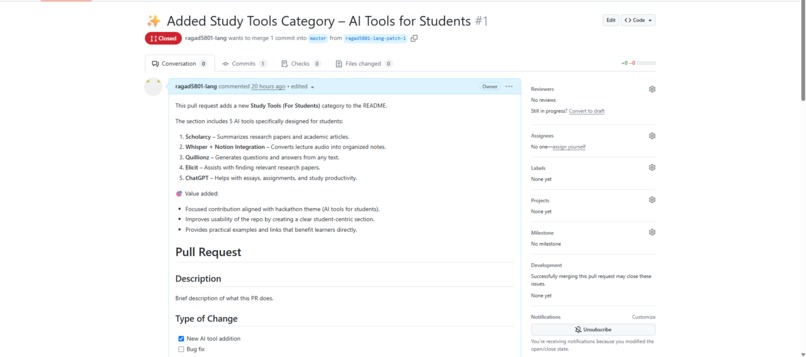
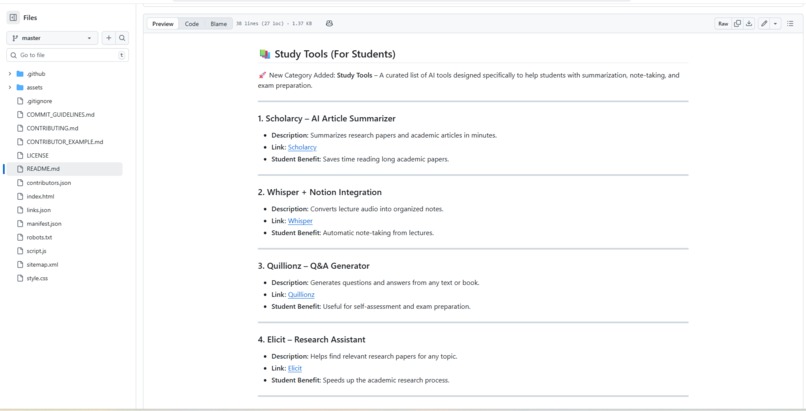
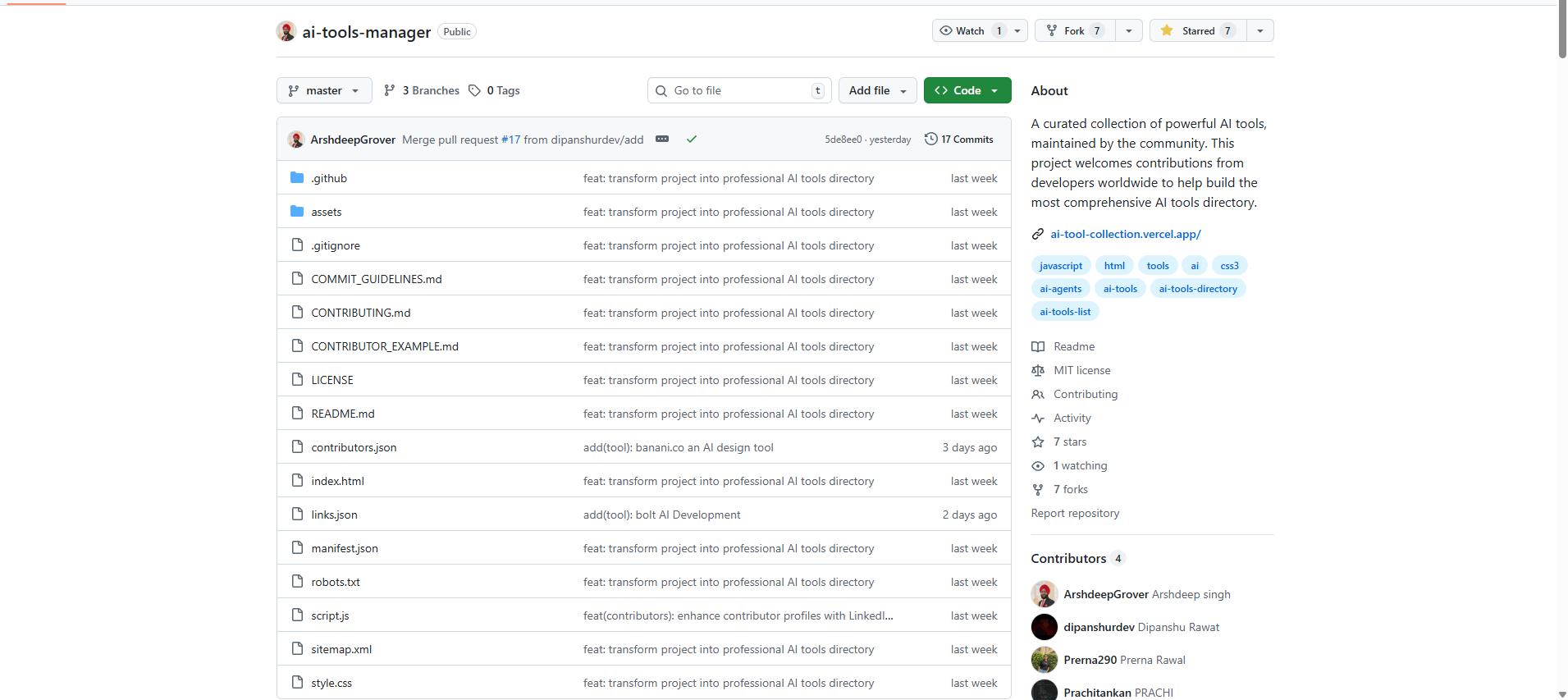
Added new student-focused AI tools section in README
-
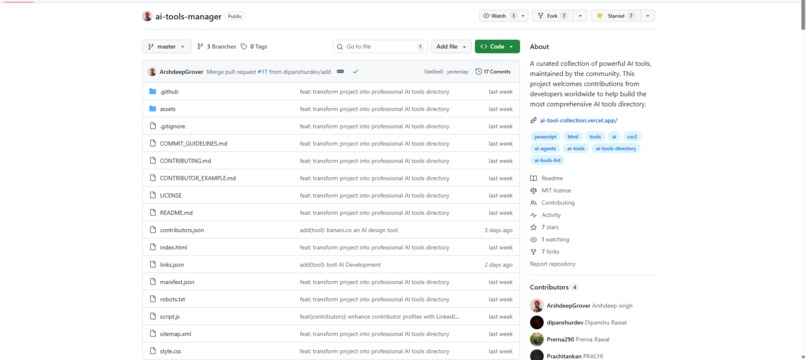
Followed hackathon requirements and starred the repository
-
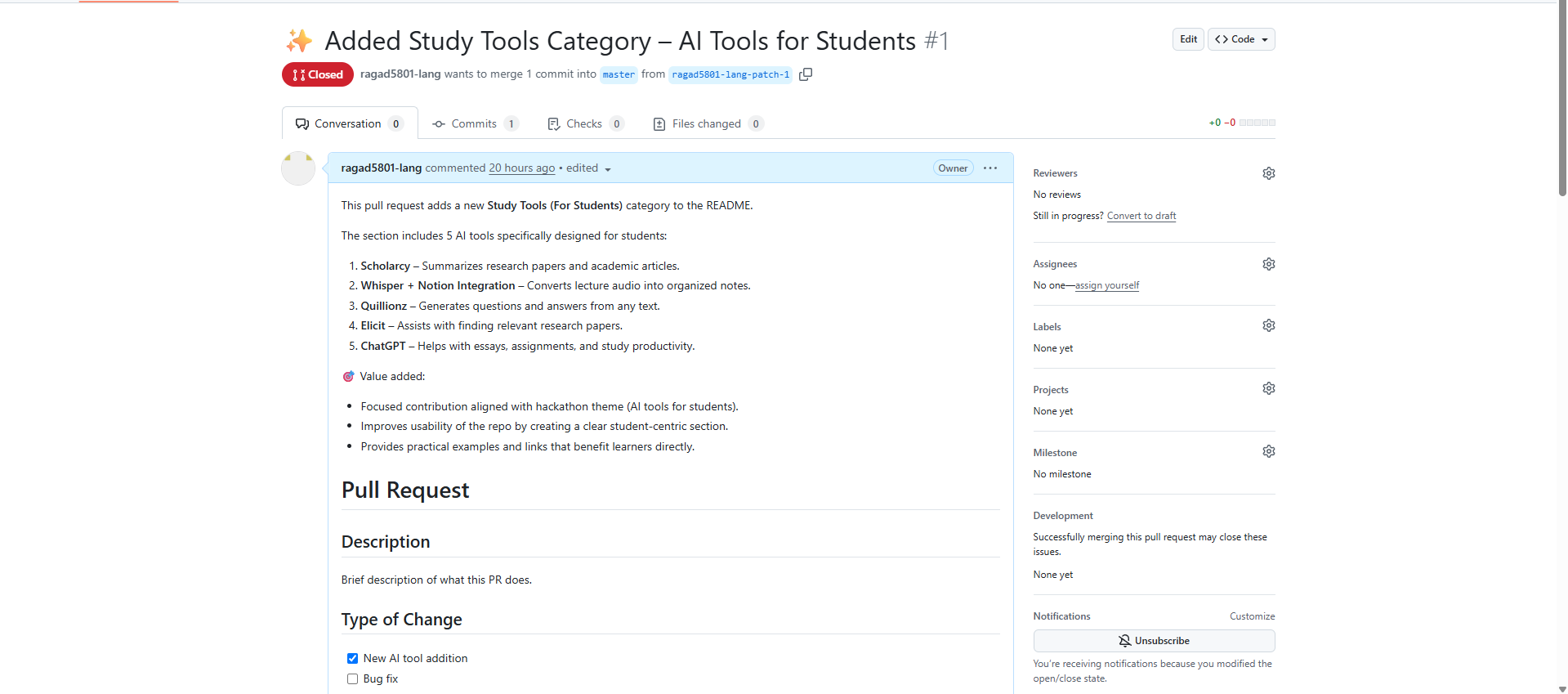
Submitted PR with clear documentation and 5 new AI tools
Inspiration
We wanted to make AI more useful for students, not just developers. While most AI tools are general-purpose, students often struggle to find tools that help them study effectively. This inspired us to create a dedicated Study Tools section in the AI Tools Hub.
What it does
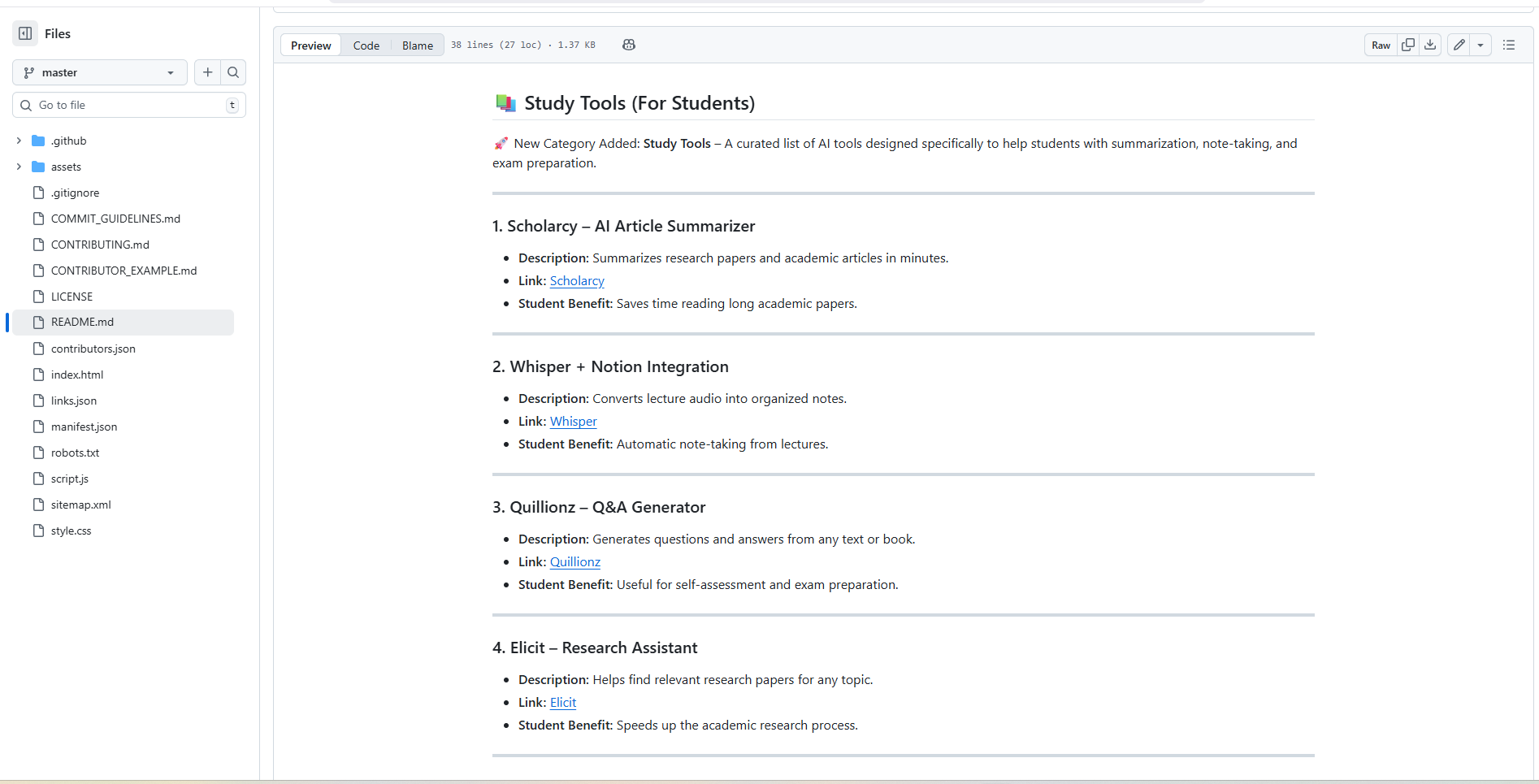
The project introduces a new category in the repository: Study Tools (For Students).
It contains five carefully selected AI tools:
- Scholarcy – Summarizes academic articles and research papers.
- Whisper + Notion – Converts lecture audio into organized notes.
- Quillionz – Generates questions and answers from any text or book.
- Elicit – Assists in finding relevant academic research.
- ChatGPT – Helps students write essays and assignments.
How we built it
- Forked the GitHub repository and created a new branch.
- Edited the README.md file to add the new Study Tools section.
- Documented each tool with description, link, and value for students.
- Verified all links and confirmed free tiers were available.
- Submitted a pull request to merge the changes into the main repo.
Challenges we ran into
- Ensuring the tools were not duplicates of existing entries.
- Selecting tools that were both high quality and had a free tier for students.
- Following the repository’s contribution guidelines and PR template.
Accomplishments that we’re proud of
- Added real value to the repository by creating a student-focused category.
- Submitted a well-documented pull request with clear descriptions and screenshots.
- Made AI more accessible to students worldwide.
What we learned
- How to contribute effectively to open-source projects.
- The importance of clear documentation and following contribution guidelines.
- How small, well-structured contributions can add big value to a community project.
What's next
- Add more study-related AI tools.
- Categorize tools by subjects (Math, Science, Language Learning).
- Enhance the repository with visuals and examples for students.


Log in or sign up for Devpost to join the conversation.