-
-
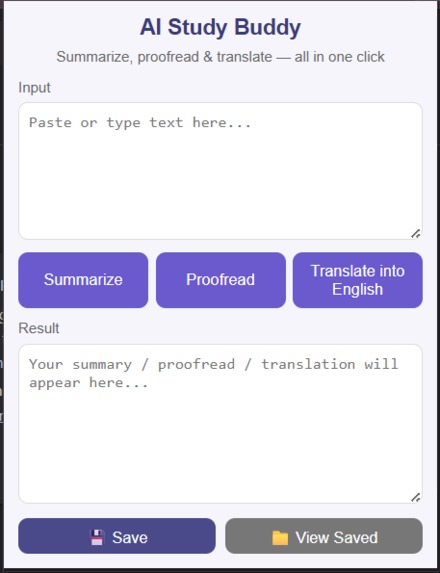
AI STUDY BUDDY Extension Mockup
-
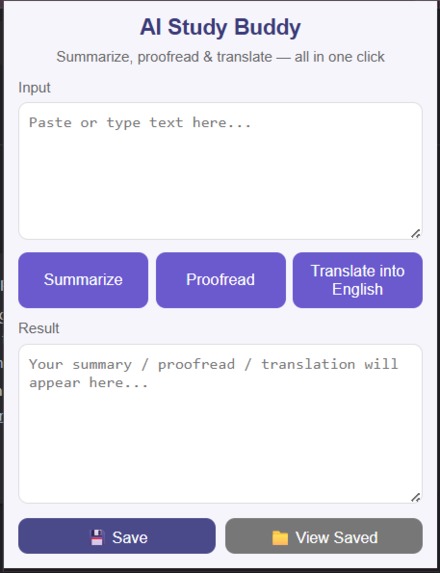
AI STUDY BUDDY Extension Mockup
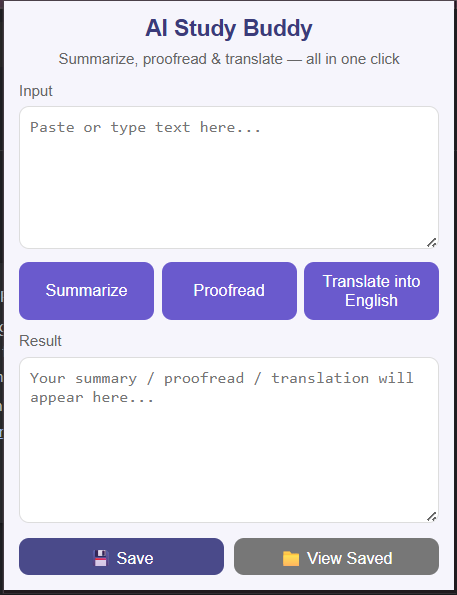
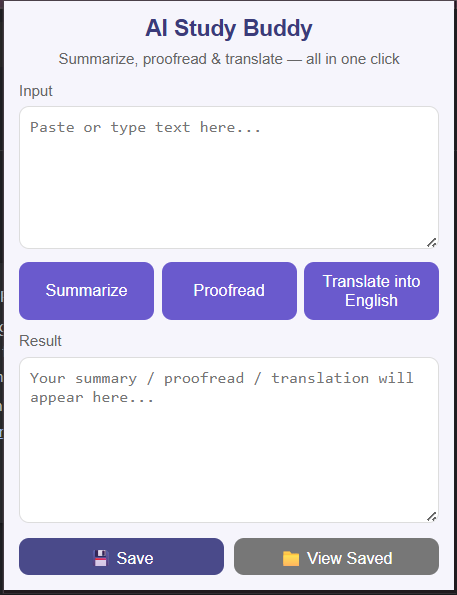
Inspiration-I wanted to build a browser tool that helps students study faster and smarter using AI — without leaving their tab.
What it does- When a user enters text, the background script sends the prompt to Google Gemini. The AI response is displayed instantly in the popup. Users can save results for later review.
How we built it- I built AI Study Buddy using HTML, CSS, and JavaScript as a Chrome Extension. It connects with the Google Gemini API through a background script to summarize, proofread, and translate text instantly.
The project includes popup UI, a background service for API calls, and Chrome storage for saving results.
Challenges we ran into-The biggest challenge was handling API requests securely and debugging model compatibility issues.
Accomplishments that we're proud of- Successfully integrated Gemini API, designed a clean UI, and created a functional demo video.
What we learned- I learned how to integrate Gemini AI into a Chrome extension, handle async JavaScript, debug API errors, and manage communication between background and popup scripts.
It taught me how to turn an idea into a functional AI-powered tool from scratch.

Log in or sign up for Devpost to join the conversation.