-
-
-
dont use same api key always
Inspiration
Students often struggle to understand difficult topics because textbooks and online resources can be too complex or time-consuming. We wanted to create a simple learning companion that can explain any topic in a way that matches the student's level.
This inspired us to build AI Study Buddy, a website that uses Gemini AI to make learning easier, faster, and more interactive.
What It Does
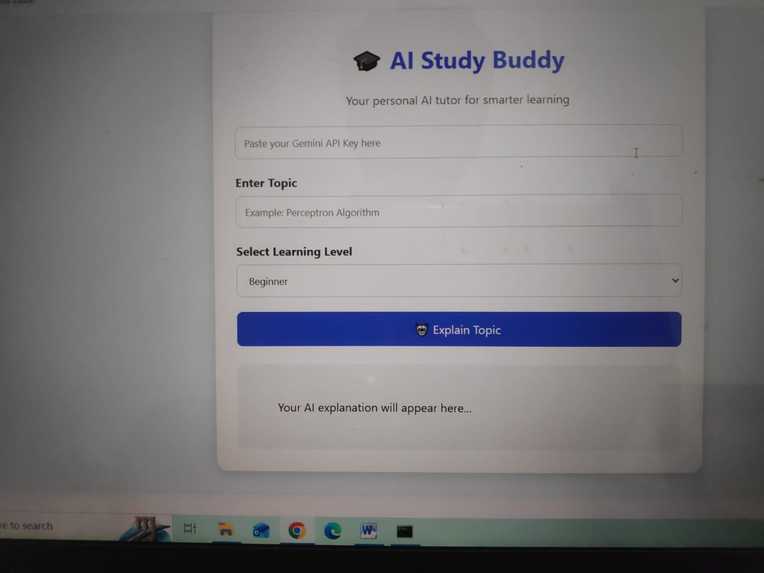
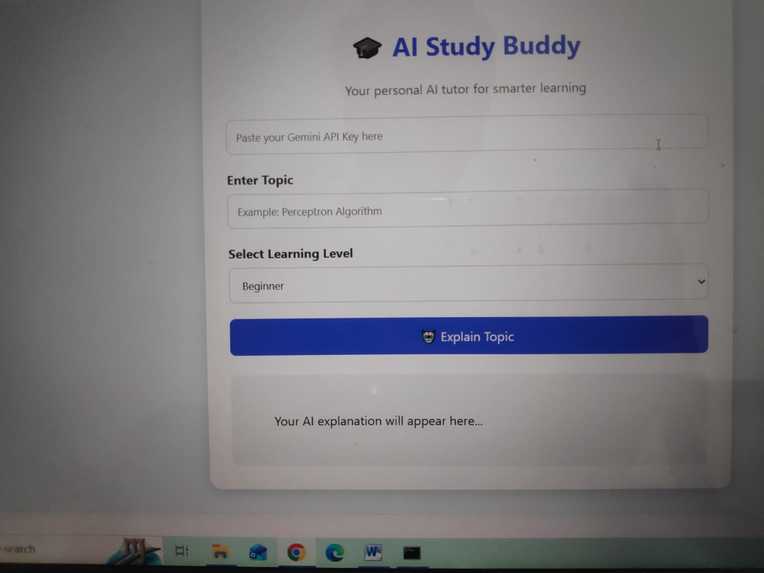
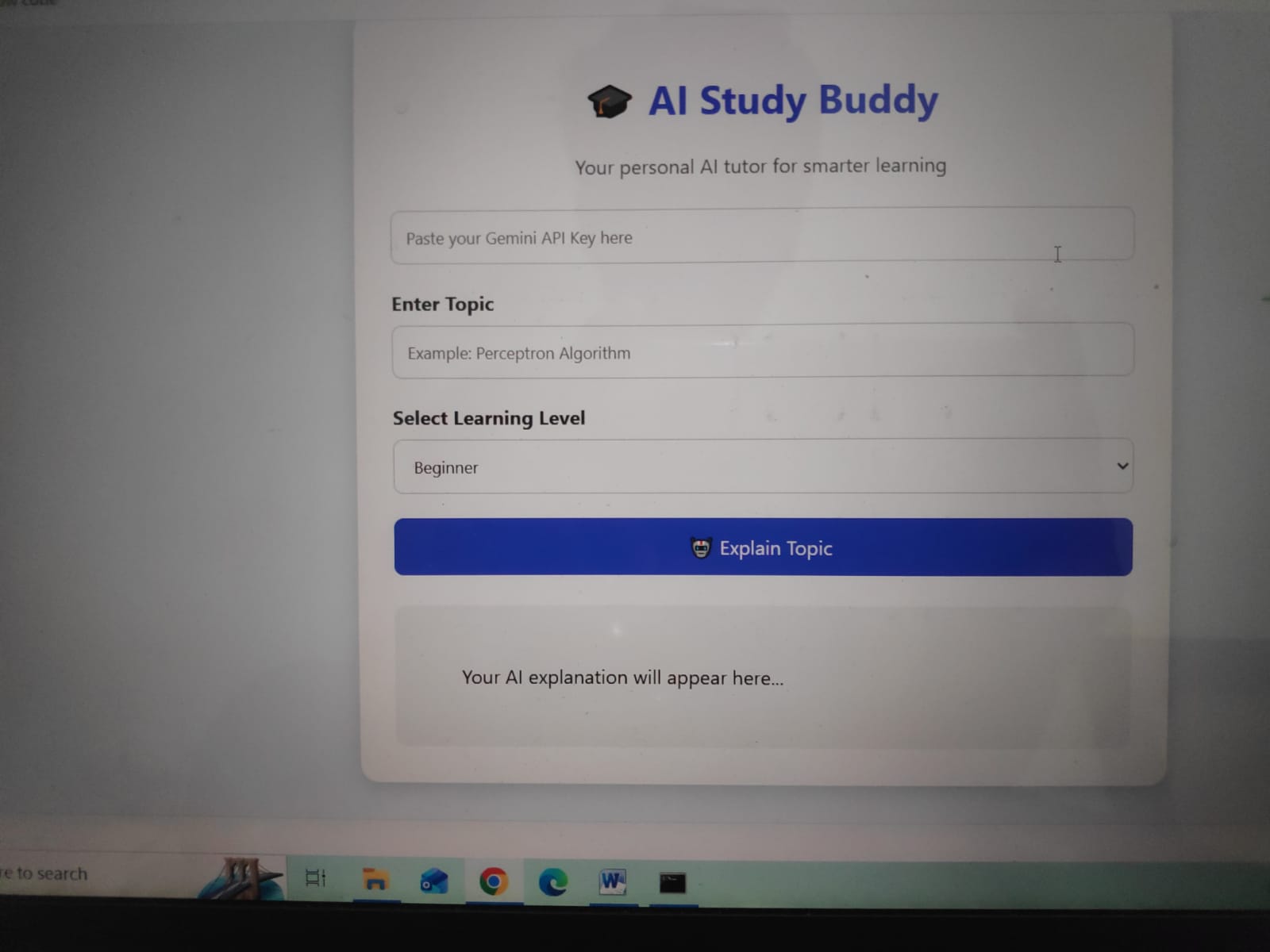
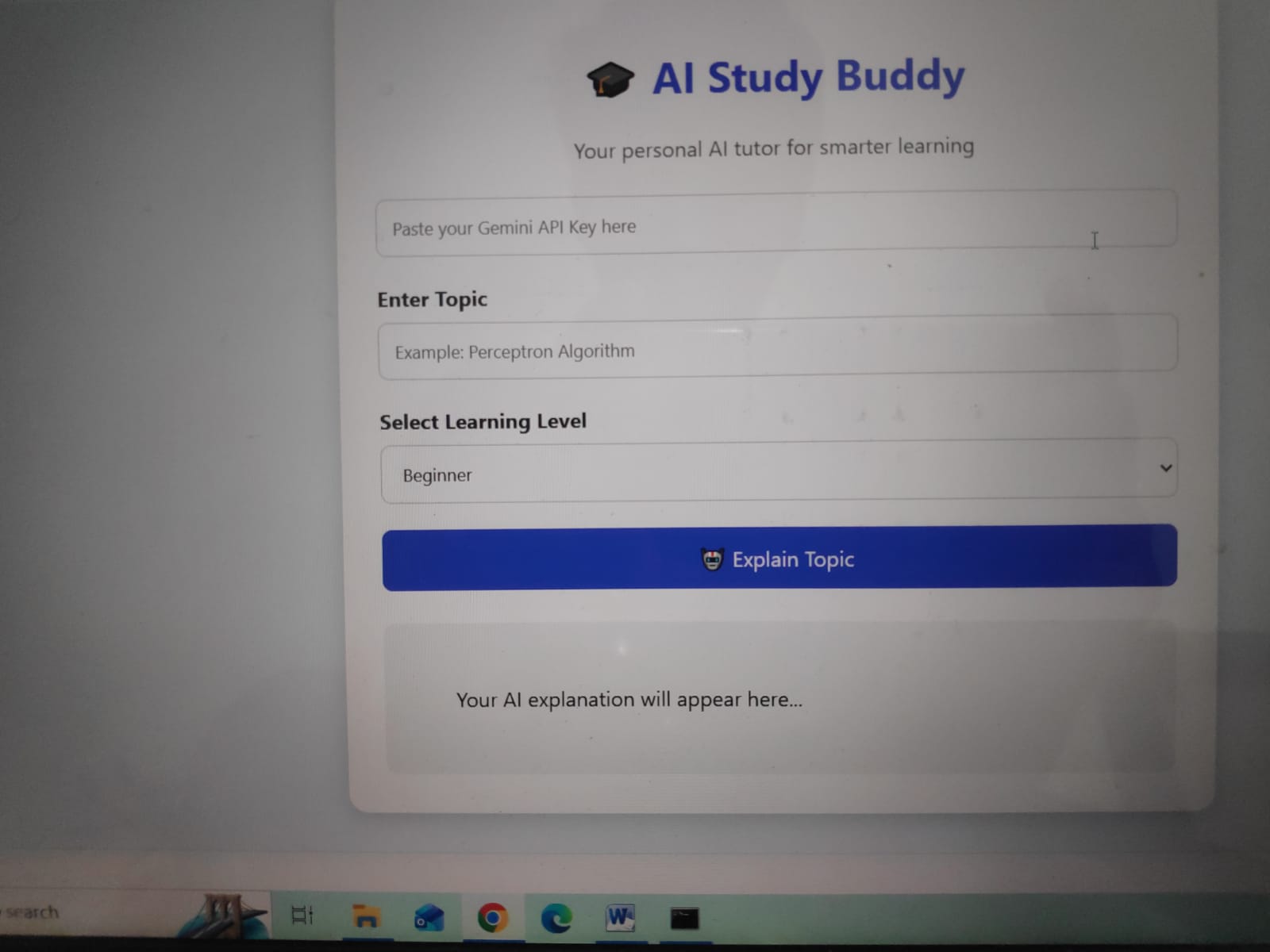
AI Study Buddy allows students to enter a topic and select their learning level:
Beginner Intermediate Advanced
Gemini then provides:
📖 Simple definition 💡 Easy-to-understand explanation 🌎 Real-life examples 📝 Important points ❓ Quiz questions for practice How We Built It
We built the project as a simple web application using HTML, CSS, and JavaScript.
The frontend provides the user interface, while JavaScript sends the student's topic and selected difficulty level to the Gemini API. Gemini processes the request and generates a personalized explanation.
Technology Used HTML – Website structure CSS – Design and styling JavaScript – Application logic and API communication Gemini API – AI-powered explanations and quiz generation
The basic workflow is:
Student enters a topic ↓ Selects learning level ↓ JavaScript sends request ↓ Gemini API processes the topic ↓ AI generates explanation ↓ Student receives learning content What We Learned
While building this project, we learned how to:
Integrate the Gemini API into a website. Send requests from JavaScript to an AI model. Process and display AI-generated responses. Design a simple and user-friendly educational interface. Create prompts that produce structured and useful answers.
We also learned that good prompt design is important for getting consistent and helpful AI responses.
Built With
- api
- api**
- functionality
- gemini
- integration
- styling

Log in or sign up for Devpost to join the conversation.