-
-
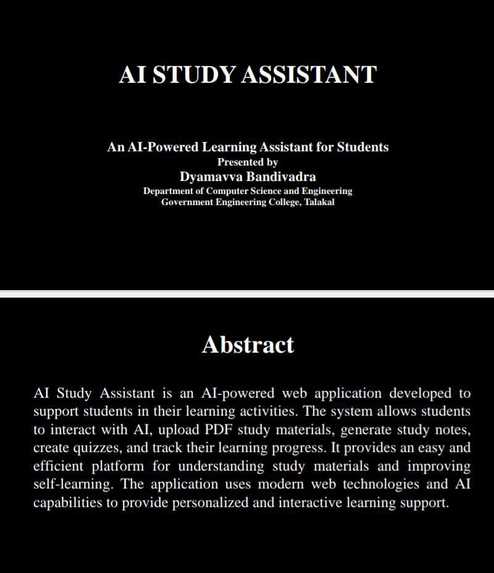
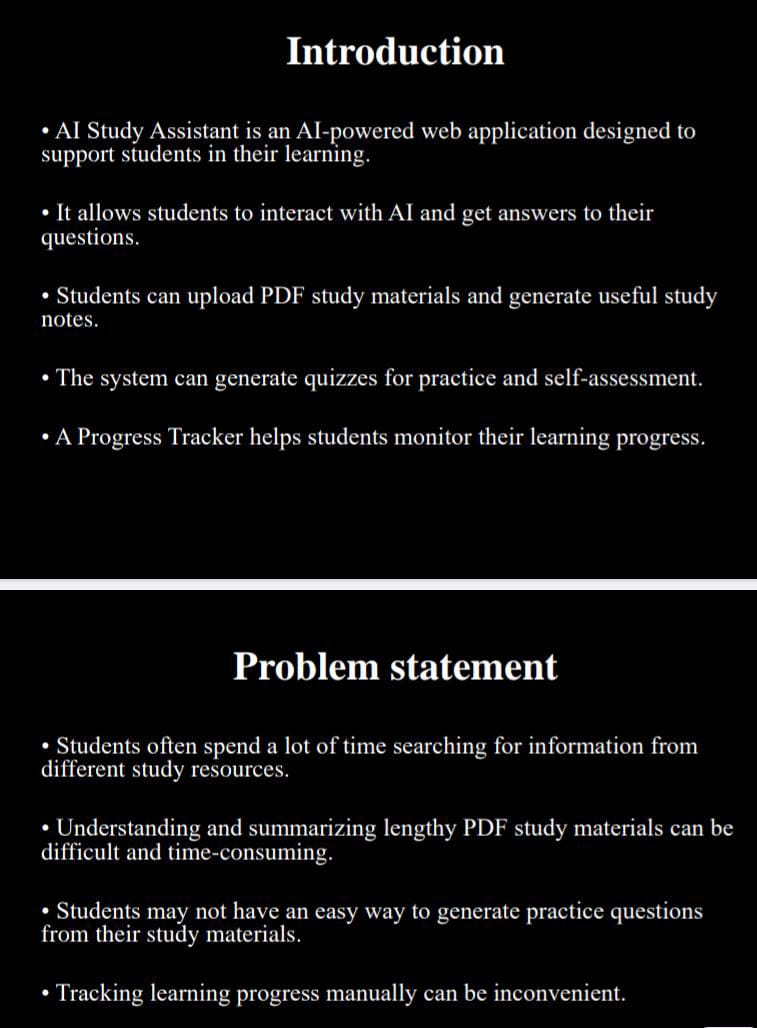
Page 1 – Title + Abstract
-
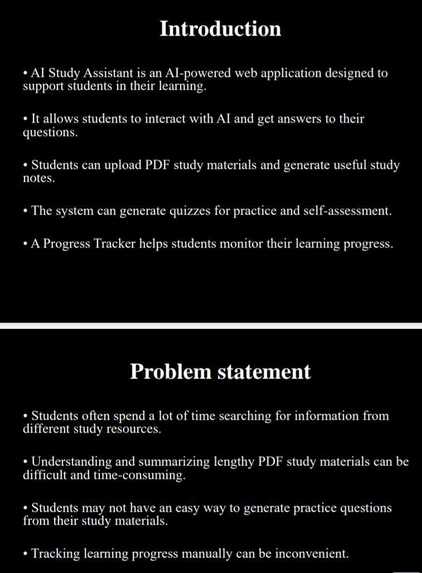
Page 2 – Introduction + Problem Statement
-
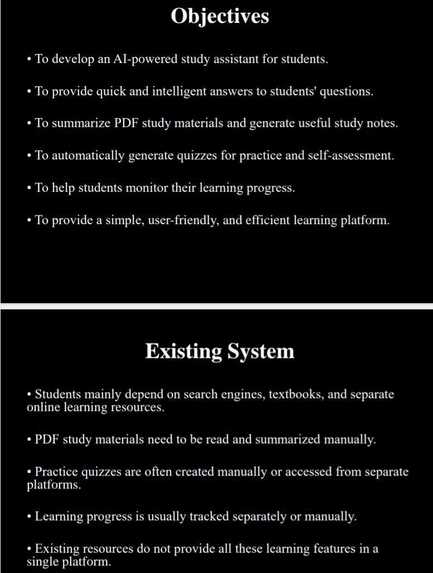
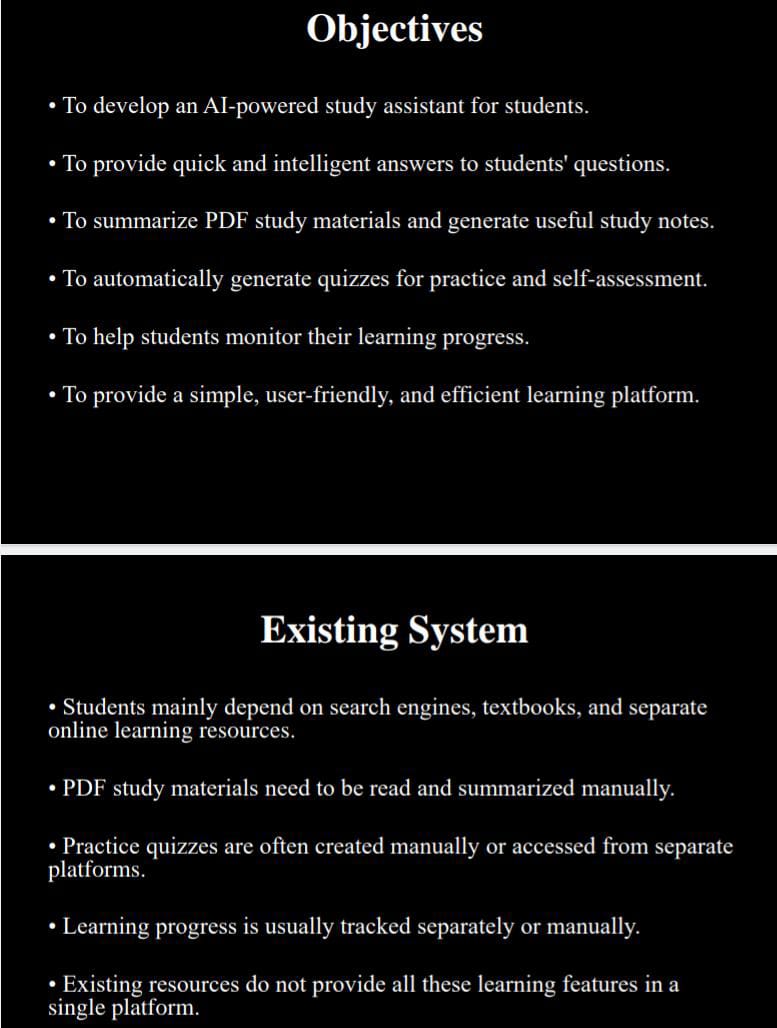
Page 3 – Objectives + Existing System
-
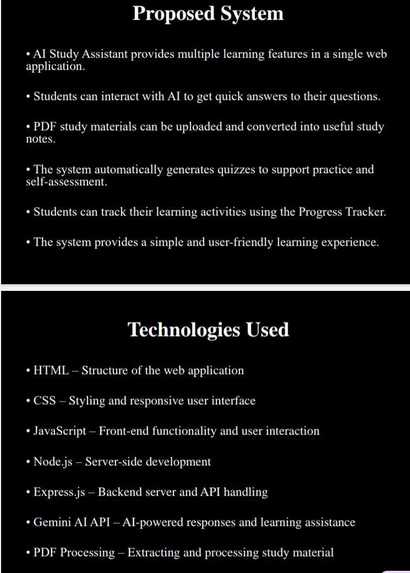
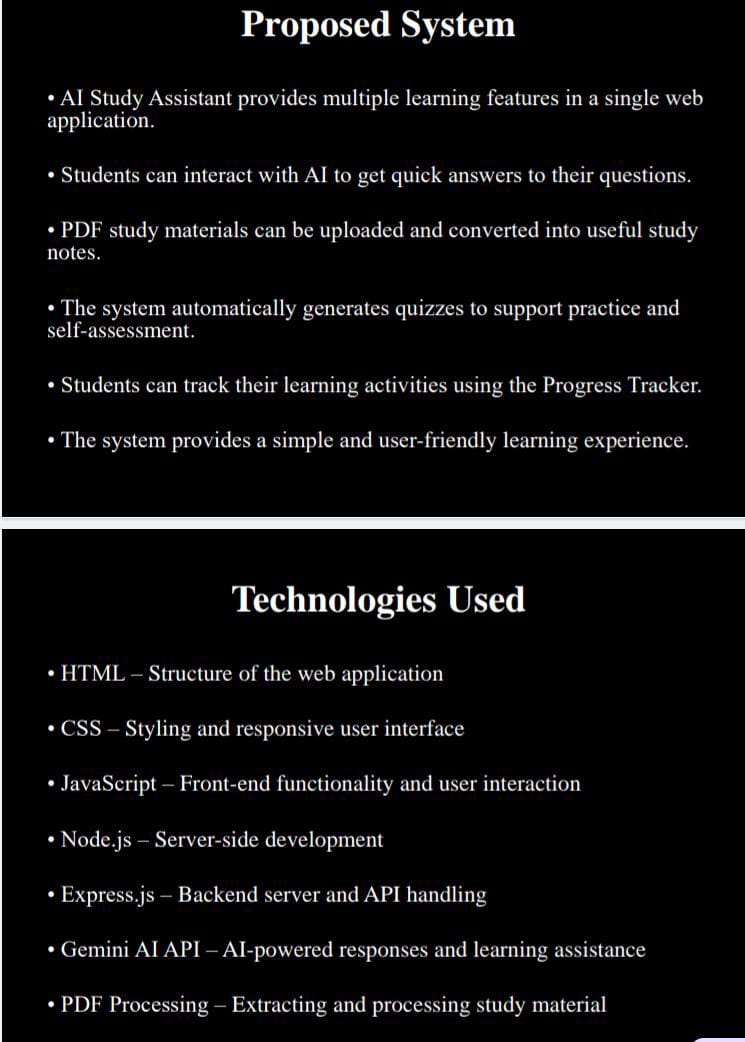
Page 4 – Proposed System + Technologies
-
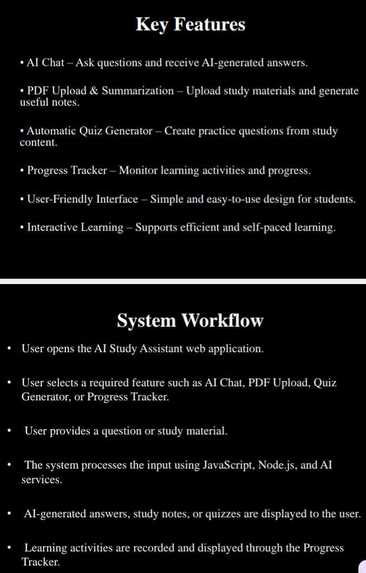
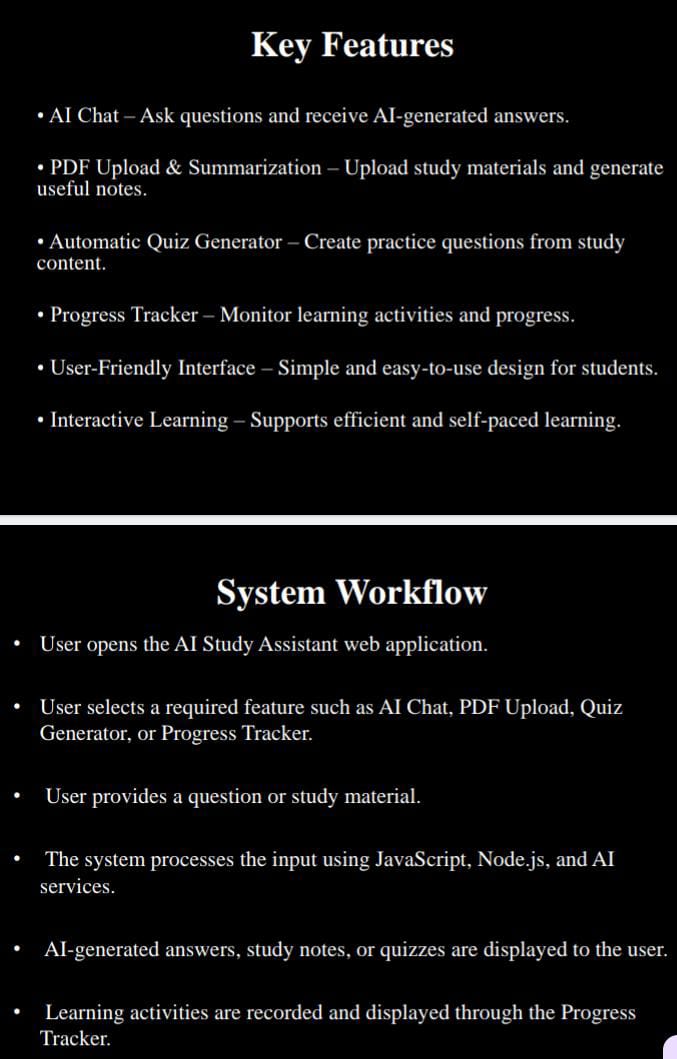
Page 5 – Key Features + System Workflow
-
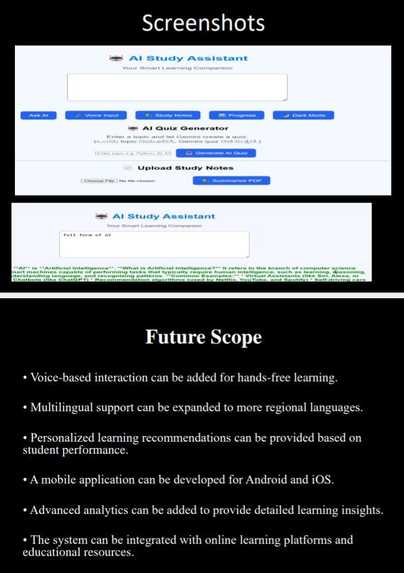
Page 6 – Screenshots + Future Scope
-
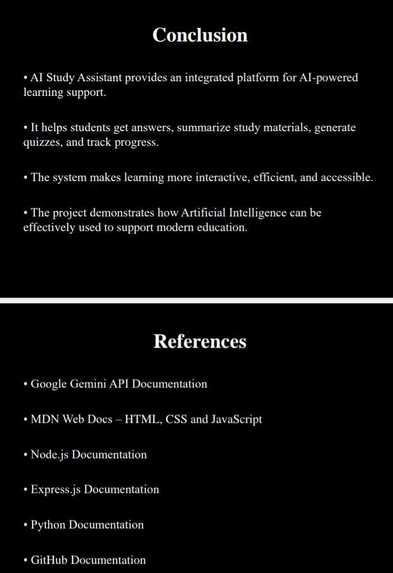
Page 7 – Conclusion + References
-

Page 8 – Thank You

Inspiration
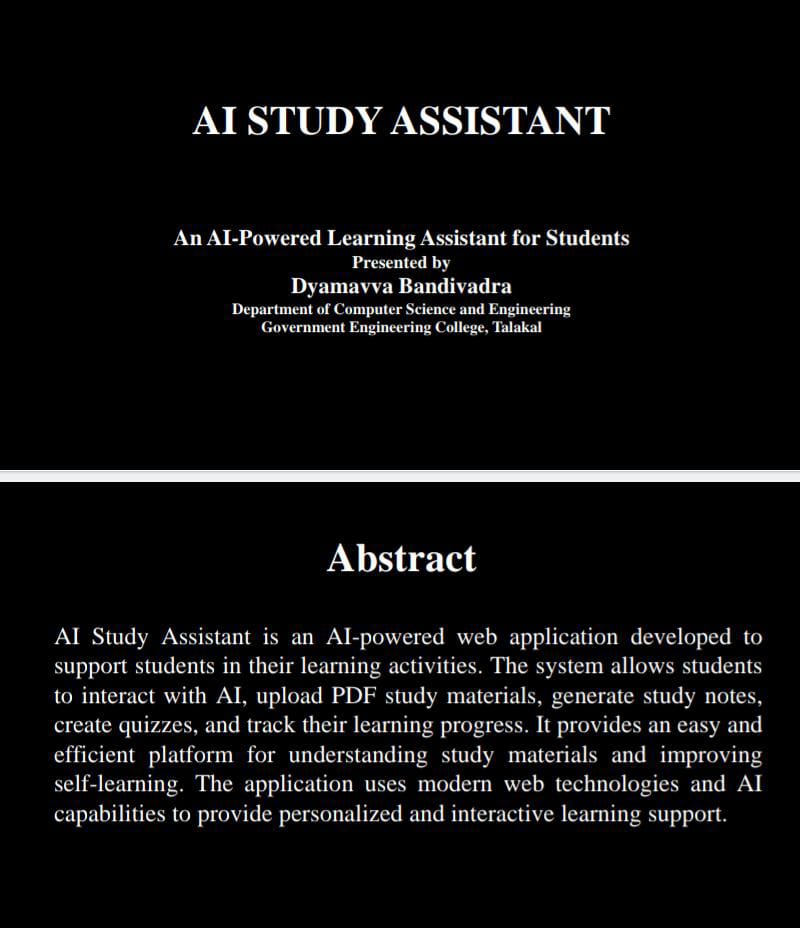
Students often struggle to understand difficult topics, summarize lengthy study materials, and prepare for exams efficiently. I wanted to build a simple AI-powered study companion that brings these learning tasks together in one place.
What it does
AI Study Assistant helps students:
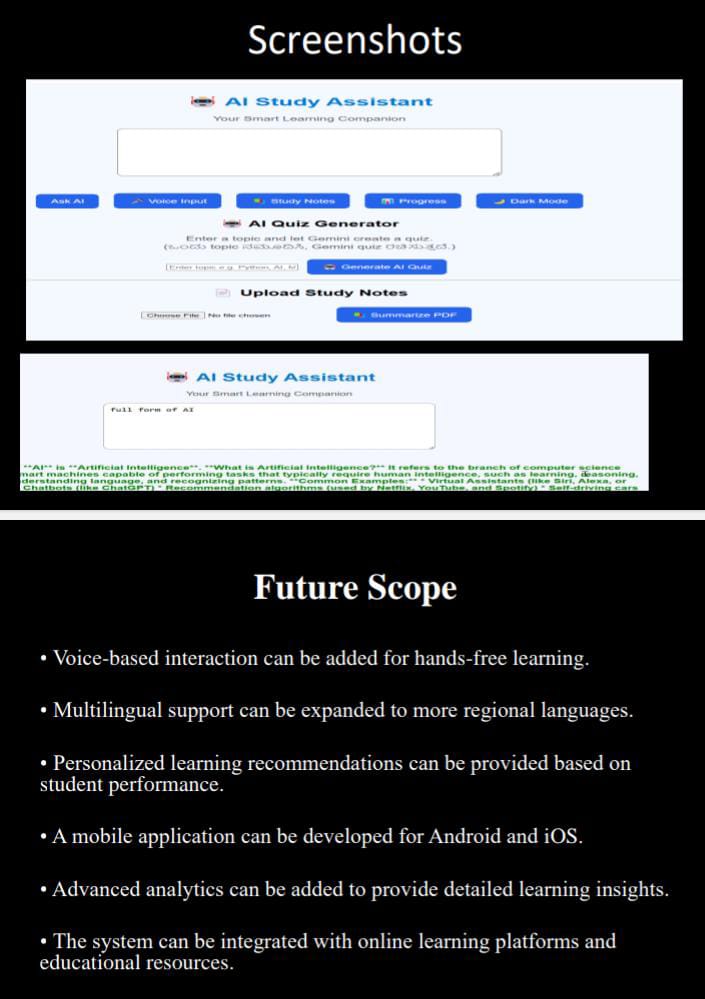
- Ask study questions and get AI-powered answers
- Generate 5-question quizzes using Gemini AI
- Upload PDF study notes and generate summaries
- Use voice input to ask questions
- Access simple study notes
- Track quiz progress and scores
- Switch between English and Kannada learning support
How we built it
The project was built using HTML, CSS, and JavaScript for the frontend, Node.js and Express.js for the backend, and Google's Gemini API for AI-powered features. Multer is used for handling PDF uploads and processing study materials.
Challenges we ran into
The main challenge was connecting the frontend with the Gemini API and handling PDF uploads correctly. We also worked on making the quiz generator return exactly five questions and improving the application with student-friendly features.
Accomplishments that we're proud of
We successfully built an AI-powered study assistant that combines AI question answering, PDF summarization, quiz generation, voice input, progress tracking, and bilingual learning support in one application.
What we learned
Through this project, we learned how to integrate an AI API into a web application, create backend API routes, handle file uploads, generate AI-powered quizzes, and connect frontend and backend components.
What's next for AI STUDY ASSISTANT
We plan to improve the AI Study Assistant by adding more personalized learning features, better progress analytics, improved voice interaction, and additional study tools to make learning more interactive and effective.
Built With
- ai
- css
- express.js
- geminiai
- html
- javascript
- node.js
- pdfprocessing

Log in or sign up for Devpost to join the conversation.