-
-
Home page
-
-
-
Inspiration
Students often spend a lot of time searching through notes, PDFs, images, and online resources just to understand a single question. I wanted to build a simple AI-powered study companion that brings these learning tasks into one place.
My goal was to make studying faster, easier, and more interactive for students.
What it does
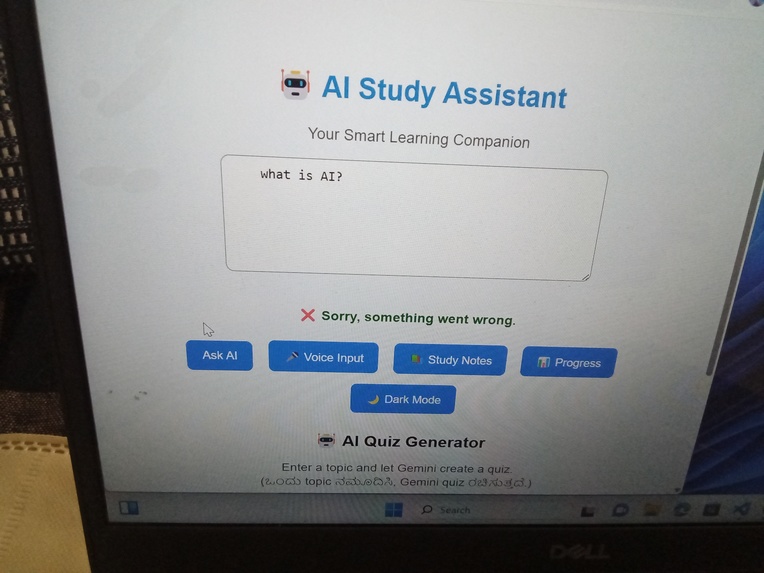
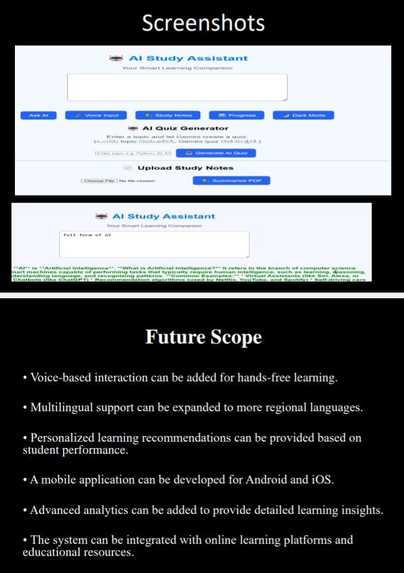
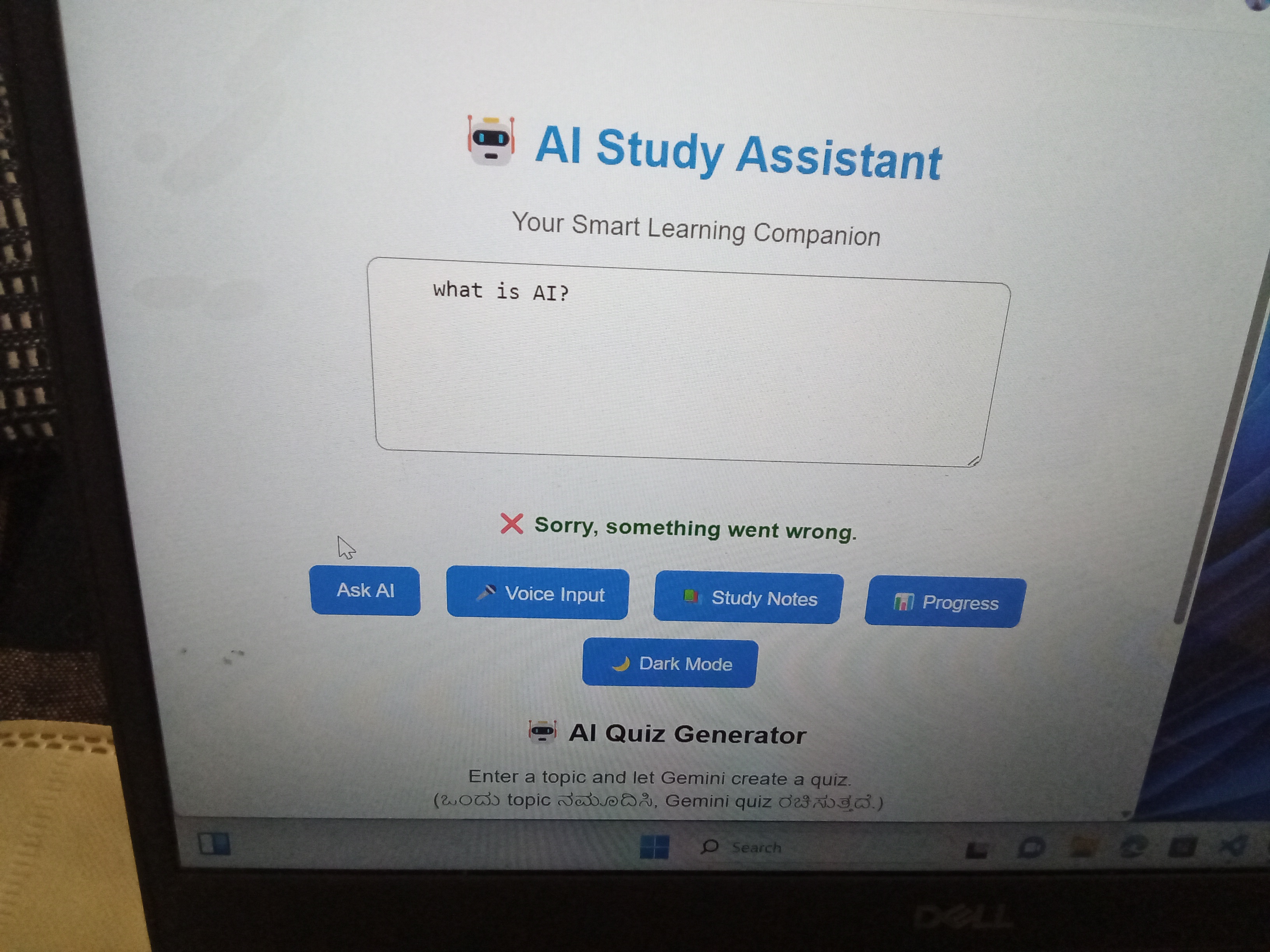
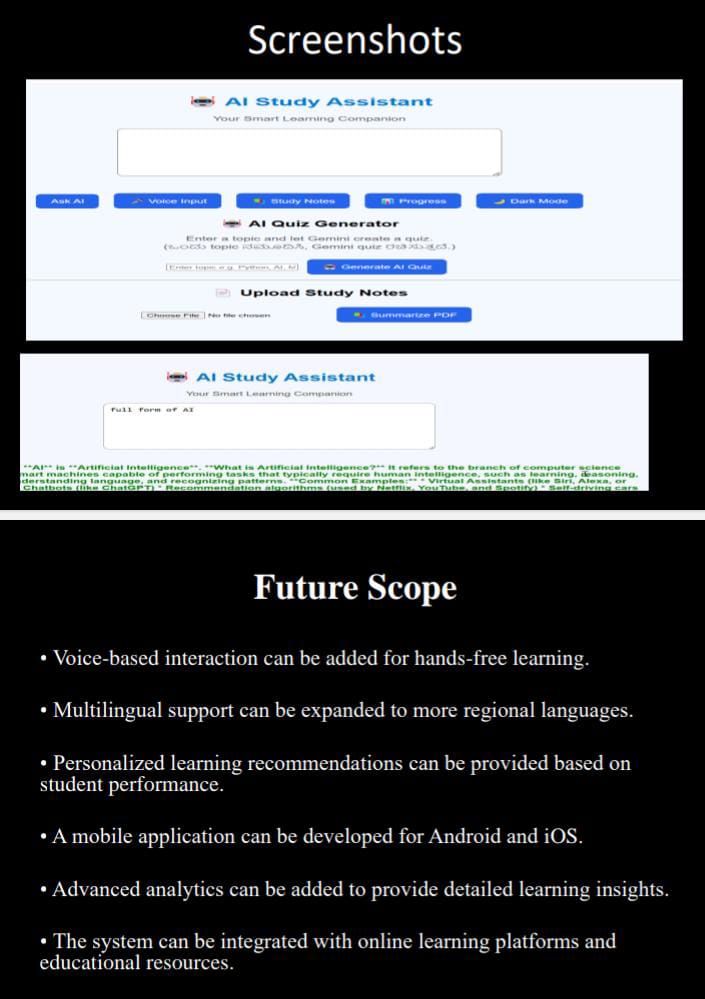
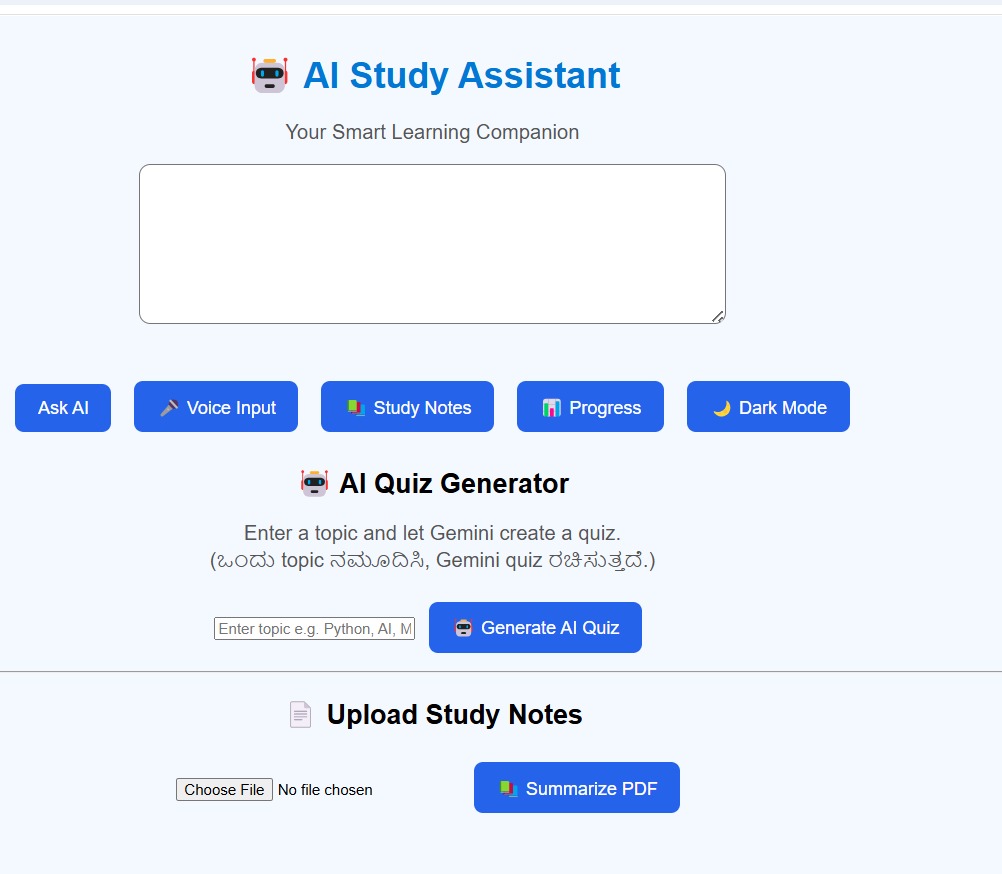
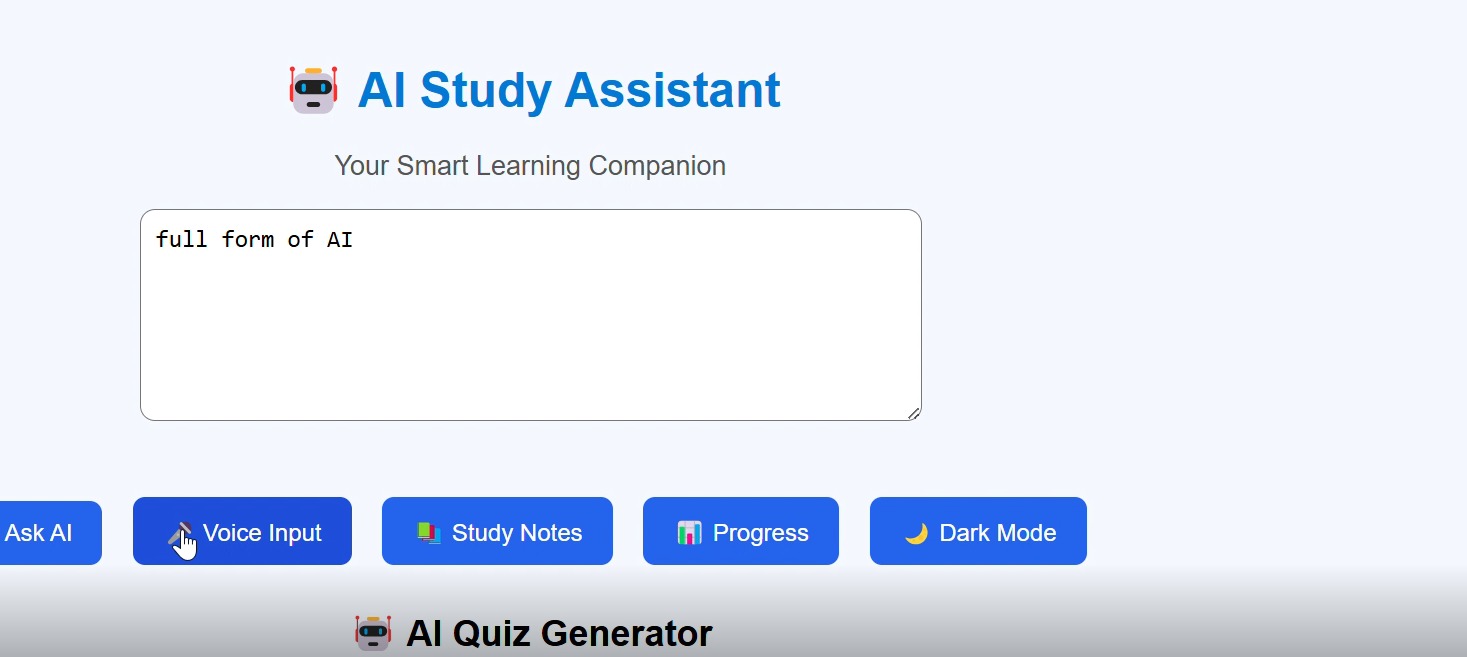
AI Study Assistant is an AI-powered learning web application that helps students study more efficiently.
Key Features
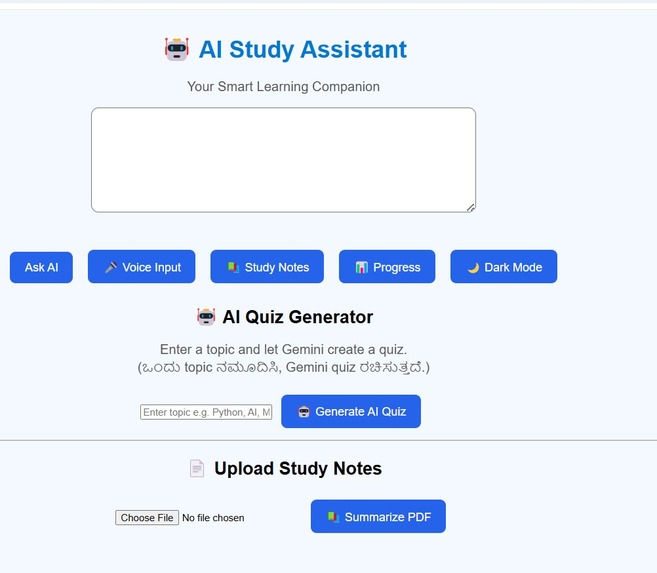
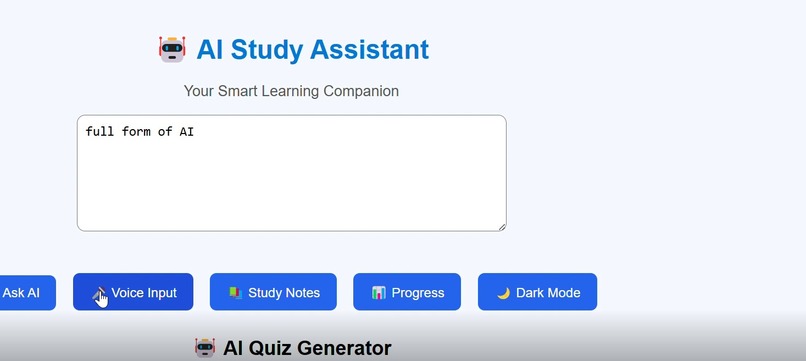
- 🤖 AI-powered question answering
- 📄 PDF and study-notes summarization
- 🖼️ Image-based question answering
- 🎥 File and media-based learning support
- 🎤 Voice input
- 🧠 Automatic AI quiz generation
- 📝 5-question MCQ quizzes with 4 options
- 📊 Quiz score and progress tracking
- 🌙 Dark mode
- 🌐 Simple and student-friendly interface
The goal is to provide students with one place where they can ask questions, understand their study materials, generate quizzes, and track their learning progress.
How I built it
I built the application using:
- HTML
- CSS
- JavaScript
- Node.js
- Express.js
- Google Gemini API
- Multer for file uploads
The frontend provides the student-friendly interface, while the Node.js and Express.js backend handles requests, file uploads, AI processing, and quiz generation.
I integrated the Gemini API to provide AI-powered answers and learning assistance.
Challenges I ran into
One of the biggest challenges was integrating AI with different types of user input such as text, images, PDFs, and other files.
I also faced challenges with API limits, file processing, asynchronous requests, error handling, and making the application respond quickly.
Building and debugging the project taught me how frontend and backend components work together with an AI API.
Accomplishments that I'm proud of
- Built a complete AI-powered study assistant from scratch.
- Integrated an AI API into a working web application.
- Implemented automatic quiz generation with scoring.
- Added file-based learning features.
- Built progress tracking for quizzes.
- Successfully developed and submitted the project to a hackathon.
- Learned how to debug and improve a real-world AI application.
What I learned
This project helped me improve my skills in AI integration, Python/AI concepts, JavaScript, Node.js, Express.js, API integration, file handling, debugging, and web development.
Most importantly, I learned that building an AI application is not only about connecting an API. It also requires good user experience, error handling, testing, and continuous improvement.
This hackathon gave me valuable experience in turning an idea into a working product.
Built With
- css
- express.js
- googlegeminiapi
- html
- javascript
- multer
- node.js

Log in or sign up for Devpost to join the conversation.