-
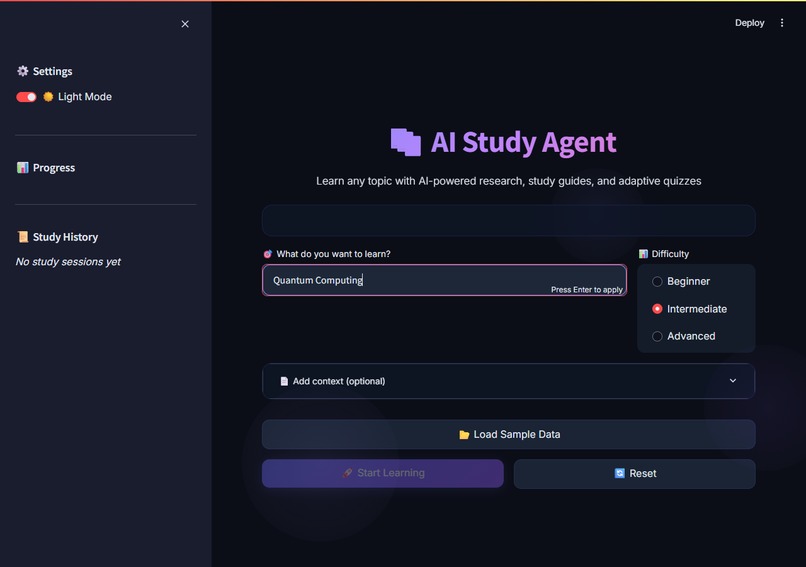
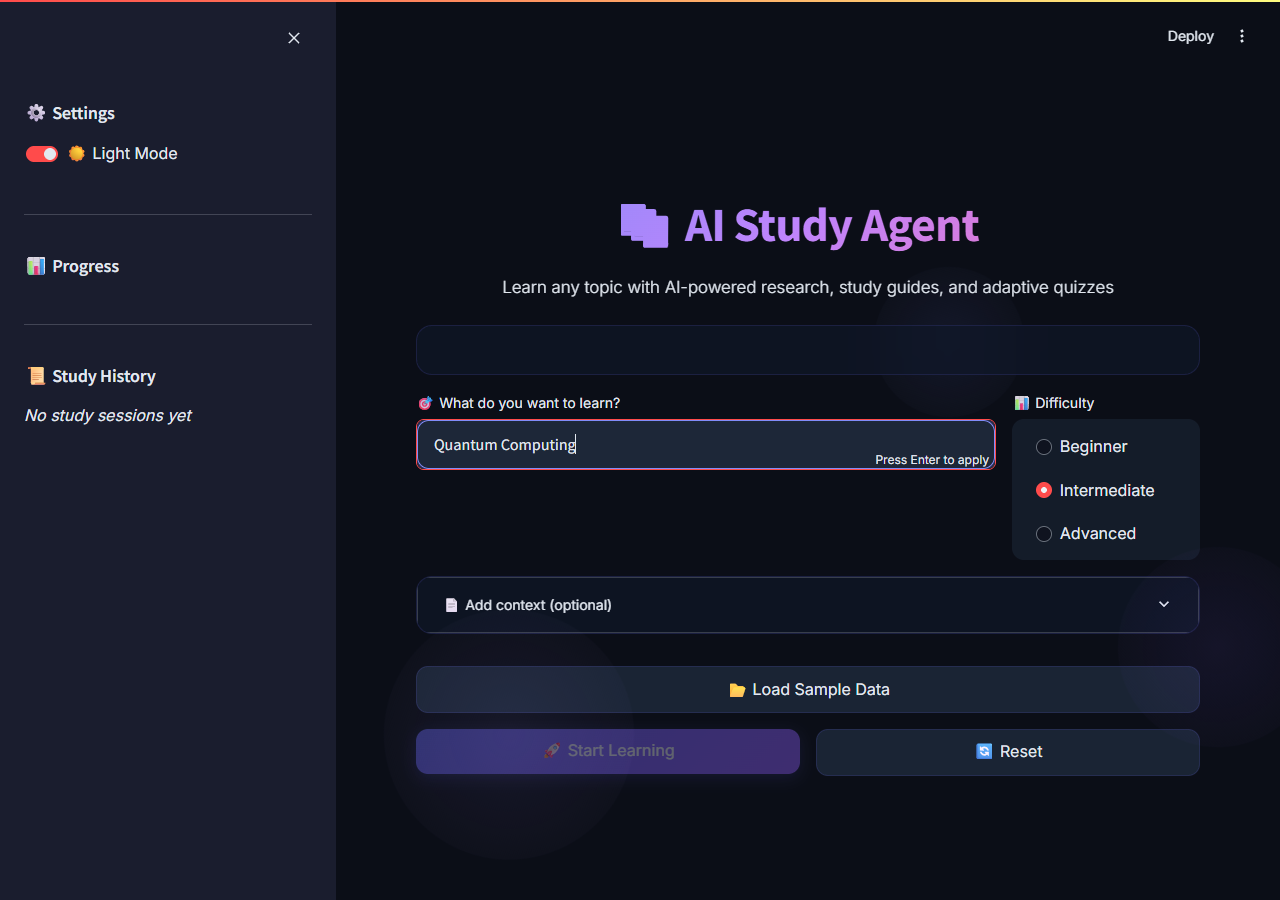
Landing Page
-
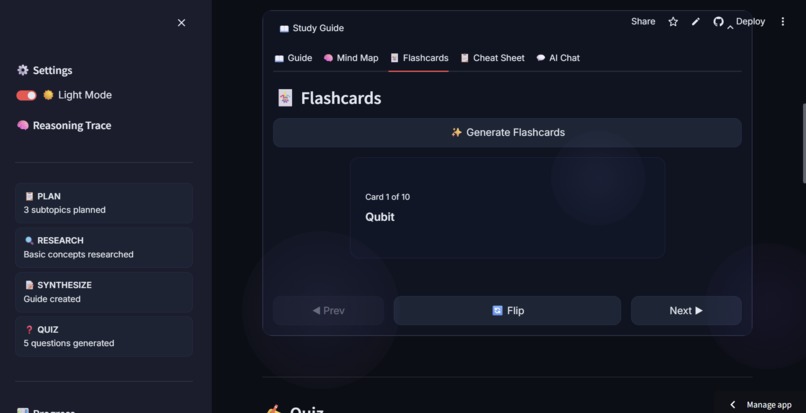
FLASHCARDS
-
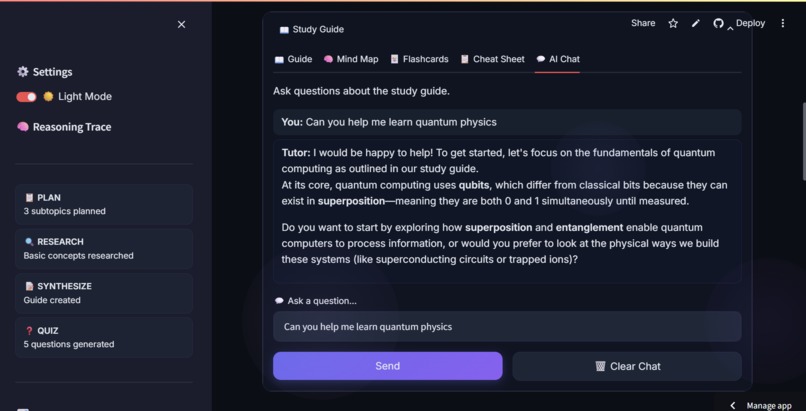
AI CHATBOT
-
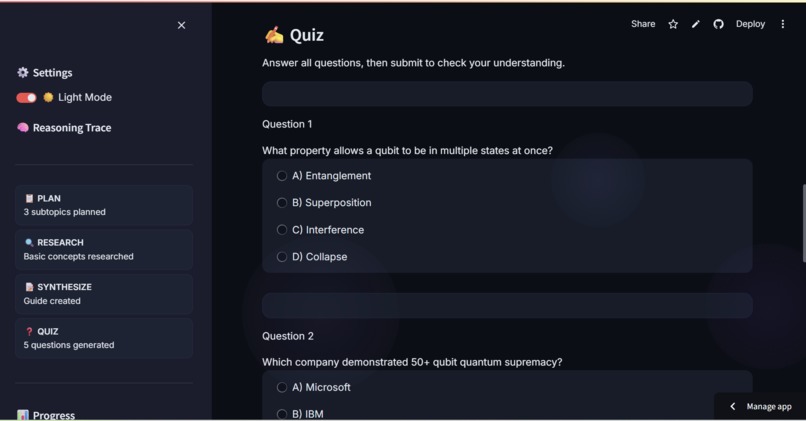
QUIZ
-
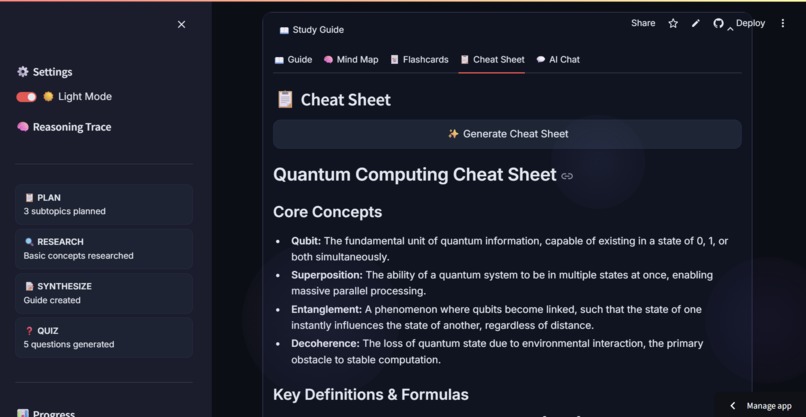
CHEAT SHEET
-
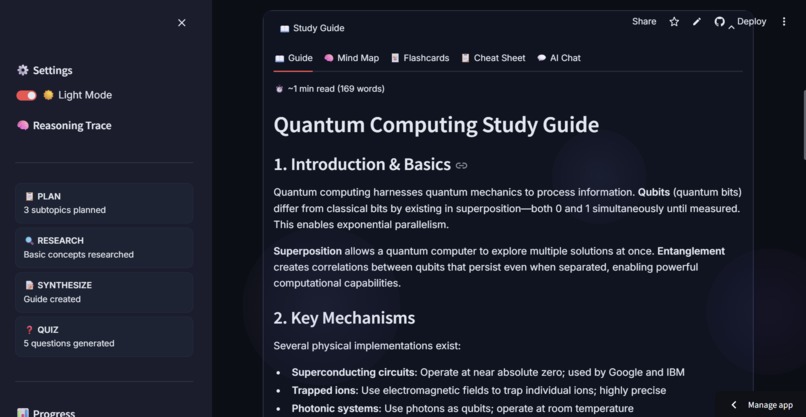
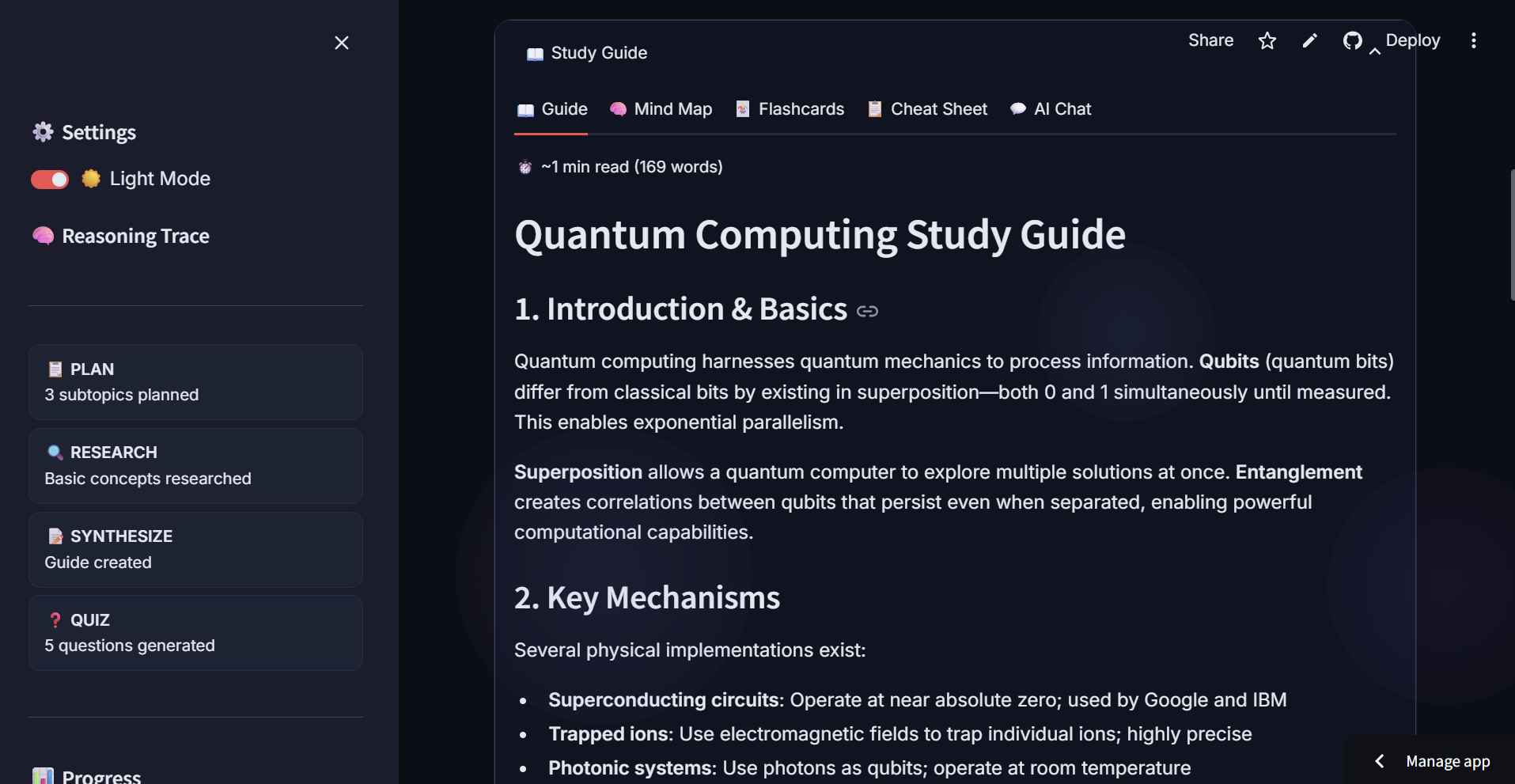
STUDY GUIDE
-
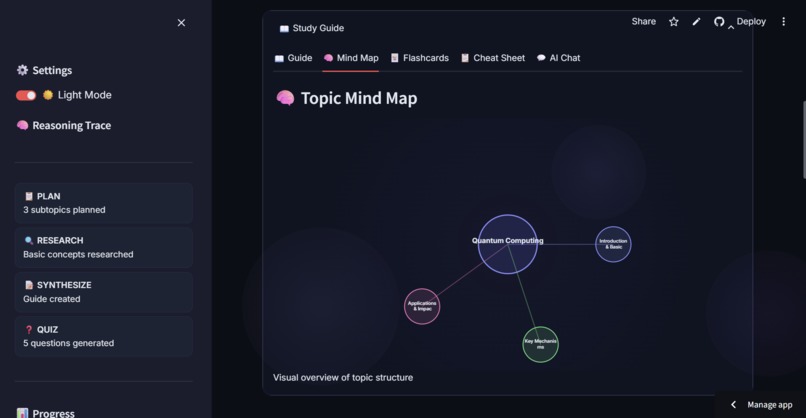
MIND MAP
Inspiration
Learning a new topic often means jumping between Wikipedia, YouTube, and flashcard apps, hoping you didn't miss something important. We wanted to build a single AI-powered study companion that does everything: research the topic, write a structured guide, test your understanding, and adapt when you get something wrong — all autonomously.
What It Does
The AI Study Agent is an end-to-end autonomous learning system:
- Plan — Breaks any topic into ordered subtopics
- Research — Searches the web for each subtopic using Google's Gemini model with built-in search grounding
- Synthesize — Produces a cohesive study guide with introduction, sections, and summary
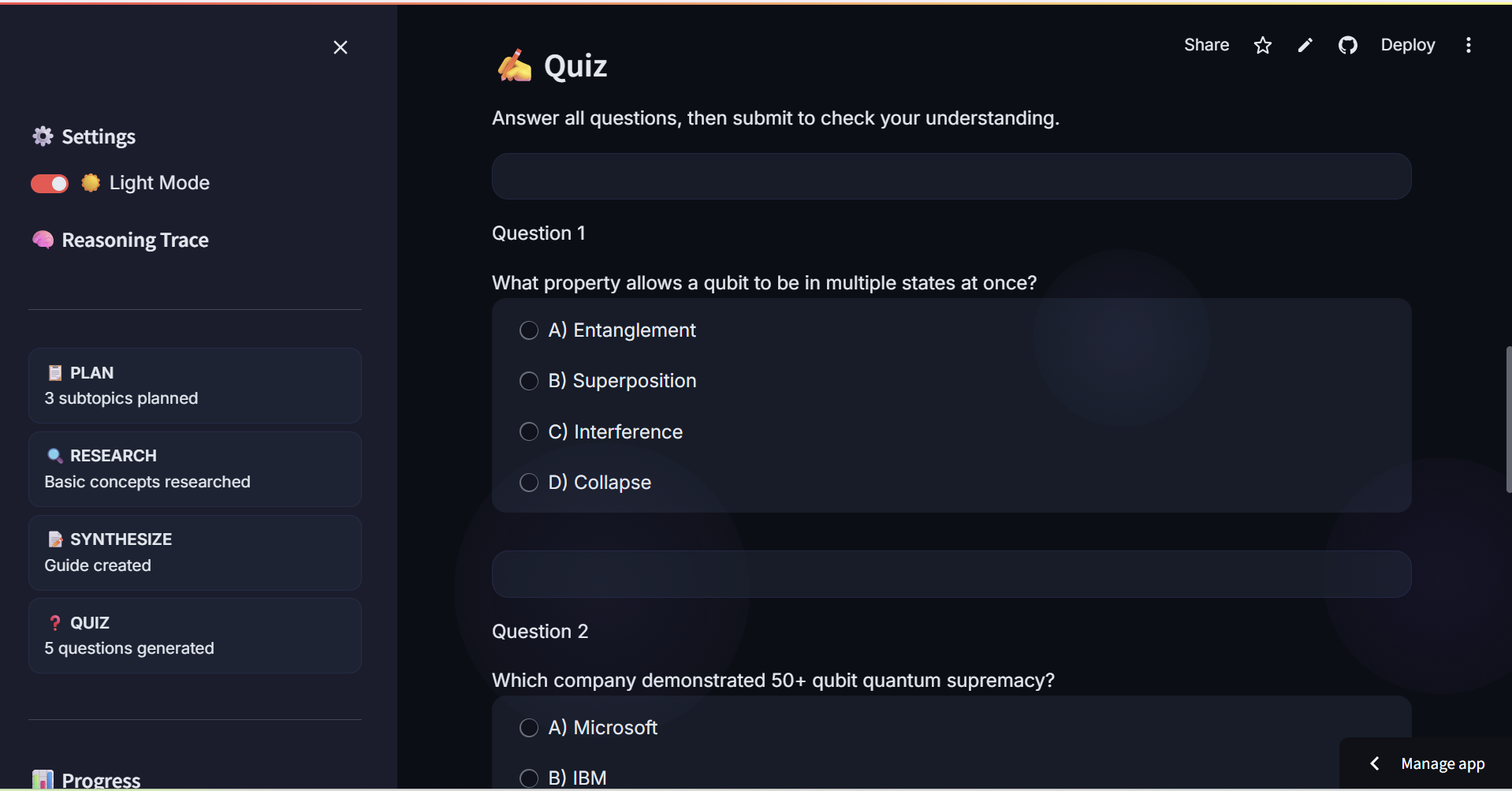
- Quiz — Generates adaptive multiple-choice questions with explanations
- Adapt — When you miss questions, it creates a focused re-study section and a new quiz targeting your weak areas
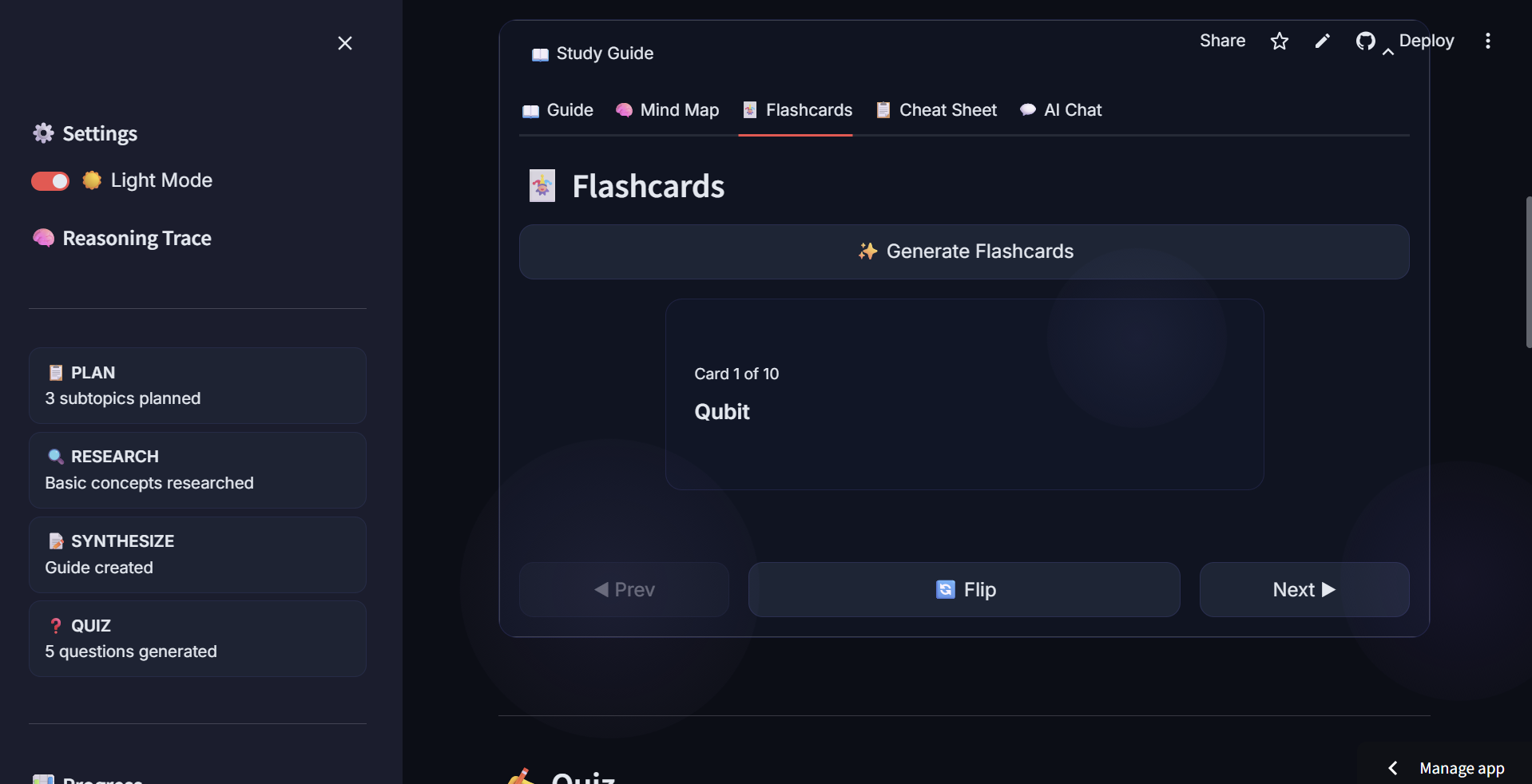
- Flashcards — Generates 10 flip cards from the guide for spaced repetition
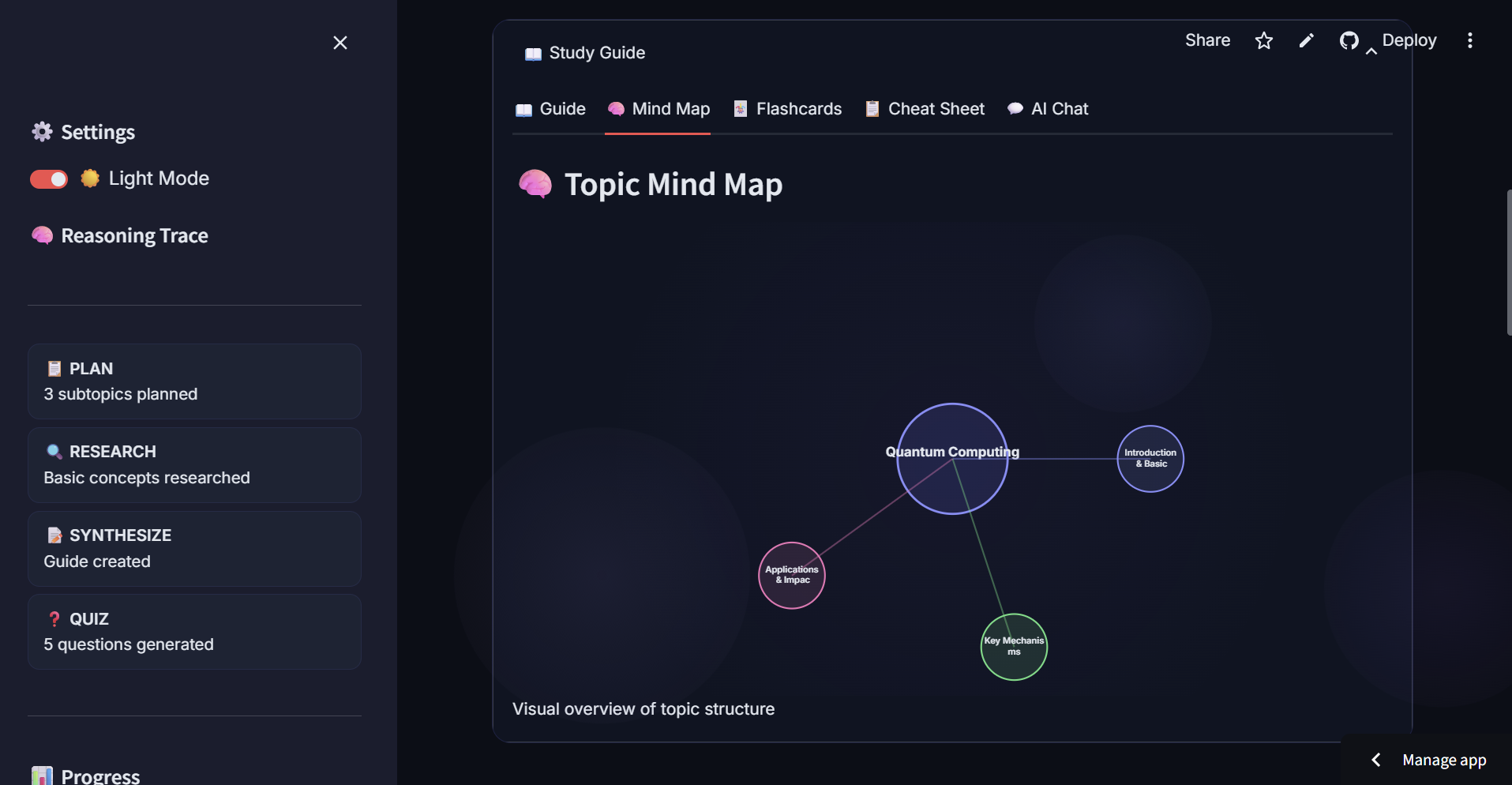
- Mind Map — Visual SVG bubble chart of topic structure
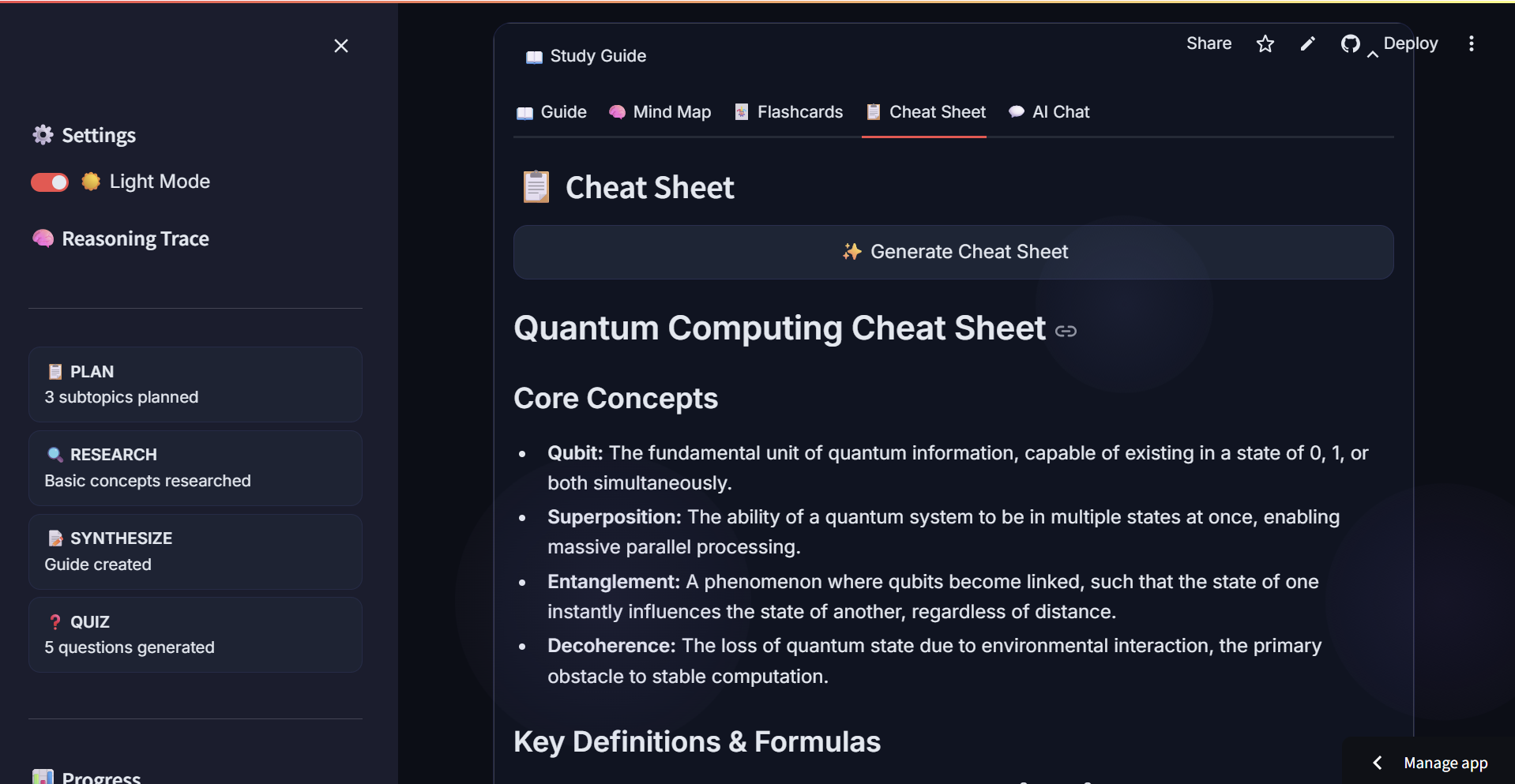
- Cheat Sheet — Condensed one-page summary
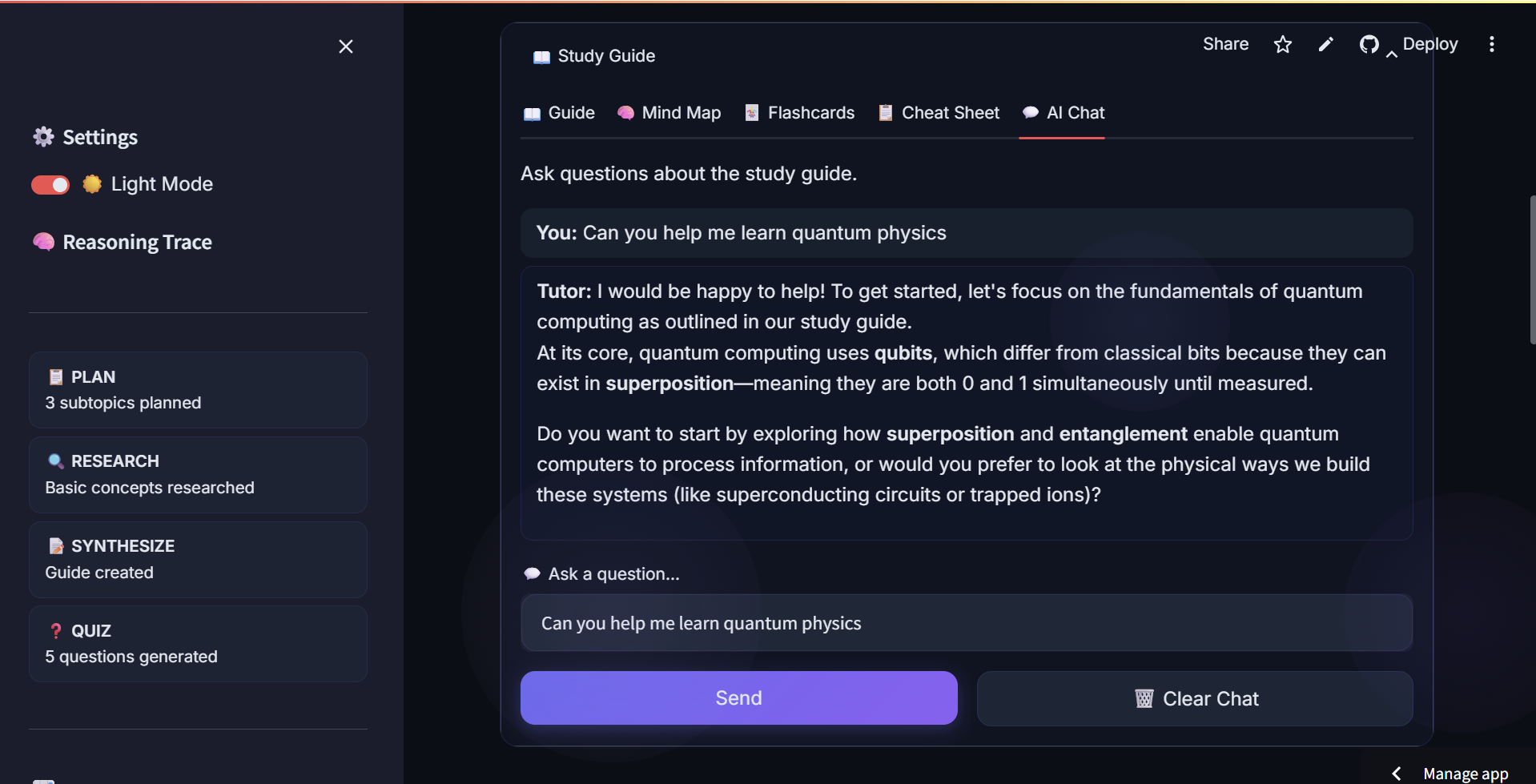
- AI Chat — Ask follow-up questions about the guide
- Export — Download guide as Markdown or PDF ##How We Built It
- Frontend: Streamlit with custom CSS (glassmorphism cards, animated gradient background, dark/light theme toggle)
- AI: Google Gemini (gemini-3.1-flash-lite) via the google-genai SDK, with system instructions to control agent behavior
- PDF: fpdf2 with Helvetica-only rendering (ASCII-stripped for compatibility)
- PDF Upload: pypdf for extracting text from uploaded documents
- State: Streamlit session state for multi-step agent pipeline
- Persistence: JSON-based study history with quiz score analytics Key architecture decisions:
- Each agent phase is a separate function (plan, research, synthesize, generate_quiz, adapt) with a shared Trace object for reasoning transparency
- Client caching recycles the Gemini client unless the API key changes
- Quota exceeded errors surface a clear message with a link to generate a new API key ##Challenges We Faced
- Streamlit tab state management — The cheat sheet tab would reset when generating because st.rerun() caused the entire app to re-render. Fixed by removing st.rerun() and using session state flags.
- PDF export errors — fpdf2 doesn't support Unicode well; had to strip to ASCII and use try/except per line.
- Mind map JavaScript TypeError — SVG text elements with long topic names broke the layout. Fixed with html.escape() and character truncation.
- Flashcard flip animation — CSS backface-visibility and perspective required careful cross-browser handling.
- Quota management — Free-tier Gemini API keys run out quickly; we cache the client and show specific error messages. ##What's Next
- Speech-to-text for asking questions verbally
- Anki export for flashcard decks
- Multi-language support
- Collaborative study rooms
Built With
- fpdf2
- google-gemini
- google-genai-sdk
- html/css
- pypdf
- python
- streamlit
- svg

Log in or sign up for Devpost to join the conversation.