-
-
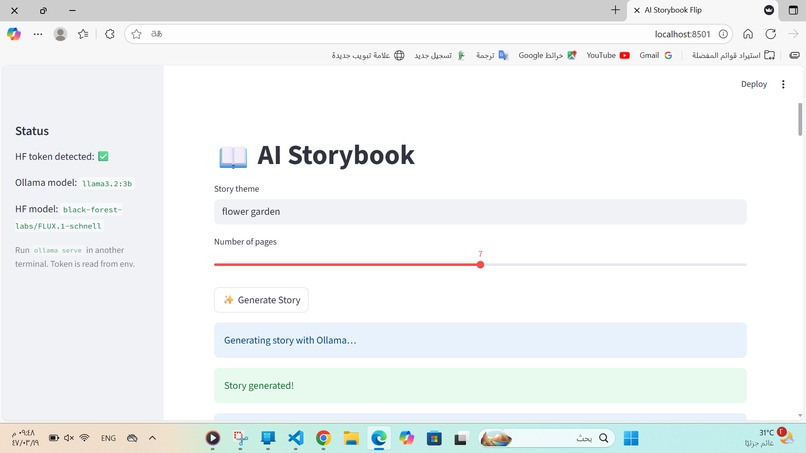
add idea and number of pages
-
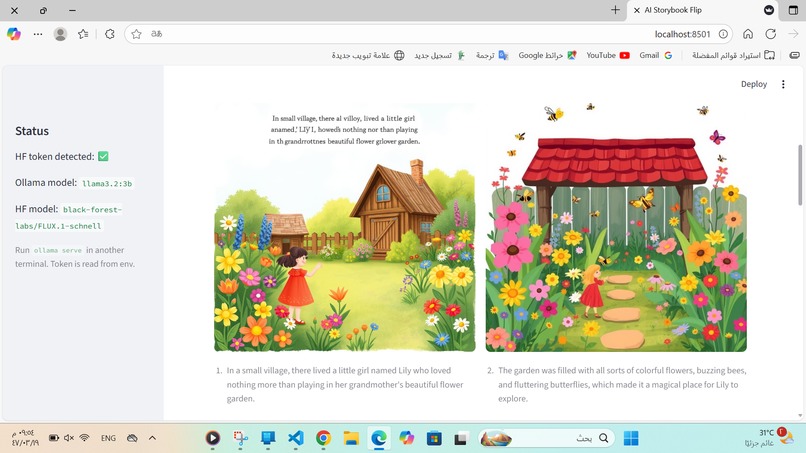
and the story will be generated
Inspiration
This project started with a very simple idea in my head: what if kids could instantly see their imagination turned into a storybook? I’ve always been curious about AI, but honestly, this is the first AI project I’ve ever built in my life. That’s why it felt so special to me. I wanted to create something fun, creative, and meaningful — not just a technical demo, but a tool that kids (and even adults) could enjoy. Instead of only reading books, they can become the authors and illustrators of their own adventures.
What it does
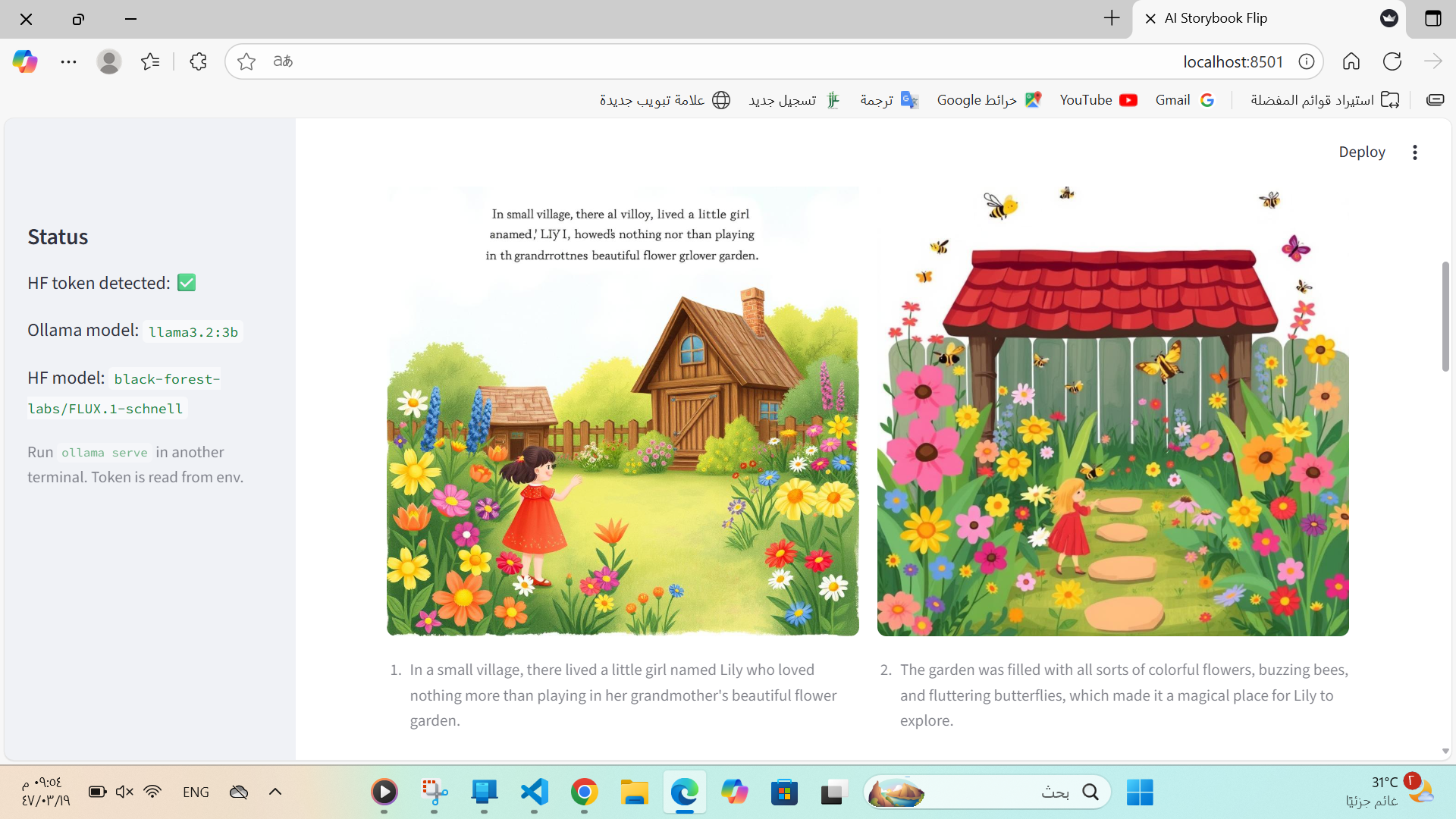
AI Storybook is a simple app that turns an idea into a children’s book. The user types a short theme (for example: “a bunny in space”) and chooses the number of pages. Ollama (running locally) writes short and simple scenes for the story. For each scene, the app creates an illustration using Hugging Face (FLUX.1-schnell). The results are displayed like a real storybook — two pages side by side, with text and matching images. If the model fails, a placeholder illustration is shown so the experience never breaks. It’s a fun and safe way for kids (and anyone, really) to see their imagination come to life in book form.
How we built it
I built this project completely on my own, step by step, learning as I went. I used Ollama locally to generate short story scenes, so nothing leaves the computer and it stays private. Then I connected it with Hugging Face (using the FLUX.1-schnell model) to generate illustrations that match each scene. Finally, I wrapped everything inside a Streamlit app, where the story is displayed like a two-page spread in a children’s book. To make sure it never breaks, I added fallback placeholder images in case the AI model isn’t available. Every part of this was new to me, so I had to figure things out one by one — from setting up the environment to fixing errors I didn’t understand at first.
Challenges we ran into
Because I was doing this all by myself and it was my first time, every challenge felt big. Some Hugging Face models didn’t work at all, so I had to keep trying different ones until I found one that finally worked. Streamlit and Pillow gave me deprecation warnings and errors I didn’t even understand at first. Running Ollama locally and keeping everything connected at the same time was tricky. But I didn’t give up. Each problem pushed me to find a solution, and I grew more confident with every fix.
Accomplishments that we're proud of
For me, this project isn’t just code — it’s proof that I can actually build something with AI, even if it’s my first time. It’s something that makes people smile: kids can see their ideas come alive as books, and I can see my own idea turn into reality. This is just the beginning of my journey with AI, but I’m proud that my first ever AI project is something that encourages imagination and creativity.
What we learned
Since this was my first ever AI project, I basically learned everything from scratch: How to combine a local model (Ollama) with a cloud model (Hugging Face). How to debug frustrating 404 and 403 errors from APIs. How to deal with Windows PowerShell restrictions just to activate my Python environment. How important it is to design fallbacks, so the user always gets something nice instead of an error. More than the technical parts, I learned patience. I realized that building with AI is not just about code, but also about problem-solving and being creative when things don’t work.
What's next for AI Storybook (English)
This is my very first AI project, but I don’t want it to stop here. Some things I plan to add: Export to PDF so the whole book can be saved and printed. Multiple illustration styles (watercolor, cartoon, pastel) so kids can pick their favorite. Offline image generation using local diffusion models, so everything works without internet. Bilingual support — eventually adding Arabic (RTL) alongside English, so more kids can enjoy it. A library feature, where stories can be saved, shared, or even remixed by other kids. I want AI Storybook to keep growing into a creative tool that helps children (and adults) tell their own stories, in their own voices.
Built With Python – main programming language Streamlit – web app framework for the interface Ollama – local text generation (llama3.2:3b) Hugging Face Inference API – image generation (black-forest-labs/FLUX.1-schnell) Requests – HTTP requests between app, Ollama, and Hugging Face Pillow (PIL) – image handling and placeholder generation VScode – environment setup and execution GitHub – version control & project hosting
In the end, I didn’t just build an app I built my first ever AI project, and I built something that makes people smile. And that’s what matters most.
Built With
- haggingface
- ollama
- pillow
- python
- streamlit
- vscode

Log in or sign up for Devpost to join the conversation.