-
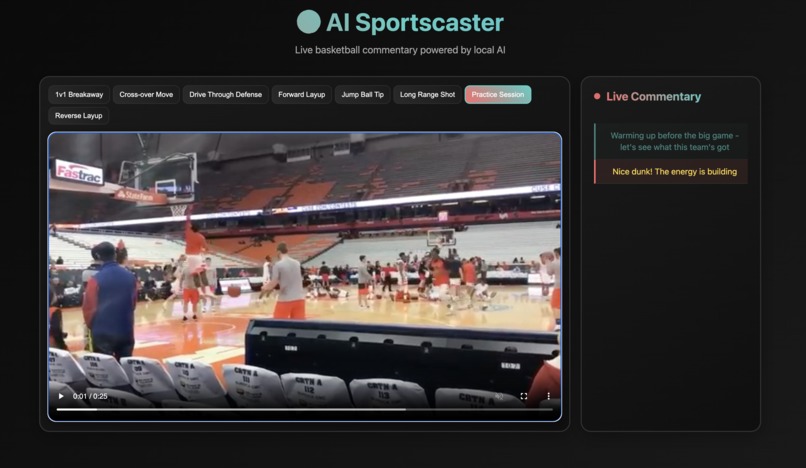
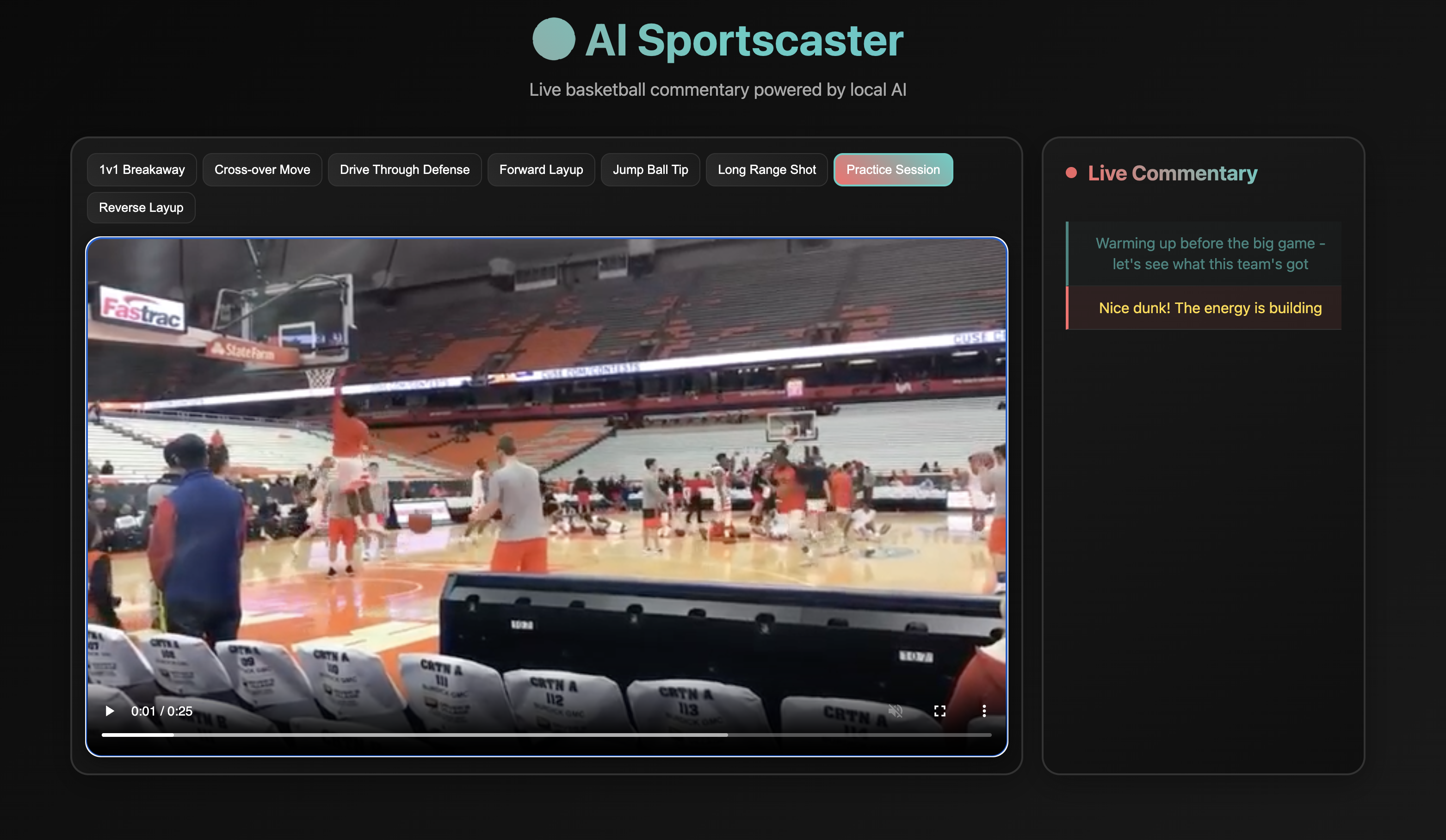
One moment of live casting
Inspiration
I was inspired by the challenge of making basketball videos more engaging and accessible. Traditional video content often lacks context and excitement - I wanted to bring the energy of live sports commentary to any basketball clip. The goal was to create an AI that could understand the game and provide real-time, contextual commentary that syncs perfectly with the action.
What it does
AI Sportscaster transforms silent basketball videos into immersive live broadcast experiences. Users select from various basketball scenarios (1v1 breakaways, crossovers, layups, etc.), and the system delivers perfectly timed, descriptive commentary that highlights key moments as they happen. The commentary appears in real-time with smooth animations, creating the feeling of watching a professional sports broadcast.
How I built it
I built a full-stack local AI pipeline:
- Backend: FastAPI server orchestrates the AI workflow
- Computer Vision: Ollama + Llava-7B analyzes video frames to identify basketball actions
- Language Generation: Llama3.2 generates contextual commentary
- Video Processing: FFmpeg extracts frames, OpenCV handles image processing
- Frontend: Vanilla HTML/CSS/JS for maximum compatibility and performance
- Synchronization: Precise timing system that syncs commentary with video playback
I implemented hardcoded commentary sequences with perfect timing for each video scenario to ensure accuracy and reliability.
Challenges I ran into
- VLM Accuracy: Initial vision models produced generic outputs - I refined prompts and implemented fallback systems
- Timing Synchronization: Achieving pixel-perfect sync between video and commentary required complex event handling
- Commentary Quality: Balancing accuracy, descriptiveness, and basketball knowledge took multiple iterations
- Frontend Stability: Migrated from React/Vite to vanilla JS for better reliability
- Spoiler Prevention: Hiding future commentary until the right moment to maintain "live" feel
- Local AI Setup: Ensuring Ollama models work consistently across different systems
- Solo Development: Managing the full stack, AI integration, and UI/UX polish as a single developer
Accomplishments that I'm proud of
- 100% Local AI: Complete privacy and zero cloud costs
- Perfect Timing: Commentary appears exactly when actions happen
- Basketball Intelligence: Context-aware commentary that understands the sport
- Smooth UX: Professional-grade interface with animations and transitions
- Zero Dependencies: Frontend runs on any modern browser
- Solo Success: Built a complete full-stack AI application independently
- Demo Ready: Polished, submission-ready codebase
What I learned
This project taught me the power of local AI for real-time applications. I gained deep experience in prompt engineering for vision-language models and learned how subtle changes dramatically impact output quality. The importance of iterative refinement in both AI interactions and UI/UX became clear. I also discovered that sometimes the best solution is the simplest one - vanilla JavaScript proved more reliable than complex frameworks for this use case. Working solo forced me to become proficient across the entire tech stack.
What's next for AI Sportscaster
Future enhancements include:
- Multi-Sport Support: Expand beyond basketball to football, soccer, etc.
- Custom Commentary Styles: Let users choose between "hype," "analytical," or "casual" tones
- Live Integration: Connect to live game feeds for real-time commentary
- Voice Synthesis: Add text-to-speech for audio commentary
- Mobile App: Native iOS/Android applications
- Community Features: User-generated content and sharing capabilities

Log in or sign up for Devpost to join the conversation.