-
-
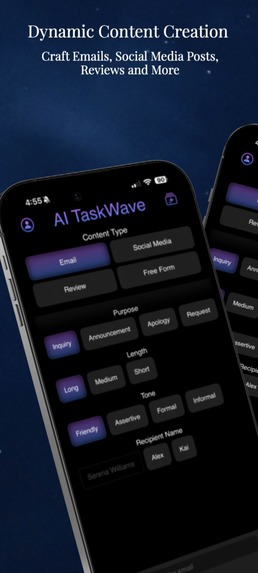
AI TaskWave
-
-
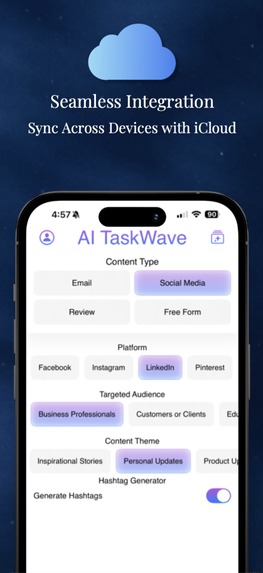
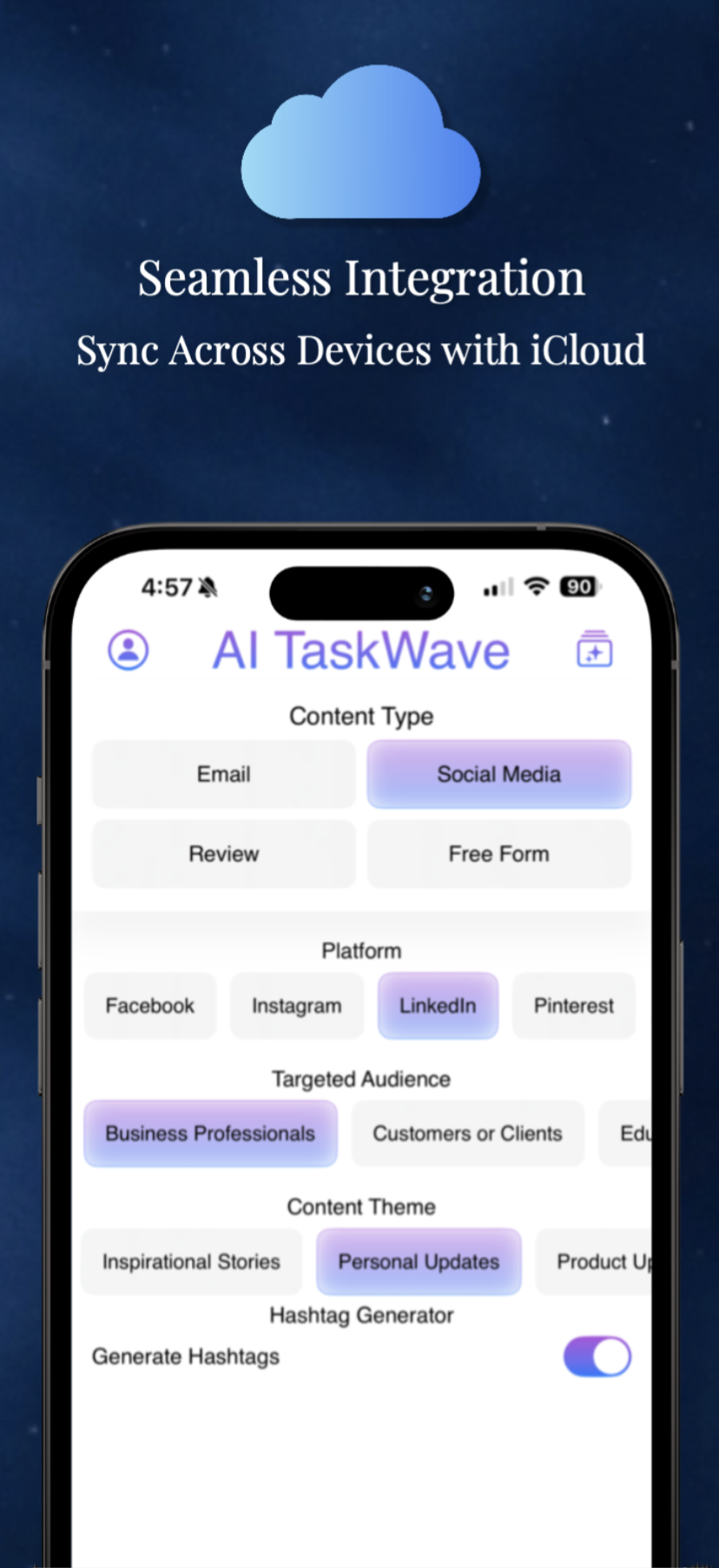
iCloud integration
-
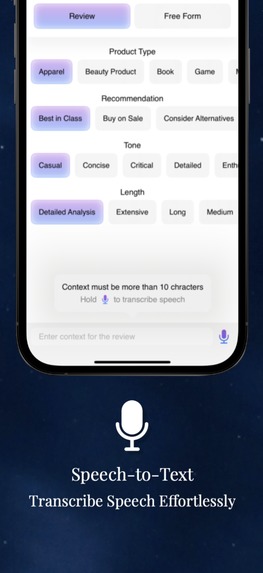
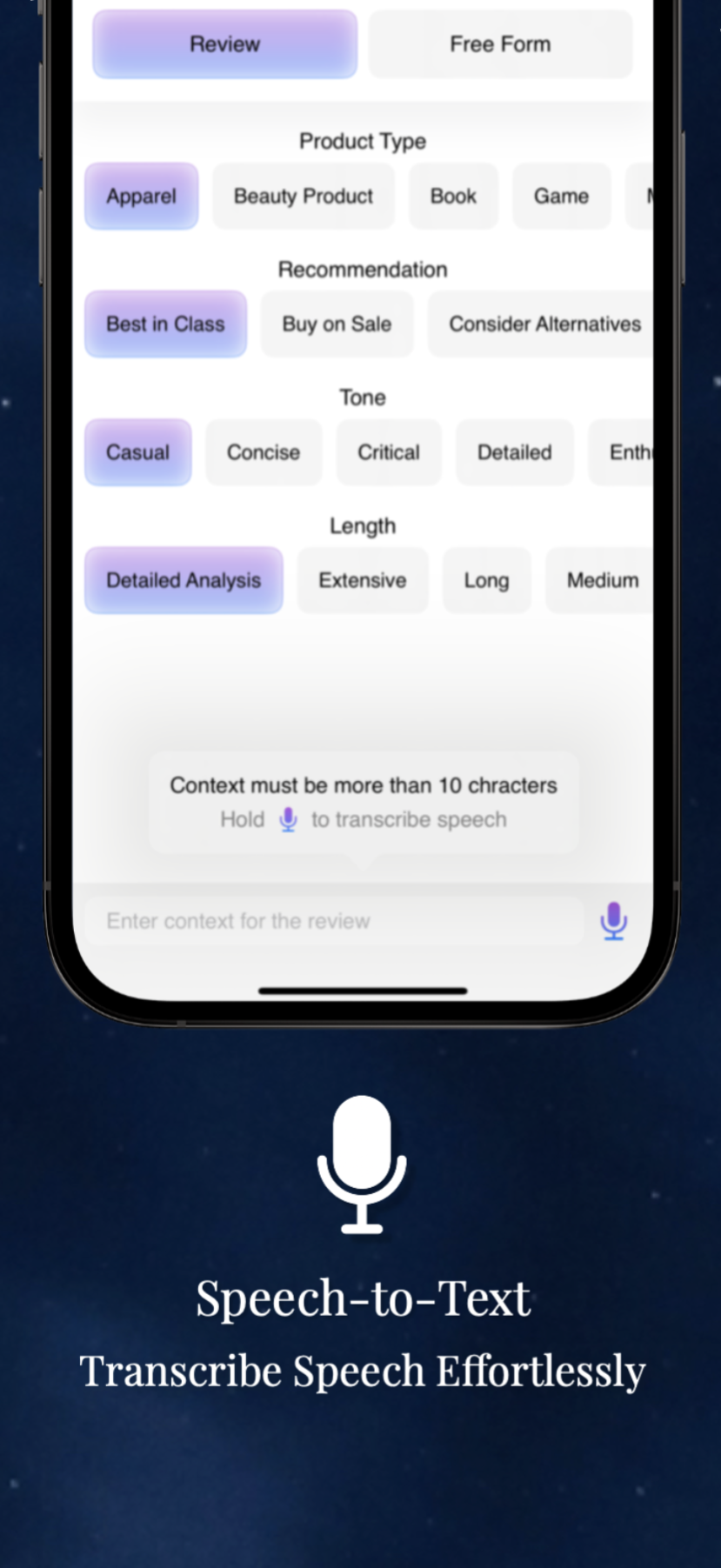
Speech to text
-
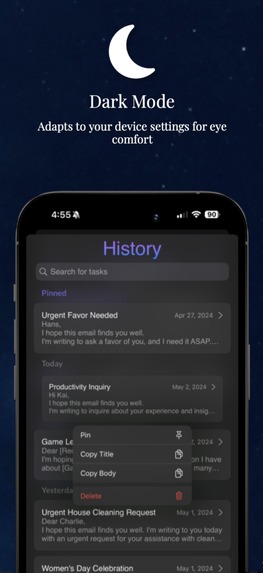
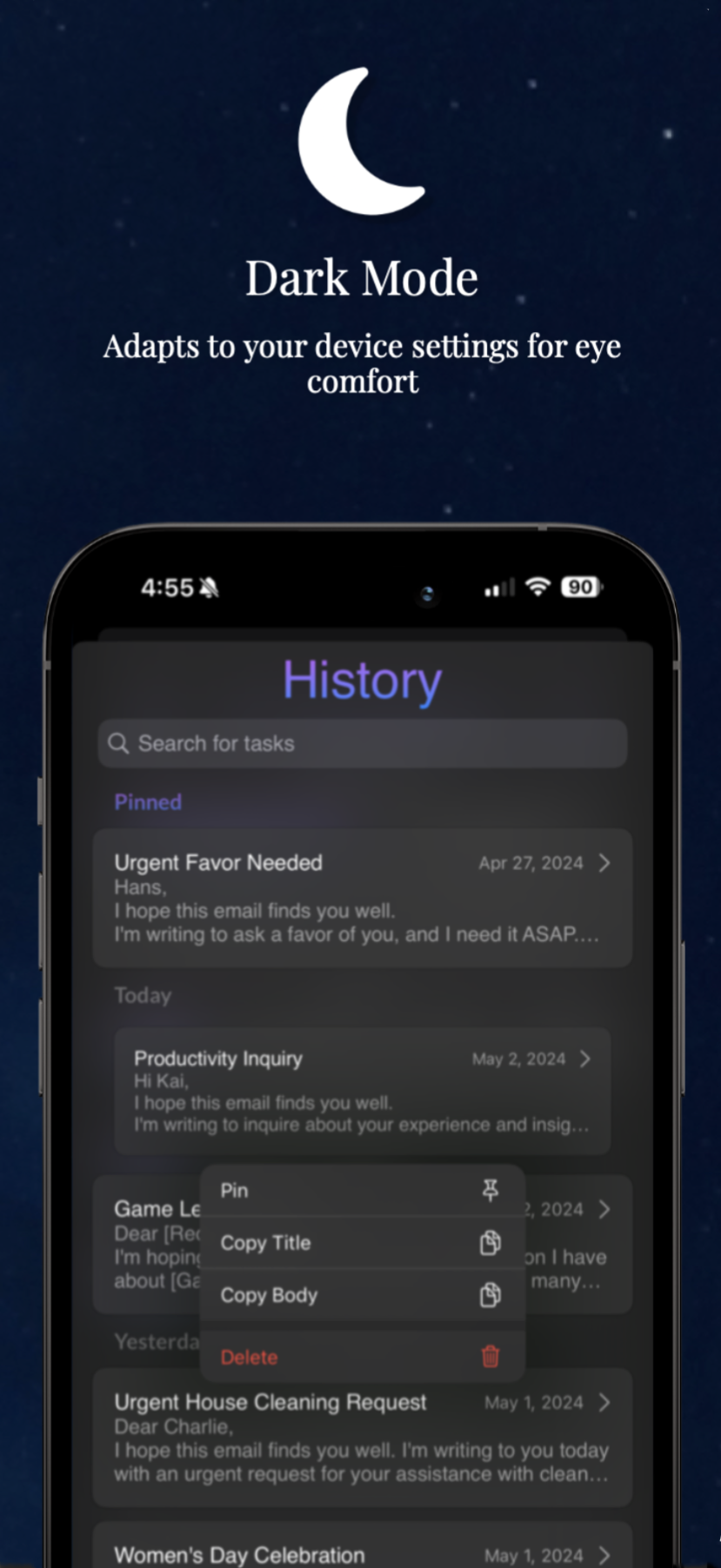
Dark Mode
Project Story: AI TaskWave
Inspiration
The inspiration for "AI TaskWave" came from a desire to simplify the process of content creation across various formats, including emails, social media posts, and reviews. In today's fast-paced world, efficiently generating tailored content is more important than ever. We wanted to empower users to express their ideas without the burden of crafting every word manually, leveraging the power of AI to enhance creativity and productivity.
Features
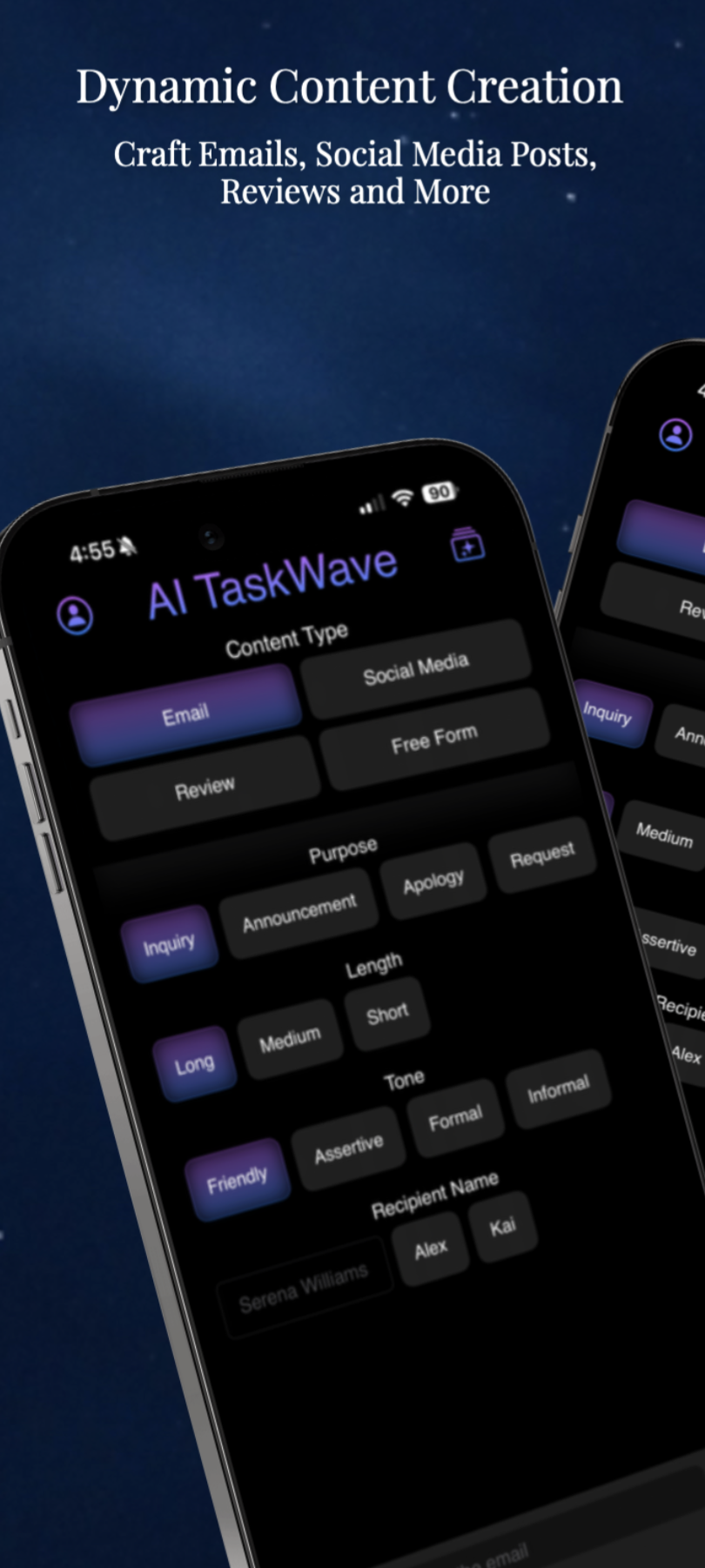
- Dynamic Content Generation: Create emails, social media posts, reviews, and free-form content using AI.
- Customizable Templates: Select from content modifiers like length, tone, platform, and more. Modifiers are dynamically sorted based on how often you use them, ensuring that your most frequent choices are always at your fingertips.
- Speech Recognition: Input content via voice transcription, enhancing accessibility and ease of use.
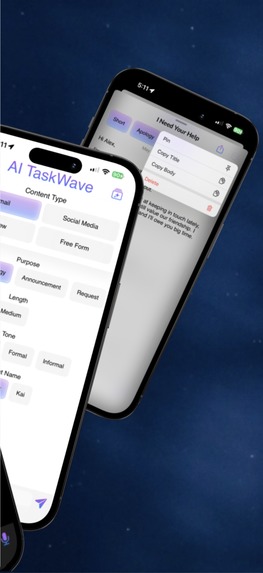
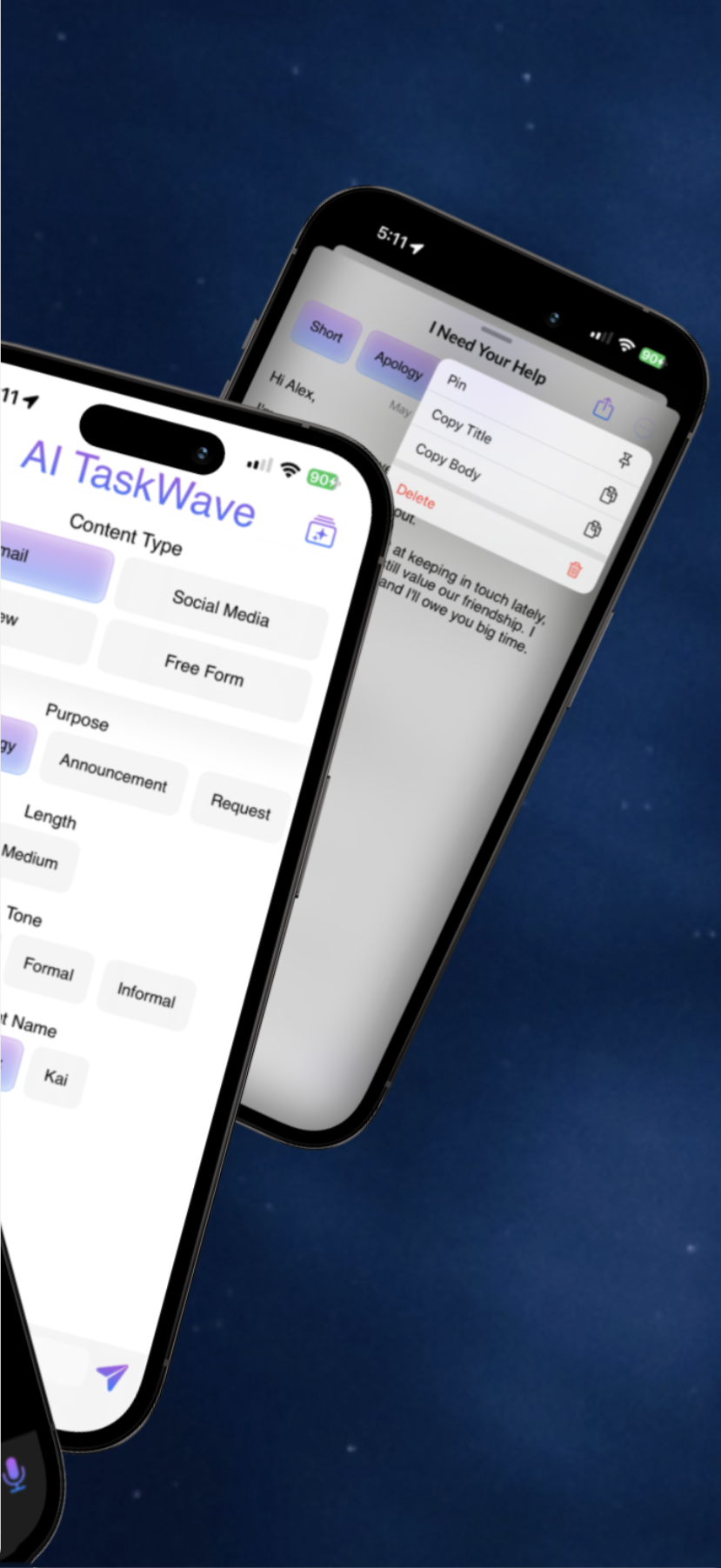
- History Management: View past content with options to copy, pin, or delete entries.
- Search Functionality: Quickly find generated tasks with a powerful search tool, making it easy to retrieve your work without manually scrolling through history.
- Dark Mode: Supports Dark Mode, adapting the app's appearance based on your device system preferences to reduce eye strain and enhance visibility under different lighting conditions..
- iCloud Integration: With iCloud integration, your tasks and settings are synchronized across all devices associated with your account, ensuring that your data is always up-to-date and accessible wherever you go.
What We Learned
This project was my first foray into developing with SwiftUI, which was both challenging and extremely rewarding. Through the process, I learned about:
- SwiftUI and iOS Development: Building this app as my first SwiftUI project enhanced my understanding of modern iOS development practices and helped me appreciate the power of this framework for creating intuitive and responsive user interfaces.
- AI and Natural Language Processing (NLP): Integrating advanced AI technologies like the Gemini Pro AI model to understand and generate human-like text.
How We Built It
Building "AI TaskWave" involved several crucial steps:
- Planning: Determining the project scope and requirements.
- Choosing the Right Tools: Selecting Swift for iOS development and the Gemini Pro AI model for backend content generation.
- Developing the User Interface: Crafting a clean, accessible UI using SwiftUI that adheres to Apple's design principles and accessibility guidelines.
- Integrating AI: Implementing the AI functionalities to analyze user input and generate content based on selected modifiers such as tone, length, purpose, etc.
- Testing and Iteration: Continuously testing the app and making necessary adjustments.
Challenges Faced
The project wasn't without its challenges:
- AI Integration Complexity: Ensuring that the AI accurately interprets the user's intentions and generates relevant content was technically challenging.
- Performance Optimization: Balancing complex AI tasks with the performance expectations of a modern mobile app.
- Learning SwiftUI: As my first project using SwiftUI, navigating the nuances of this new framework required a steep learning curve.
- UI Placement and Design: Learning how to place elements within the UI was not as easy as I thought, comparatively to previous frameworks I have worked with.
Conclusion
Developing "AI TaskWave" has been a rewarding journey, full of learning and innovation. The project not only enhanced my technical skills but also provided deep insights into the practical challenges of creating AI-powered applications. I am excited to see how it will empower users to create more engaging and personalized content effortlessly.


Log in or sign up for Devpost to join the conversation.