-
-
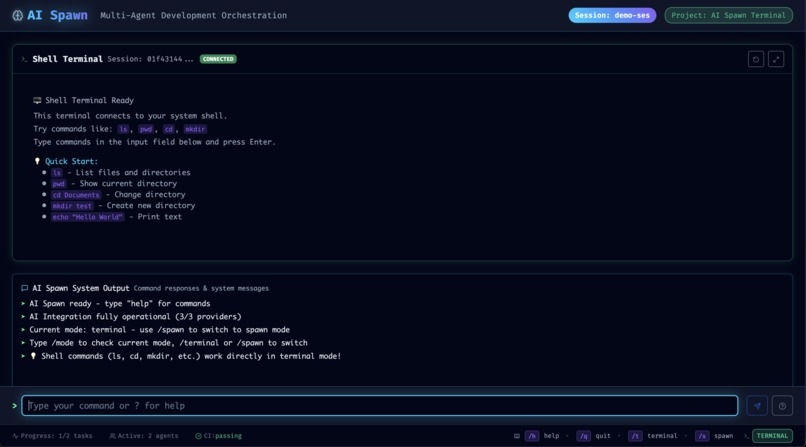
Terminal mode
-
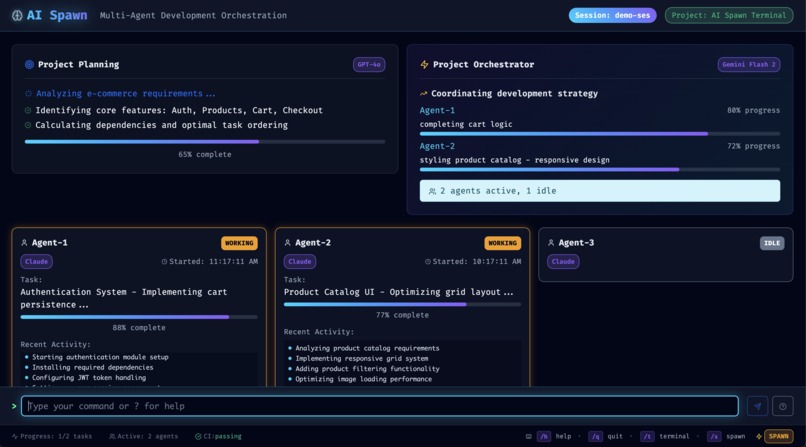
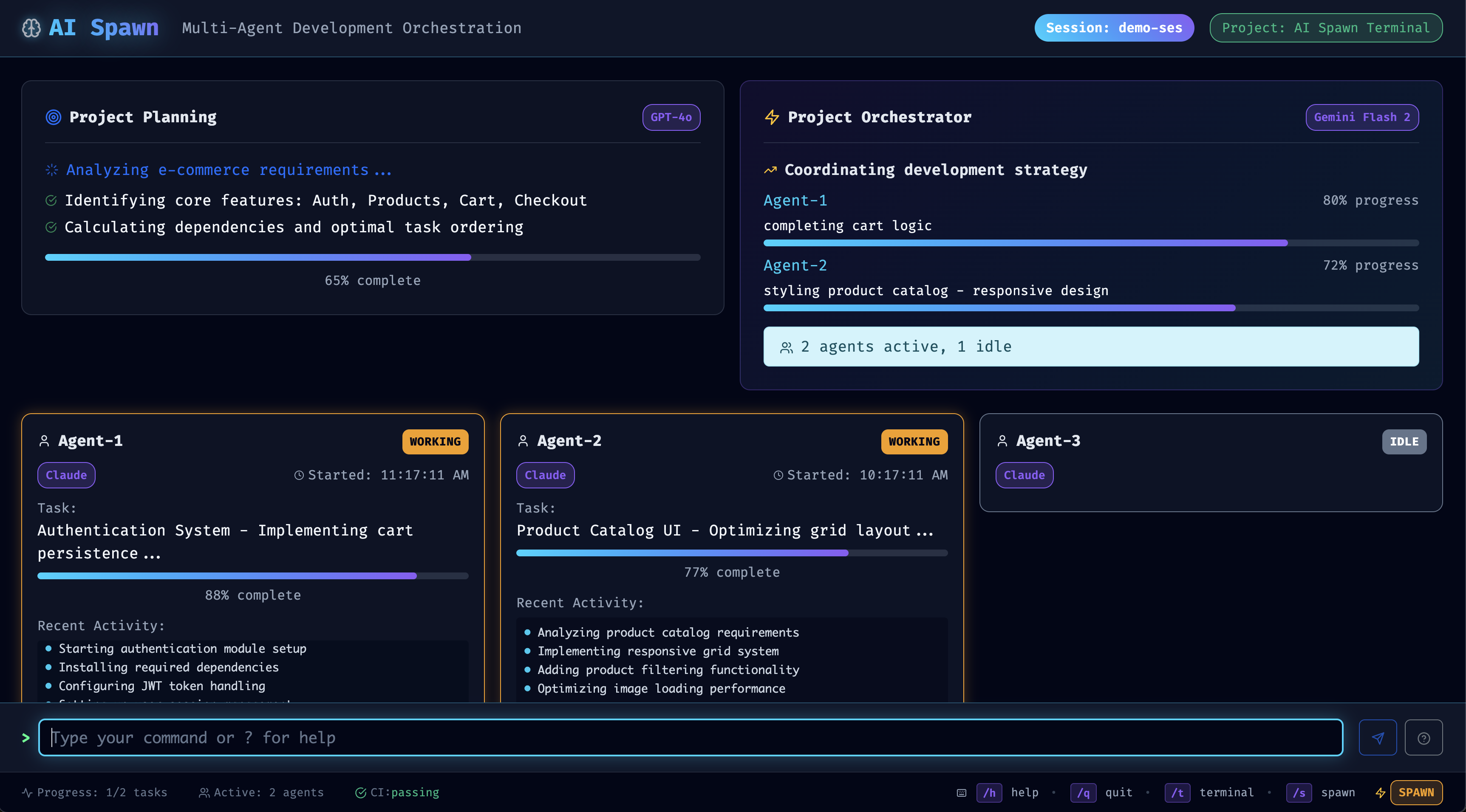
Spawn mode
Inspiration
I have worked on terminal emulators in the past. Seeing the latest trend of AI CLI from top providers has inspired me to build my own on steroids. Inspiration from Claude Code, Gemini CLI, Codex
What it does
AI Spawn has multiple parts and features. First and foremost it is a terminal emulator, but in Spawn mode you assign a Planner "agent", Orchestrator "agent" choose the provider for your worker "agents" then connect to your project management solution via MCP. The Planner creates your defined project, plans it out, on approval it creates the project and all the tasks, then passes it to the Orchestrator. The Orchestrator takes care of assigning the tasks to the worker "agents". These agents create their own feature branches, do the work for the tasks assigned, then submit PR's. The goal is to have the next steps handled by another agent so our result is a completed project.
How we built it
I first tried building for direct use in the terminal, but there is just too much going on in AI Spawn to be efficient. So I decided to wrap it in Electron.
Challenges we ran into
While packages like Ink and Blessed work, they are limited by what is possible in a terminal.
Accomplishments that we're proud of
I absolutely love the website I built for this project, and the idea behind what it does. I can see this growing into something bigger!
What we learned
I learned that in terminal design and development are challenging with as much that is going on in AI Spawn. The solution was to pivot our stack and move to Electron and build a desktop app where we can control the terminal emulator tooling and design.
What's next for AI Spawn
Keep building and fine tuning until we have full automation of the entire process from start to finish.

Log in or sign up for Devpost to join the conversation.