-
-
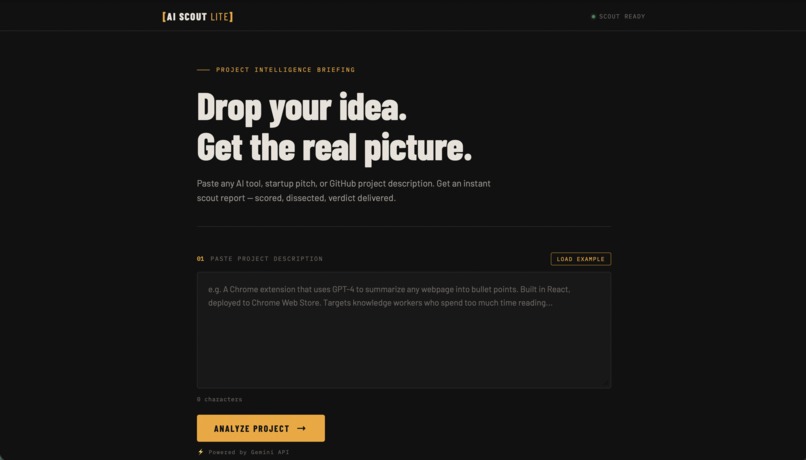
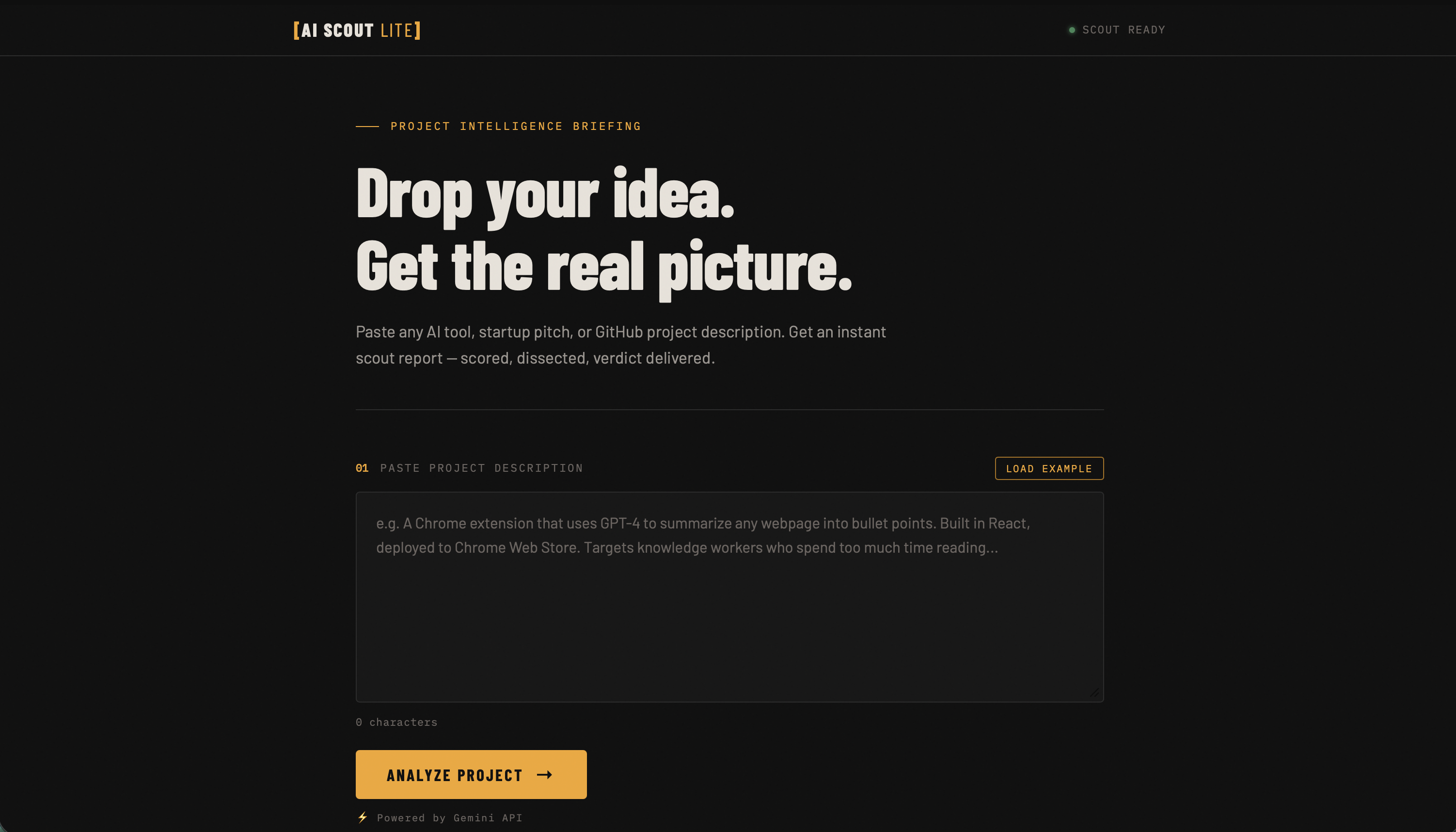
AI Scout Lite homepage with example loading and project input.
-
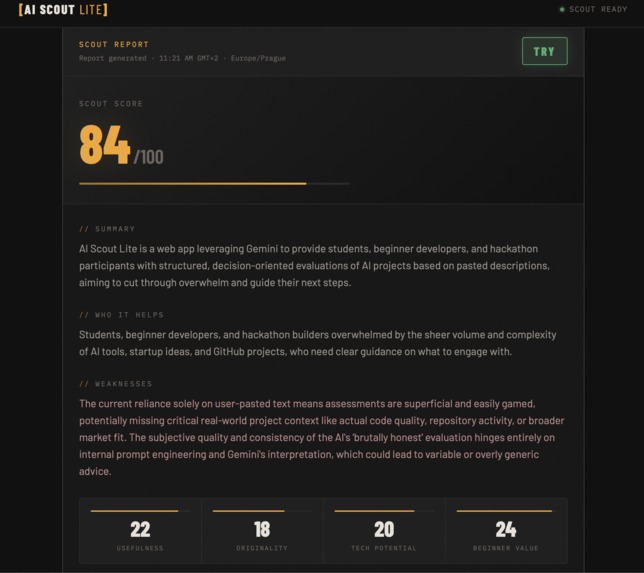
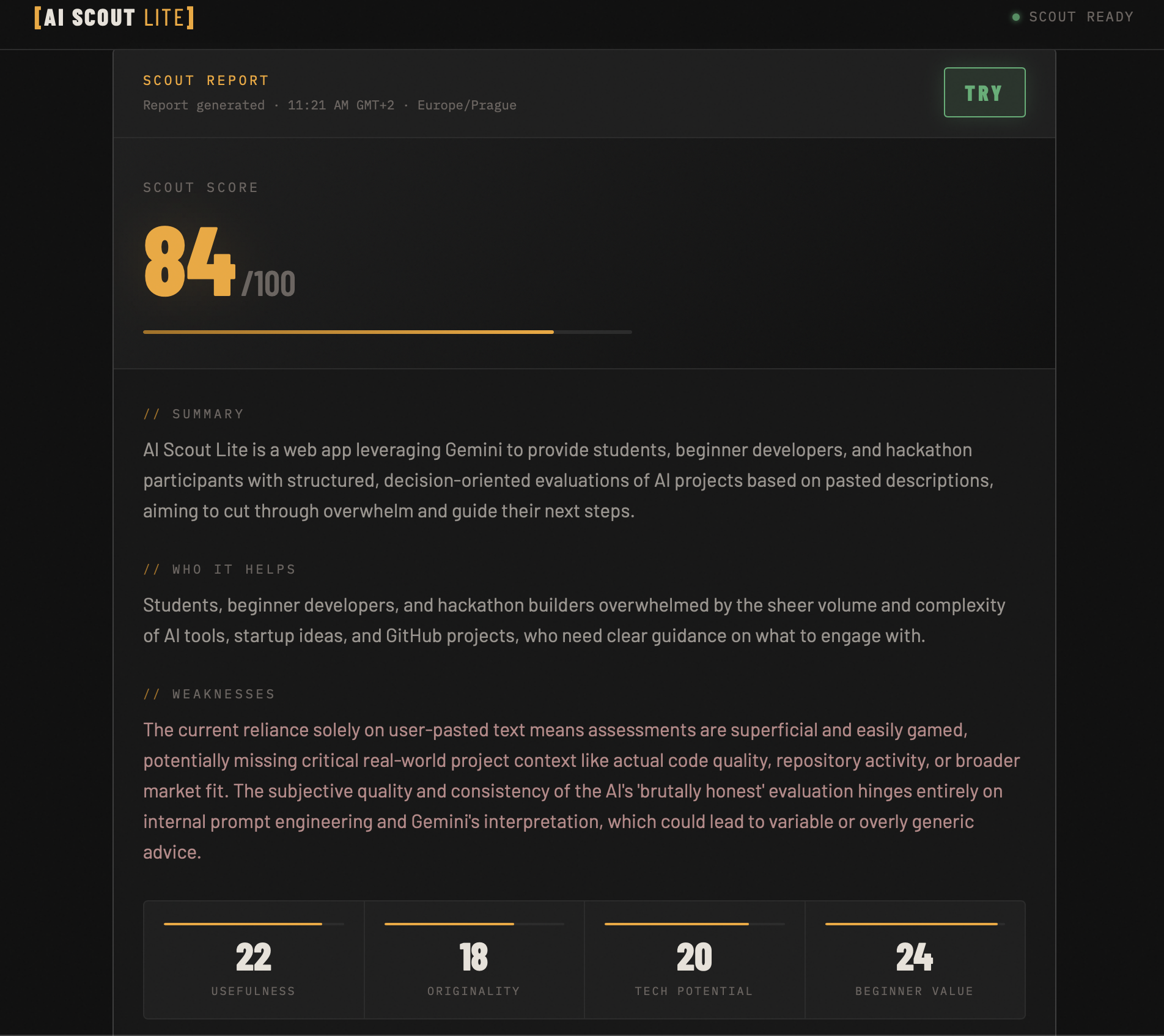
Generated Scout Report with score, verdict, strengths, weaknesses, and category breakdown.
Inspiration
AI tools, startup ideas, and GitHub projects are everywhere, but beginners often struggle to tell what is actually worth their time. A project can look impressive from a short description, but still be overhyped, too difficult, poorly scoped, or not useful for the target user.
I wanted to build a simple tool that gives people a quick second opinion before they waste hours testing or building the wrong thing.
What it does
AI Scout Lite is a Gemini-powered project evaluator for beginners, students, and hackathon builders.
Users paste an AI tool, startup idea, or GitHub project description. The app then generates a structured scout report with:
- a short summary
- who the project helps
- main weaknesses
- usefulness score
- originality score
- technical potential score
- beginner value score
- total Scout Score from 0 to 100
- TRY / WATCH / SKIP verdict
- recommended next step
Instead of only summarizing a project, AI Scout Lite focuses on decision-making. It helps users understand whether an idea is worth trying, watching, or skipping.
How I built it
I built the frontend with plain HTML, CSS, and JavaScript to keep the project lightweight and fast. I used Netlify for deployment and Netlify Functions as a secure serverless layer between the frontend and Gemini API.
The frontend sends the user’s project description to a Netlify Function. The function calls Gemini API and requests a structured JSON response. The app then renders that response as an intelligence-briefing style report.
The Gemini API key is stored as an environment variable in Netlify, so it is not exposed in the browser or committed to GitHub.
Challenges
The biggest challenge was connecting Gemini API securely without exposing the API key in frontend JavaScript. Another challenge was tuning the prompt so the app gives realistic scores instead of blindly praising every idea.
I also had to make sure the app still feels useful if the AI request fails, so I added transparent fallback behavior instead of letting the interface silently break.
What I learned
I learned how to connect a frontend app to a serverless function, how to use Gemini API in a real deployed project, and how important prompt structure is when asking an AI model to return consistent scoring data.
I also learned that a hackathon project does not need to be huge. It needs to be clear, useful, working, and easy to demo.
What’s next
Future versions could support direct GitHub README analysis from repository URLs, repository activity checks, saved scout reports, project comparison mode, browser extension support, and daily curated AI project recommendations.
Built With
- css
- gemini-api
- github
- html
- javascript
- netlify
- netlify-functions

Log in or sign up for Devpost to join the conversation.