-
-
AI Resume Builder
Inspiration
We set out to solve the hassle of converting resumes from PDF or DOCX formats into Overleaf templates. Our goal was to build a tool that’s flexible and allows users to switch between different templates effortlessly.
What it does
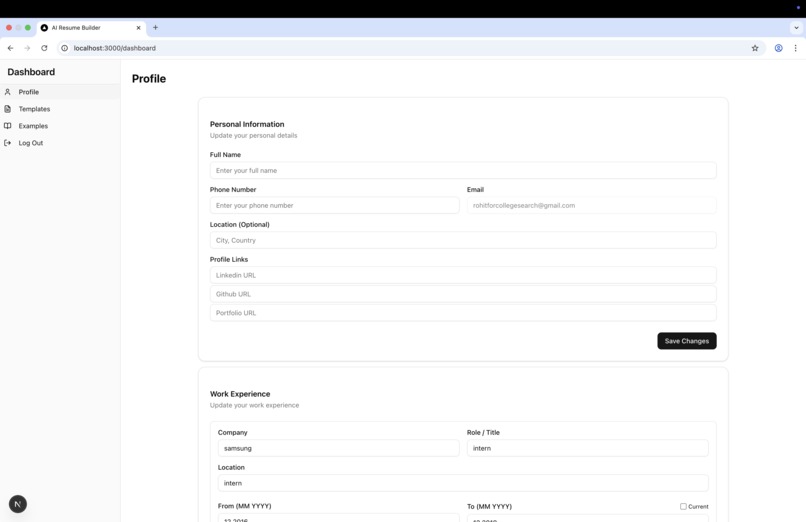
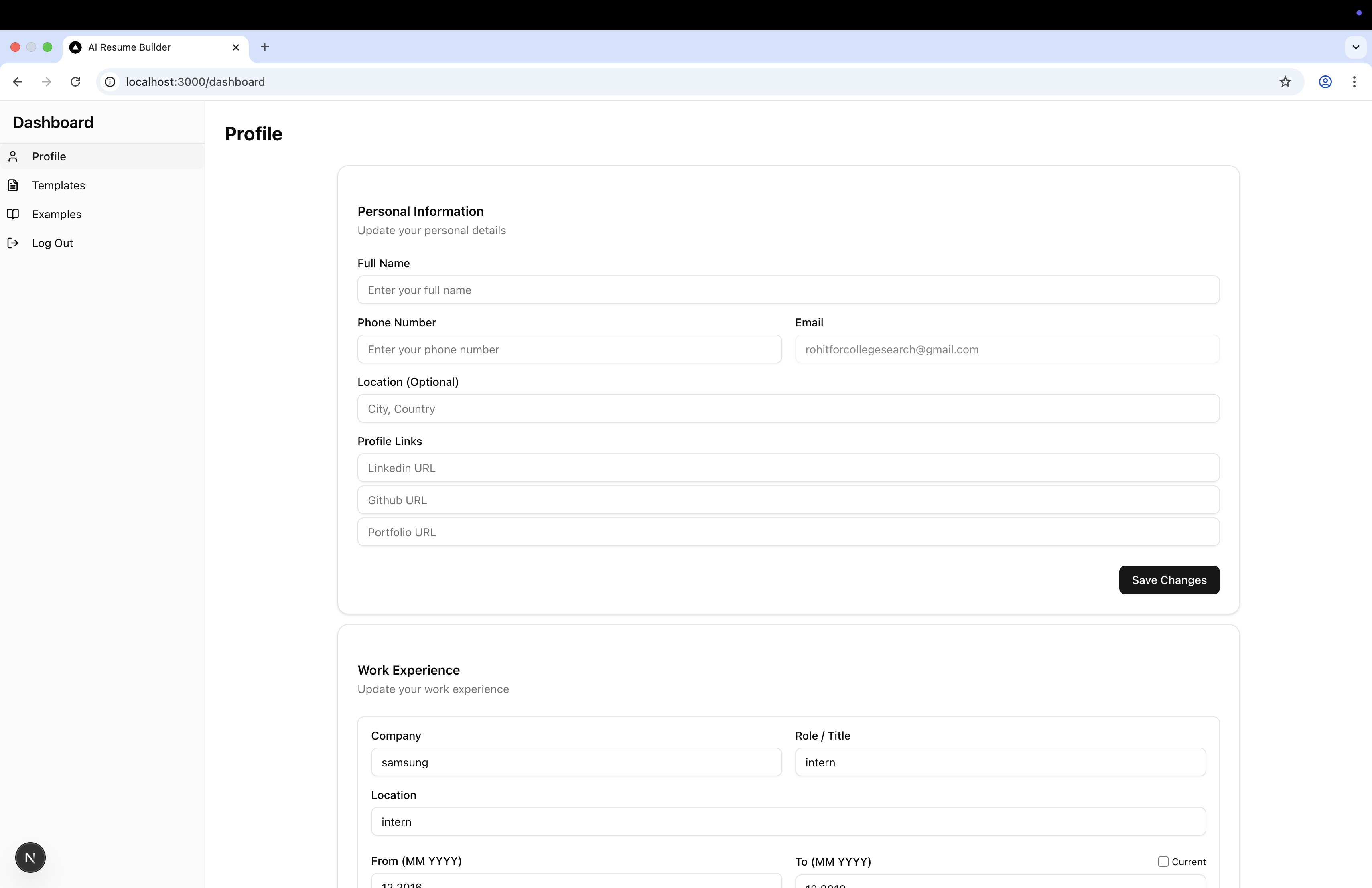
Right now, the app can parse resume PDFs to extract content and generate a resume based on that data. Users also have the option to manually enter their information through the profile section.
How we built it
We put the UI together using Vercel’s v0, which made things super fast and slick. For authentication and database stuff, we went with Supabase—it handled everything smoothly. Styling-wise, we leaned on Tailwind CSS and Shadcn to give the app a clean, modern look.
Challenges we ran into
Getting Supabase’s policies set up just right took some trial and error. Vercel’s v0 generated a lot of code, so cleaning that up and figuring out what to keep was a bit of a journey. And, of course... merge conflicts. So many merge conflicts 😭
Accomplishments that we're proud of
Successfully resolving merge conflicts caused by some chaotic "vibe coding" sessions.
What we learned
We learned how to rapidly build beautiful UIs with Vercel’s v0.
What's next for AI Resume Builder
We're working on enabling seamless switching between resume templates using any Overleaf template of the user's choice.
Built With
- javascript
- nextjs
- supabase
- vercel


Log in or sign up for Devpost to join the conversation.