-
-
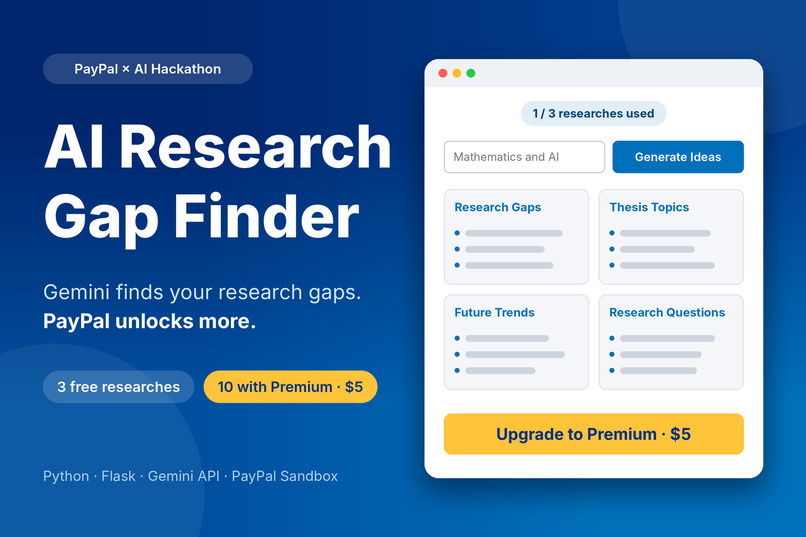
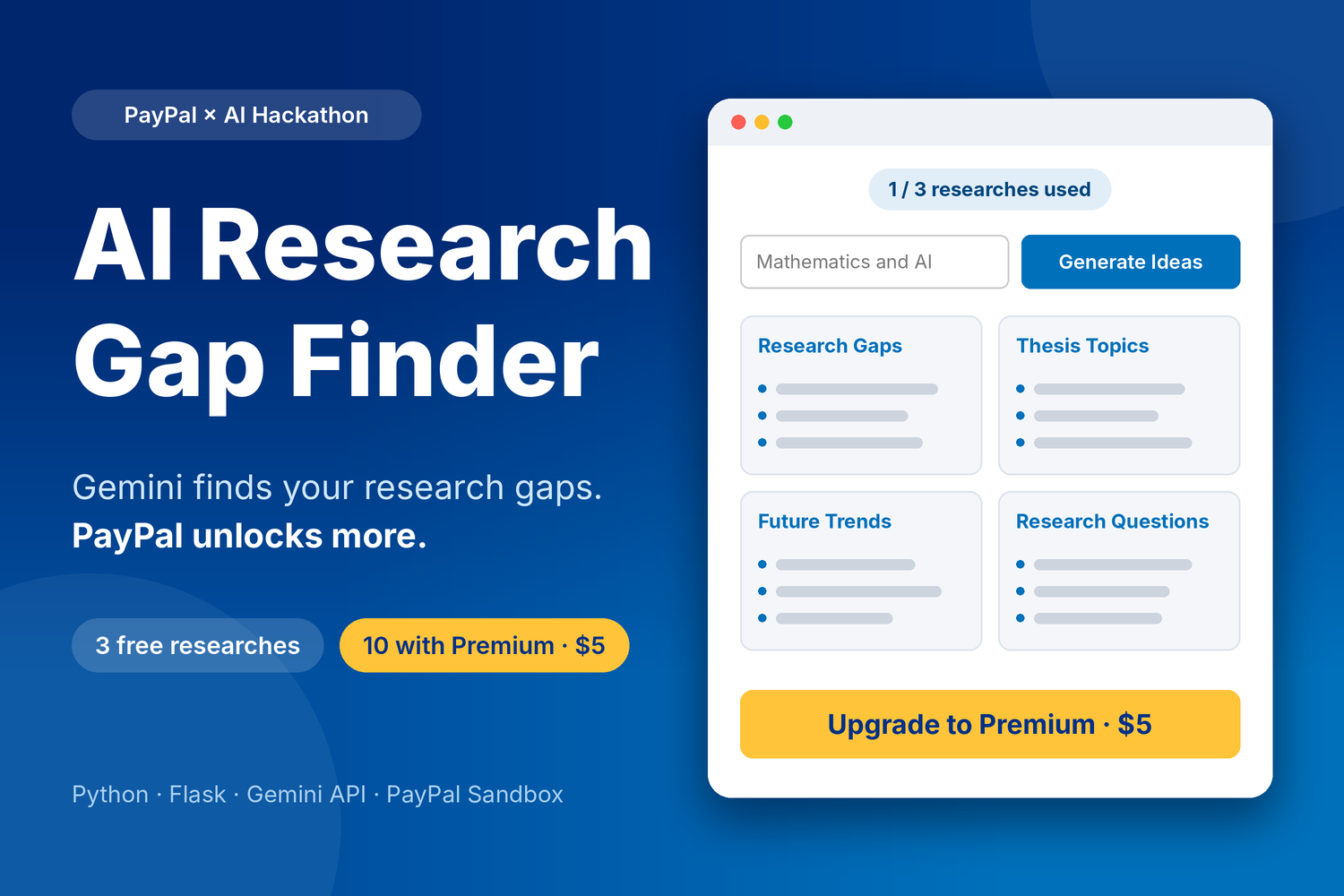
AI Research Gap Finder: Gemini finds your research gaps, PayPal unlocks more.
-
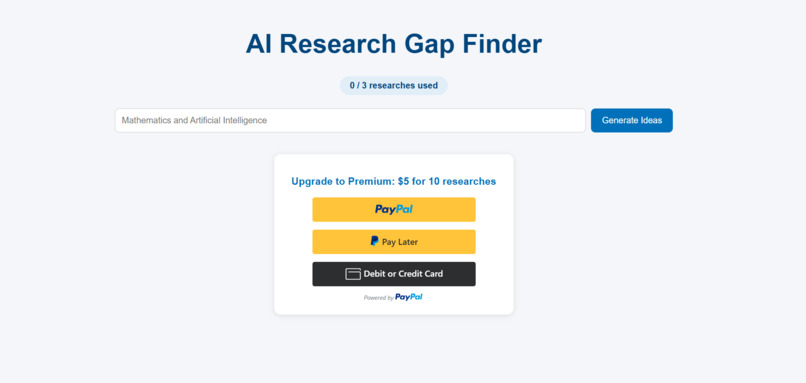
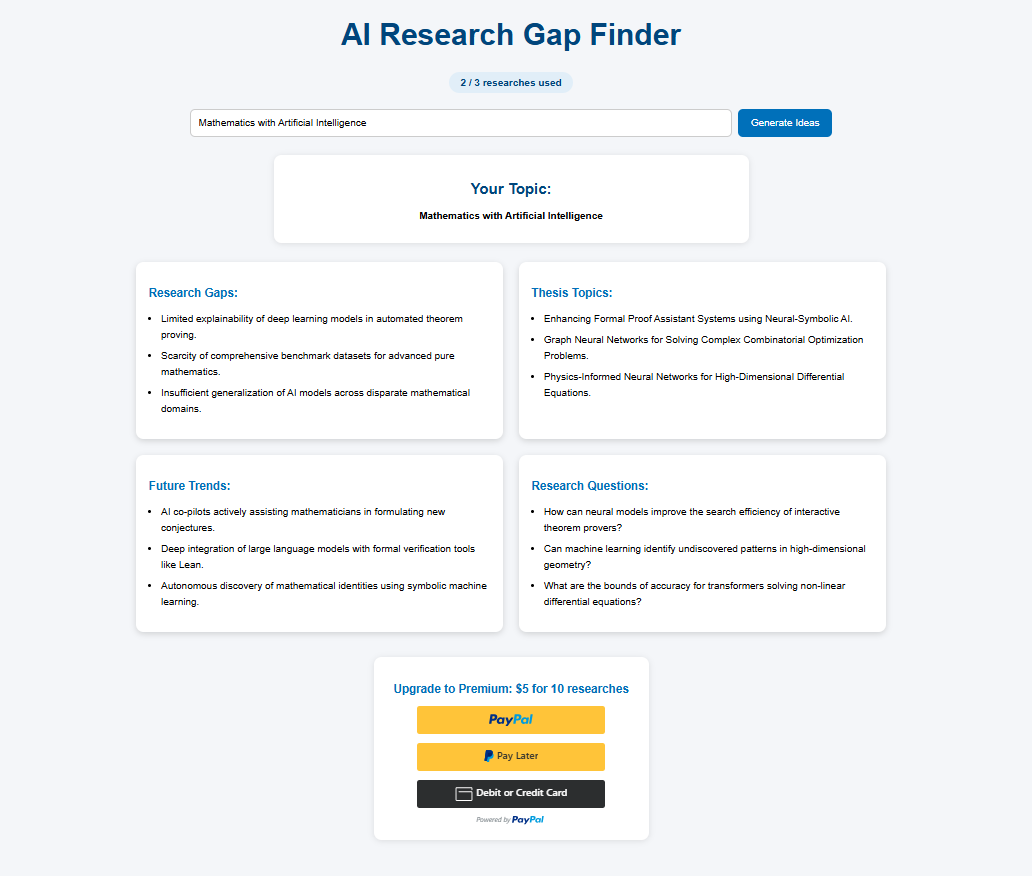
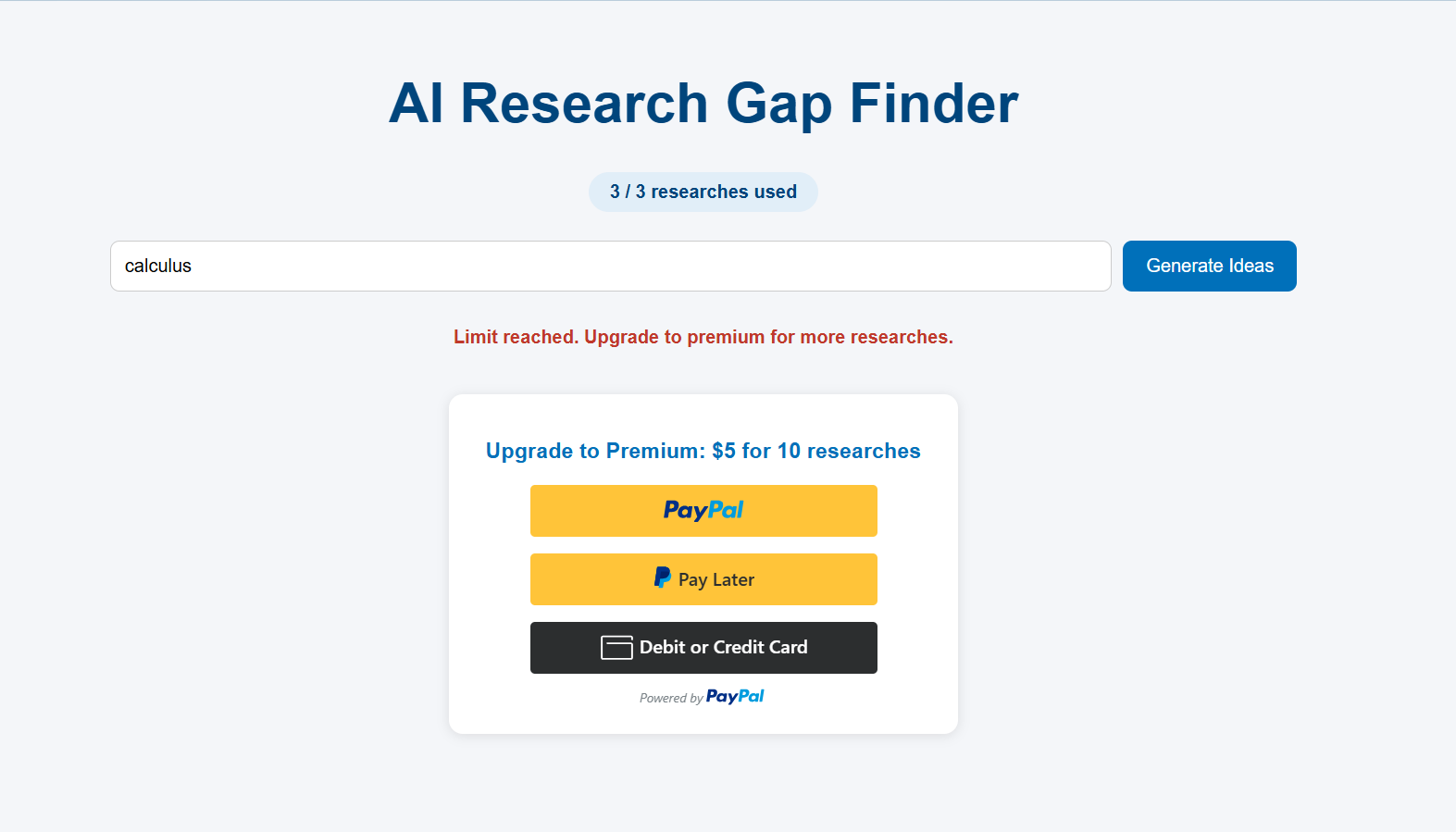
Free tier: 3 researches, with a live usage counter and an upgrade option.
-
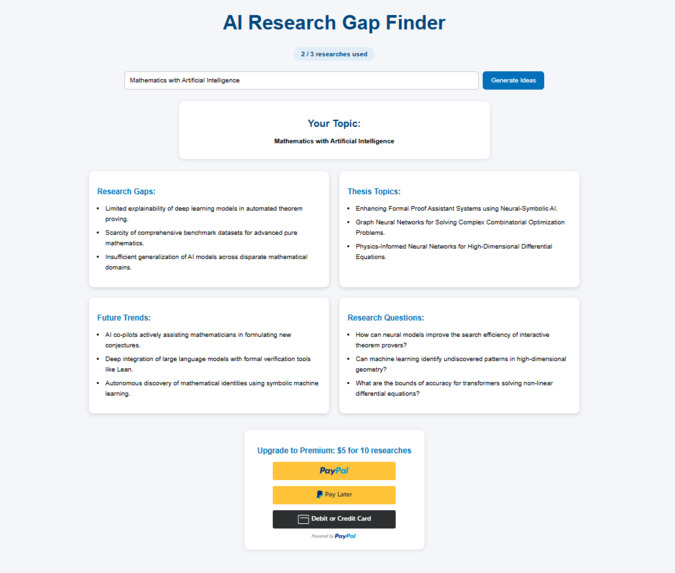
Gemini generates research gaps, thesis topics, future trends and research questions from any topic.
-
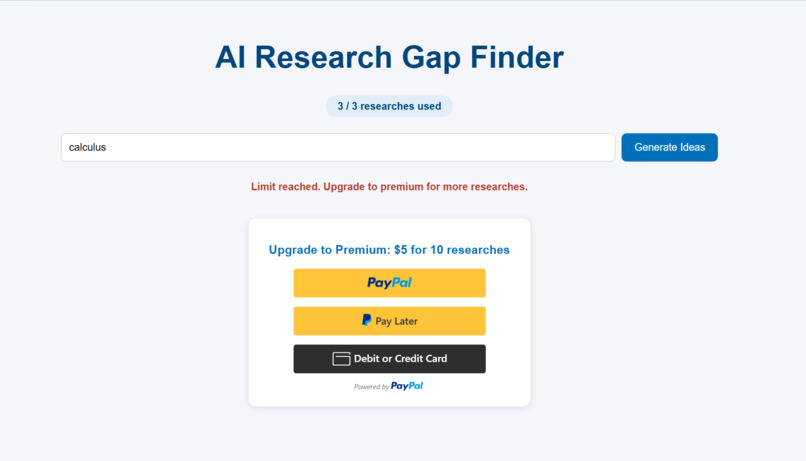
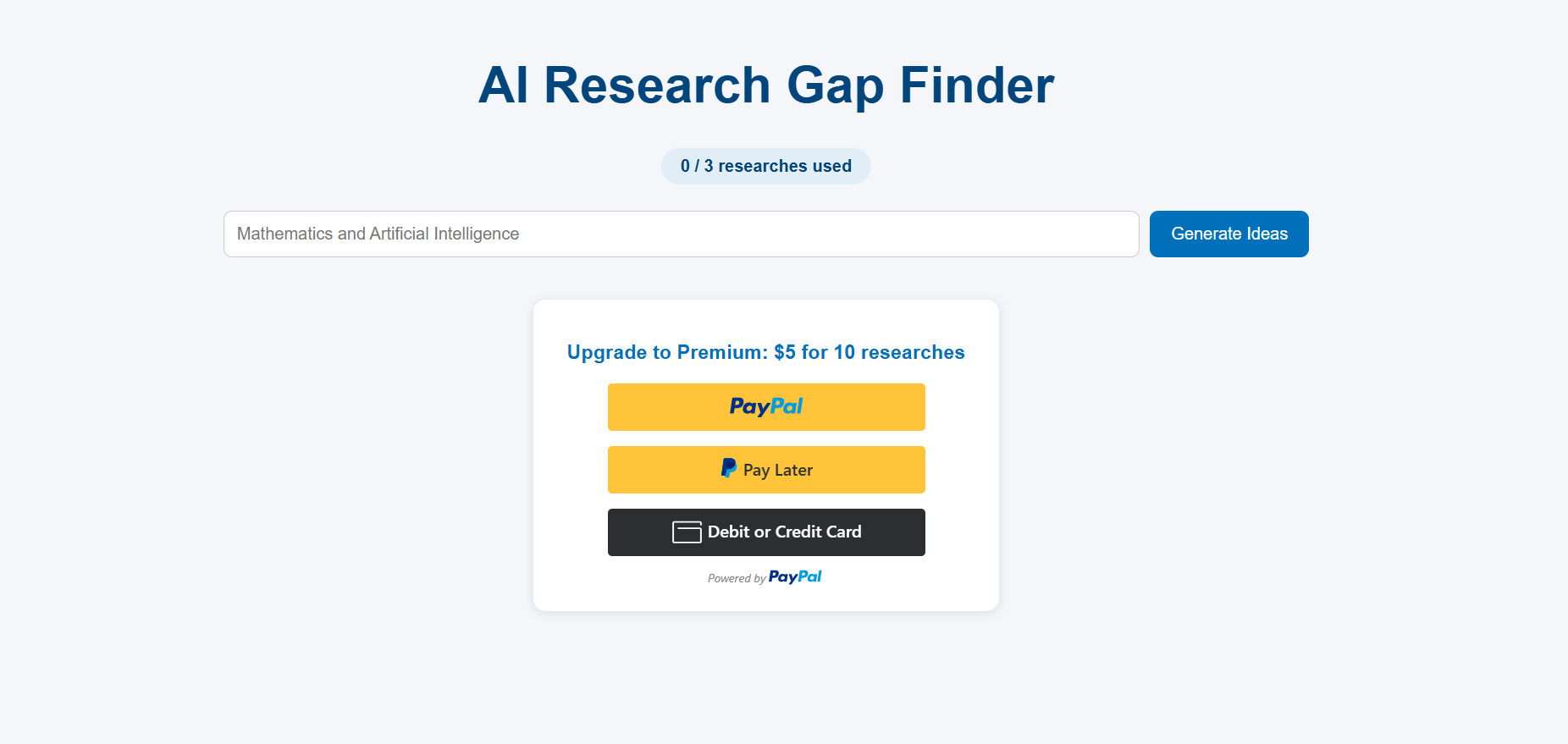
After 3 free researches, the app blocks further use and prompts an upgrade.
-
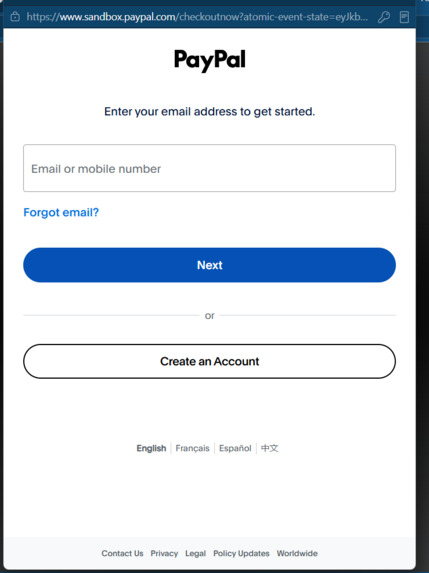
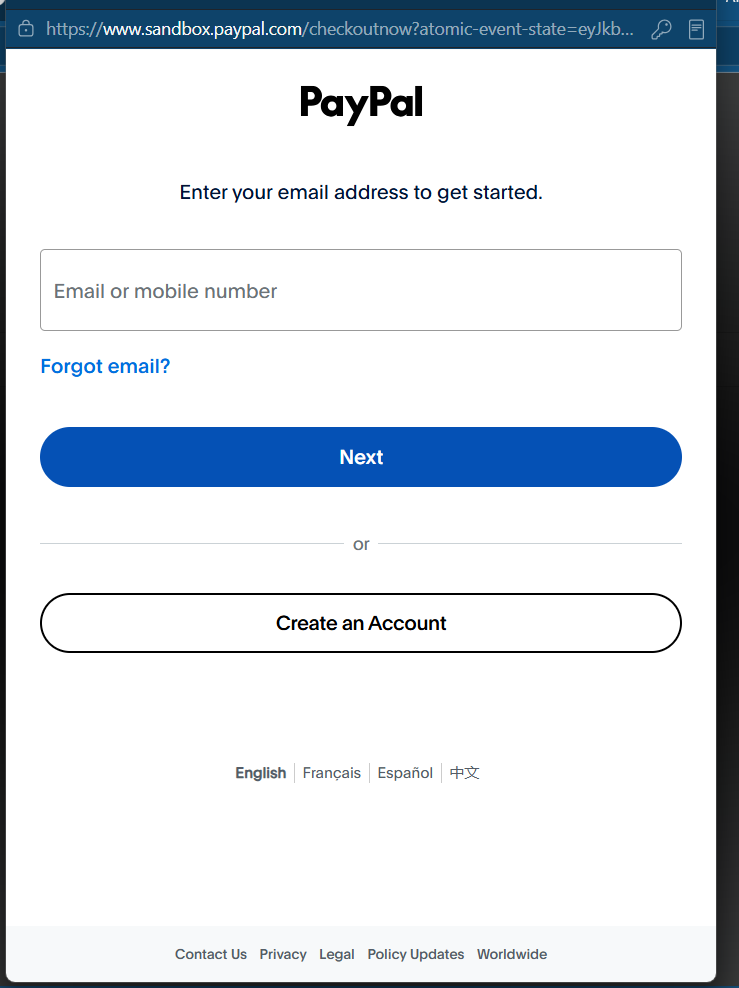
PayPal sandbox checkout for the $5 premium upgrade (test environment, no real money).
-
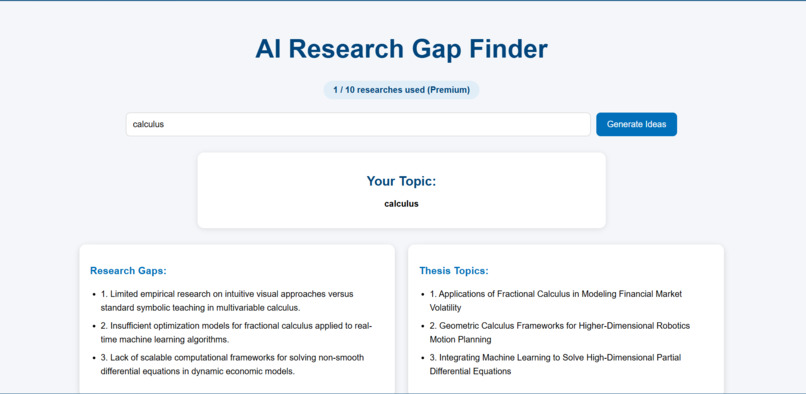
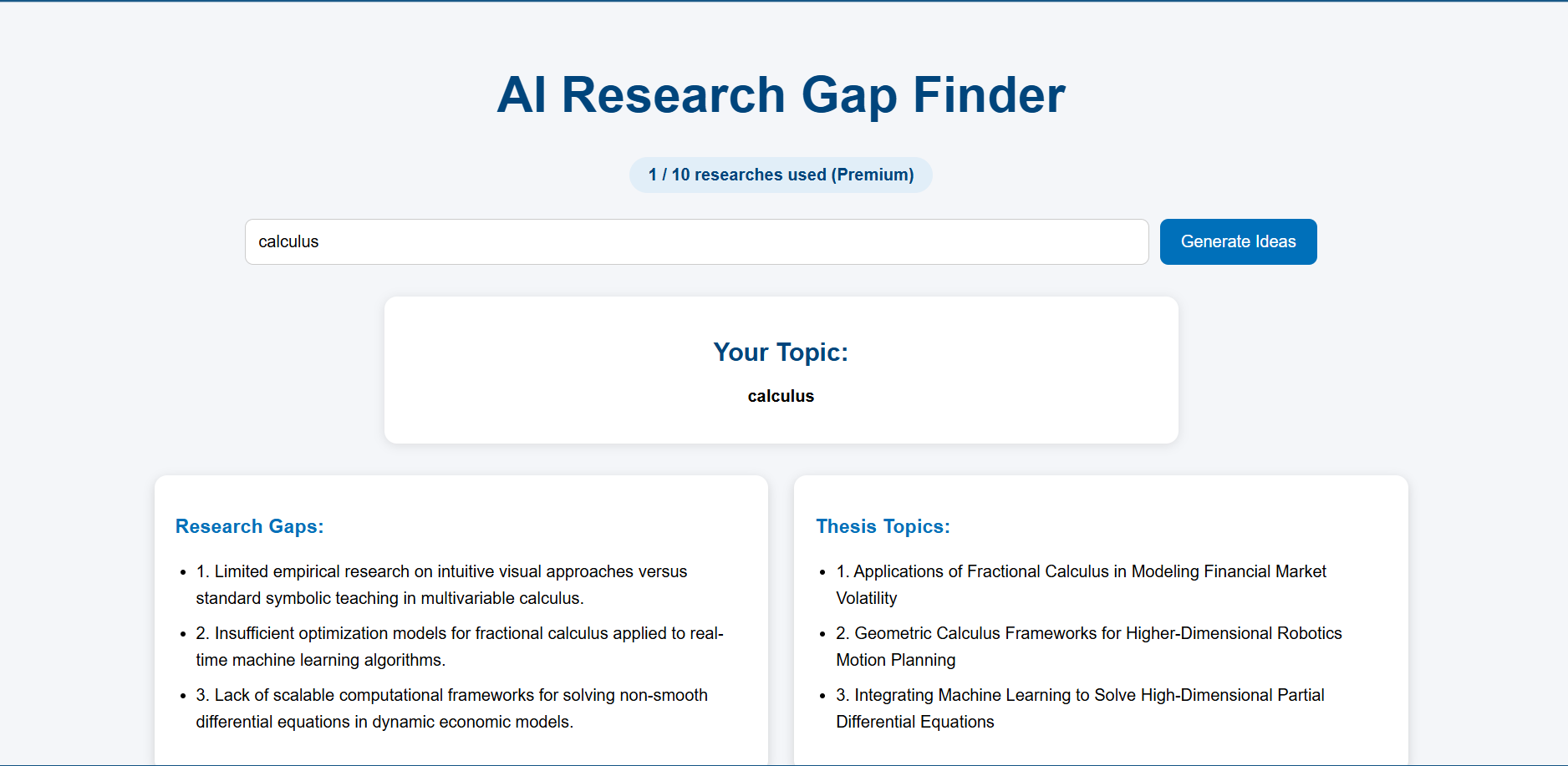
After payment is verified on the server, premium unlocks 10 researches.
Inspiration
As a student studying mathematics and artificial intelligence, I know how hard it is to start a research project. Before you can write anything, you need a topic nobody has fully covered yet, and finding one can take days of reading. I wanted a tool that gives students a head start: type a topic and get concrete directions. The PayPal side came from asking how to turn that into a real product, with a free tier and a paid upgrade.
What it does
AI Research Gap Finder takes any research topic and returns four sets of ideas, shown as cards:
- Research gaps
- Thesis topics
- Future trends
- Research questions
Every user gets 3 free researches. For a one-time $5 payment through PayPal Checkout, they can upgrade to 10 researches. A live counter shows how many they have used.
How I built it
- Backend: Python and Flask handle the pages, the usage limits, and all communication with Gemini and PayPal.
- AI: Google Gemini (via the
google-genaiSDK) receives the topic with a structured prompt. My code then parses the reply into the four sections so each one appears on its own card. - PayPal: The PayPal Orders v2 API and JavaScript SDK (sandbox). The server creates a $5.00 order, the user approves it in the PayPal popup, and the server captures the payment. Premium unlocks only after the server confirms the payment completed for the exact amount, so the browser can't fake it.
- Frontend: HTML and CSS with a Jinja template, a responsive card layout, and the PayPal button.
- Security: API keys live in a
.envfile that is never uploaded. The repo only includes a blank.env.example. - Sharing: I tested it with friends using an ngrok tunnel, and the README explains how anyone can run it locally.
- Tools: Gemini API, PayPal sandbox, Flask, ngrok. I also used an AI assistant (Claude) to help me write and debug code while I was learning these tools.
Challenges I ran into
- This was my first time using APIs. I started with only basic Python, so I had to learn how apps talk to services like Gemini and PayPal.
- Secrets and setup errors. Missing environment variables, a wrongly named
.envfile, and a bad API key taught me how apps load configuration and why keys must never be committed to GitHub. - Gemini quota and model errors. I hit the free daily limit (429 errors) and a model-not-found error (404). I added friendly error messages and made the model name configurable.
- Structuring AI output. Gemini returns plain text, so I wrote a parser to sort it into sections.
- PayPal sandbox flow. The payment popup failed until I checked the order creation step. I then added server-side verification of the amount and status before unlocking premium.
- Honest limits. Usage is tracked in a browser session, so clearing cookies resets it. I documented this instead of hiding it.
What I learned
- How a web app, an AI model, and a payment provider connect through APIs
- How a payment flow works: create order, approve, capture, verify
- Why secrets must stay out of code and version control
- How to handle API errors and rate limits gracefully
- How to package a project so someone else can run it: README,
requirements.txt,.env.example, license
What's next
- User accounts and a database to store payments and usage permanently
- Saved research history
- PDF export for premium users
- A "gap strength" score that uses my math background to rank ideas
