-
-
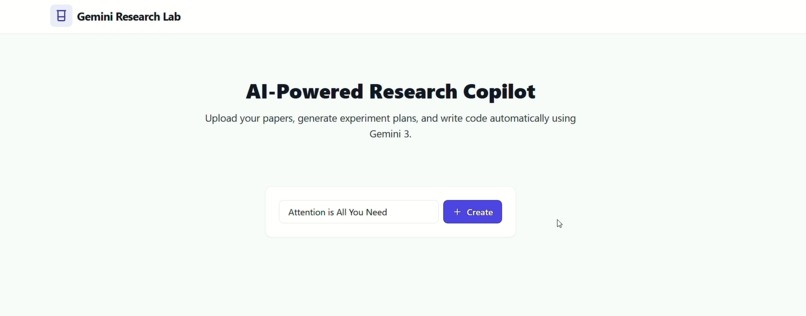
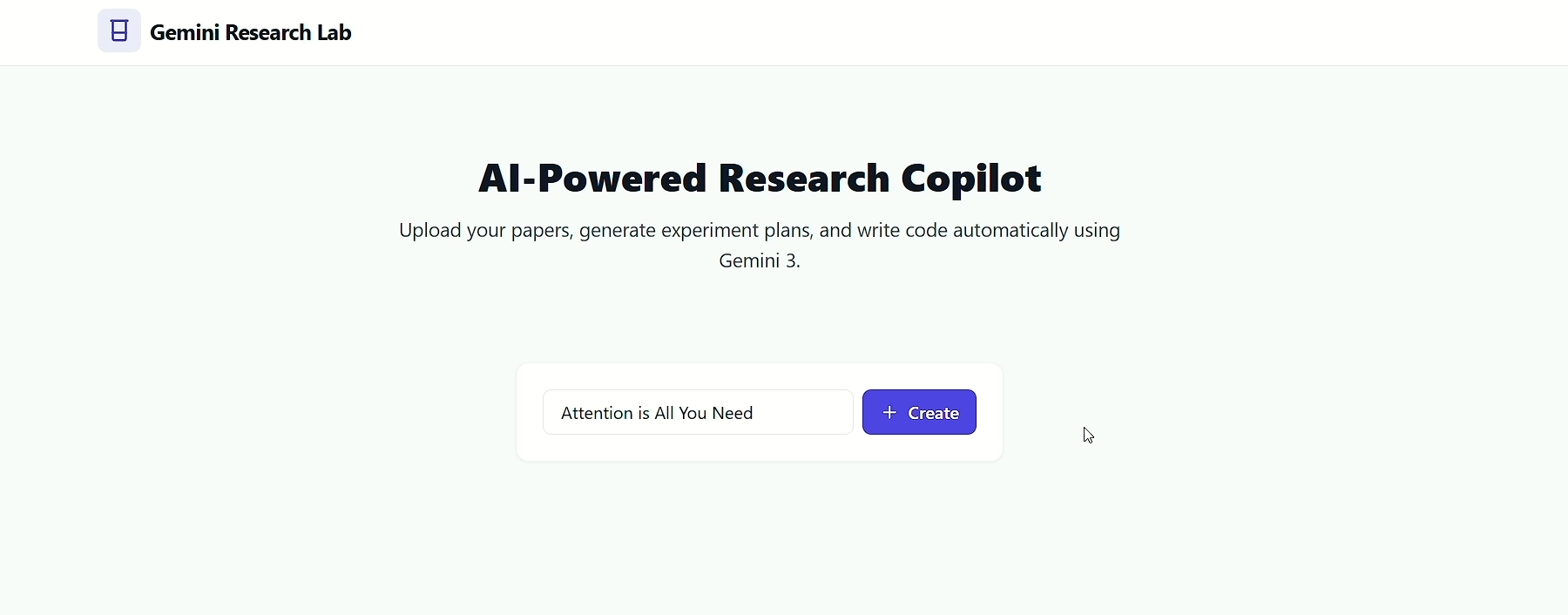
ai powered research copilot
Inspiration
As student and researcher, i often find ourselves drowning in PDFs. i spend significantly more time searching for information and formatting citations than we do on actual critical thinking or synthesis. While traditional LLMs help with text summaries, they often fail in two critical areas:
- Hallucinations: Inventing citations or facts that don't exist.
- Visual Blindness: Completely missing the critical data hidden in charts, graphs, and scientific diagrams.
With the release of Gemini 3, everyone saw an opportunity to solve these problems. I wanted to build a "Copilot" that doesn't just read the abstract, but understands the entire paper—visuals, methodology, and nuances included.
What it does
AI Research Copilot is a multimodal research assistant designed to accelerate scientific discovery.
- Deep Document Understanding: Users can upload full research PDFs. The system uses Gemini 3's massive context window to ingest the entire paper at once, preserving the full narrative flow without breaking it into disconnected chunks.
- Multimodal Chart Analysis: Users can crop or highlight a complex graph (e.g., a loss curve or a biological diagram), and the Copilot explains the trend, data points, and implications in plain English.
- Fact-Checked Citations: When the Copilot answers a question, it provides citations that link directly to the specific section of the source text, ensuring 100% accuracy.
- Methodology Critique: It acts as a peer reviewer, analyzing the "Methods" section to spot potential biases or gaps in the study design.
How we built it
I built the application using Python as our core language.
- The Brain (Gemini 3): We utilized the Gemini 3 Pro API via Google AI Studio. We heavily leveraged its multimodal capabilities to process both the raw text and the extracted images from PDFs simultaneously.
- Frontend: We used [Streamlit / React / Next.js] to build a clean, responsive interface that allows for side-by-side PDF viewing and chatting.
- Backend: We used [FastAPI / Flask] to handle file uploads and orchestrate the API calls.
- Orchestration: Instead of a complex vector database, we relied on Gemini 3's long-context window to hold the relevant papers in memory, which resulted in significantly higher accuracy for "connect-the-dots" type queries compared to traditional RAG.
Challenges I ran into
- PDF Parsing: Extracting clean text and images from multi-column scientific papers is notoriously difficult. Captions often get detached from their figures. We had to write a custom pre-processing script to map images to their nearest textual descriptions before sending them to the model.
- Prompt Engineering: Getting the model to be "critical" rather than just "agreeable" took time. We had to iterate on our system prompts to ensure Gemini 3 would actively challenge assumptions in the papers rather than just summarizing them.
Accomplishments that I'm proud of
- The "Aha!" Moment: The first time we uploaded a paper with a complex, unlabeled scatter plot and asked Gemini 3 to "explain the outlier," it correctly identified the specific data point and its context in the text. That was when we knew the multimodal integration was working.
- Seamless Context: Successfully managing the context window to allow users to "chat" with multiple papers at once without the model getting confused between sources.
What I learned
- Multimodal is the future: Text-only analysis is insufficient for science. The ability to "see" data is what separates a summarizer from a true research assistant.
- Gemini 3's Reasoning: We learned that Gemini 3 excels at structured reasoning tasks. Breaking down complex queries into step-by-step "thought chains" significantly improved the quality of the critique it provided.
What's next for AI Research Copilot
- Zotero/Mendeley Integration: I want to connect directly to users' existing reference libraries.
- Agentic Workflows: Giving the Copilot the ability to follow citations and automatically download referenced papers to build a "genealogy" of an idea.
- Latex Export: One-click export of the insights into a formatted BibTeX or LaTeX snippet for immediate use in papers.

Log in or sign up for Devpost to join the conversation.