Inspiration
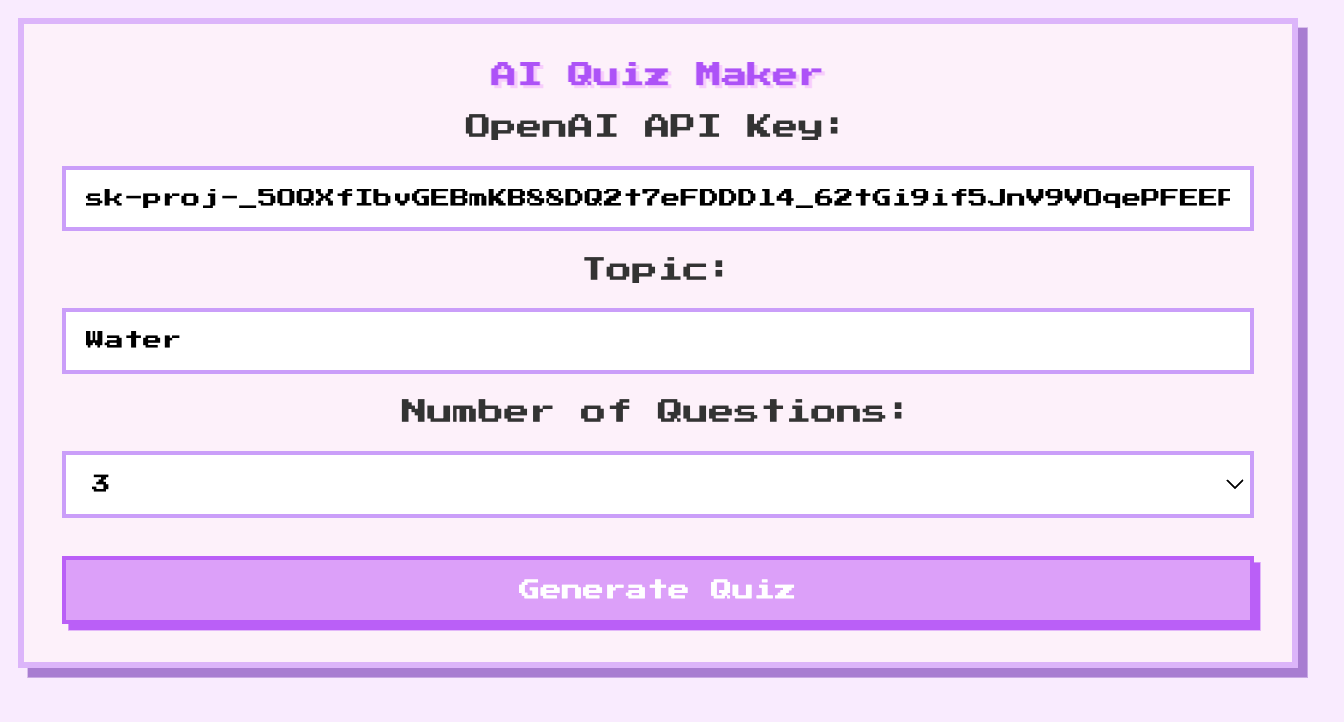
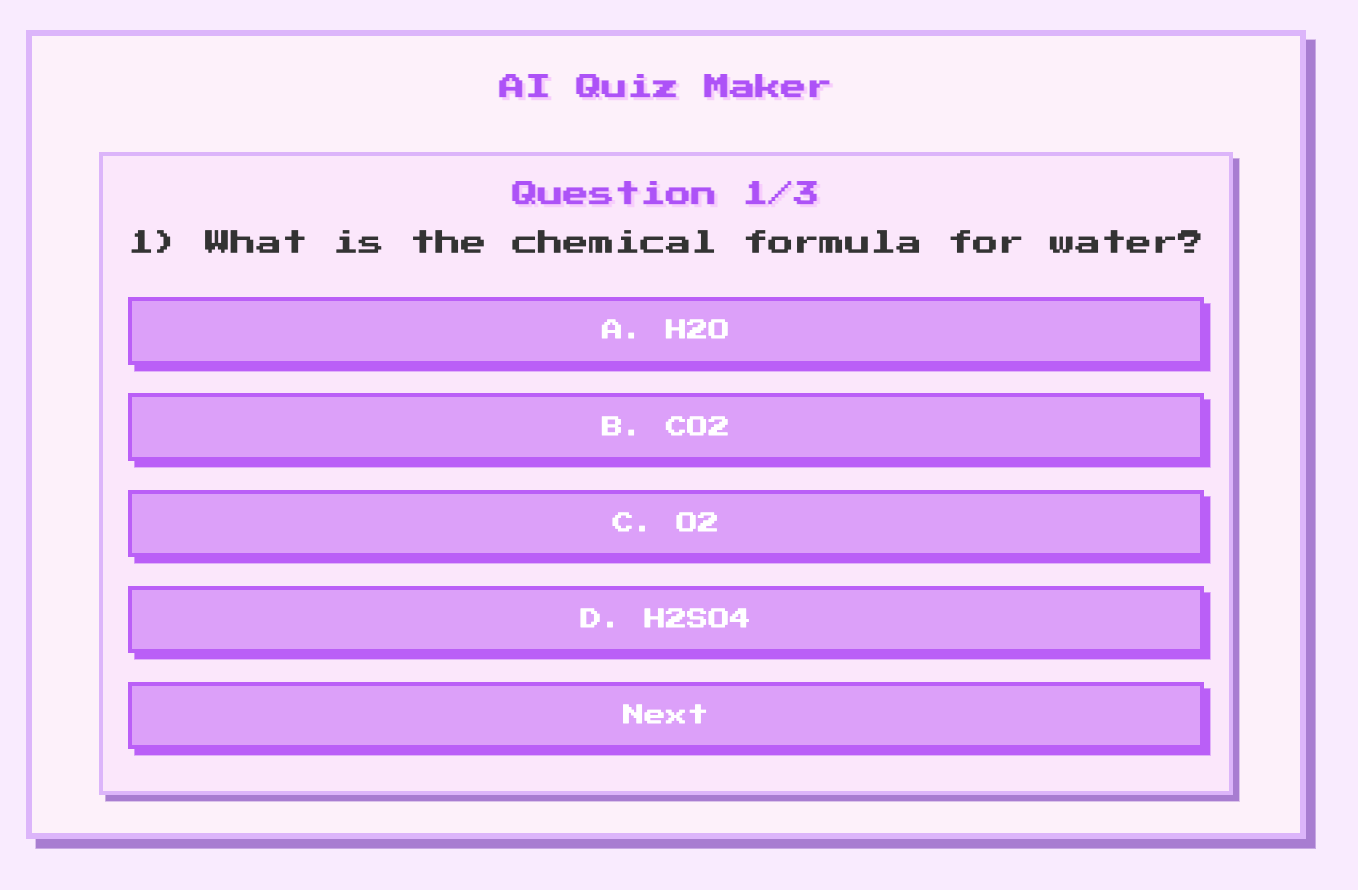
We wanted to create a quiz tool that felt lightweight, fun, and easy to use. Most quiz platforms look very formal or complicated, so we aimed for something playful but clean, where users can enjoy taking a quiz without any distractions. The pixel-cute aesthetic came from wanting to make the quiz feel more personalised, creative, and visually appealing.
What it does
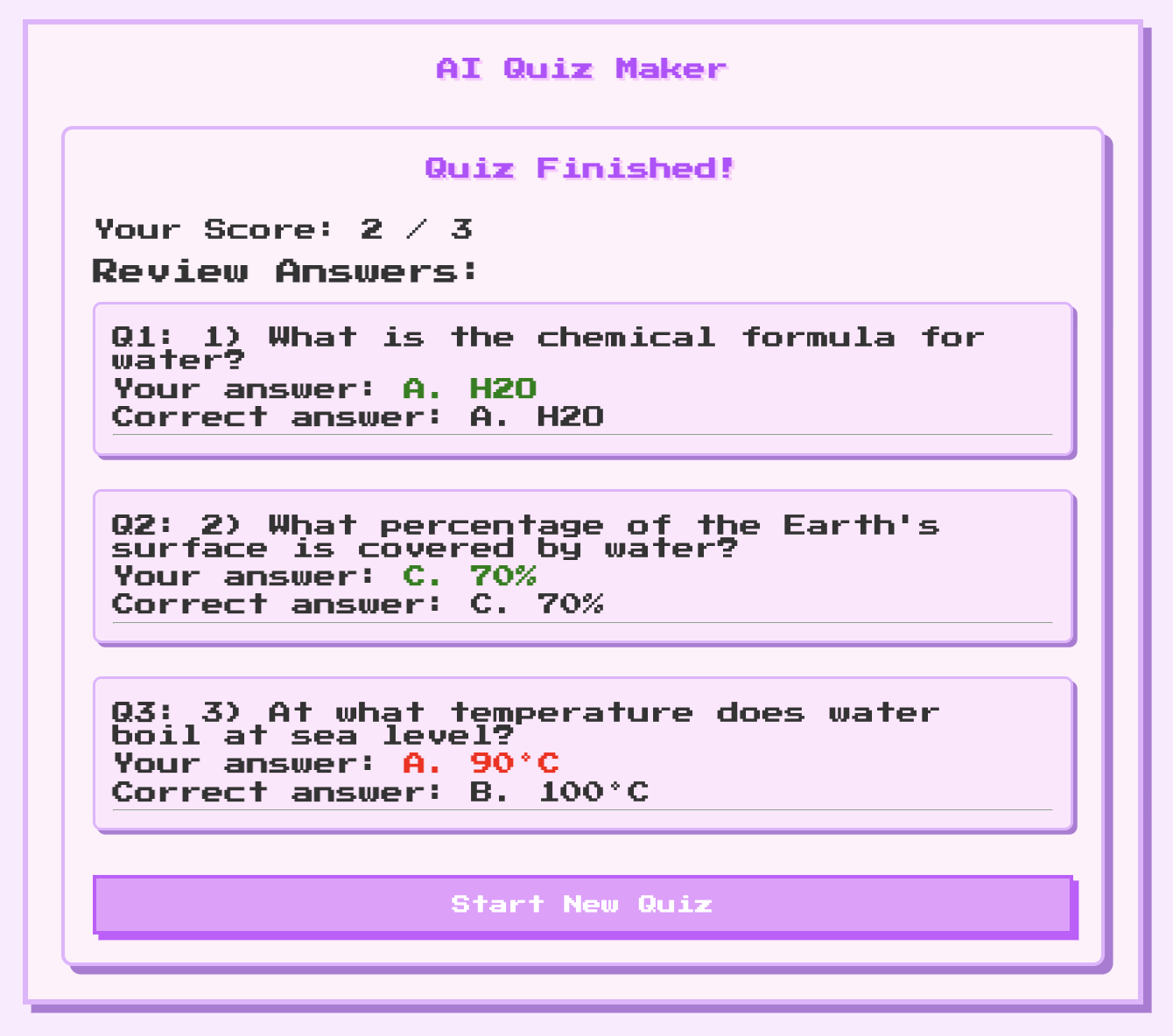
Lets users take quizzes one question at a time Instantly calculates scores after completion Provides a clean, pink & purple pixel-themed UI for a fun experience
How we built it
Frontend: React + JavaScript for interactivity Styling: CSS with pixel aesthetics, spacing, and animations Development: Vite for fast setup and live reloading AI Integration: OpenAI API to dynamically generate quiz questions Architecture: Clean modular structure to separate logic from UI
Challenges we ran into
Designing a pixel-cute interface that’s both fun and readable Managing state and navigation between questions Parsing AI-generated text into a usable quiz format
Accomplishments that we're proud of
Built a fully functional quiz generator with instant scoring Created a visually engaging, user-friendly interface Successfully integrated dynamic AI question generation Maintained modular, clean, and extendable code
What we learned
How to integrate AI into a web application Best practices for state management in React Techniques for designing pixel-style UIs that remain readable The importance of planning modular, maintainable code
What's next for AI Quiz Maker
Add user accounts and progress tracking Include quiz categories and difficulty levels Add timers and more interactive animations Improve admin features: edit multiple quizzes, export results Explore leaderboards or gamification to increase engagement
Built With
- css
- html
- javascript
- json
- openai
- react
- vite

Log in or sign up for Devpost to join the conversation.