-
-
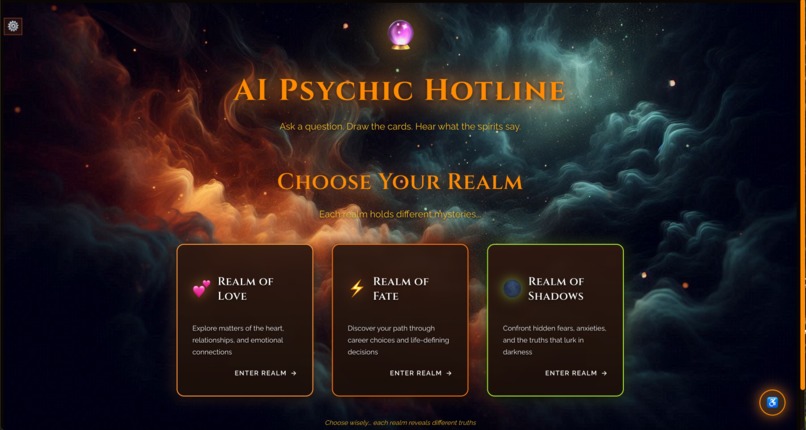
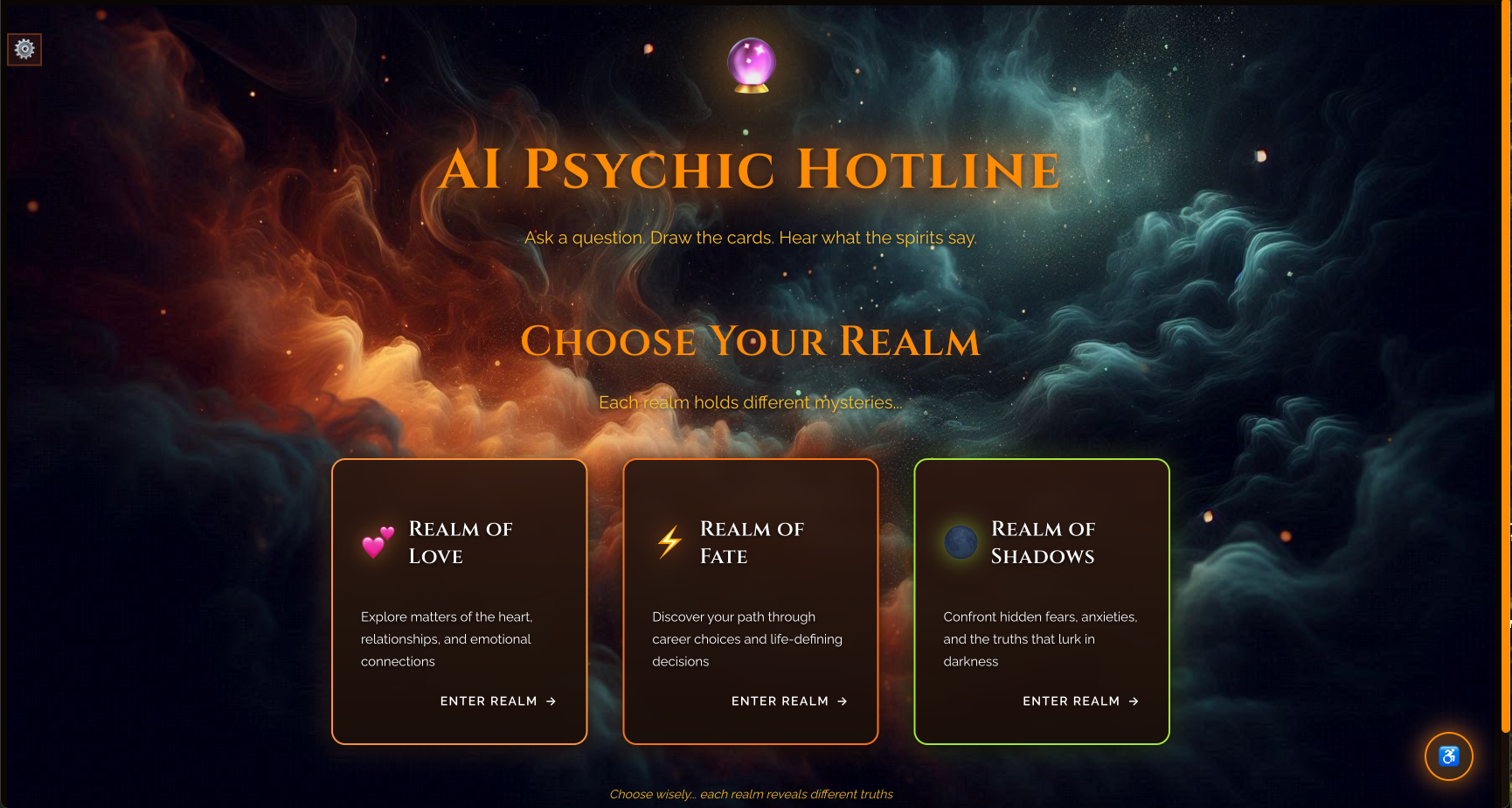
AI Psychic Hotline realm selection screen showing three mystical realms: Love, Fate, and Shadows.
-
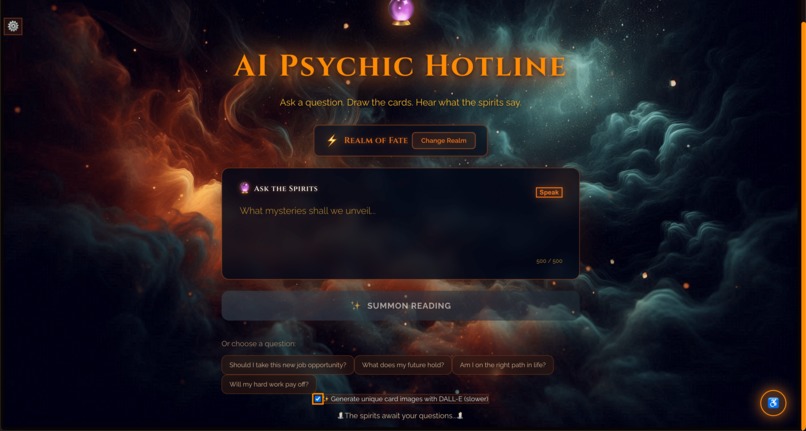
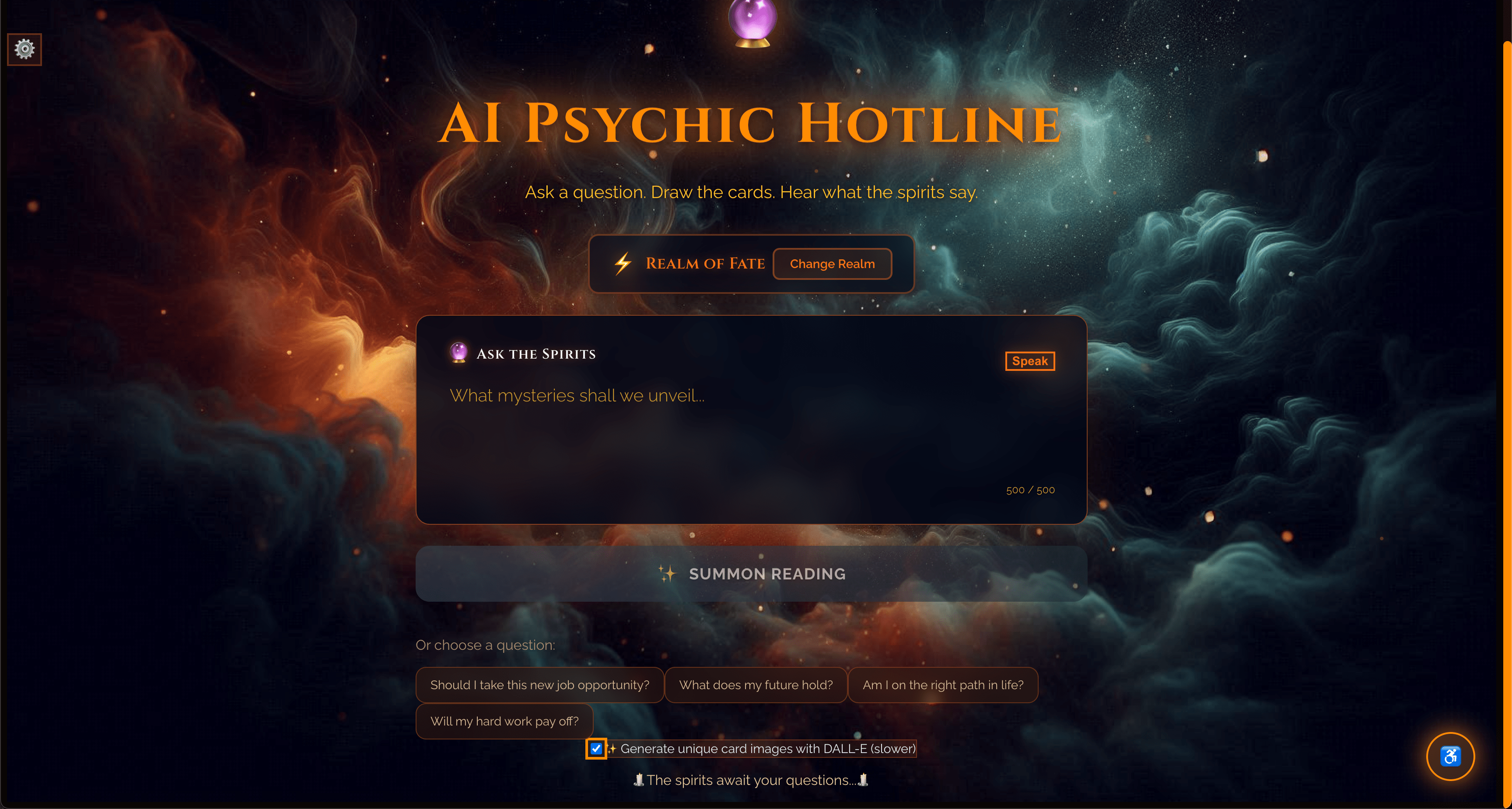
Question input screen with voice button and Summon Reading button
-
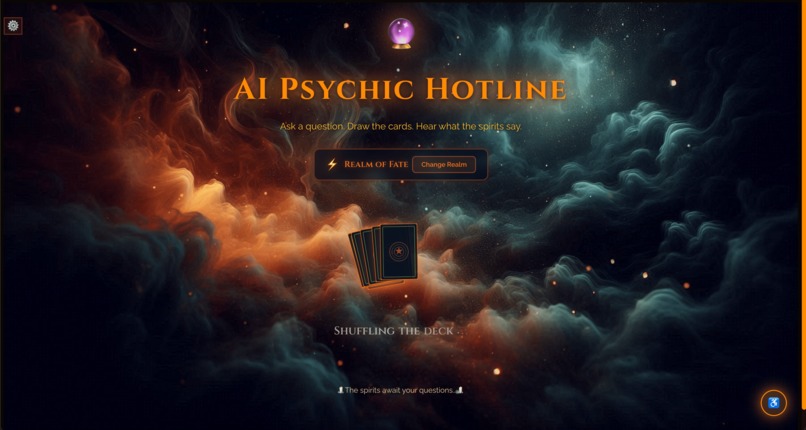
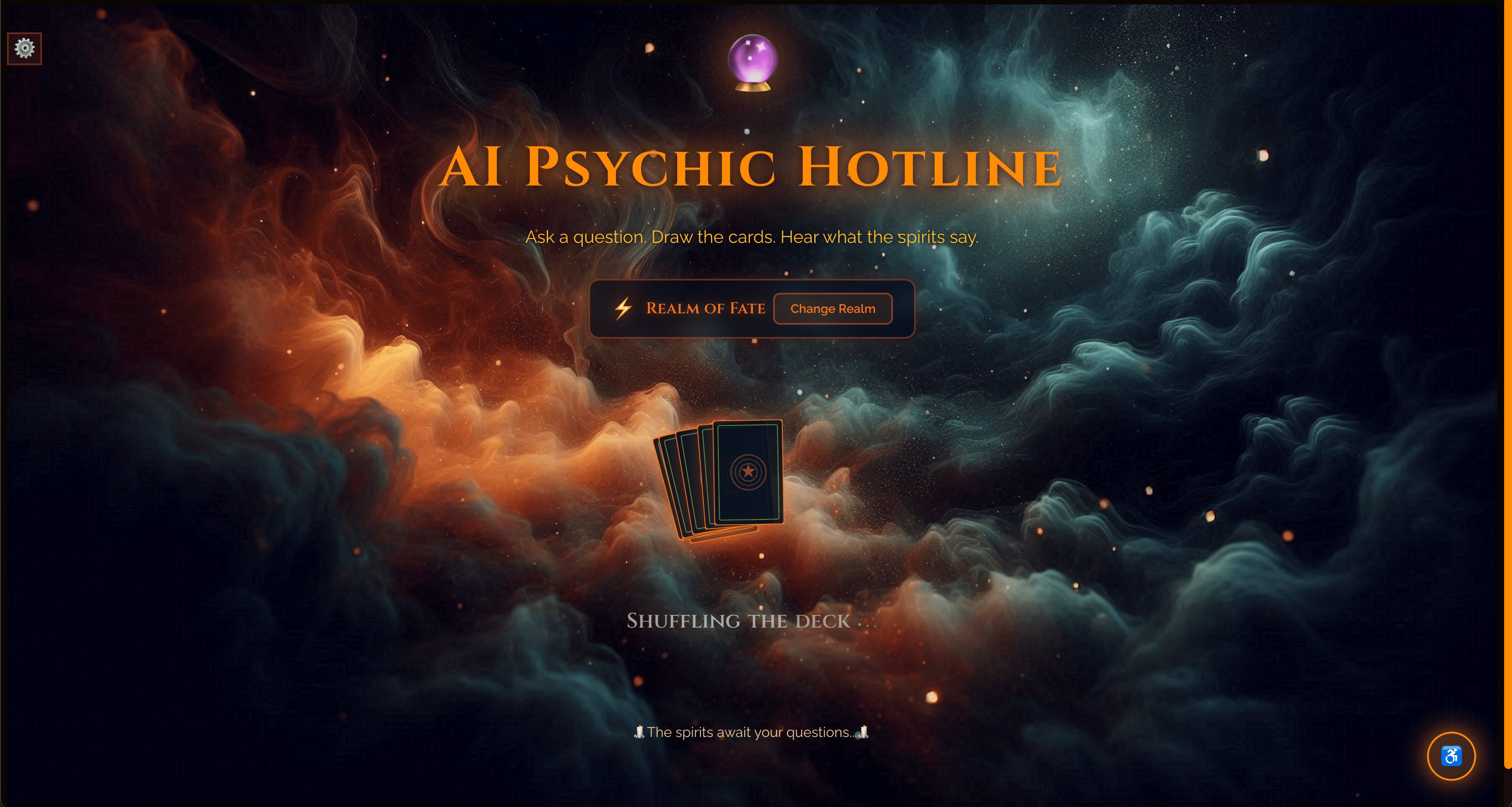
Shuffling cards
-
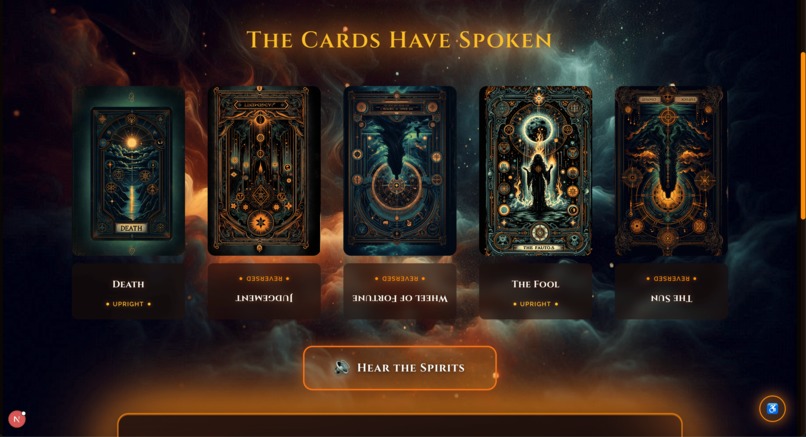
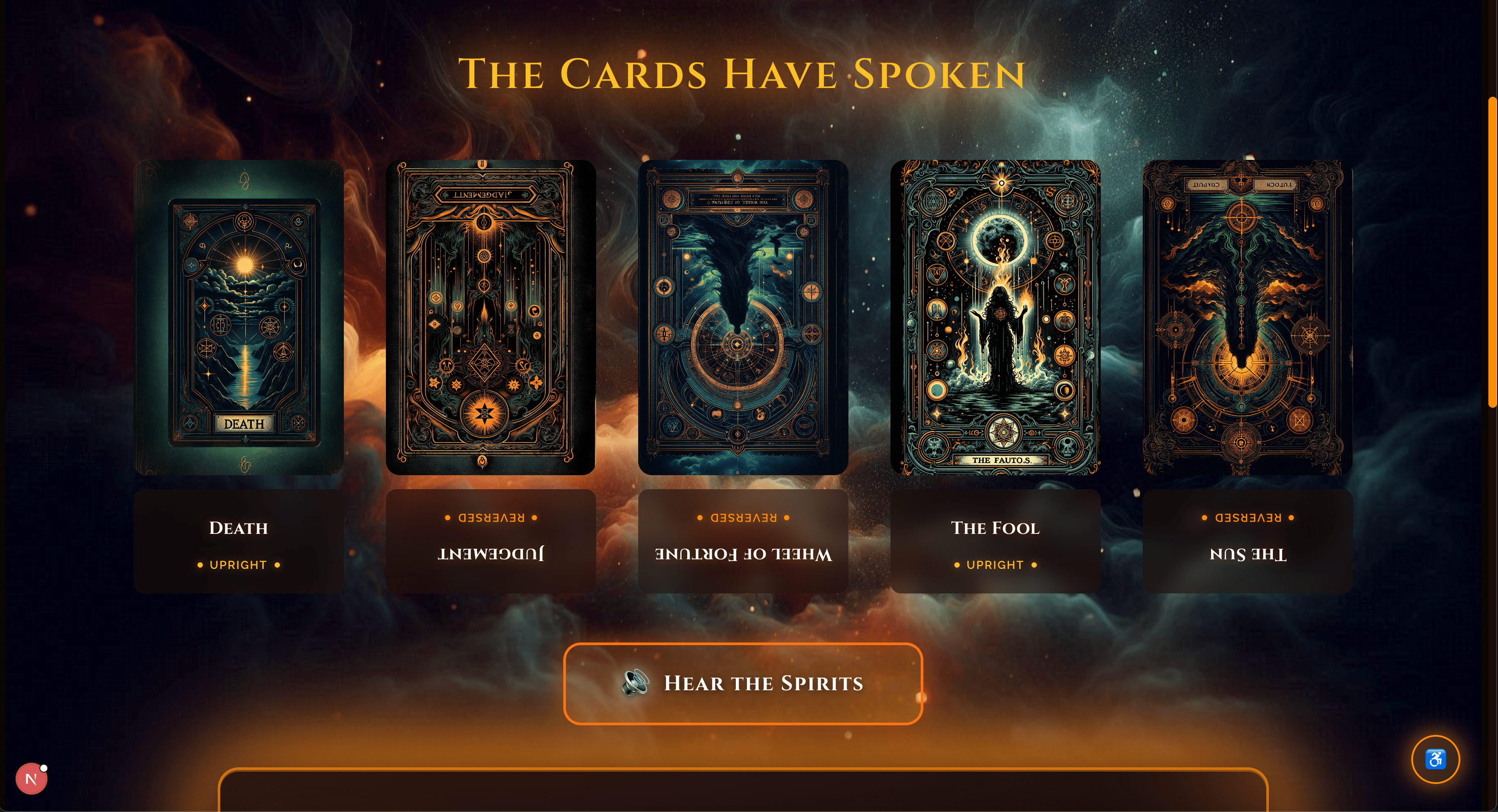
Tarot cards with orange and green glowing borders
-
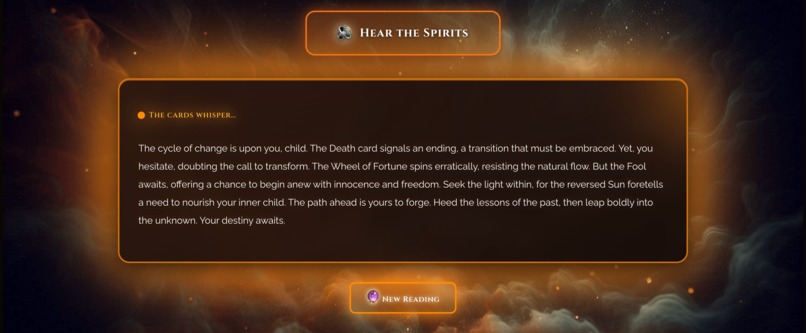
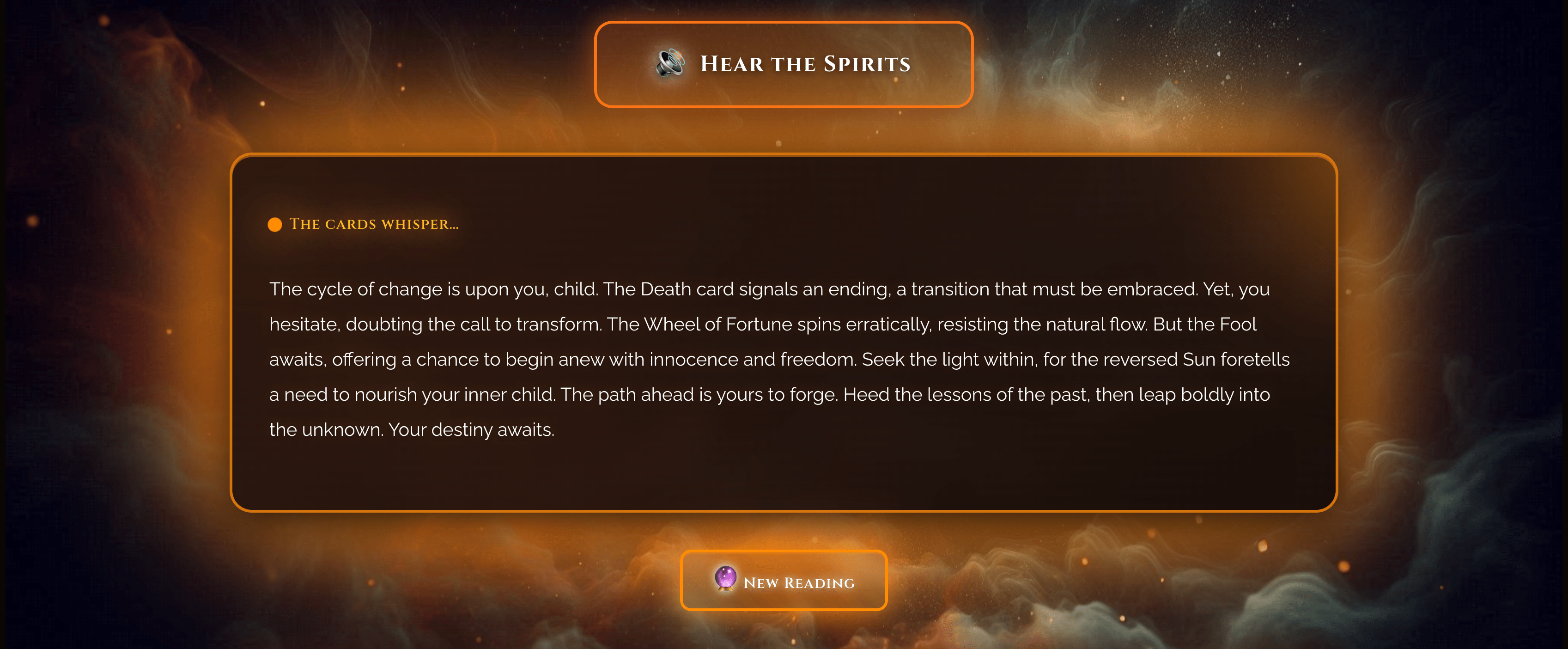
AI-generated fortune text with audio playback button
-
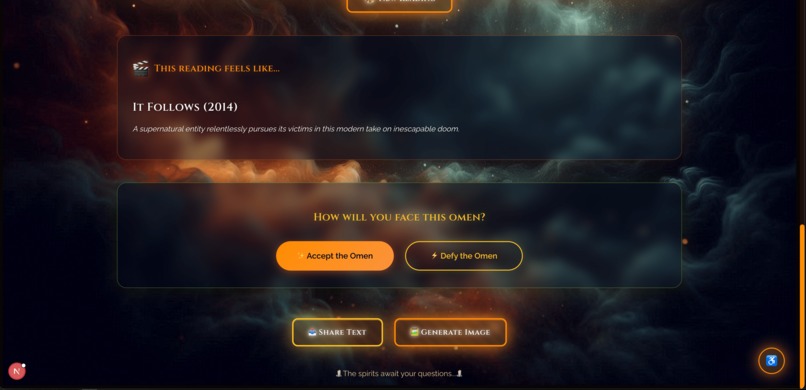
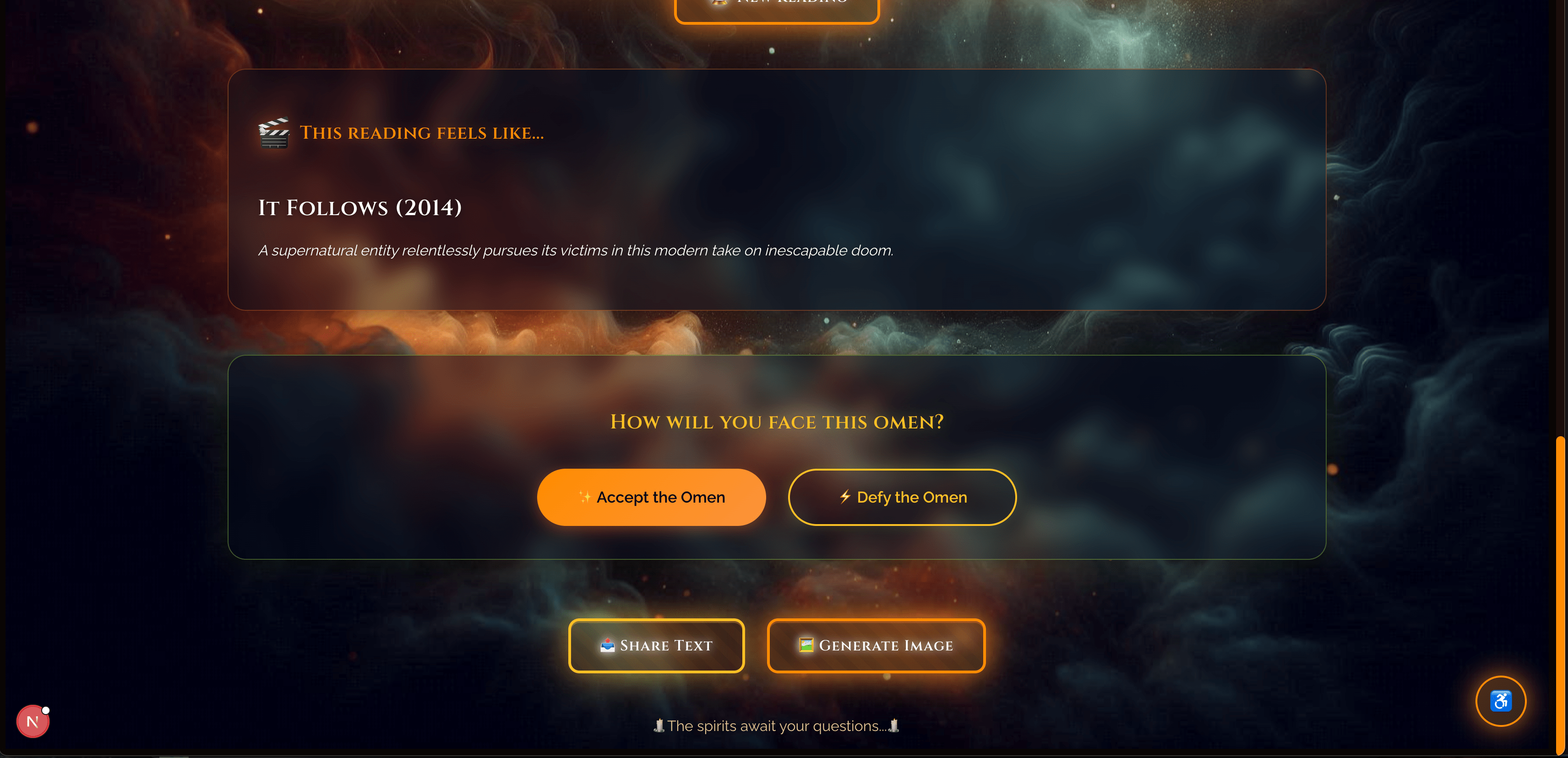
Movie recommendation card based on tarot reading
-
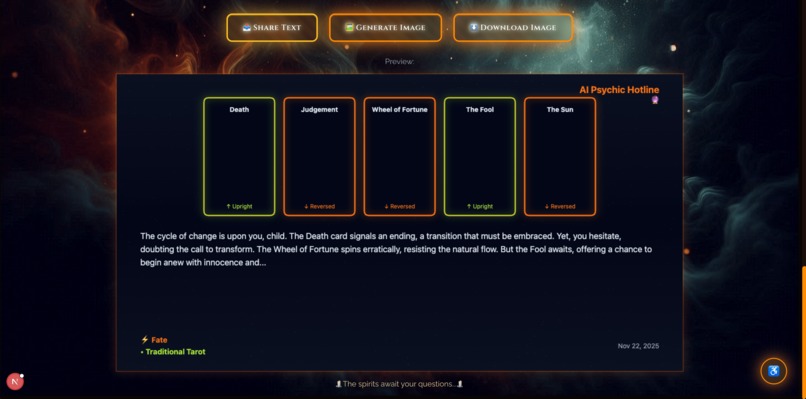
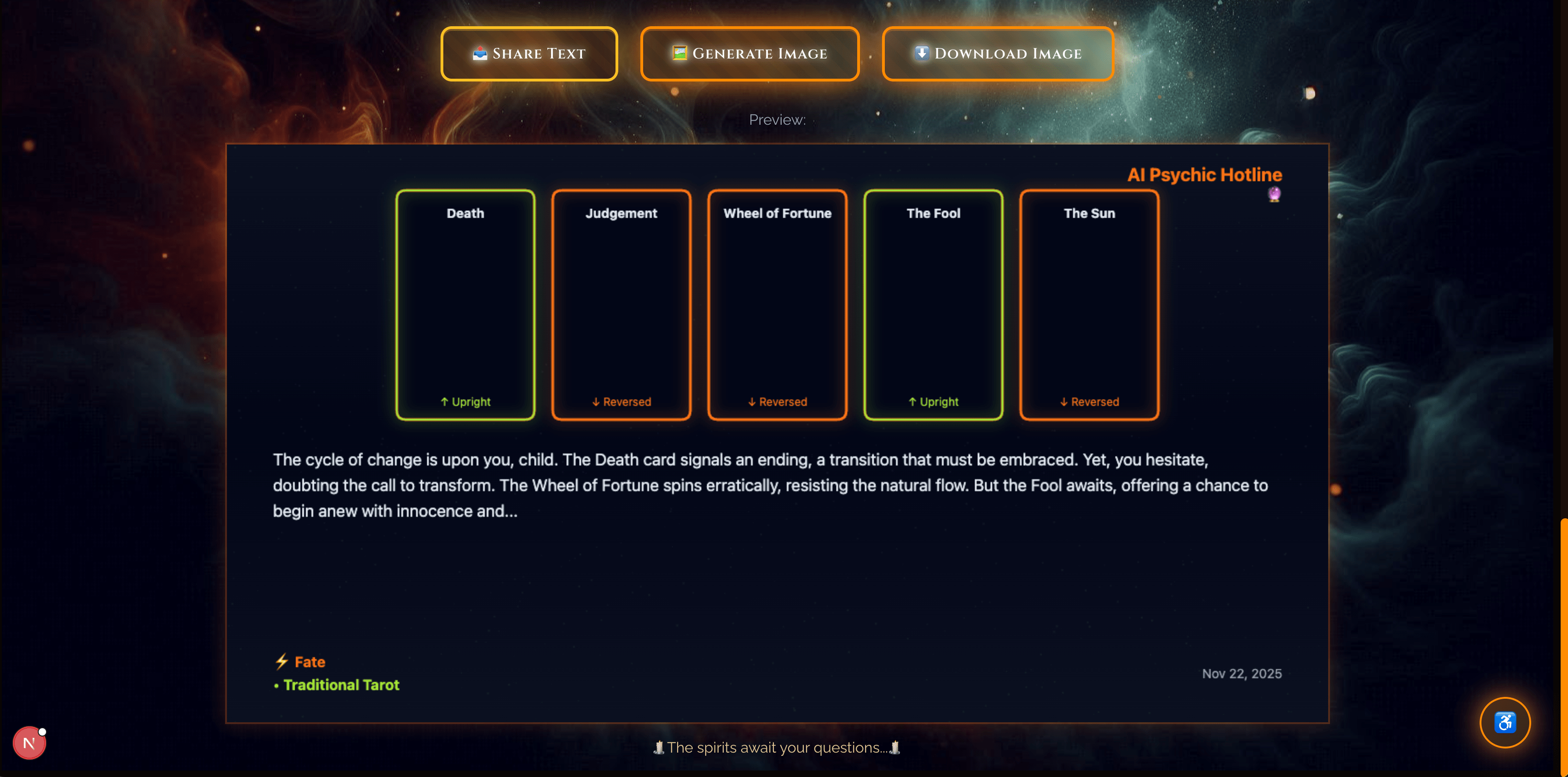
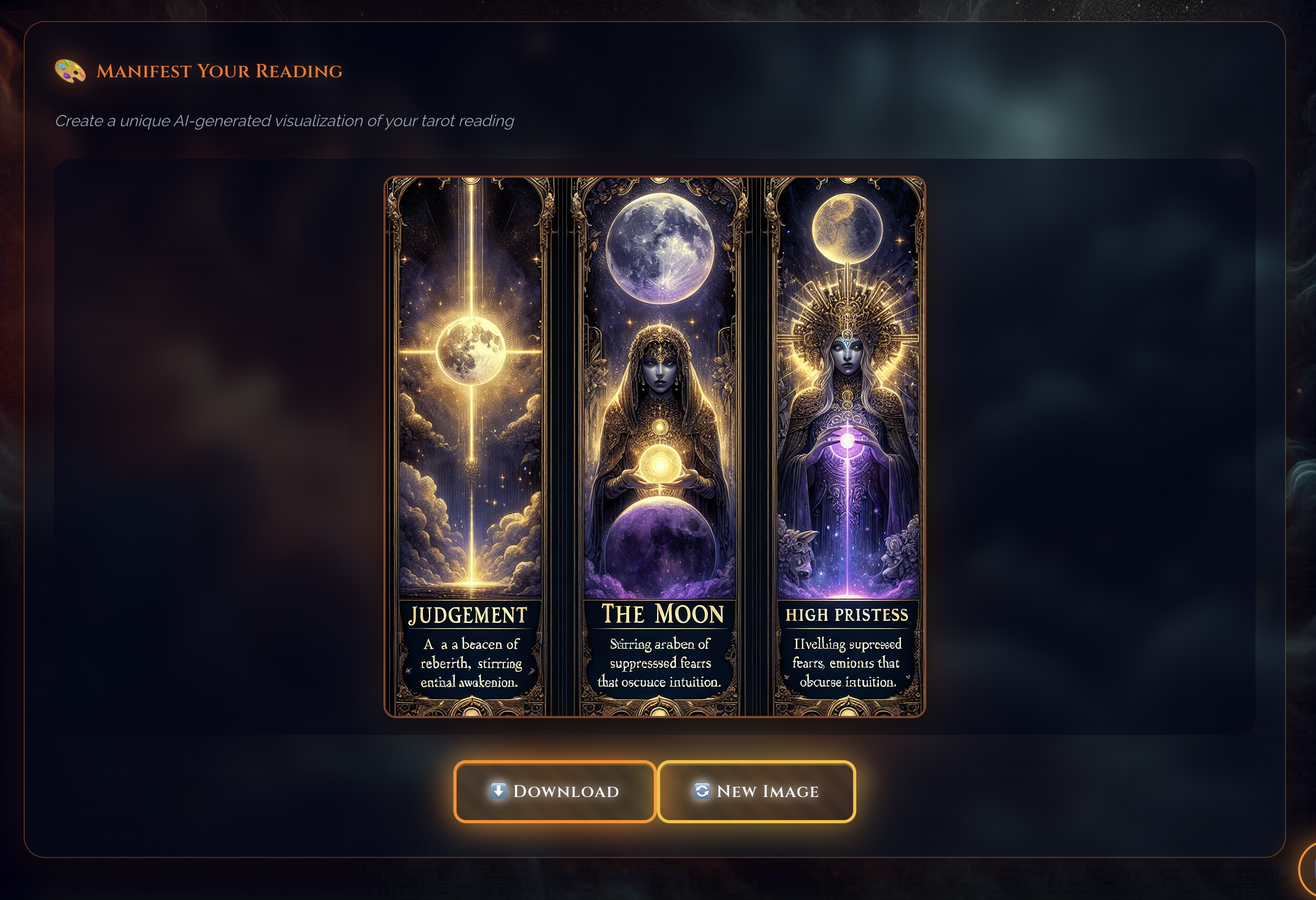
Image generation based on tarot reading with download image option
-
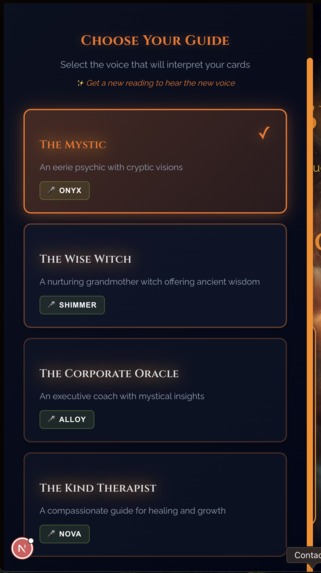
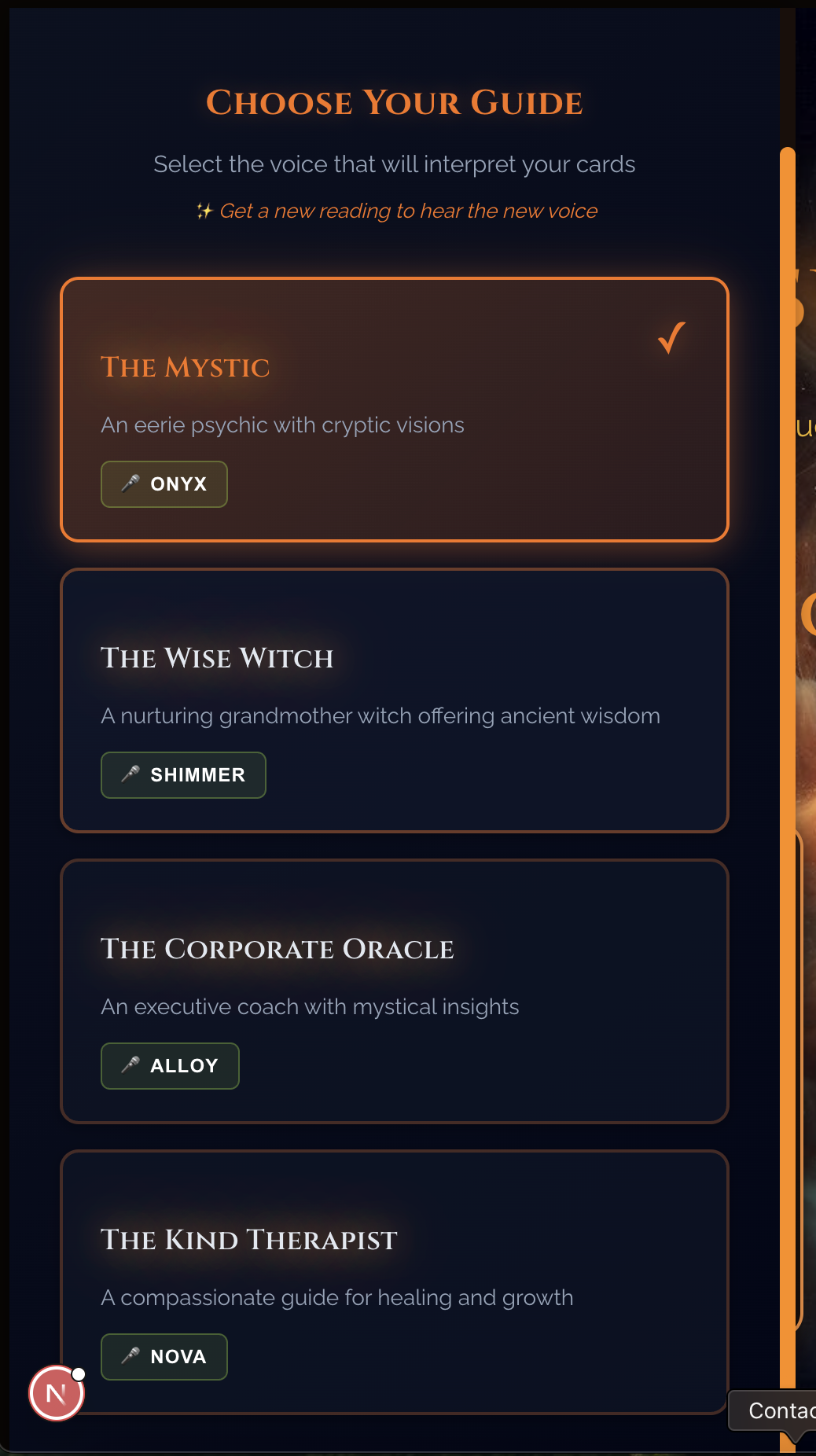
Settings panel with four AI persona options
-
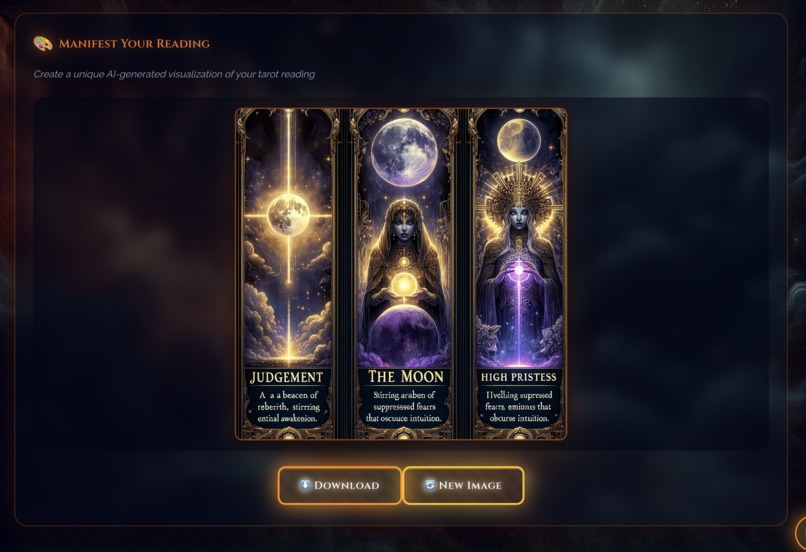
Generator section, The DALL-E result with download buttons
Inspiration
I wanted to build something fun for Halloween - a psychic hotline where an AI reads tarot cards and speaks fortunes in a spooky voice. The idea started with a simple question: what if you could get a tarot reading from an AI that actually understands the symbolism?
This was a chance to combine multiple AI APIs in one project. Claude for generating fortunes, OpenAI's Whisper for voice input, TTS for voice output, and DALL-E for custom card art. My goal was to create something that feels like a real séance, not just another chatbot.
On the technical side, I wanted to demonstrate spec-driven development with Kiro. I wrote proper requirements and design documents first, then used Kiro's steering documents, custom MCP tools, and agent hooks to maintain quality throughout the hackathon.
What it does
AI Psychic Hotline is a web app where you ask questions and get tarot readings from AI fortune tellers.
How it works:
- Choose your guide - Open settings to select from 4 AI personas with different voices
- Pick a realm (Love, Fate, or Shadows) - each has a different personality
- Type or speak your question
- Watch 3-5 tarot cards get drawn with animations
- Read your AI-generated fortune that references the specific cards
- Listen to it spoken in a spooky voice
- Get a horror movie recommendation that matches your reading
- Generate a unique DALL-E image to download and share
Features:
- Settings panel to choose from 4 AI personas (Mystic, Wise Witch, Corporate Oracle, Kind Therapist)
- Each persona has a unique voice and interpretation style
- Voice input via Whisper with clear "Speak" button
- Text-to-speech with persona-matched voices (onyx, shimmer, alloy, nova)
- DALL-E generated tarot card art (optional, for individual cards)
- Generate reading images - Create unique DALL-E visualizations of your entire reading
- Suggested questions for each realm to help users get started
- Movie recommendations based on card symbolism
- Share readings as downloadable images with cards and fortune
- Fate meter (accept/defy your fortune)
Tech stack:
- Next.js 16, React 19, TypeScript
- Claude API for fortune generation
- OpenAI APIs for voice and images
- Custom matching algorithm for movie recommendations
How I built it
I started with formal requirements and design documents, then had Kiro transform them into structured specifications with requirements, architecture documentation, and over 30 implementation tasks. This foundation kept everything consistent throughout development.
I kept business logic in services and components focused on UI. API routes stay thin and delegate to services. This clean architecture made it easy to add new features without breaking existing code.
I created 6 steering documents that guided how Kiro worked on the project - covering engineering standards, content quality guidelines, visual design rules, tech stack, file organization, and core features. These documents eliminated most repetitive corrections and maintained consistency across the entire codebase.
I built 4 custom MCP validation tools that caught issues my regular tests missed. These tools validated data structure, AI-generated content quality, asset completeness, and consistency across different modes. They revealed that AI-generated content was nearly double the target length, which I fixed by adjusting generation parameters and adding explicit constraints.
I set up 3 automated testing workflows that ran whenever I saved specific files. This caught bugs immediately instead of discovering them later during manual testing.
Challenges
AI content quality: Initial output was too verbose and had unwanted artifacts. I fixed this by writing detailed quality guidelines, building validation tools to quantify issues, and adding explicit constraints to the generation prompts.
Visual consistency: Kiro has default aesthetic preferences that didn't match my design. I wrote explicit rules about what colors to use and what to avoid. This achieved perfect visual consistency across all components.
Browser compatibility: Autoplay policies and microphone permissions varied across browsers. I implemented user interaction triggers, graceful degradation, clear permission prompts, and fallback options.
API response time: Image generation takes 20-30 seconds. I made it optional, used default images for speed, ran parallel requests for multiple images, and added clear loading states.
Testing AI integrations: Standard tests couldn't validate content quality. I built custom validation tools with domain-specific quality checks, statistical analysis, and quantified improvements.
What I'm proud of
Built 5,650+ lines of production-ready code with clean architecture, comprehensive TypeScript types, stable API contracts, proper error handling, and security best practices.
Custom validation tools caught issues standard tests missed and provided quantifiable metrics that enabled rapid iteration.
Steering documents eliminated 90% of code review issues and maintained consistency across the entire codebase.
Built a polished settings UI where users choose their guide. Each personality has a unique system prompt, matched TTS voice (onyx/shimmer/alloy/nova), consistent character, seamless realm integration, and professional output quality. The panel slides in smoothly with hover states and clear visual feedback.
The app feels like a real séance with card animations, voice output, and attention to every detail. It's polished and immersive, not just a functional demo.
What I learned
Spec-driven development with clear documentation creates a solid foundation that prevents drift and rework. Architecture stays consistent and new features integrate cleanly.
Explicit rules with examples eliminate repetitive corrections. AI assistants need clear guidelines to maintain consistency.
Domain-specific validation requires custom tools. Standard tests can't validate AI content quality. Custom tools caught issues that would have shipped to production.
A hybrid approach works best. Use specs for architecture and critical paths, conversational development for creativity and polish. This enables fast iteration while maintaining a solid technical foundation.
Automation pays off immediately. Automated testing workflows catch regressions instantly and save significant time.
AI content needs explicit constraints. Without them, output will be verbose and include unwanted patterns. Quality guidelines must be in the generation prompts themselves.
Documentation isn't overhead - it's how you communicate requirements to AI assistants. Better documentation leads to better code generation and faster development.
What's next
- Save reading history and track patterns
- Daily one-card draws with streak tracking
- Beautiful shareable images for social media
- Curated themed readings
- Anonymous community features
Built With
- claude
- kiro
- next.js
- openai
- react
- tailwind
- typescript
- vanta.js

Log in or sign up for Devpost to join the conversation.