
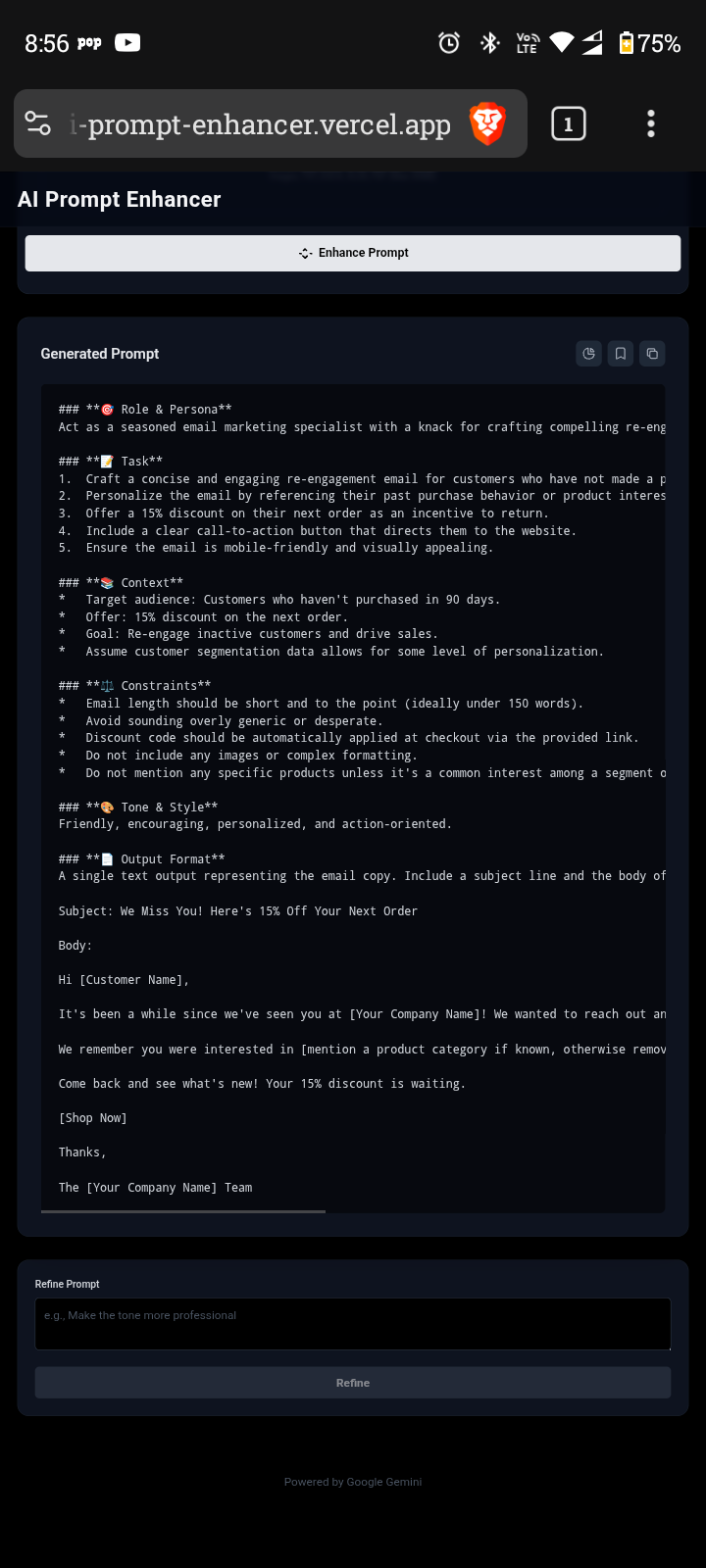
AI Prompt Enhancer
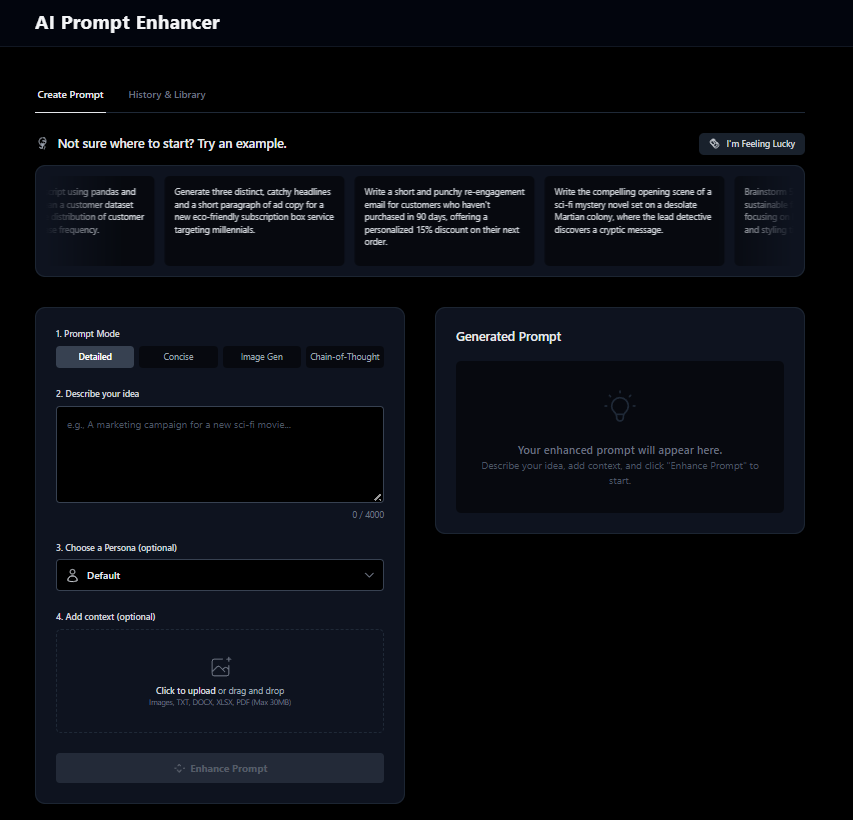
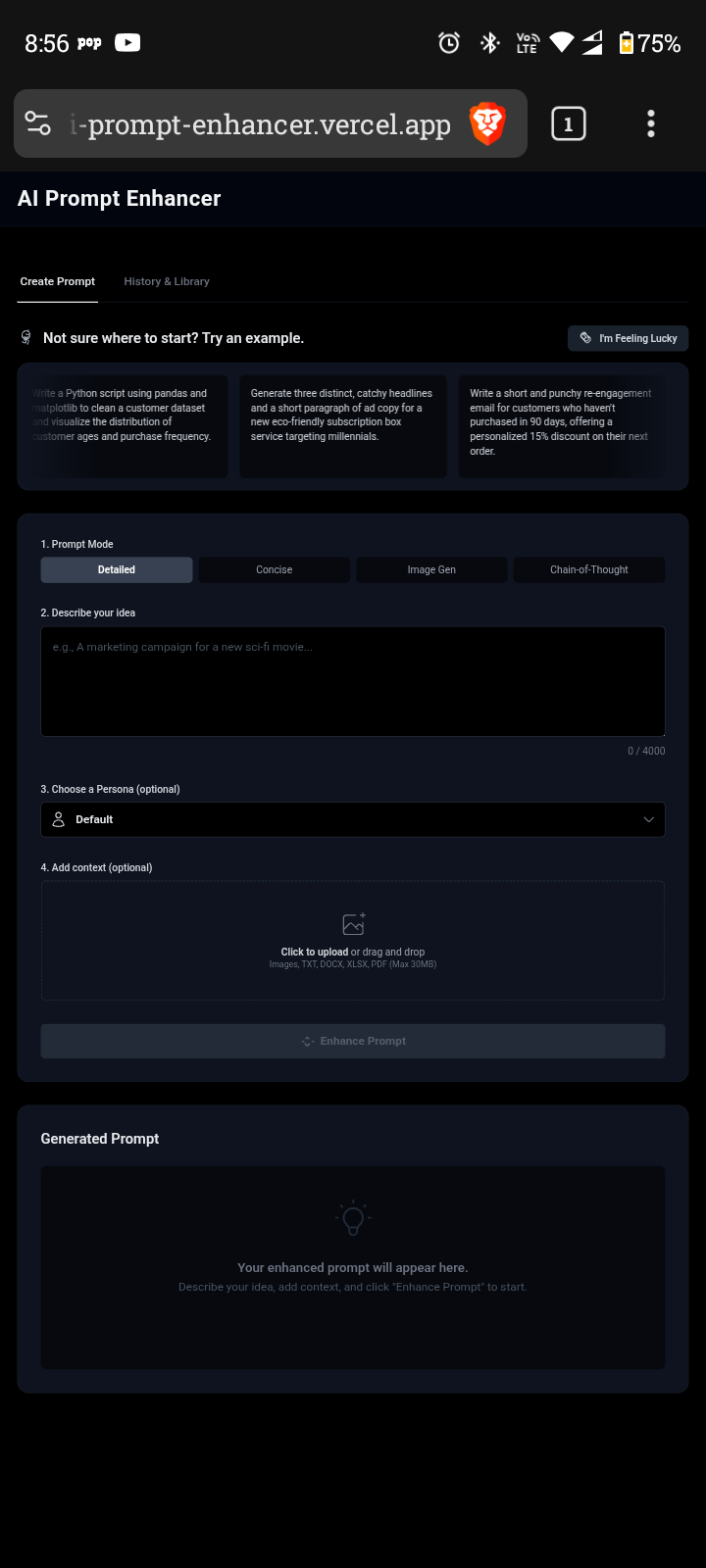
An application to help users create advanced text prompts for generative AI models. Users can provide a basic idea, upload supplementary documents or images, and the AI will generate a detailed, structured, and effective prompt.
Live Demo
View your app in action here: https://my-ai-prompt-enhancer.vercel.app/
Features
- Multiple Prompt Modes: Generate prompts in various styles including Detailed, Concise, Image Generation, and Chain-of-Thought.
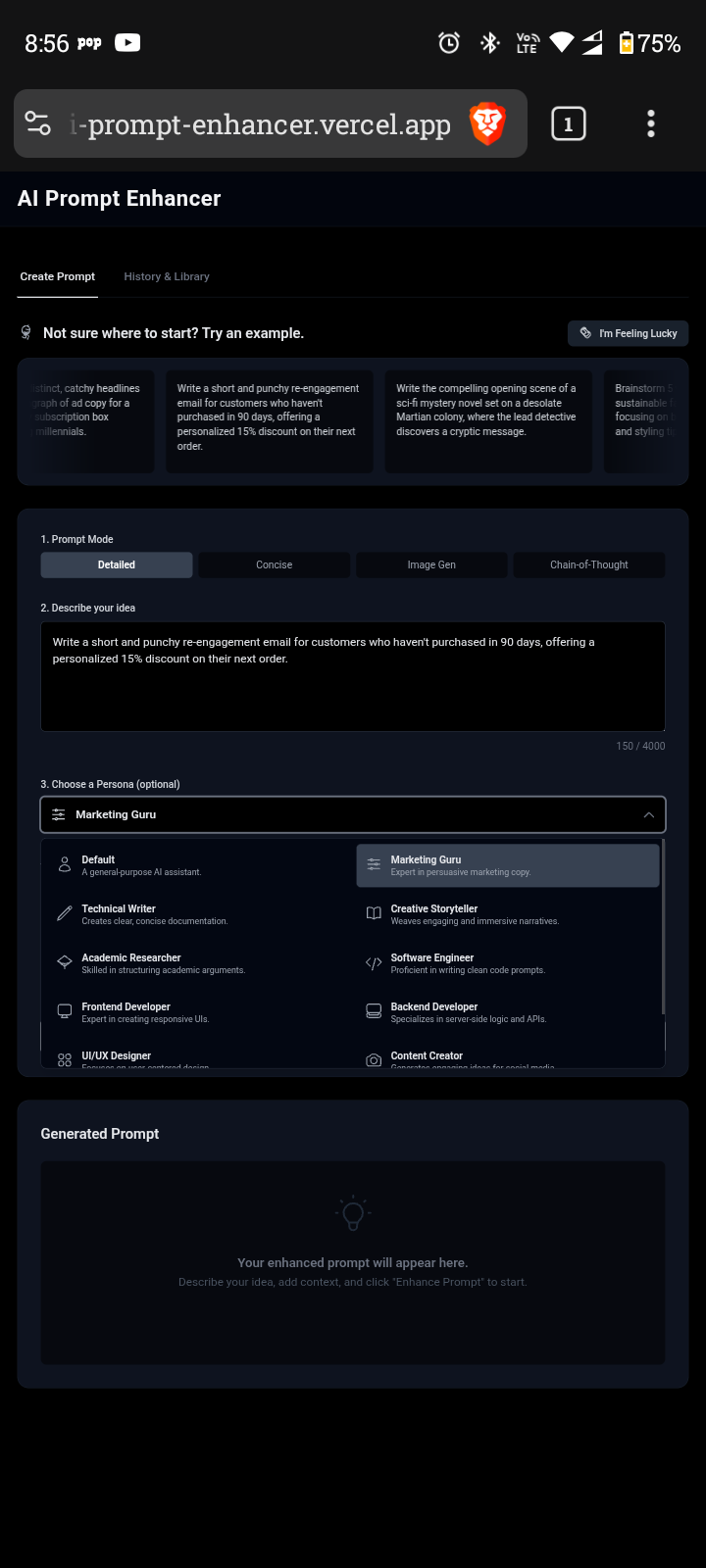
- Persona-based Prompting: Select from a range of predefined personas (e.g., Marketing Guru, Technical Writer, Data Scientist) to tailor the AI's approach.
- Contextual File Uploads: Enhance prompts by uploading supplementary documents (TXT, DOCX, XLSX, PDF) and images, which the AI uses for additional context.
- "I'm Feeling Lucky" Feature: Get inspired with unique, random prompt ideas.
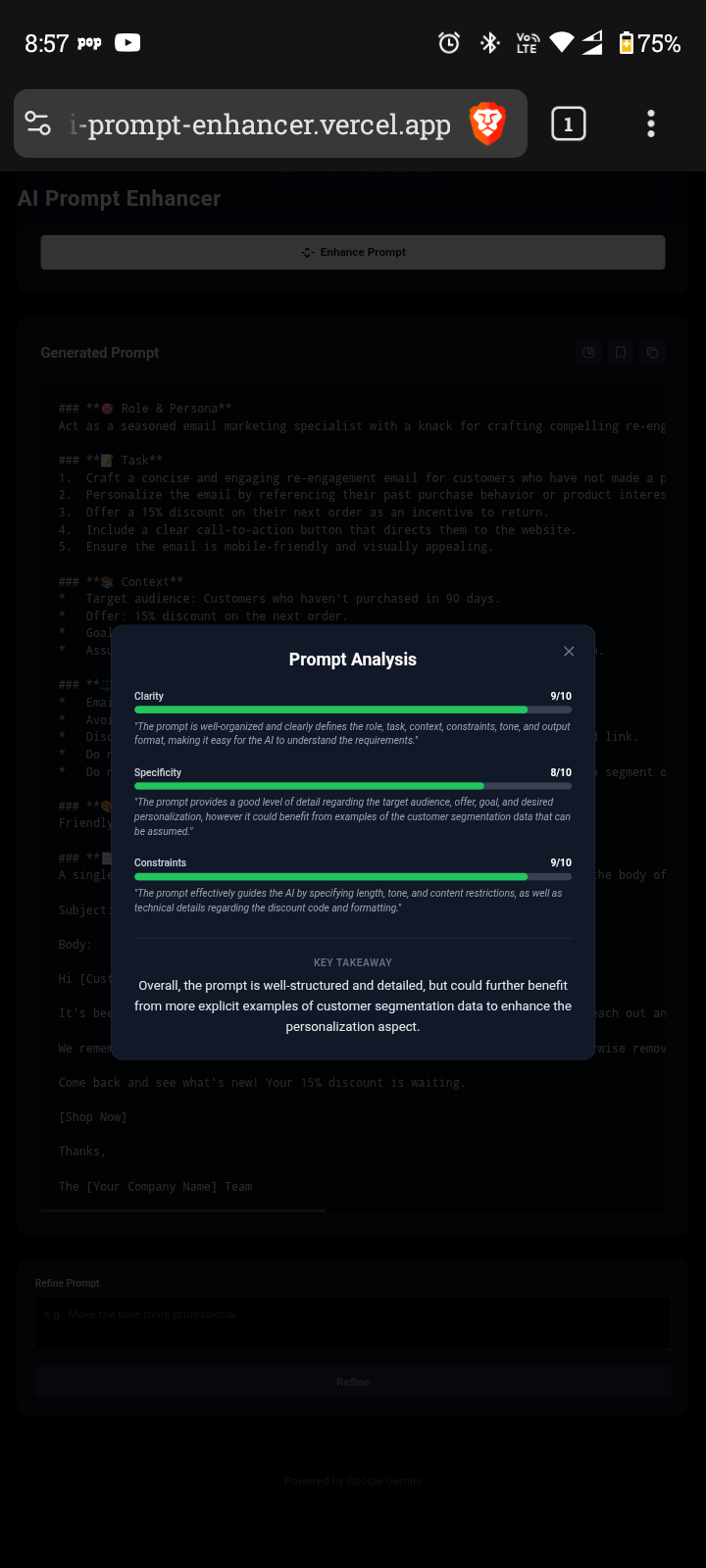
- Prompt Analysis: Receive constructive feedback on generated prompts, including scores for Clarity, Specificity, and adherence to Constraints.
- Prompt Refinement: Iteratively improve generated prompts with specific refinement instructions.
- History & Library: Save and manage your generated prompts for future use and reference.
Tech Stack
This project is built using modern web technologies:
- Frontend: React, TypeScript
- Build Tool: Vite
- Styling: Tailwind CSS
- AI Integration: Google Gemini API
- Document Processing:
mammoth(for DOCX),xlsx(for XLSX),pdfjs-dist(for PDF) - Markdown Rendering:
marked
Getting Started
Follow these steps to set up and run the application locally.
Prerequisites
- Node.js (LTS version recommended)
Installation
- Clone the repository:
bash git clone https://github.com/your-username/AI-Prompt-Enhancer.git cd AI-Prompt-Enhancer - Install dependencies:
bash
npm install
Environment Setup
Obtain a Gemini API Key: If you don't have one, get your API key from Google AI Studio.
Create a
.envfile: In the root of your project directory, create a file named.envand add your Gemini API key:VITE_API_KEY=YOUR_GEMINI_API_KEYReplace
YOUR_GEMINI_API_KEYwith the actual API key you obtained.
Running the App
- Start the development server:
bash npm run dev - Open your browser and navigate to
http://localhost:3000(or the address shown in your terminal).
Project Structure
.
├── public/
├── src/
│   ├── App.tsx
│   ├── index.tsx
│   ├── components/
│   │   ├── ExamplePrompts.tsx
│   │   ├── FeedbackModal.tsx
│   │   ├── FileUpload.tsx
│   │   ├── Footer.tsx
│   │   ├── Header.tsx
│   │   ├── HistoryPanel.tsx
│   │   ├── InputPanel.tsx
│   │   ├── OutputPanel.tsx
│   │   ├── RefinementPanel.tsx
│   │   └── icons/
│   ├── data/
│   │   ├── examplePrompts.ts
│   │   ├── personas.ts
│   │   └── promptModes.ts
│   ├── services/
│   │   └── geminiService.ts
│   ├── types.ts
│   └── index.css
├── .env
├── .gitignore
├── index.html
├── metadata.json
├── package.json
├── package-lock.json
├── README.md
├── tsconfig.json
└── vite.config.ts
Contributing
Contributions are welcome! If you have suggestions for improvements or new features, please open an issue or submit a pull request.

Log in or sign up for Devpost to join the conversation.