-
-
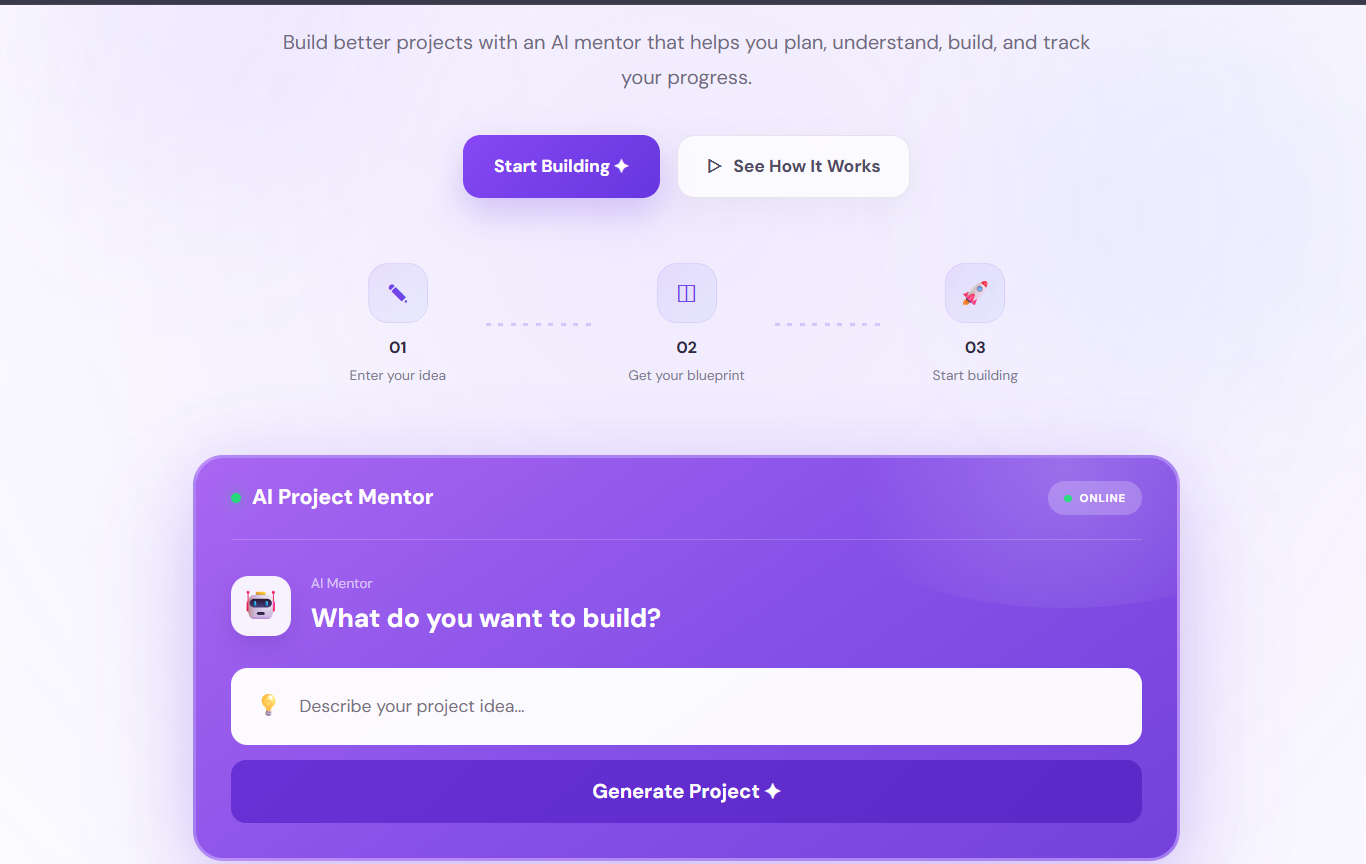
LandingPage.png
-
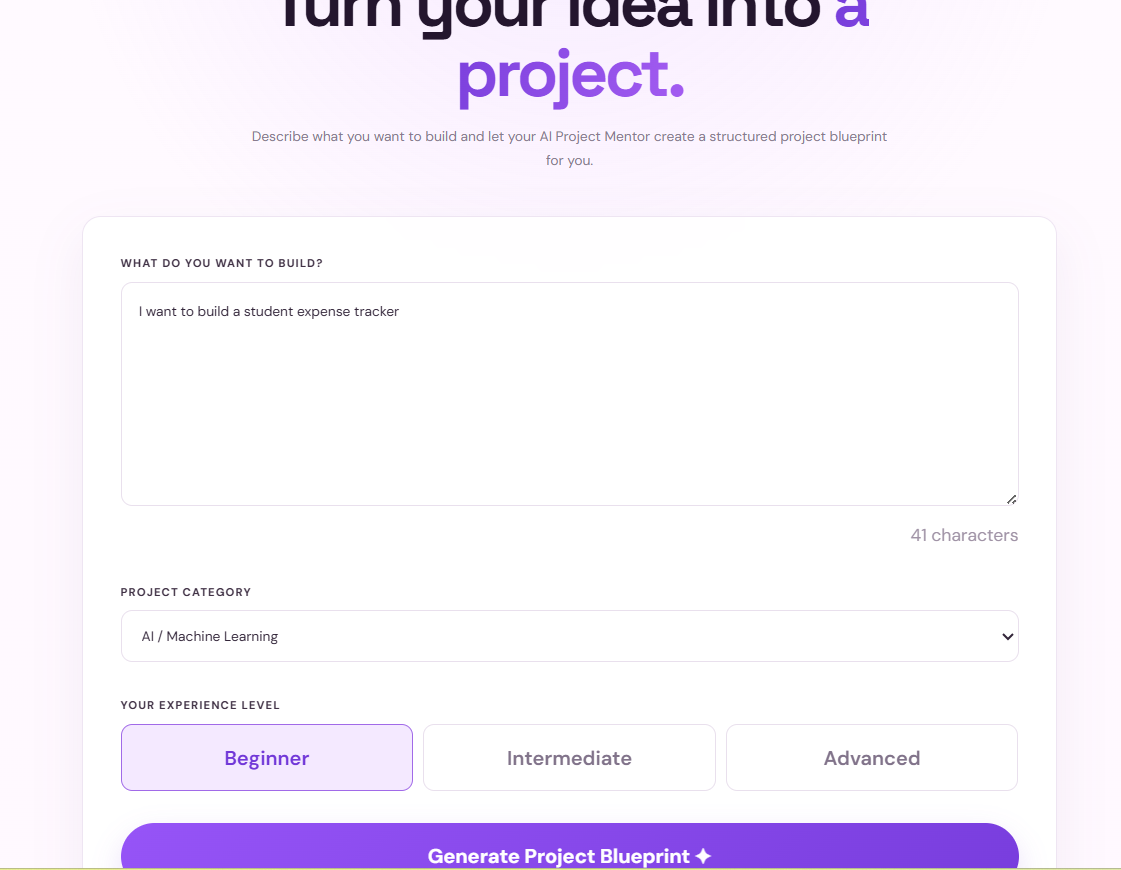
ProjectBuilder.png
-
AIBlueprint.png
-
ProjectDashboard.png
-
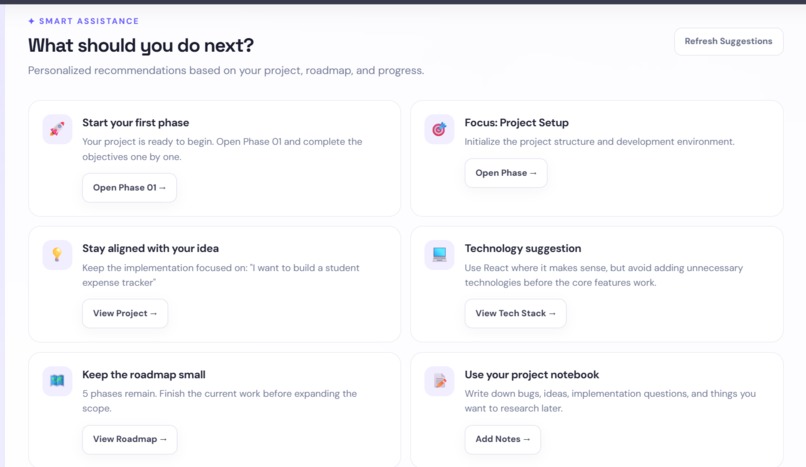
PhaseWorkspace.png
-
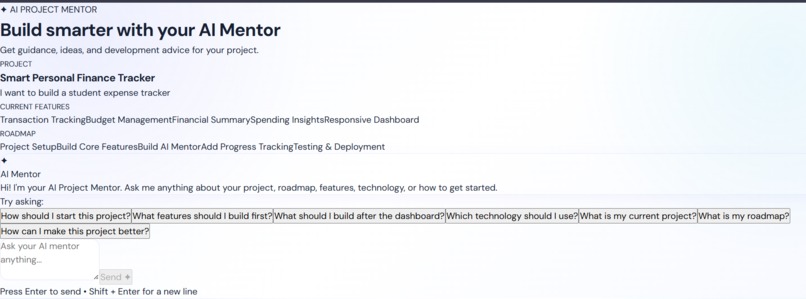
AIMentor.png
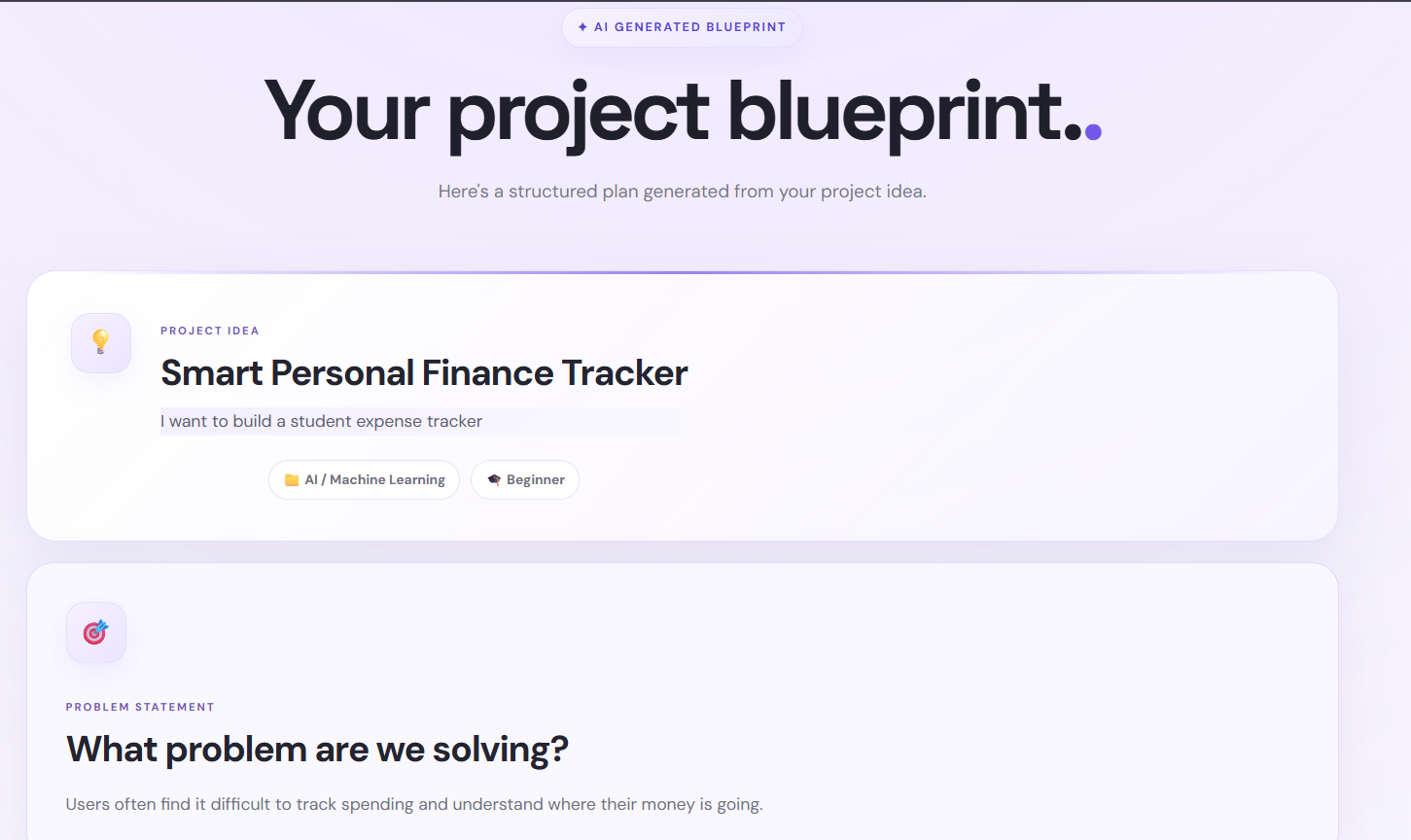
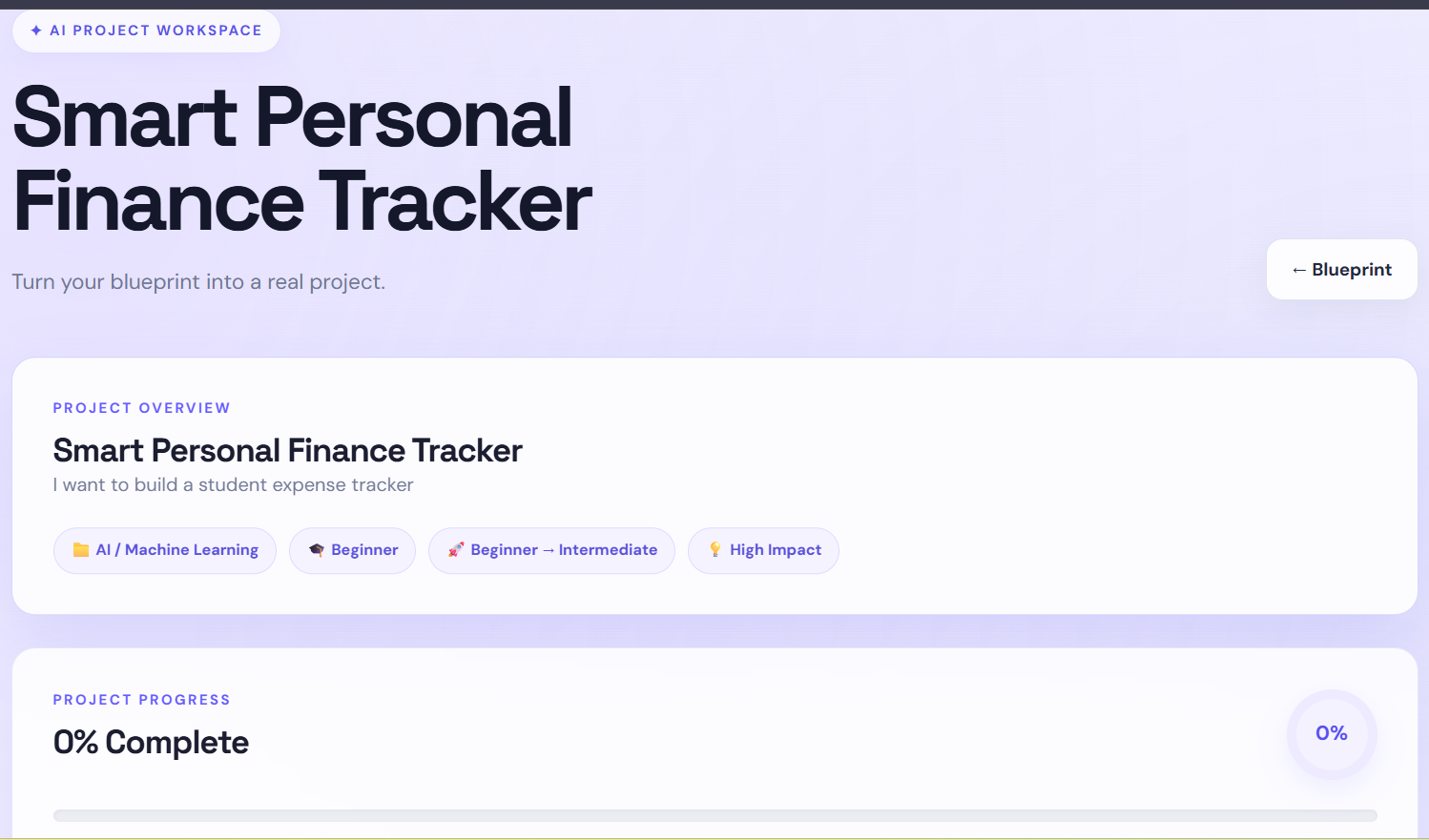
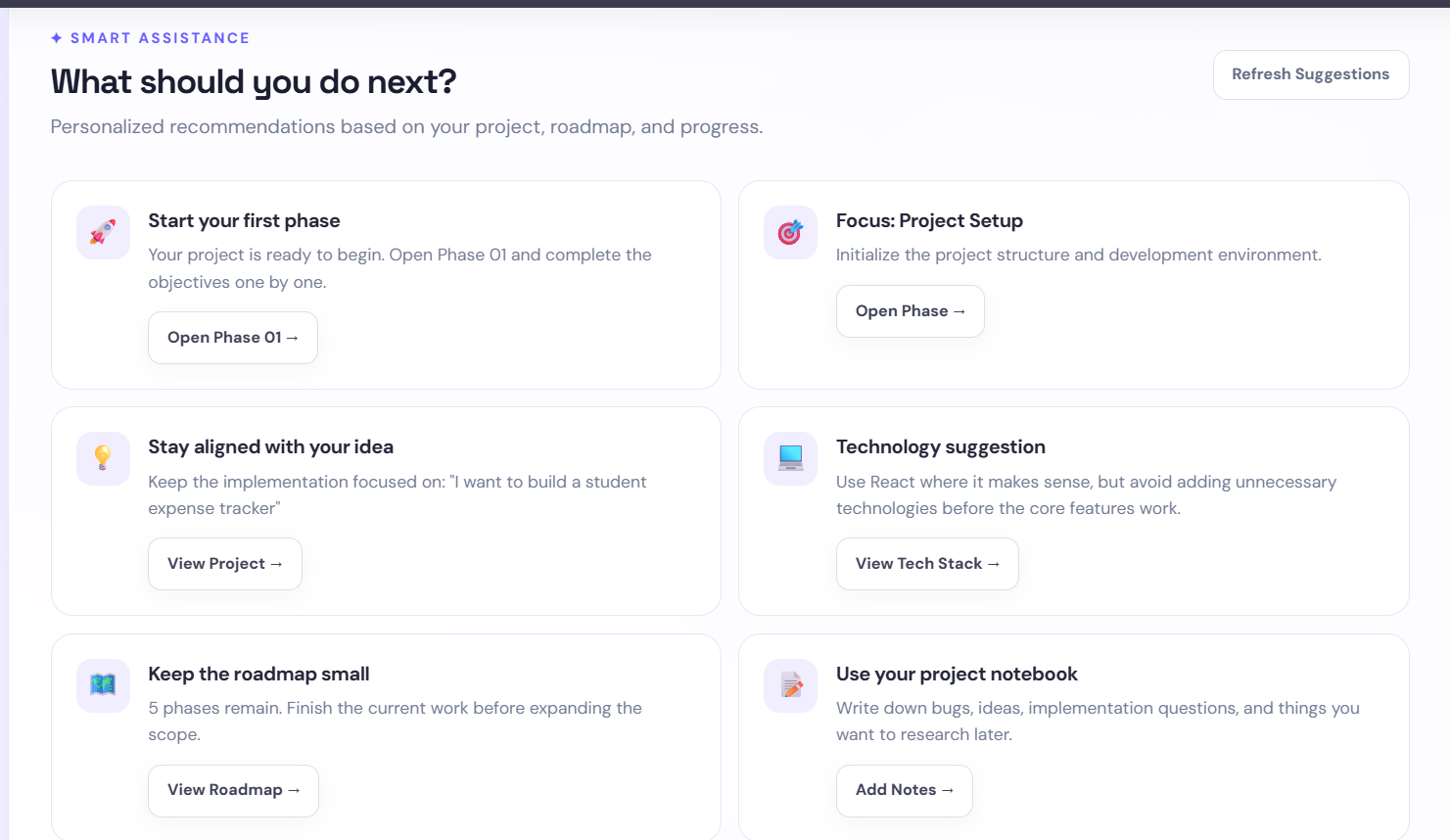
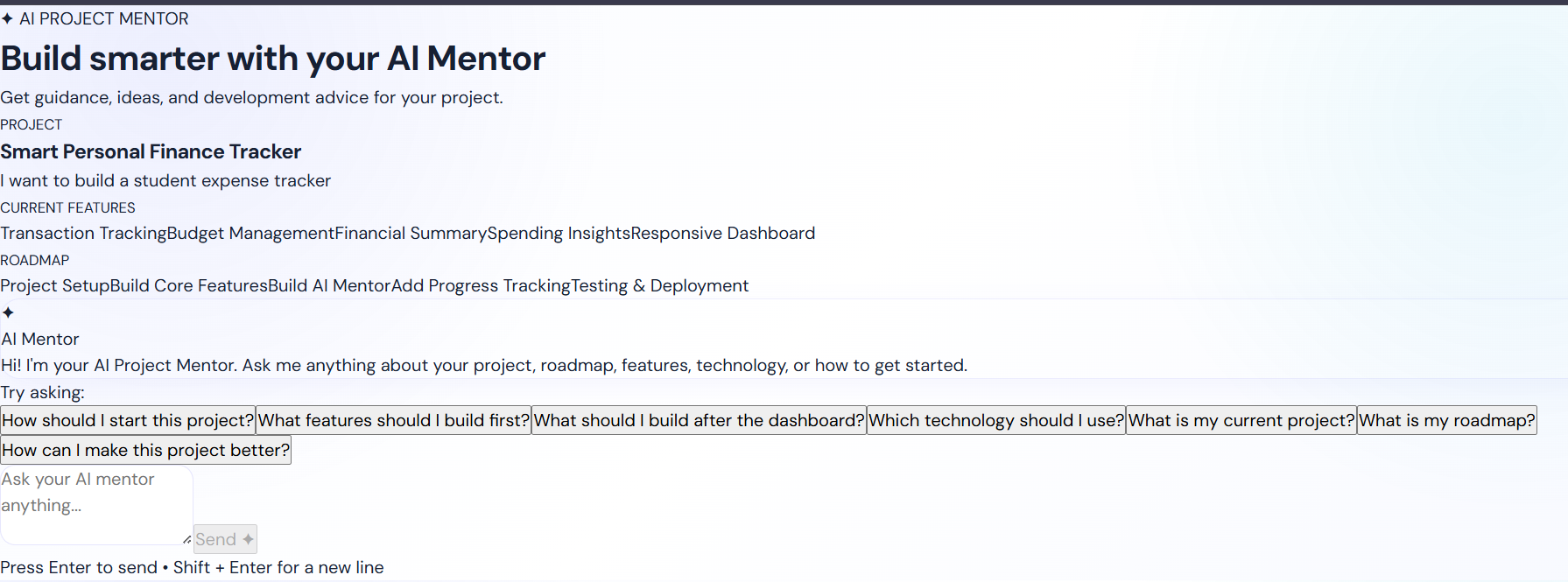
Inspiration
Most projects start with a simple idea: “I want to build an AI assistant.” But turning that idea into something real is where things get difficult. You have to figure out where to start, what to build first, which technologies to use, and what to do when you get stuck. That is the gap I wanted to solve with AI Project Mentor. I didn't want to build just another chatbot that gives generic answers. I wanted to create something that could understand the user's actual project and provide guidance based on their roadmap, current phase, tasks, and progress.
What the Project Does
AI Project Mentor takes a simple project idea and turns it into a structured development journey:
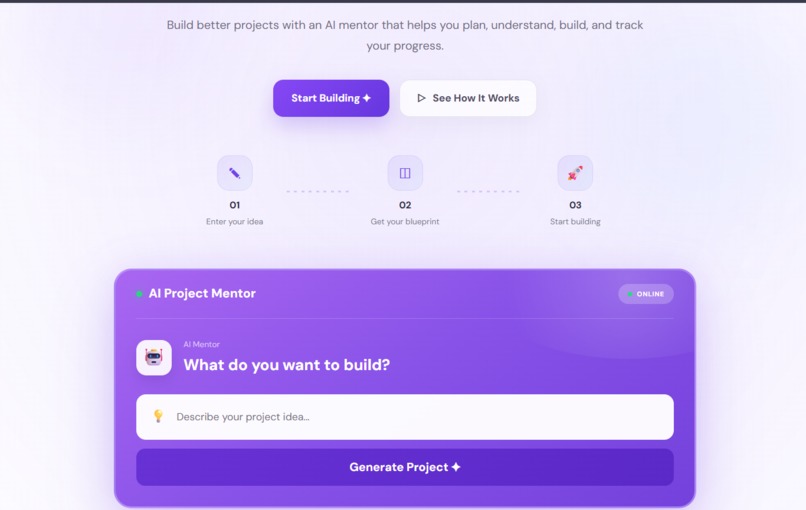
Project Idea → AI Blueprint → Dashboard → Phase Workspace → AI Mentor
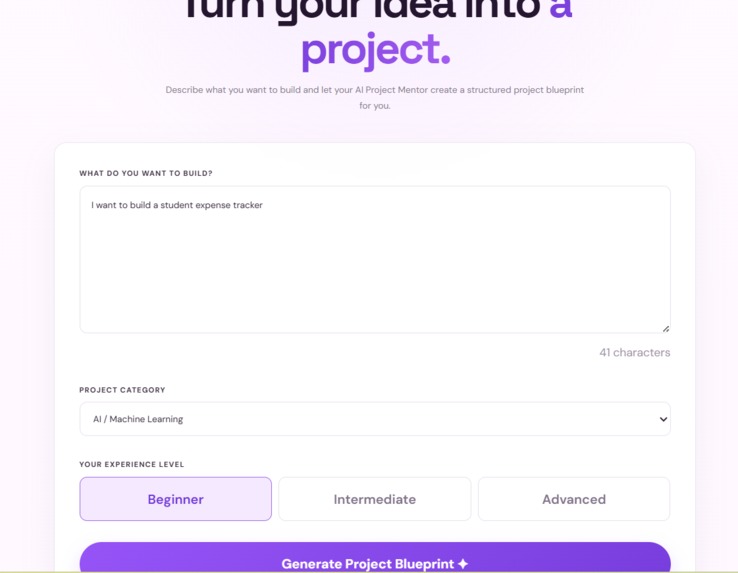
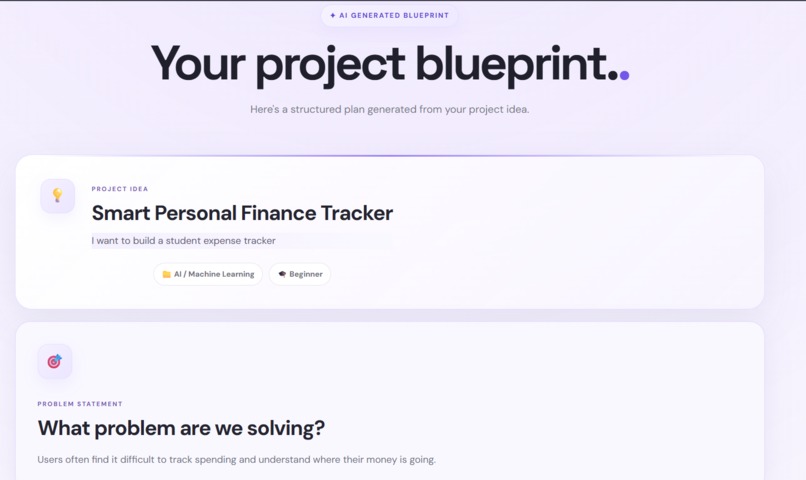
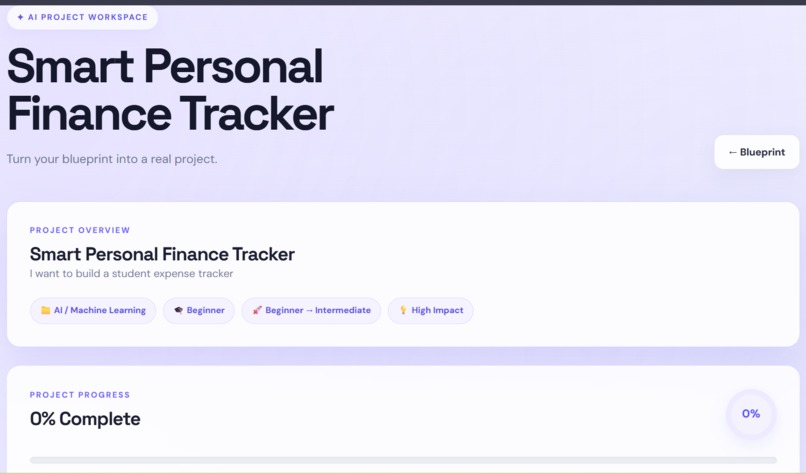
The user starts by describing their idea and providing some basic project information. The application then creates a structured blueprint covering the problem, proposed solution, features, technology direction, development phases, timeline, and possible challenges. That blueprint becomes the foundation for the project dashboard. From there, users can follow their roadmap, work through individual phases, manage tasks, and understand what they should focus on next. The AI Mentor is what makes the experience more personal. Instead of starting every conversation without context, the mentor uses information about the user's project and roadmap to provide guidance that is relevant to what they are actually building.
How I Built It
I built AI Project Mentor as a full-stack web application.
The frontend handles the complete user journey, from creating a project and generating its blueprint to viewing the dashboard, working through phases, and interacting with the AI Mentor.
The backend manages the application logic, validates requests, handles the mentor endpoint, and connects the user's project information with the AI guidance system.
A major focus during development was keeping the project information connected across the different stages so that the application feels like one continuous workflow rather than a collection of separate pages.
Challenges
One of the biggest challenges was making the AI Mentor project-aware instead of building a basic question-and-answer chatbot.
I needed to connect information such as the original project idea, blueprint, development phases, tasks, and progress so that the mentor could use that context when providing guidance.
Another challenge was keeping the interface simple. Project development can already feel complicated, especially for beginners, so I wanted the application to guide users without overwhelming them with too much information at once.
Since I built the project as a solo developer, I also worked across the frontend, backend, AI integration, debugging, UI/UX, testing, documentation, and final demo.
What I Learned
This project taught me that building a useful AI application is about much more than connecting an AI model to a website.
The quality of the experience depends on how well the AI understands context, how information flows through the application, and how naturally the AI fits into the user's workflow.
I also learned a lot about connecting frontend and backend functionality, managing project state across multiple stages, debugging integrations, improving UI/UX based on actual usage, and taking a project from an initial idea to a complete working product.
Impact
AI Project Mentor is designed to help students and beginner developers move from:
“I have an idea.” → “I know what to build next.”
Instead of facing a blank screen or trying to make sense of a huge amount of generic information, users get a structured starting point and guidance that stays connected to their project.
My goal is simple: make building a project feel less overwhelming and make the next step easier to understand.
Built With
- ai
- css
- express.js
- html
- javascript
- node.js
- react
- restapi
- vite

Log in or sign up for Devpost to join the conversation.