-
-
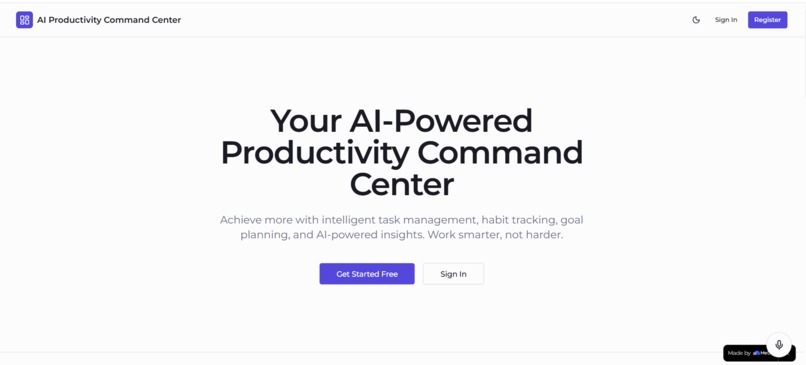
Landing Page
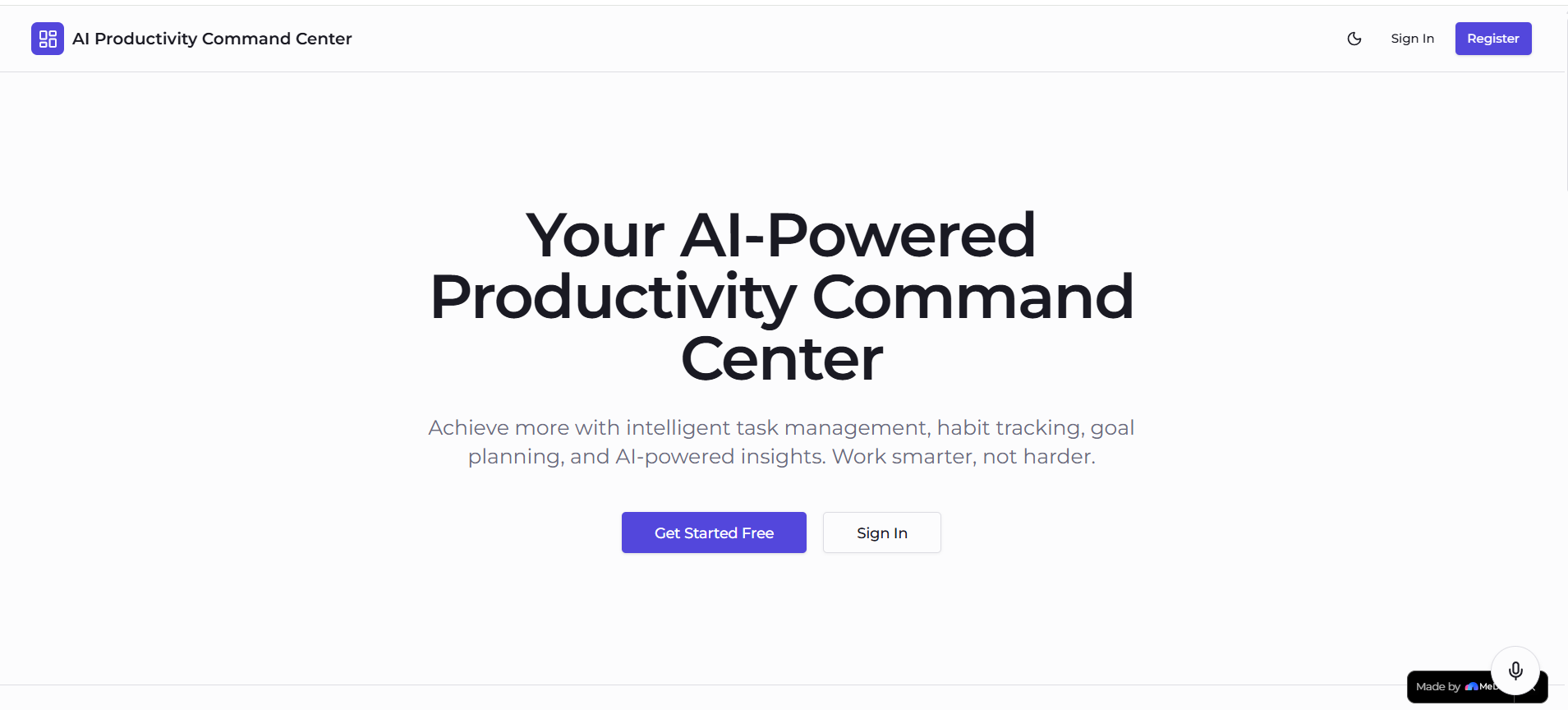
Inspiration
The inspiration behind the AI Productivity Command Center came from the everyday struggle of staying focused and organized while managing multiple tasks, ideas, and responsibilities. Most productivity tools solve only one part of the problem — task tracking, note-taking, or scheduling — but rarely bring everything together in a single intelligent workspace.
I wanted to build a system that doesn’t just store tasks, but actively helps users decide what to work on next, stay focused, and understand their productivity patterns over time. This led to combining task management, AI assistance, and real-time productivity analytics into one unified platform.
What it does
The AI Productivity Command Center helps users manage and improve their productivity through an all-in-one intelligent workspace:
Task management with priorities, categories, and deadlines Calendar-based scheduling view Notes system for quick idea capture Pomodoro focus timer for deep work sessions Productivity analytics dashboard AI-powered task recommendations Voice assistant for hands-free interaction
The system helps users organize their day, track progress, and improve focus through data-driven insights and AI suggestions.
How we built it
The project was built using the Medo no-code platform, which enabled rapid development while still allowing flexibility for custom logic and integrations.
Tech Stack Medo No-Code Platform React TypeScript Vite Supabase Tailwind CSS
Supabase handles authentication, database storage, and real-time synchronization, enabling a scalable and responsive system without requiring a separate backend.
Challenges we ran into
While the voice assistant is fully functional, some advanced features, such as the AI Productivity Coach and meeting scheduling automation, occasionally return errors like “try again later.” These issues are due to external service limitations and usage constraints during development, not design flaws.
Another challenge was maintaining system stability while integrating multiple intelligent features such as AI recommendations, analytics, and real-time updates. It was important to ensure the core application remains fully functional even when AI services fail.
Designing meaningful productivity intelligence was also challenging because productivity is highly subjective. Careful balancing of task priority, deadlines, and user behavior was required to generate useful recommendations.
Accomplishments that we're proud of
One of the biggest accomplishments was building a fully functional AI-powered productivity system that combines task management, scheduling, analytics, and automation into a single unified platform.
We successfully integrated a working voice assistant, allowing users to interact with the system using natural speech, significantly improving accessibility and user experience.
Another key achievement was implementing a real-time productivity system using Supabase, enabling instant updates across tasks, analytics, and user activity without page refreshes or complex backend infrastructure.
What we learned
Through this project, I learned how to design and build a full-stack intelligent application using a no-code platform combined with modern frontend technologies.
Key lessons include:
Building AI-enhanced applications under real-world constraints Designing fallback systems for unreliable AI services Structuring scalable frontend architecture Managing real-time data with Supabase Creating meaningful productivity metrics from user behavior Balancing usability with intelligent automation
I also learned that the most important part of productivity software is not complexity, but clarity and reliability.
What’s next for AI Productivity Command Center
Future improvements include:
Stabilizing the AI Productivity Coach feature Improving meeting scheduling reliability Adding fallback responses when AI services fail Optimizing API usage to reduce errors and costs Enhancing voice assistant capabilities for multi-step commands Improving prediction accuracy in AI recommendations Adding deeper productivity insights and personalization
These improvements will make the system more reliable, intelligent, and production-ready while maintaining a smooth and consistent user experience.
Built With
- ai-apis-for-recommendations-&-productivity-insights
- and-application-logic)-frontend:-react
- authentication
- custom-hooks
- medo
- postgresql(via-supabase)
- react
- react-context-api
- speech-to-text-based-voice-command-system(medo-+-integrated-voice-layer)
- supabase
- supabase-auth
- supabase-realtime
- tailwind-css
- typescript
- vite
- vite-styling:-tailwind-css-backend-&-database:-supabase-(postgresql-database
- workflows

Log in or sign up for Devpost to join the conversation.