-
-
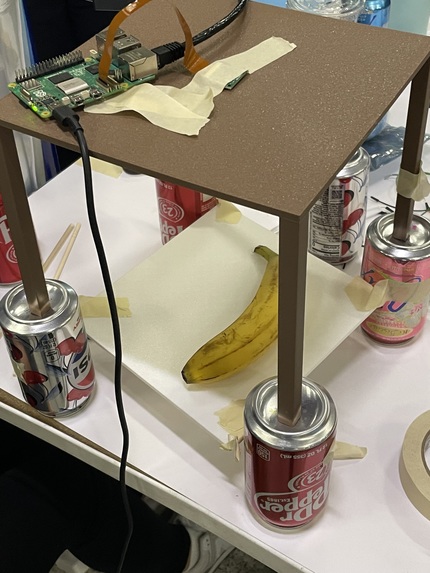
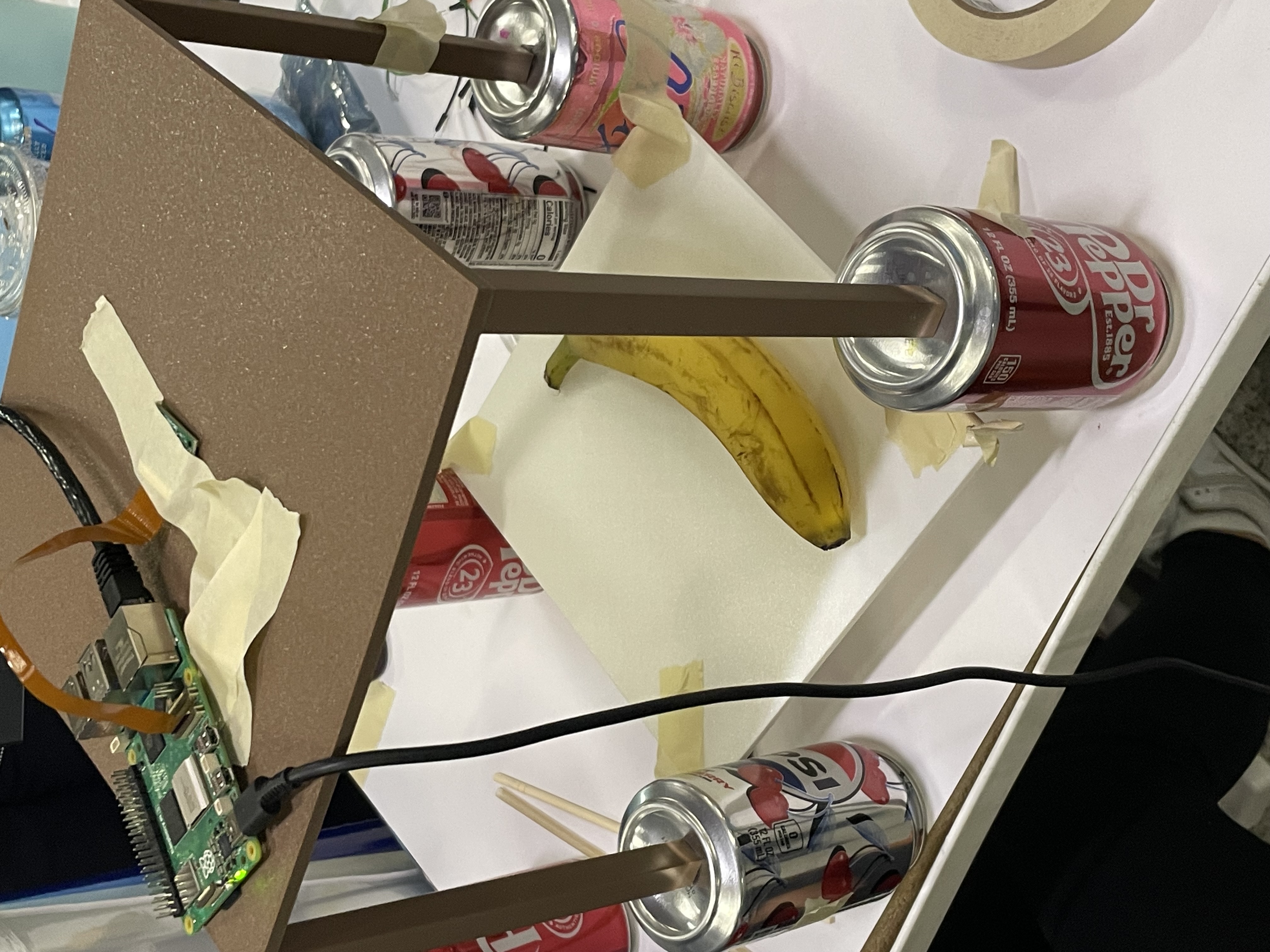
Demo set up after realizing the camera could not zoom out further. We tried elevation, which improved our model's accuracy significantly
-
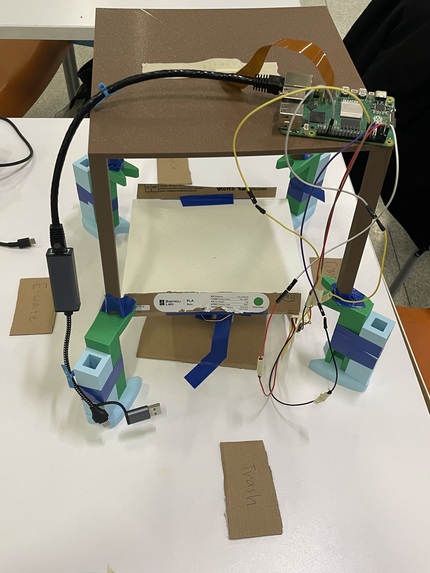
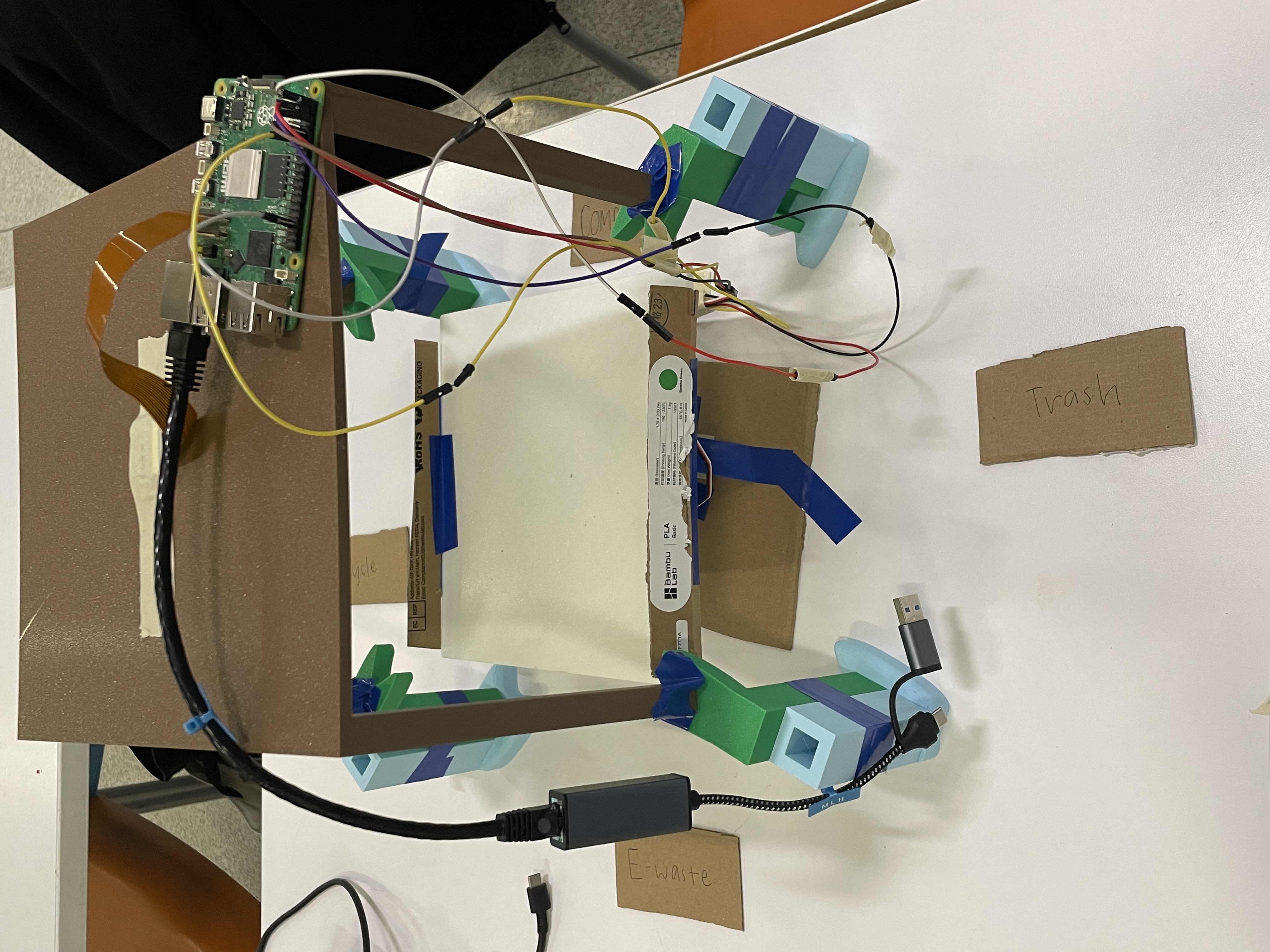
Our final product!
The Story
Upon entering MakeCu, after grabbing lunch, we were pondering on what we should build. After going up to throw away our garbage, we realized we were not 100% sure on how to sort it. Curious, we delved deeper, and discovered that different municipalities sort their waste differently. While complex machines can achieve this, changing the settings to suit towns can be inflexible, with many places sorting trash by hand. This inspired our project, which was to create an accessible trash sorter that uses an AI model to identify different classes of waste, and subsequently sort into the appropriate bins.
About Our Product Design
We currently can identify e-waste, compost, landfill and recycling. To create the model, we found datasets online that contained images of bananas classified as compost, batteries classified as e-waste, cans for recycling, and utensils as landfill. This was inputted into Teachable Machines to train our model. Regarding the setup, we have an elevated table with a hole for the ribbon camera. We struggled on how to create a platform that can spin horizontally and vertically, and after advice from MakeCu mentors, decided to stack two servos. We used CAD to print the platform, spline to insert into the servo, and the table.
Challenges Along the Way
Some challenges we faced were the connection of the raspberry pi camera to our computer via SSH. The connection was not stable via hotspot, and kept disconnecting. It also failed to sense the camera. After hours of attempting and trying all cameras available, we used an Ethernet cable, which solved our connection problems. More problems came with integrating the pictures taken to the AI model. We eventually had to downgrade the python to 3.9 for this to work. Additionally, the camera had limited zooming abilities, and took pictures too close. This caused the AI tool to incorrectly identify objects we had trained it on. To solve this, we used an elevated setup, and used CAD to print supports. Identifying banana peels was difficult for our model, so we remedied that by taking 20 pictures of peels using our camera setup, and using those images to update our model. Finally, we had problems calibrating our servos and having them spin at the correct angles. This was due to the signals coming from the raspberry pi, however by slowing down the turn speeds, movements were less sudden.
What We Loved about MakeCU
This project brought our teammates together and allowed us to gain skills such as AI model training, raspberry pi setup, CAD, using python terminals, and working resiliently despite issues!
Built With
- picamera
- python
- raspberry-pi
- roboworks
- teachablemachines


Log in or sign up for Devpost to join the conversation.