-
-
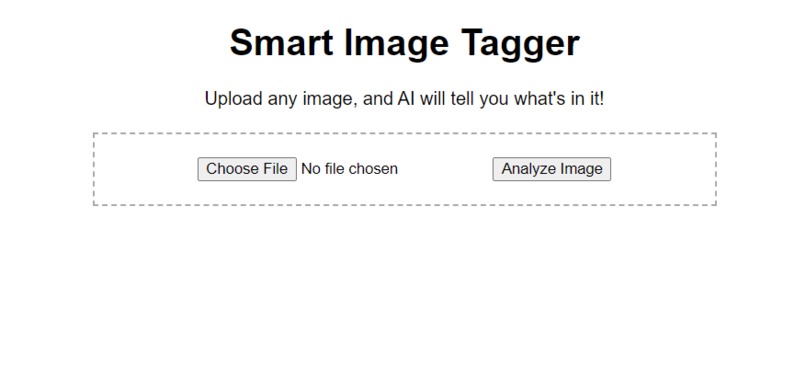
Smart Image Tagger Apps
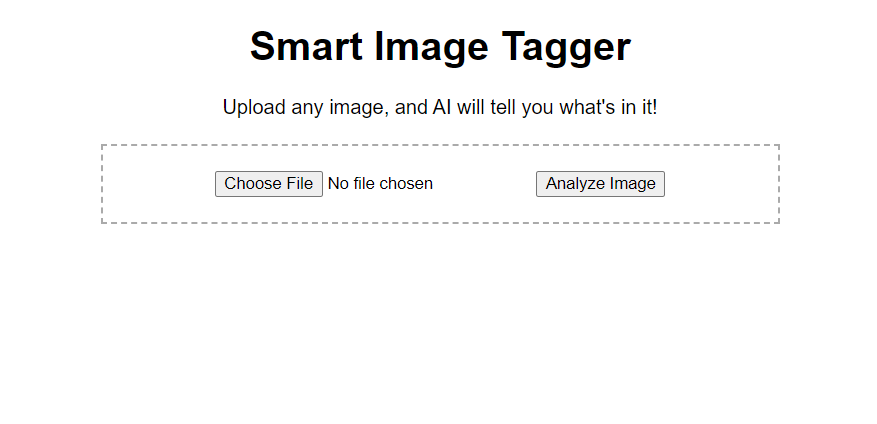
📸 Smart Image Tagger: An Azure-Powered AI Project
🌟 Inspiration
As someone drowning in thousands of unsorted phone photos, I wanted to automate image organization. The "aha" moment came when I realized Azure's Computer Vision could:
- Replace manual photo tagging
- Help visually impaired users understand images
- Serve as a foundation for future AI projects
🧠 What I Learned
| Category | Key Takeaways |
|---|---|
| Cloud Integration | How to connect Flask apps to Azure AI services |
| DevOps | GitHub Actions CI/CD pipelines |
| Error Handling | Debugging OIDC authentication challenges |
| UI Design | Minimalist interfaces for AI apps |
⚙️ How I Built It
Backend:
- Python Flask server
- Azure Computer Vision API (Free Tier)
- Dynamic error handling for image processing
- Python Flask server
Frontend:
- Drag-and-drop interface with vanilla JavaScript
- Responsive design (works on mobile/desktop)
- Drag-and-drop interface with vanilla JavaScript
Deployment:
- Automated GitHub-to-Azure pipeline
- Environment variable security best practices
- Automated GitHub-to-Azure pipeline
graph LR
    A[User Upload] --> B[Flask Server]
    B --> C[Azure Computer Vision]
    C --> D[Tag Generation]
    D --> E[Results Display]

🔥 Challenges Faced & Overcome
Azure Authentication Failures

Fix: Created service principals with precise IAM roles

Image Size Limitations

Solution: Added client-side validation for <4MB files

Free Tier Throttling

Workaround: Implemented request queuing

Branch Deployment Issues

Debugged: YAML indentation errors in GitHub Actions

🚀 Future Roadmap
Multi-language tag translation

User accounts with tag history

Browser extension version

💡 Key Insight
"Azure's AI services turn complex machine learning into API calls - democratizing AI for developers at all levels."

Log in or sign up for Devpost to join the conversation.