-
-
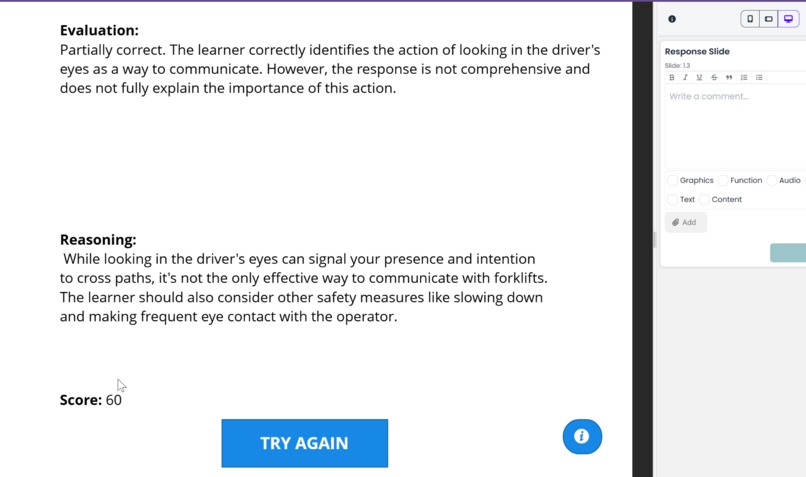
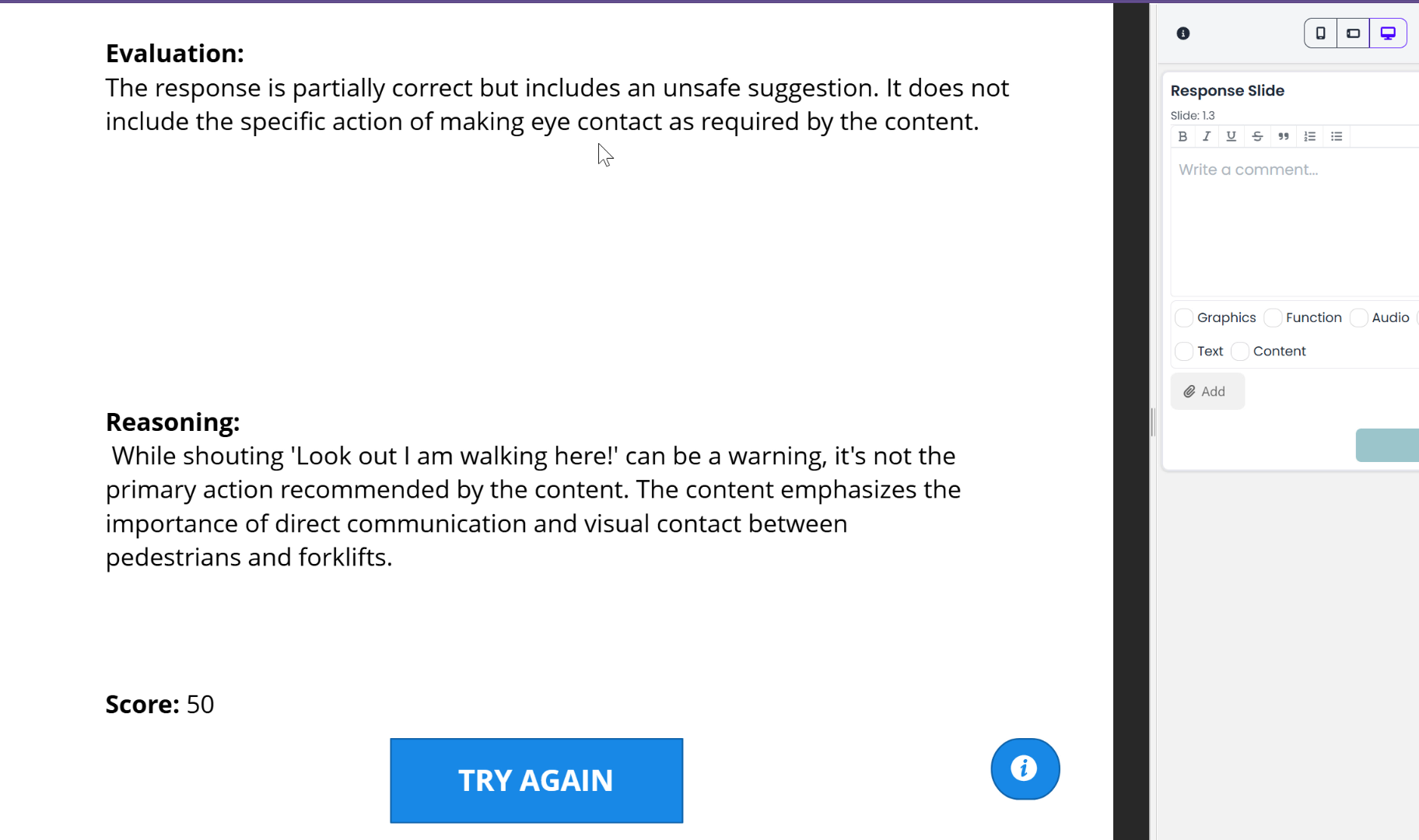
Poor Response
-
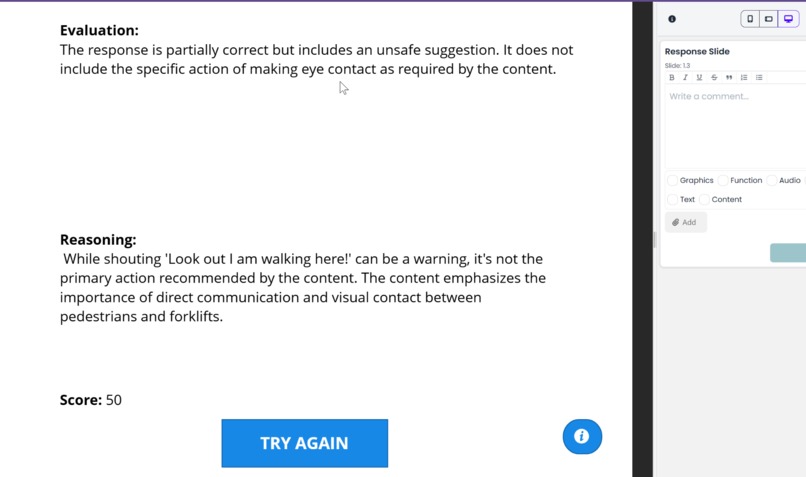
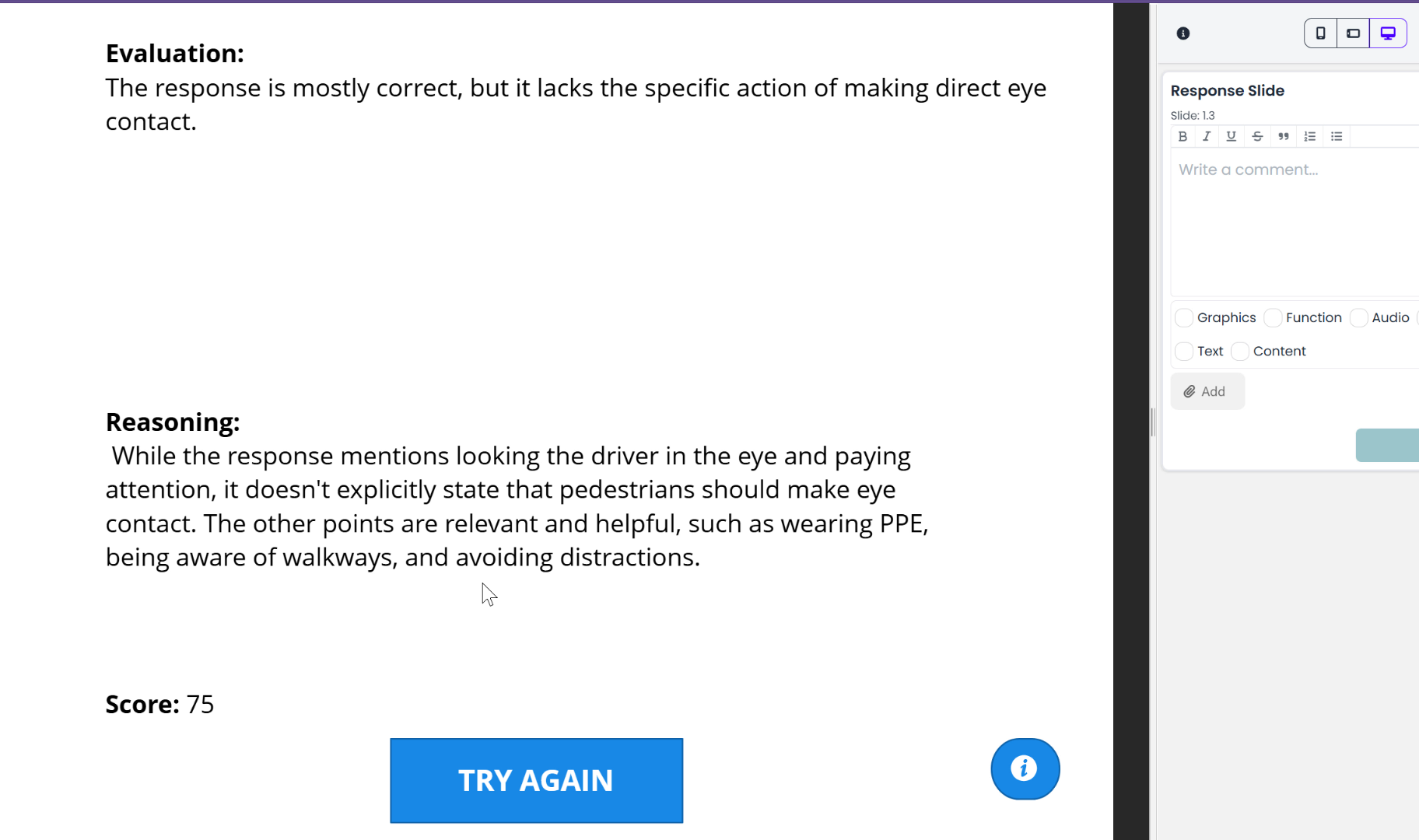
Good Response
-
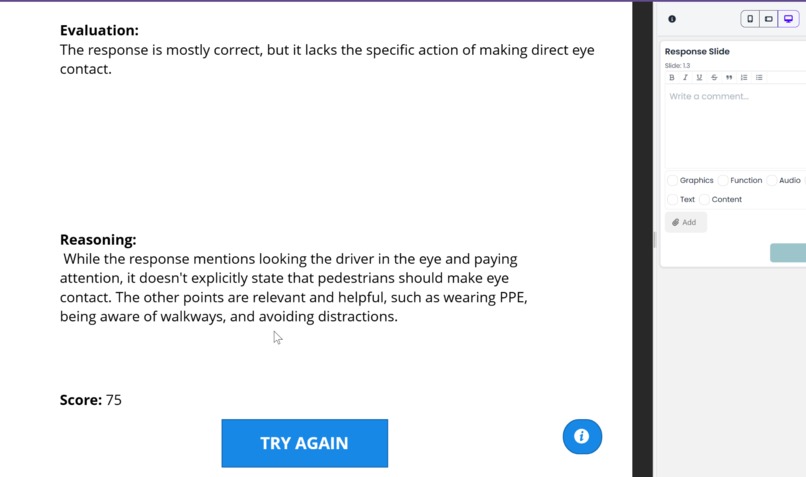
Better Response
Inspiration
We were inspired by the challenge of making eLearning more interactive and effective while maintaining learner privacy. Evaluating open-ended questions has always been difficult, especially in real-time and offline scenarios. The introduction of Chrome’s built-in AI features presented a unique opportunity to solve this problem and revolutionize how courses engage learners.
What It Does
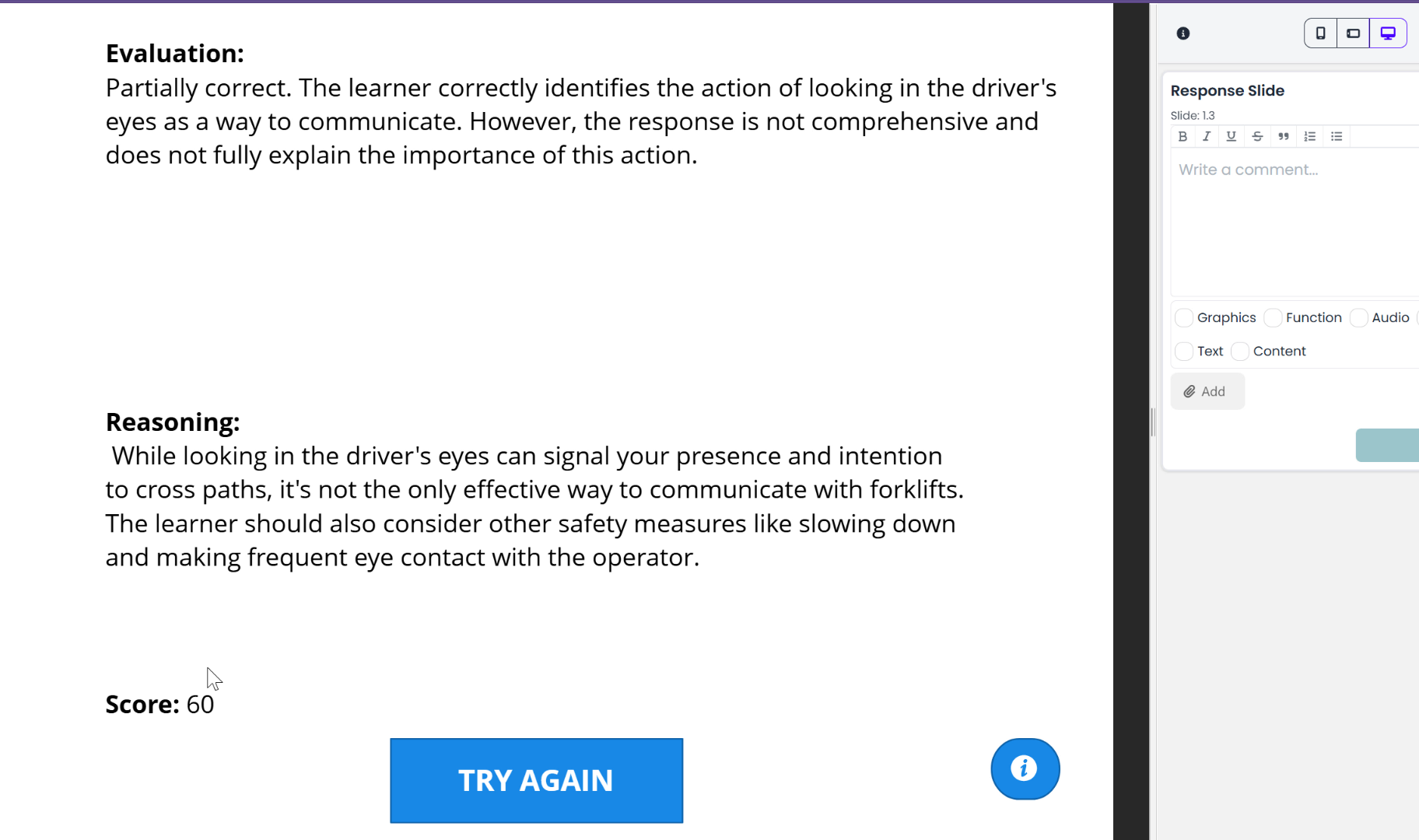
The AI-Powered Question Scorer evaluates open-ended learner responses directly in the browser using Chrome’s built-in AI. It compares the response against pre-defined criteria, provides a score, and explains the reasoning—all without requiring an internet connection. This ensures data privacy and allows for seamless offline functionality.
How We Built It
- We created the course structure in Articulate Storyline, including a slide for learner input and a results display.
- JavaScript was used to integrate with Chrome’s Gemini Nano AI APIs.
- A system prompt was crafted to guide the AI on evaluating responses, scoring them based on pre-defined criteria, and returning output in JSON format.
- Storyline variables were updated dynamically based on the AI's output to display results in real-time.
Challenges We Ran Into
- Handling AI Output: The AI occasionally returned responses in unexpected formats like Markdown or incomplete JSON. We addressed this with robust error-handling and filtering.
- Prompt Design: Balancing clarity and brevity in AI instructions to achieve consistent and accurate evaluations was a significant challenge.
- Early Access Limitations: Since the Chrome AI tools are in preview, accessing and testing the features required jumping through technical hoops.
Accomplishments That We're Proud Of
- Successfully implemented a fully offline AI-powered scoring system for open-ended responses.
- Maintained strict data privacy by ensuring learner input never left the browser.
- Streamlined the integration between Articulate Storyline and Chrome’s AI, demonstrating the potential of combining modern browser tools with eLearning platforms.
What We Learned
- The importance of crafting detailed yet concise AI instructions for consistent results.
- How to effectively use Chrome’s AI tools and adapt to their quirks during the development phase.
- New possibilities for making eLearning courses more interactive, personalized, and secure using browser-based AI.
What's Next for AI-Powered Question Scorer
- Enhanced Scoring Criteria: Adding more granular and customizable scoring options for different question types.
- Broader Integration: Extending the solution to work with other eLearning platforms like Moodle or Canvas.
- User Feedback Loop: Incorporating feedback from educators and learners to refine the scoring model further.
- Advanced Analytics: Building a dashboard to visualize learner performance trends and insights in real-time.
- Public Availability: Collaborating with Chrome’s team to make this tool accessible to the broader eLearning community once the AI features are officially released.
Built With
- articulate
- javascript

Log in or sign up for Devpost to join the conversation.