-
-
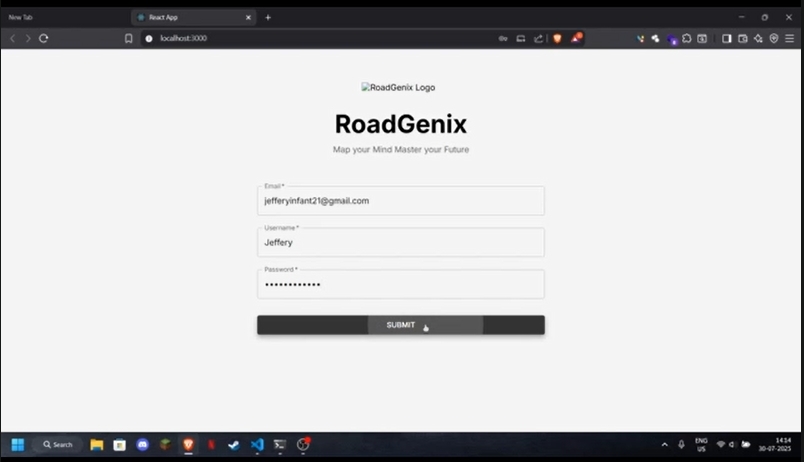
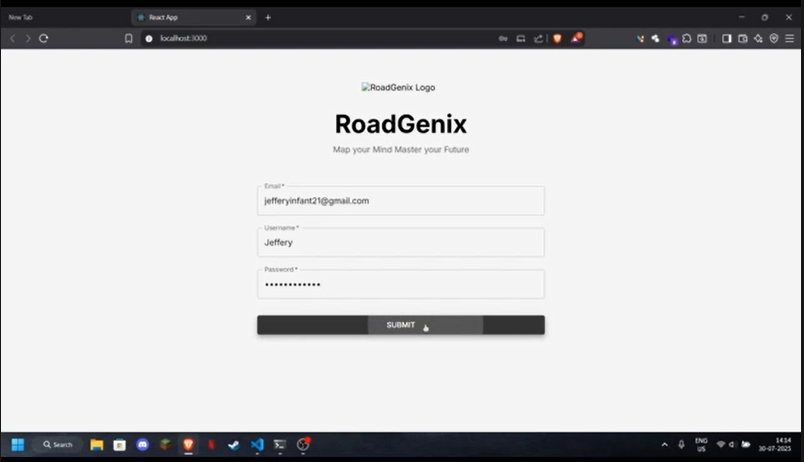
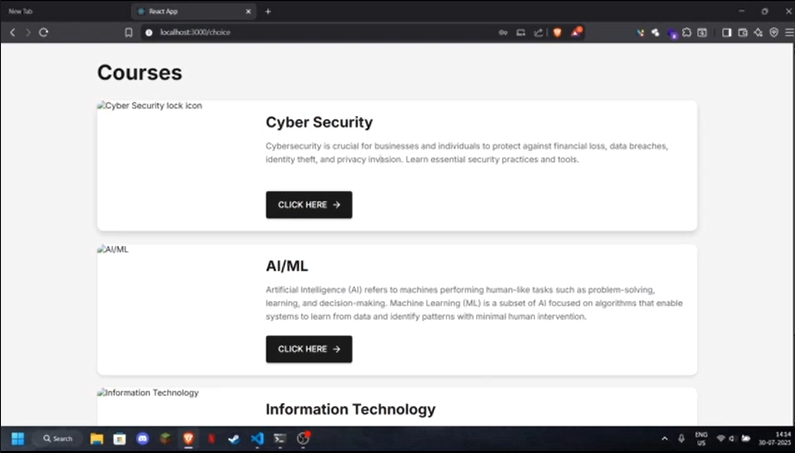
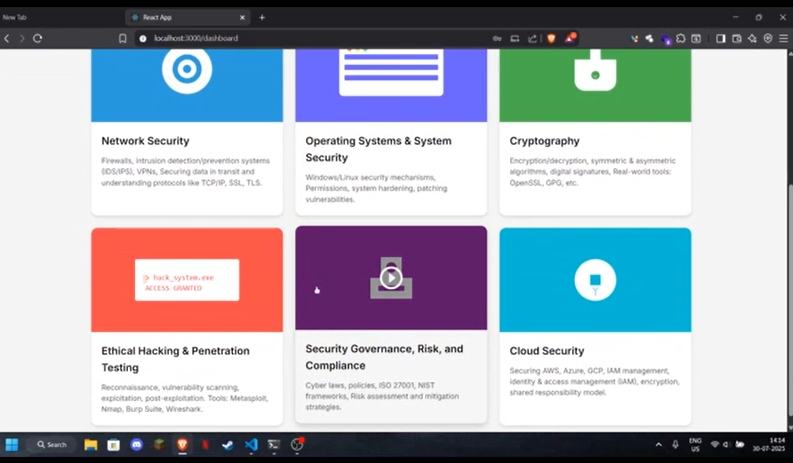
Website page
-
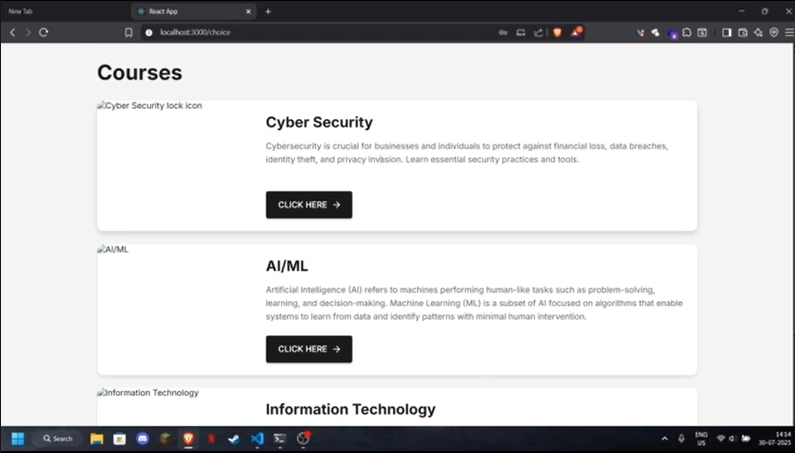
Categories available
-
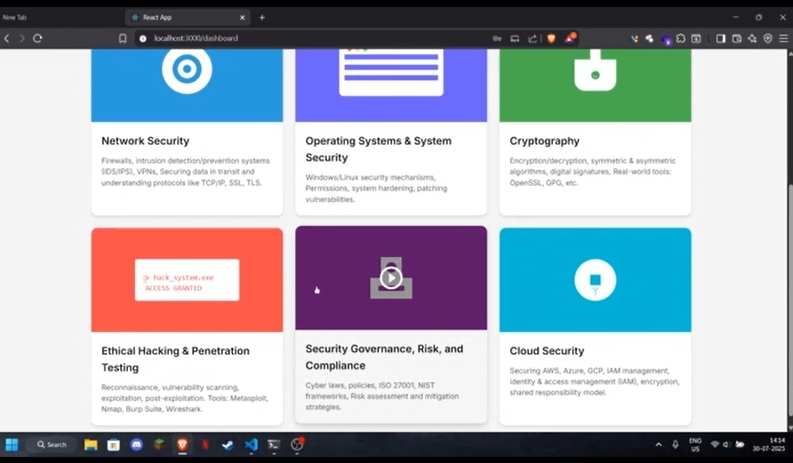
Sub category
Inspiration
We noticed that many learners, especially students and career-switchers, struggle to find clear and structured guidance tailored to their goals. Generic roadmaps often don’t align with individual skill levels, interests, or timelines. This inspired us to build an AI-powered tool that can generate personalized learning or career roadmaps to guide users efficiently.
What it does
The AI-Powered Personalized Roadmap Generator analyzes user inputs—such as current knowledge, target goals, available time, and preferred learning style—to generate a step-by-step customized roadmap. It recommends courses, projects, tools, and estimated timelines for each stage. The output is interactive and visually easy to follow, making goal-setting and tracking much simpler.
How we built it
Frontend Framework: We used React for building the user interface, enabling us to create reusable components and manage application state efficiently.
TypeScript: The project is written in TypeScript to provide type safety and improve code reliability.
UI & Styling: Material-UI (MUI): We leveraged Material-UI for ready-made, accessible, and customizable UI components.
Tailwind CSS: For utility-first styling and rapid layout prototyping, we used Tailwind CSS alongside custom CSS.
Responsive Design: The layout adapts to different screen sizes for a seamless user experience on both desktop and mobile.
Routing: We implemented navigation between pages (Login, Course Selection, Dashboard, etc.) using React Router.
Challenges we ran into
Image Handling: Ensuring that images displayed correctly required attention to file naming and directory structure. For example, a double .jpg extension or incorrect path could cause images not to load, which we had to debug and fix.
Routing Flow: Designing a smooth navigation flow (from Login → Course Selection → Dashboard) required updating both the routing configuration and the navigation logic in each component to ensure users landed on the correct page after each action.
Accomplishments that we're proud of
Successfully created a working MVP that adapts to different user goals
Positive feedback from initial testers who found it helpful and motivating
Achieved seamless integration of AI with real-time data sourcing
What we learned
UI/UX Design Implementation
Routing and Navigation
Importance of user experience and clear interfaces in EdTech tools
Real-world practice with API calls, prompt engineering, and dynamic UI building
What's next for Ai powered personalized road map generator :
Deploy as a full-stack web app with user accounts and progress tracking
Add voice input and chatbot guidance
Include certification tracking and project suggestions
Create mobile app version for wider accessibility
Built With
- config-and-test-files)-css-(for-styling
- css
- e.g.
- javascript
- react
- typescript

Log in or sign up for Devpost to join the conversation.