-
-
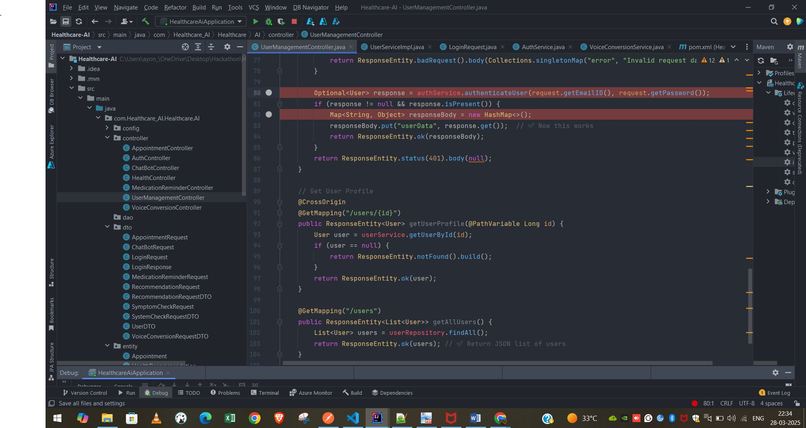
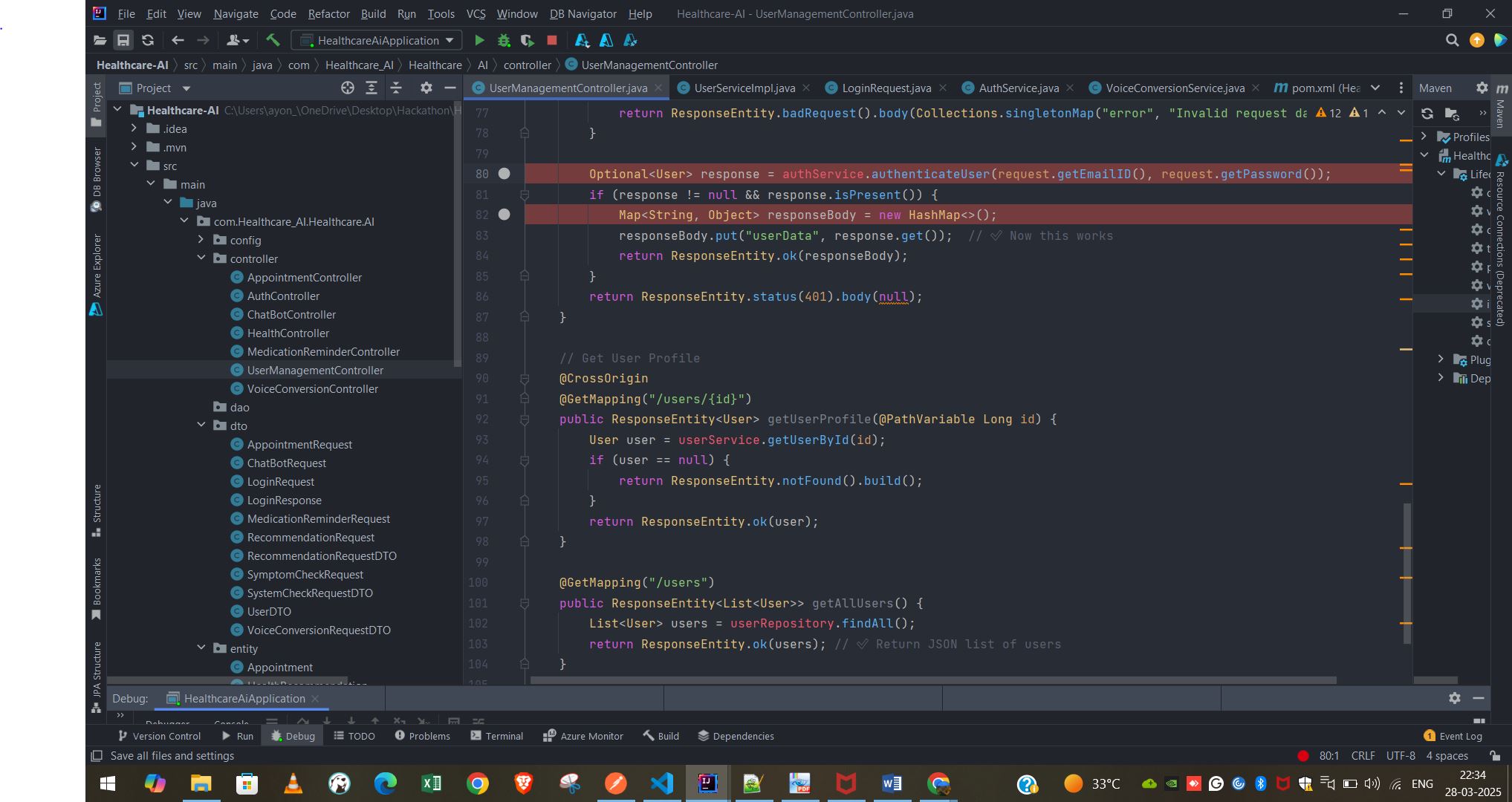
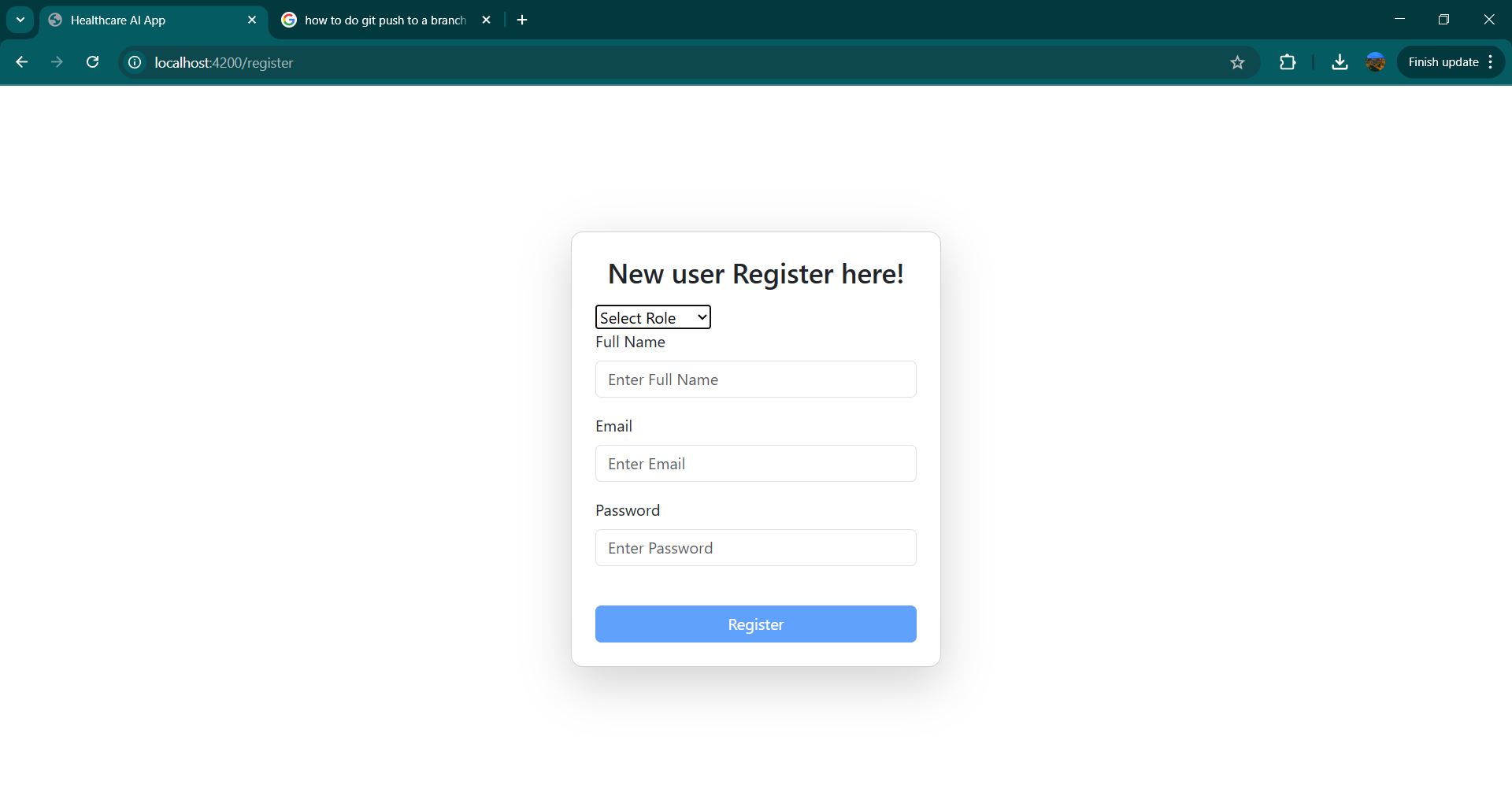
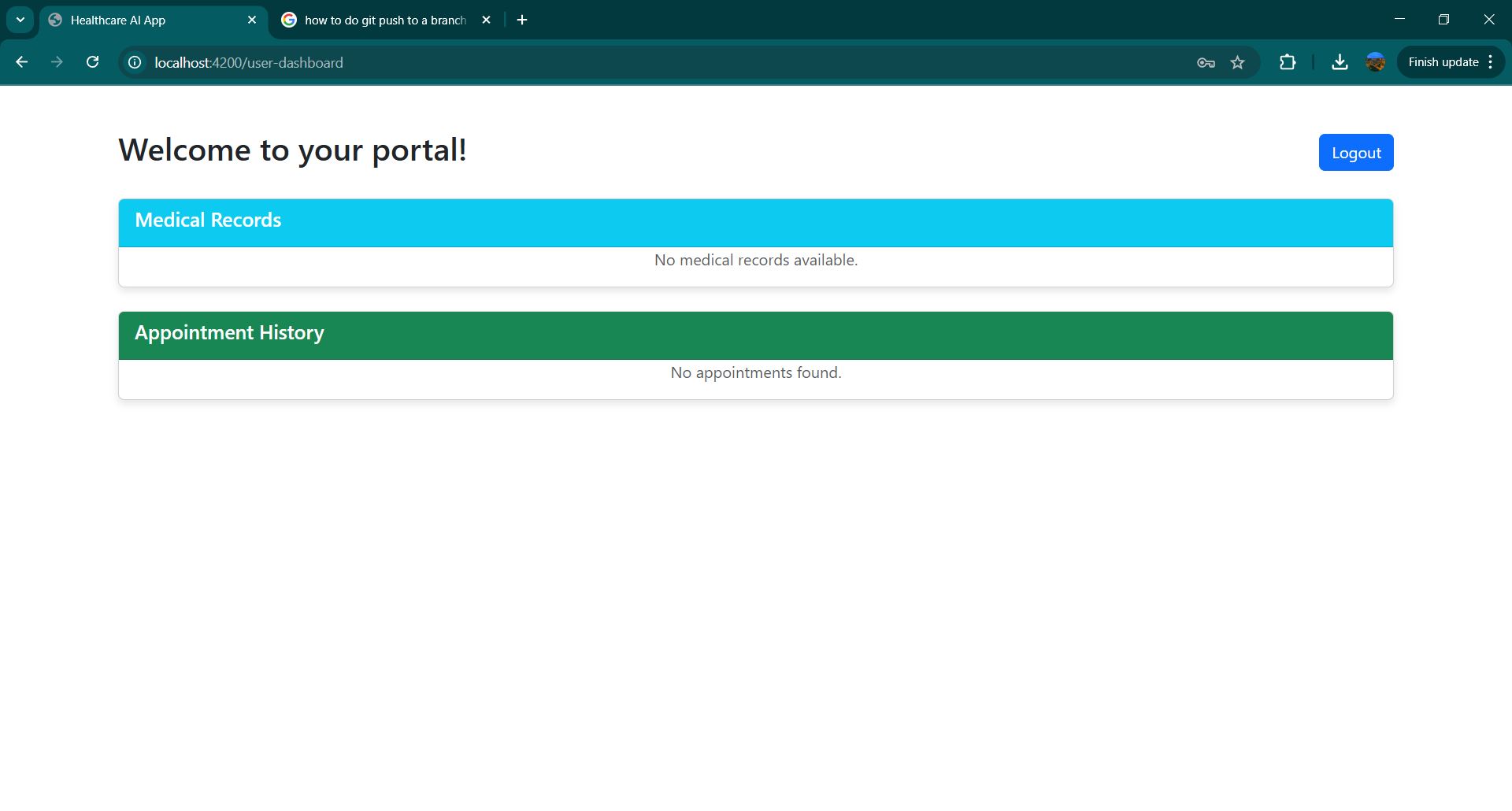
Just a screenshot showcasing some backend work of my project.
-
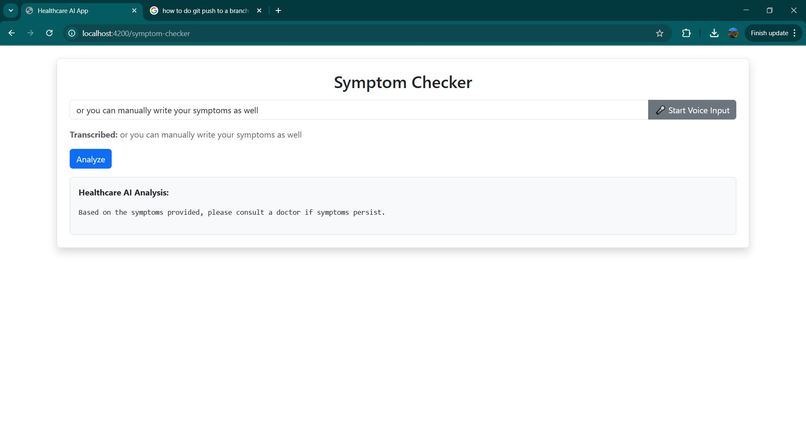
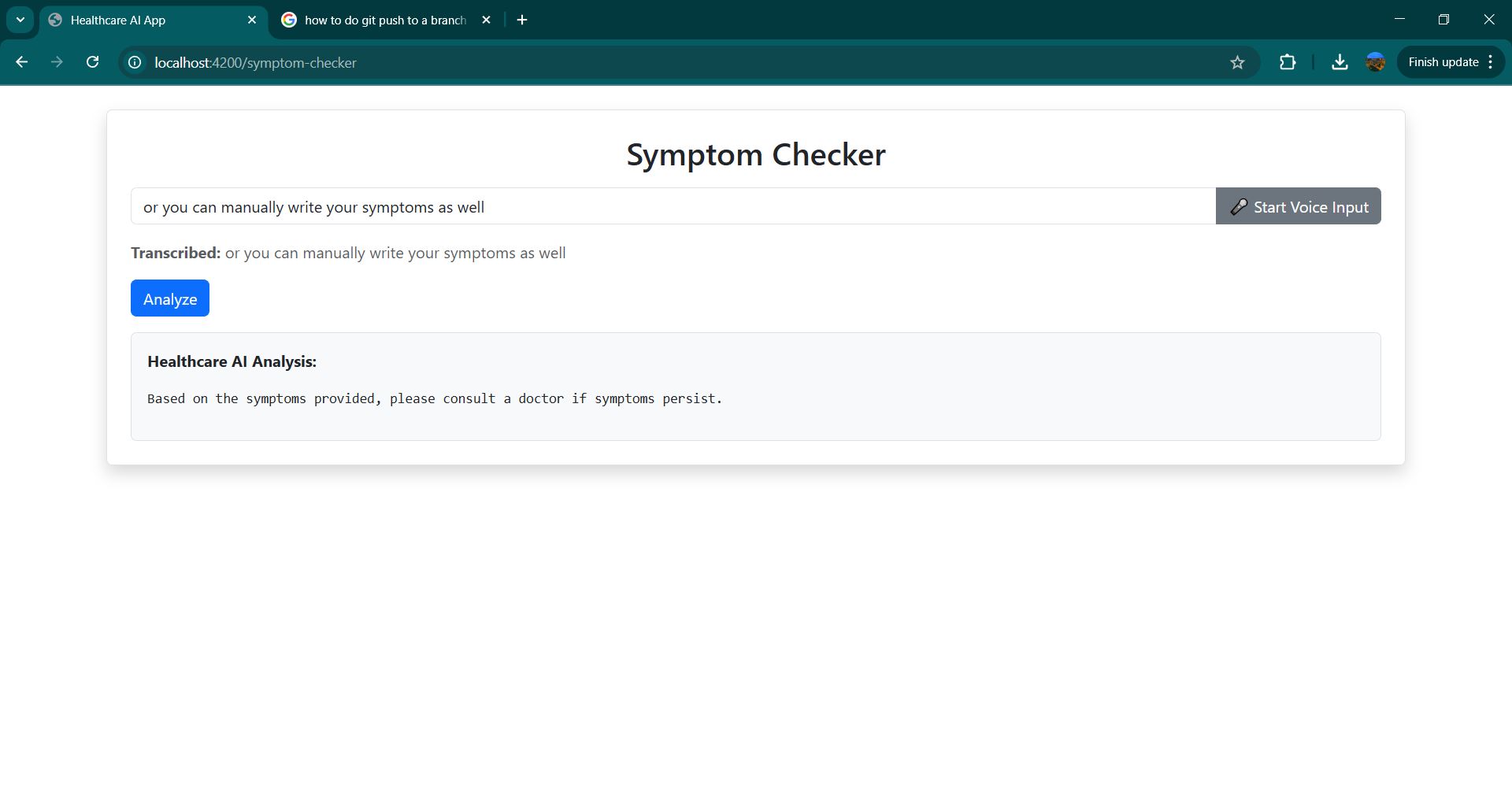
symptom-checker page
-
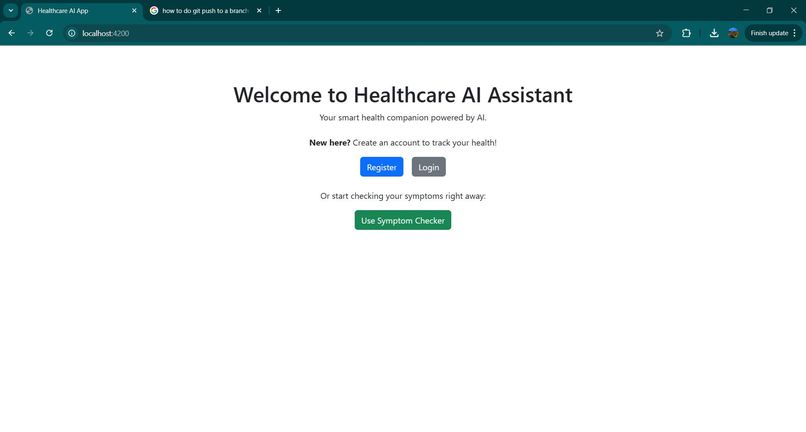
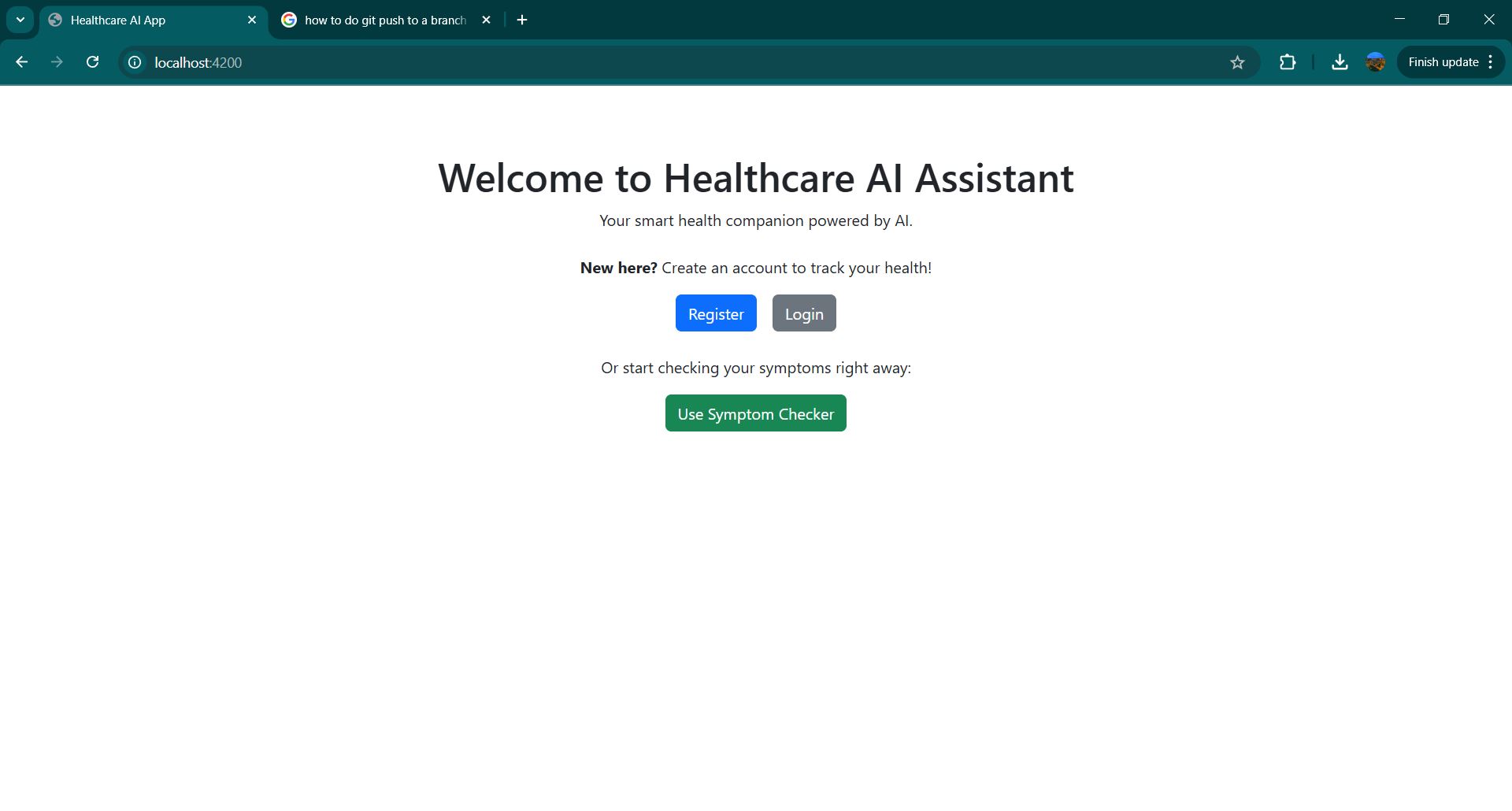
main home page
-
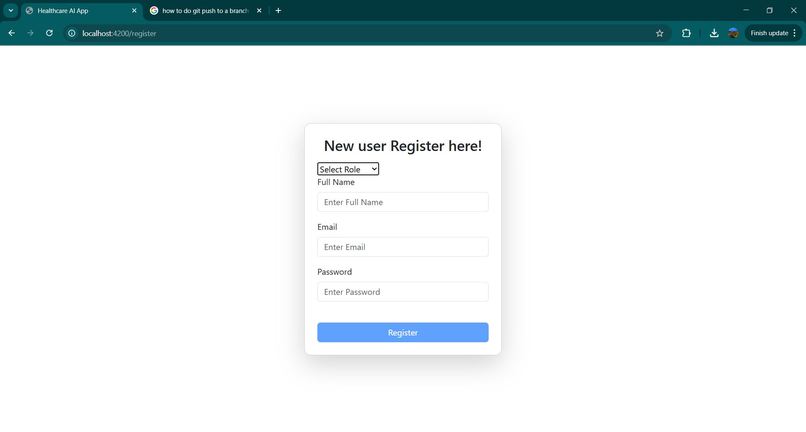
registration page
-
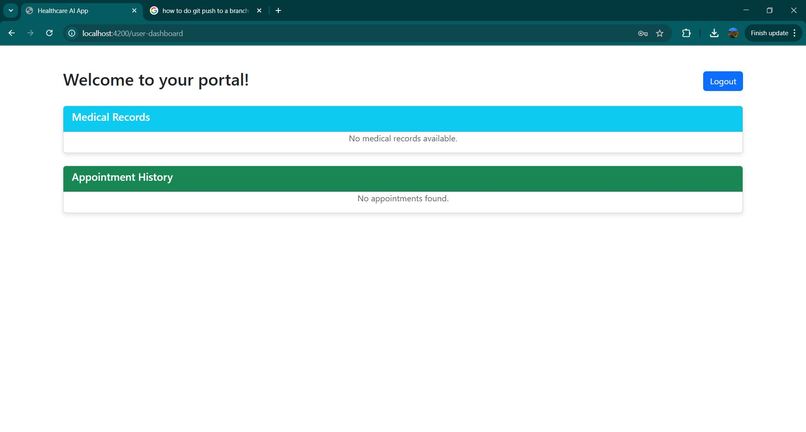
medical records and appointment history
Inspiration
Healthcare accessibility and early diagnosis are crucial for well-being. Many people struggle to identify symptoms and determine when to seek medical attention. With AI advancements, we wanted to build a smart, AI-powered health assistant that helps users analyze symptoms, receive preliminary insights, and make informed healthcare decisions.
What it does
AI-Powered Personal Health Assistant allows users to: Input symptoms via text or voice. Receive AI-driven preliminary analysis and possible conditions. Get recommendations based on symptom severity. Store health reports for future reference.
How we built it
Frontend: Angular 18 with Bootstrap for an intuitive user experience. Backend: Spring Boot with REST APIs handling symptom analysis and health data storage. AI Integration: Azure OpenAI is used to analyze symptoms and generate recommendations. Voice Input: Azure Speech-to-Text is used to convert spoken symptoms into text. Database: MySQL for storing user health reports and past analyses. Deployment: Hosted on Azure for scalability and security. //Yet to be done I contributed to the development of the AI-Powered Personal Health Assistant by: Frontend Development: Built a responsive Angular application using Bootstrap for an intuitive UI/UX. Backend Development: Developed a Spring Boot microservices architecture with REST APIs, handling user authentication, medical records, and AI-driven symptom analysis. Database Management: Used MySQL to store user medical history, appointment records, and health assessments. Azure Integration: Integrated Azure OpenAI for AI-powered symptom analysis, Azure Speech-to-Text for voice input, and deployed services using Azure App Services. Authentication & Security: Implemented JWT-based authentication to secure patient data. How GitHub Copilot Accelerated Development? I used GitHub Copilot in VS Code and Visual Studio to speed up the development process by: Code Autocompletion & Suggestions: Copilot provided intelligent code completions, reducing development time for complex Angular components, Spring Boot controllers, and database queries. Boilerplate Generation: Automatically generated repetitive code, such as DTOs, service classes, and REST endpoints, ensuring consistency and minimizing manual effort. Error Fixes & Optimizations: Suggested improvements for SQL queries, API request handling, and Angular services, enhancing performance and maintainability. By leveraging GitHub Copilot, we significantly reduced development time while maintaining high-quality, well-structured code.
Challenges we ran into
Integrating Azure OpenAI dynamically to provide meaningful responses based on symptoms. Ensuring accurate voice-to-text conversion for medical symptoms. Structuring health reports to be informative yet easy to understand. Handling authentication securely while ensuring privacy compliance.
Accomplishments that we're proud of
Successfully integrating Azure AI services into our healthcare app. Implementing a seamless user experience with both text and voice input. Developing a dynamic rule-based symptom analysis using AI and past health data. Deploying a secure and scalable cloud-based solution. //Yet to be done
What we learned
How to integrate Azure OpenAI and Speech-to-Text for practical healthcare applications. The importance of user-friendly UI/UX in health-related applications. Managing authentication securely while handling sensitive health data. Optimizing AI responses to ensure accuracy and reliability.
What's next for AI-Powered Personal Health Assistant
Expanding AI capabilities to provide personalized health recommendations. Integrating a chatbot for real-time health guidance. Adding support for multiple languages and accessibility features. Connecting with wearable devices for real-time health monitoring. Enhancing security and privacy measures for handling health data.
Built With
- angular.js
- azure
- azure-app-service
- azure-devops
- azure-openai
- azure-speech-to-text
- azure-sql-database
- java
- openai-api
- speech
- spring-boot
- typescript


Log in or sign up for Devpost to join the conversation.