-
-
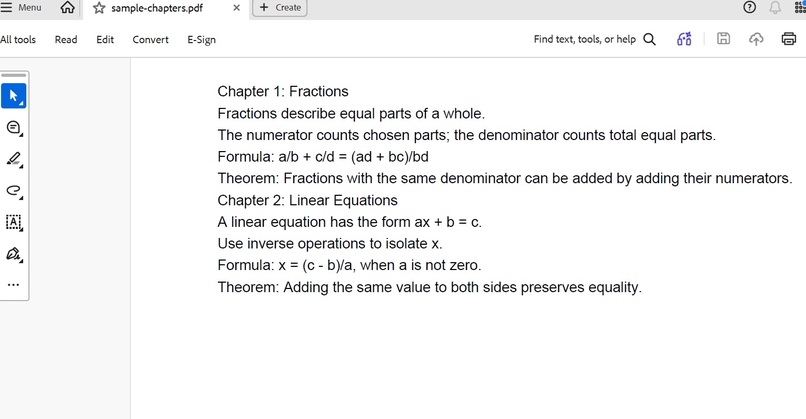
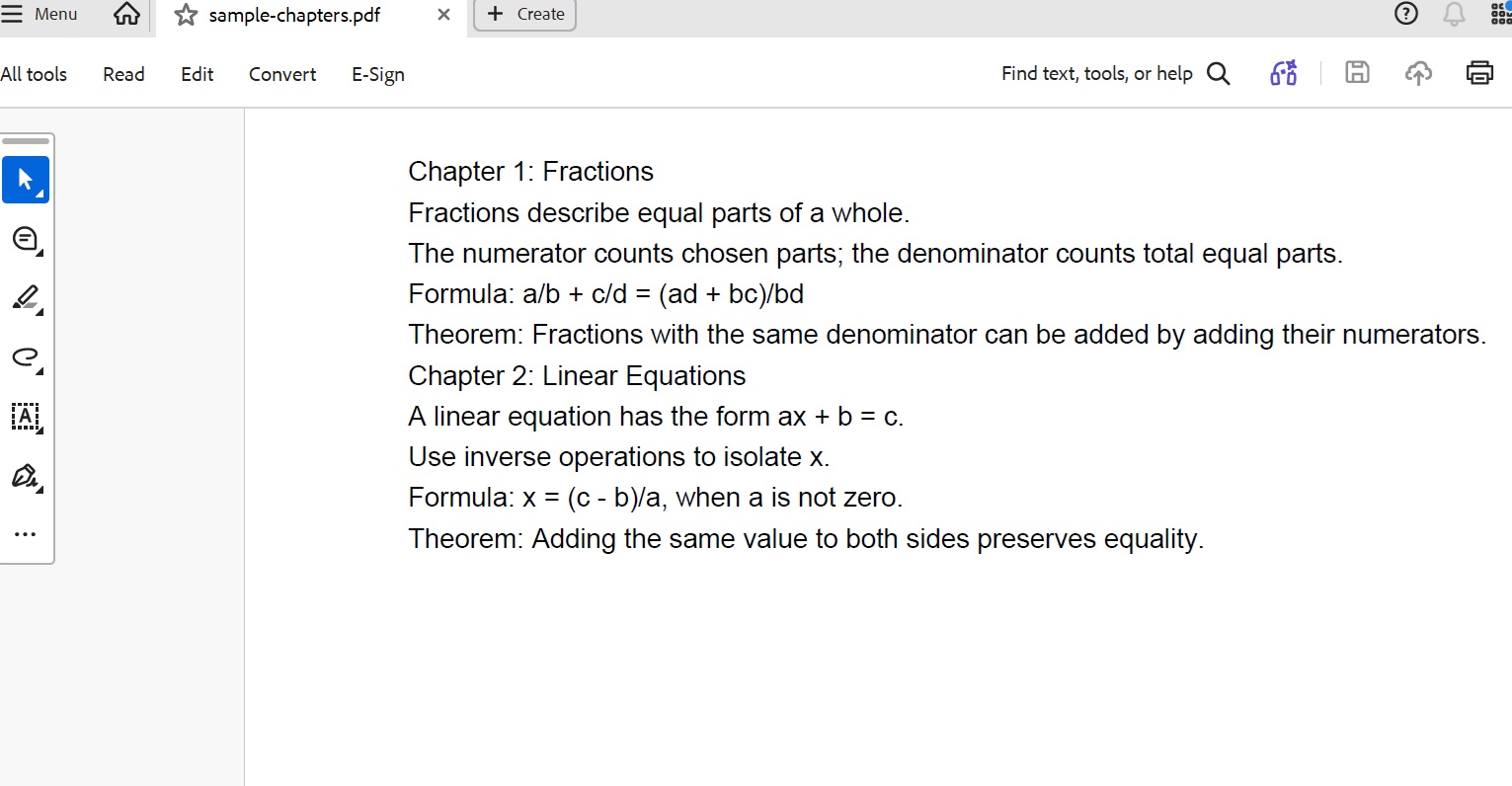
sample-chapters pdf file chosen
-
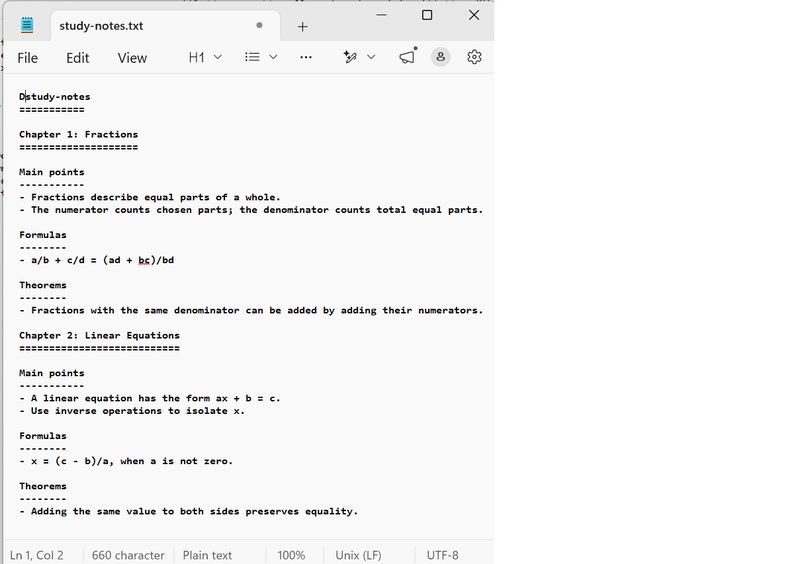
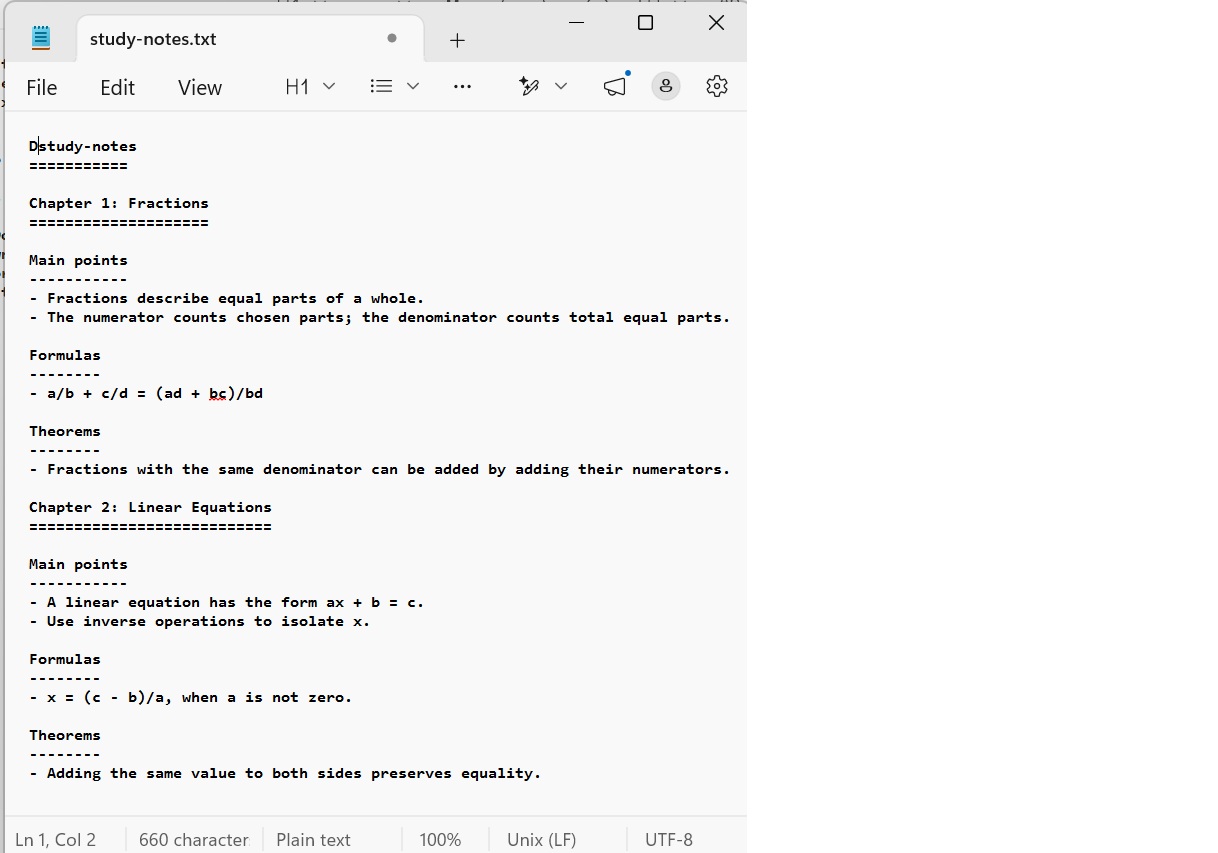
after summary text file
-
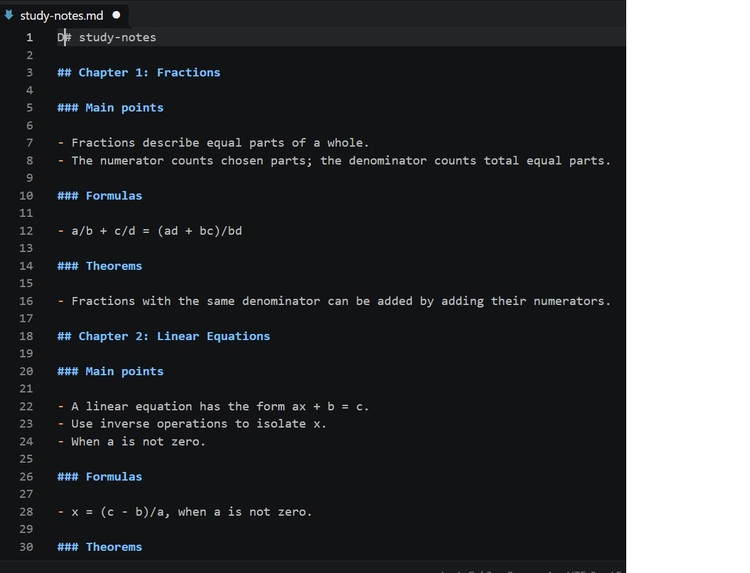
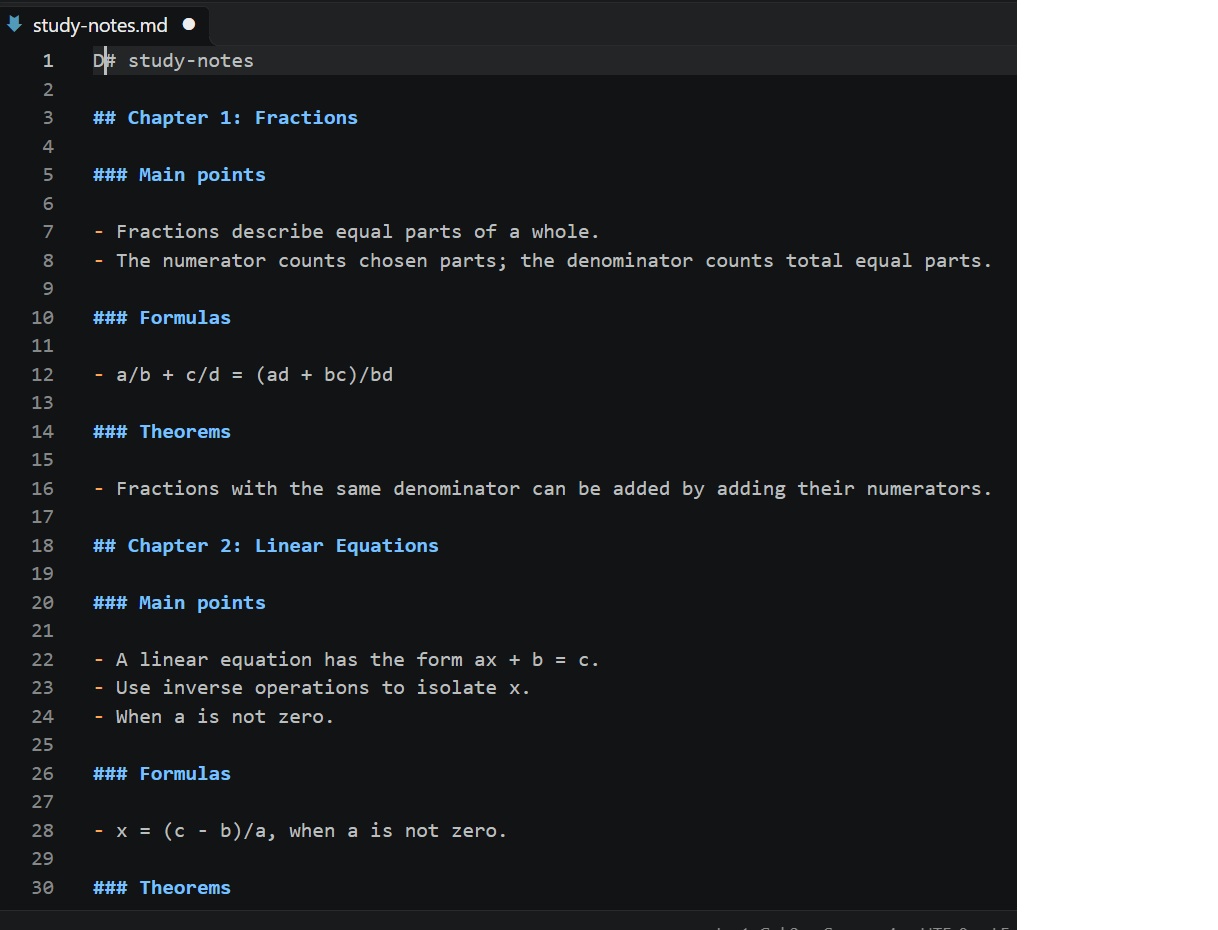
markdown summary notes
-
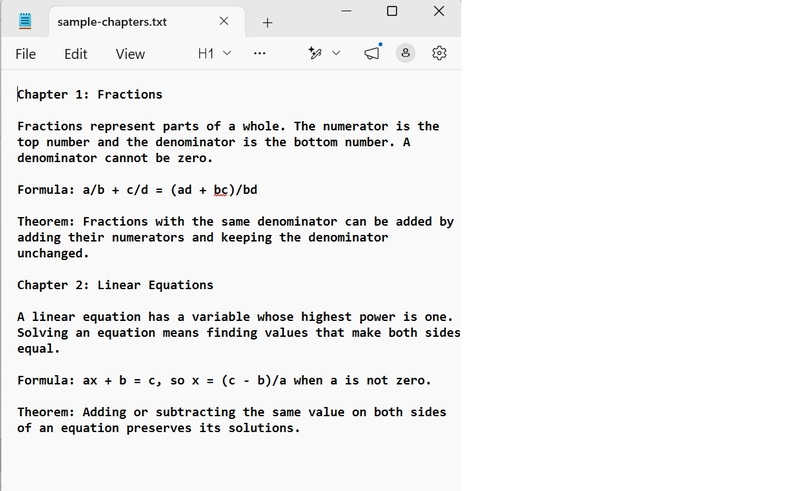
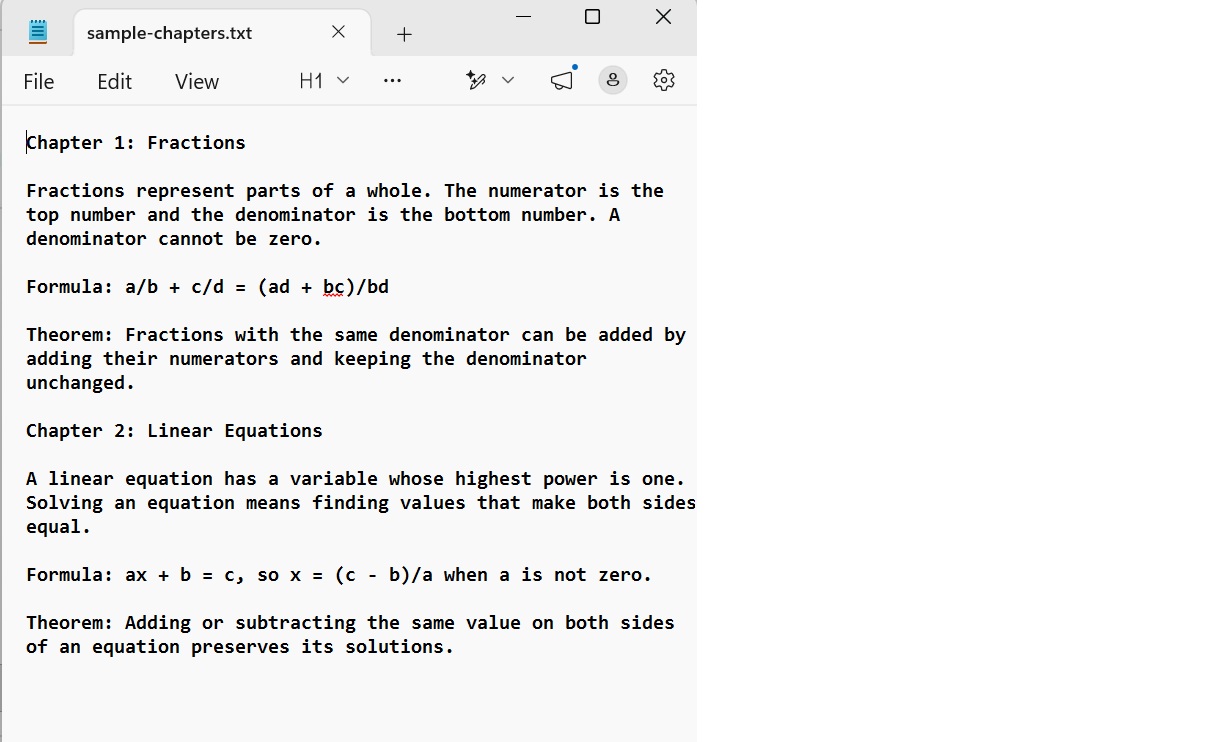
sample-chapters text file
-
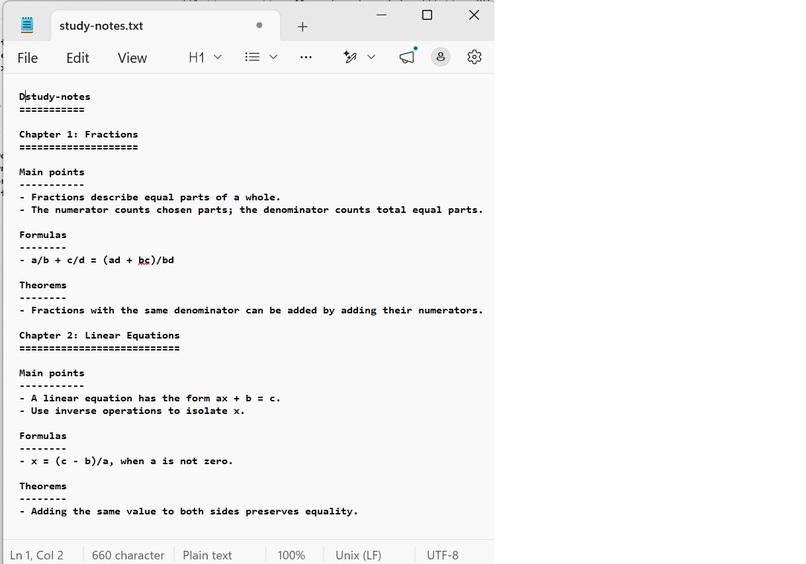
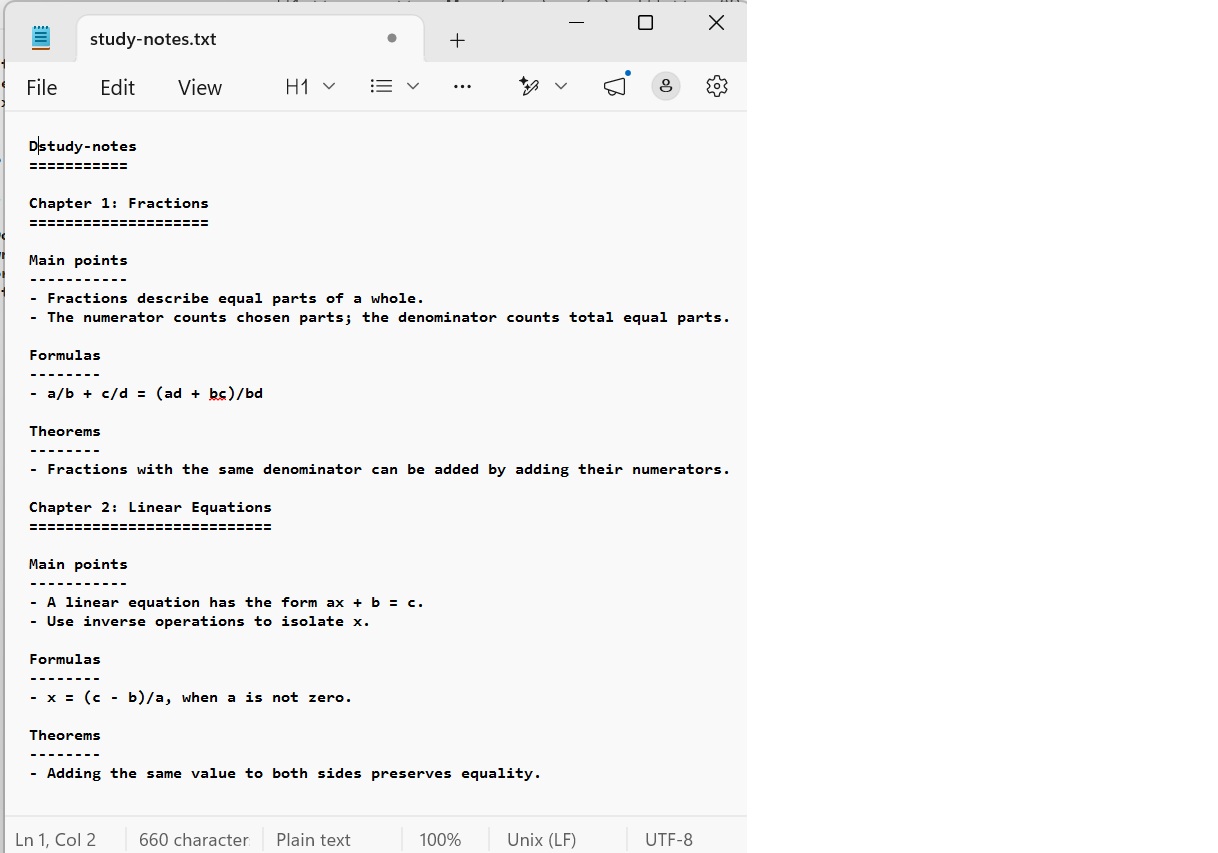
summary for text file
Inspiration
Every student, developer, and researcher faces the exact same bottleneck: information overload. Whether you are handed a massive textbook chapter or dense technical documentation, it is easy to waste hours skimming through filler text just trying to find core concepts. Traditional note-taking is painfully slow. Worse yet, most mainstream online AI tools force you to upload sensitive, proprietary files to their cloud servers, sacrificing your data privacy. I built SummaSnap to bridge this gap. I wanted to create a privacy-first, lightning-fast desktop or mobile companion that extracts key insights from dense documents in seconds—giving users absolute data ownership.
What it does
I built SummaSnap to bridge this gap. I wanted to create a privacy-first, lightning-fast desktop or mobile companion that extracts key insights from dense documents in seconds—giving users absolute data ownership.
How I built it
The project was engineered from the ground up following "Build With AI: Basics" principles. I focused on clean architecture, minimal latency, and minimal data persistence on third-party servers. The Tech Stack • Frontend: Built with React for a highly responsive, intuitive UI. • Backend: Powered by Node.js and Express to handle file streaming and API routing. • Inference Engine: Integrated with Groq’s ultra-low latency inference engine to achieve near-instantaneous text processing.
How It Works The user drops a native, text-based PDF or a standard text file , straight into the interface. Instead of waiting around for heavy cloud models, the text payload is processed via Groq's API. In just a couple of seconds, the raw document is transformed into a beautifully structured, highly readable summary highlighting key terms and core takeaways. Users can export these structured summaries directly to their local machine as a standard text file or a clean Markdown file with a single click.
Challenges I ran into
- Balancing AI features with data privacy: The app needs to send extracted document text to Groq to generate notes. I kept uploads in server memory and didn’t add application-database storage, while learning that using a cloud AI service still means document text is shared with that provider.
- Extracting text from PDFs: PDF text is organized by page and layout rather than as a simple document. I used PDF.js to extract text from text-based PDFs and organize it by chapter headings. Scanned PDFs and complex layouts, such as tables, aren’t supported.
Accomplishments that I am proud of
- Sub-Second AI Inference: Successfully integrated Groq’s low-latency engine to achieve text-to-summary processing speeds that outpace traditional cloud-based LLM applications.
- In-memory document processing: Processed uploads in server memory without storing them in an application database; sent extracted text to Groq for AI summarization.
- Seamless Multi-Format Local Export: Developed a clean, one-click file generation system allowing users to instantly download structured summaries as standard text or beautifully formatted Markdown files.
- Strict Adherence to AI Engineering Standards: Successfully built and deployed the application within the architecture of the "Build With AI: Basics"
What I learned
- Full-stack integration: Connected a React interface to an Express API using multipart file uploads and asynchronous requests.
- Document handling: Extracted chapter-organized text from TXT and text-based PDFs, and learned to validate file types, sizes, and document structure.
- AI API integration: Sent chapter content to Groq and validated its structured response before displaying it.
- Error handling: Designed clear responses for invalid uploads, missing configuration, rate limits, and AI-service failures.
- Testing: Wrote automated tests for document extraction, API behavior, and generated-note formats.
- Production deployment: Built and deployed the application on Render, configured secrets outside the source code, and verified the live service.
- User experience: Designed a responsive interface and added downloadable study notes.
What's next for SummaSnap
Right now, SummaSnap focuses entirely on digital text-based documents. My next engineering sprints are already planned around two major upgrades:
- Offline OCR Pipeline: Integrating a local optical character recognition engine to support scanned documents and handwritten notes.
- 100% Local Inference: Moving the AI models directly onto the user's local machine using frameworks like ONNX Runtime or Llama.cpp so that the entire application can run flawlessly with zero internet connection.

Log in or sign up for Devpost to join the conversation.