-
-
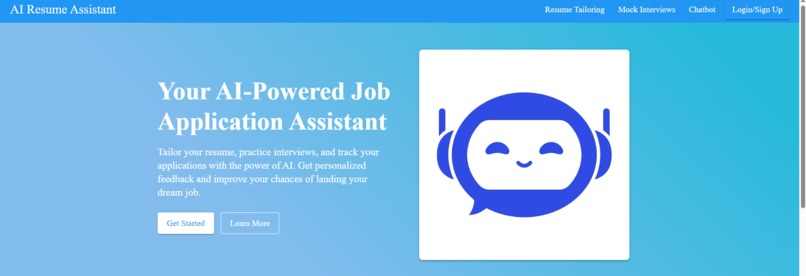
Home Page For AI-Powered Job Application Assistant Project
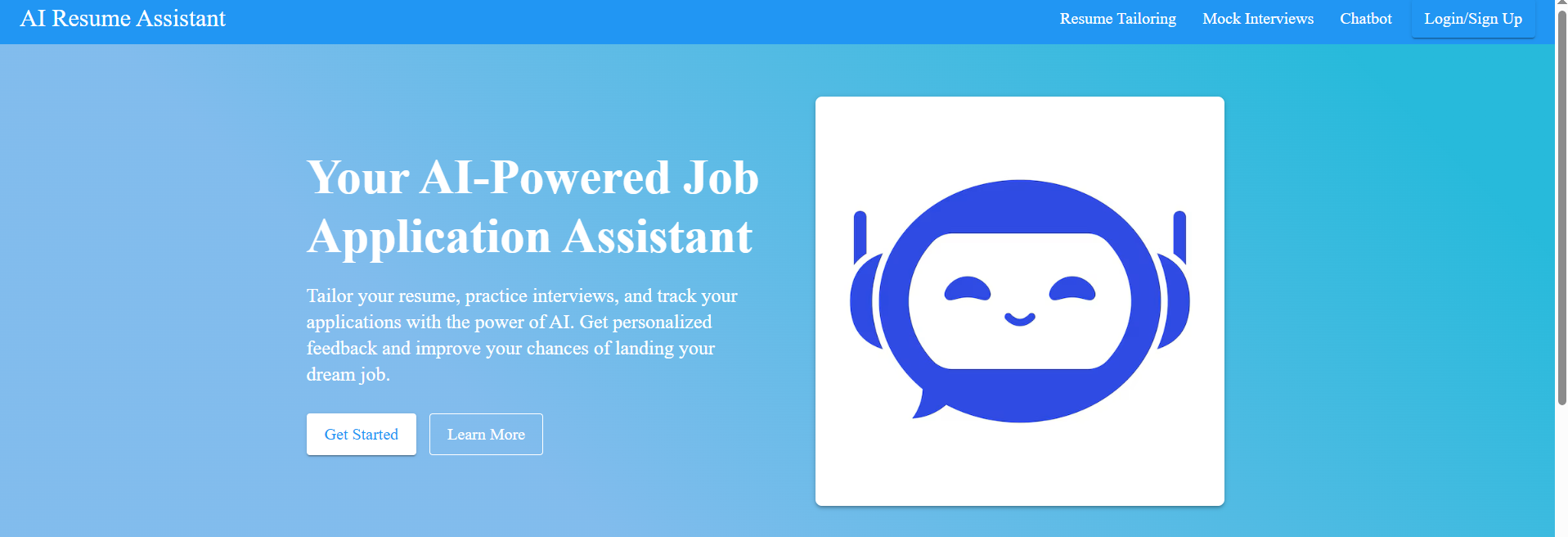
AI-Powered Job Application Assistant
Inspiration
Job seekers today face increasingly complex application processes and sophisticated applicant tracking systems. We created this assistant to democratize access to professional career coaching through AI, making advanced job application assistance available to everyone regardless of their resources or network.
What it does
Our AI-Powered Job Application Assistant provides:
- Resume analysis that identifies strengths and matches keywords to job descriptions
- Mock interview simulations with real-time feedback on your responses
- AI chatbot for interview question practice using LLaMA 3
How we built it
We developed a full-stack application using:
- React/TypeScript frontend with Material-UI
- Django backend with REST Framework
- AI technologies including Azure Cognitive Services, BERT models for sentiment analysis, and Groq API
- Custom algorithms for keyword matching and interview response evaluation
Challenges we ran into
- Implementing real-time speech processing with meaningful feedback
- Coordinating multiple AI services with different authentication methods
- Creating algorithms that provide genuinely actionable recommendations
Accomplishments that we're proud of
We successfully built a comprehensive system that:
- Extracts insights from resumes
- Simulates realistic interviews
- Provides targeted feedback through an intuitive interface that makes complex AI technology accessible to job seekers.
What we learned
This project deepened our expertise in:
- AI service orchestration
- Speech analysis
- Natural language processing
- Designing interfaces that present complex feedback in accessible formats
What's next for AI-Powered Job Application Assistant
We plan to add:
- Video interview analysis
- Cover letter optimization
- Job market analytics
- And eventually, develop a mobile application for practice on the go.
How I Used GitHub Copilot to Develop the AI-Powered Job Application Assistant
# Overview of GitHub Copilot Usage
Throughout the entire development process of the AI-Powered Job Application Assistant, GitHub Copilot was an invaluable pair-programming partner that significantly accelerated development and enhanced code quality. Integrated directly within VS Code, Copilot provided intelligent code suggestions, helped implement complex features, and assisted with problem-solving across both frontend and backend components. The AI assistant's ability to understand project context and suggest relevant code snippets dramatically reduced implementation time across all project phases.
# Code Generation and Completion
GitHub Copilot dramatically improved my coding efficiency by generating entire component structures and function implementations:
React Component Generation:
When developing components likeInterviewPanel.tsxandSuggestionsPanel.tsx, Copilot generated complete component skeletons with proper TypeScript interfaces, state management hooks, and JSX markup based on comments describing the component's functionality. This was particularly valuable for complex UI components that required numerous state variables and event handlers.API Integration:
For services likeazureSpeechService.tsandresumeService.ts, Copilot helped implement the integration with Azure Cognitive Services by suggesting proper API request formats, authentication methods, and error handling patterns after I provided just the basic function signatures and documentation comments. This saved countless hours of Azure documentation research.Speech Recognition Logic:
The complex speech recognition implementation that powers the mock interview feature was largely generated by Copilot, which provided accurate code for handling both Azure Speech SDK and browser Web Speech API with proper fallback mechanisms. Copilot offered sophisticated optimization techniques for handling audio streaming and transcription that would have been challenging to implement manually.
# Problem-Solving and Debugging
When facing technical challenges, GitHub Copilot provided solutions and debugging assistance:
Audio Processing:
When implementing real-time audio recording and transcription features, Copilot suggested proper implementations for MediaRecorder API usage, handling audio chunks, and managing the audio lifecycle. Even for browser-specific audio implementation differences, Copilot suggested appropriate workarounds and fallback strategies.State Management:
For complex state management in components likeMockInterviewPage.tsx, Copilot recommended appropriate React hooks patterns and helped with implementing proper cleanup functions inuseEffecthooks to prevent memory leaks. When faced with race conditions in asynchronous operations, Copilot helped implement proper cancellation tokens and state guards.Interview Analysis Algorithms:
The sophisticated interview response analysis algorithms inclientAnalysisService.tsthat evaluate relevance, clarity, and pacing were largely assisted by Copilot, which suggested pattern matching algorithms and scoring mechanisms. Copilot even recommended optimization techniques for text processing functions that significantly improved performance.
# Architecture and Integration
GitHub Copilot helped with architectural decisions and system integration:
Context API Setup:
The implementation of React contexts likeAuthContextandRecentActivityContextwas streamlined with Copilot suggesting proper provider patterns, hooks, and state initialization. Copilot recommended optimal patterns for context composition and consumption that maintained clean separation of concerns.API Service Structure:
Copilot helped establish a consistent pattern for service modules, suggesting proper TypeScript interfaces, asynchronous function implementations, and error handling approaches. When designing the service layer architecture, Copilot suggested effective patterns for dependency injection and service composition.Component Communication:
For complex component interactions, Copilot recommended props and callback patterns that ensured clean communication between parent and child components. For deeply nested component hierarchies, Copilot suggested custom hooks and context solutions that prevented prop drilling issues.
UI Implementation
Material-UI integration was significantly accelerated with Copilot:
Responsive Layouts:
For components likeDashboardHeader.tsxandInterviewFeedback.tsx, Copilot suggested responsive grid layouts and breakpoint-specific styling. Copilot even generated complex CSS-in-JS patterns for handling device-specific layout challenges.Theme Customization:
When implementing the custom theme inApp.tsx, Copilot provided comprehensive theme configuration options based on Material-UI's theming system. Copilot helped establish consistent color schemes, typography scales, and spacing systems that maintained design consistency throughout the application.Complex UI Components:
For data visualization elements like progress indicators and charts in the interview feedback section, Copilot generated the necessary Material-UI components with appropriate props and styling. For custom animations and transitions, Copilot suggested optimal implementations that enhanced user experience while maintaining performance.
# Documentation and Testing
GitHub Copilot assisted with documentation and testing:
JSDoc Comments:
Throughout the codebase, Copilot automatically generated comprehensive JSDoc comments for functions and interfaces, improving code readability and maintainability. Copilot suggested detailed parameter descriptions and return type documentation that clarified component usage for other team members.README Content:
Portions of the project documentation, including installation instructions and feature descriptions, were drafted with Copilot's assistance. Copilot helped create clear, structured documentation with appropriate markdown formatting and consistent terminology.Test Cases:
For critical functions like authentication logic and API services, Copilot suggested test cases and implementation approaches. Copilot generated comprehensive test scenarios covering edge cases that might have been overlooked during manual test case creation.
Django Backend Development
Copilot was equally valuable for backend development:
Model Design:
When defining Django models likeUserProfileandInterviewRecord, Copilot suggested appropriate field types, relationships, and validation constraints based on the described data requirements.API Endpoint Implementation:
For DRF views and serializers, Copilot generated complete implementations including permission classes, filtering, and serialization logic based on endpoint descriptions.Database Queries:
Copilot suggested optimized database queries and annotations for complex data retrieval operations, helping avoid N+1 query issues and improving backend performance.
Integration with External Services
When integrating third-party services, Copilot provided exceptional assistance:
Azure Services Configuration:
Copilot generated proper configuration patterns for Azure Cognitive Services clients, including authentication setup, endpoint management, and service-specific parameters.Groq API Integration:
For the LLaMA 3 interview chatbot feature, Copilot suggested effective implementation strategies for token management, prompt engineering, and response parsing.
Specific Examples
Speech Recognition Implementation:
When implementing speech recognition with fallback options inazureSpeechService.ts, I started by writing comments describing the desired functionality, and Copilot generated the complete implementation including error handling, browser API detection, and Azure SDK integration. I particularly appreciated how Copilot handled the complex authentication flow and session management required by Azure's Speech service.Interview Scoring Algorithm:
For the interview analysis functions that calculate scores based on keyword matching, pacing, and clarity, Copilot suggested sophisticated algorithms that considered multiple factors to generate comprehensive feedback. Copilot implemented efficient text processing techniques that identified key phrases and sentiment indicators without requiring explicit pattern definitions.React State Management:
In complex components likeMockInterviewPage.tsxwith numerous interconnected state variables, Copilot helped implement proper state updates and side effects that maintained consistency across the component's lifecycle. When I encountered a particularly challenging issue with audio state management during interview recording, Copilot suggested a custom hook implementation that elegantly solved the problem.Real-time Form Validation:
For the resume upload and job description forms, Copilot generated sophisticated validation logic that provided immediate feedback while maintaining accessibility standards and supporting keyboard navigation.Authentication Flow:
Copilot helped implement a secure authentication system with JWT token management, refresh mechanisms, and proper security practices like token storage in httpOnly cookies.
By leveraging GitHub Copilot throughout the development process, I was able to accelerate development significantly while maintaining high code quality and implementing advanced features that would have required substantially more research and implementation time otherwise. The most impressive aspect was Copilot's ability to understand the overall architecture and suggest implementations that fit seamlessly with existing code patterns and project conventions.


Log in or sign up for Devpost to join the conversation.