-
-
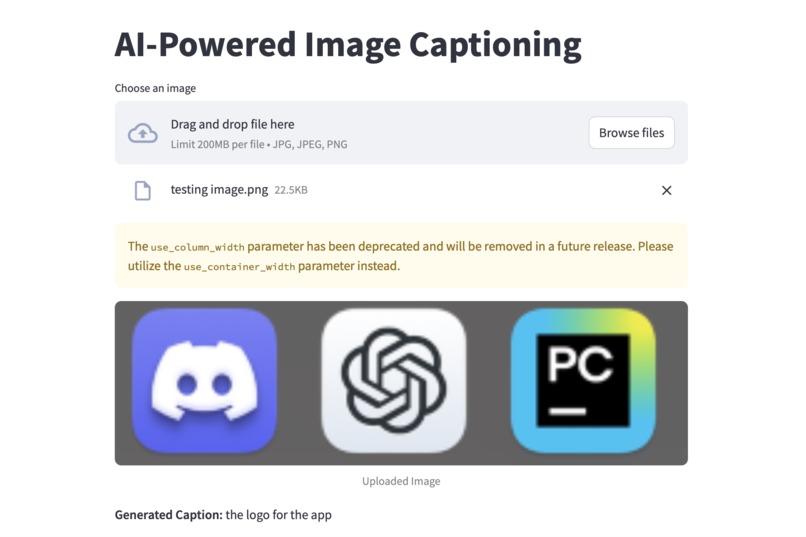
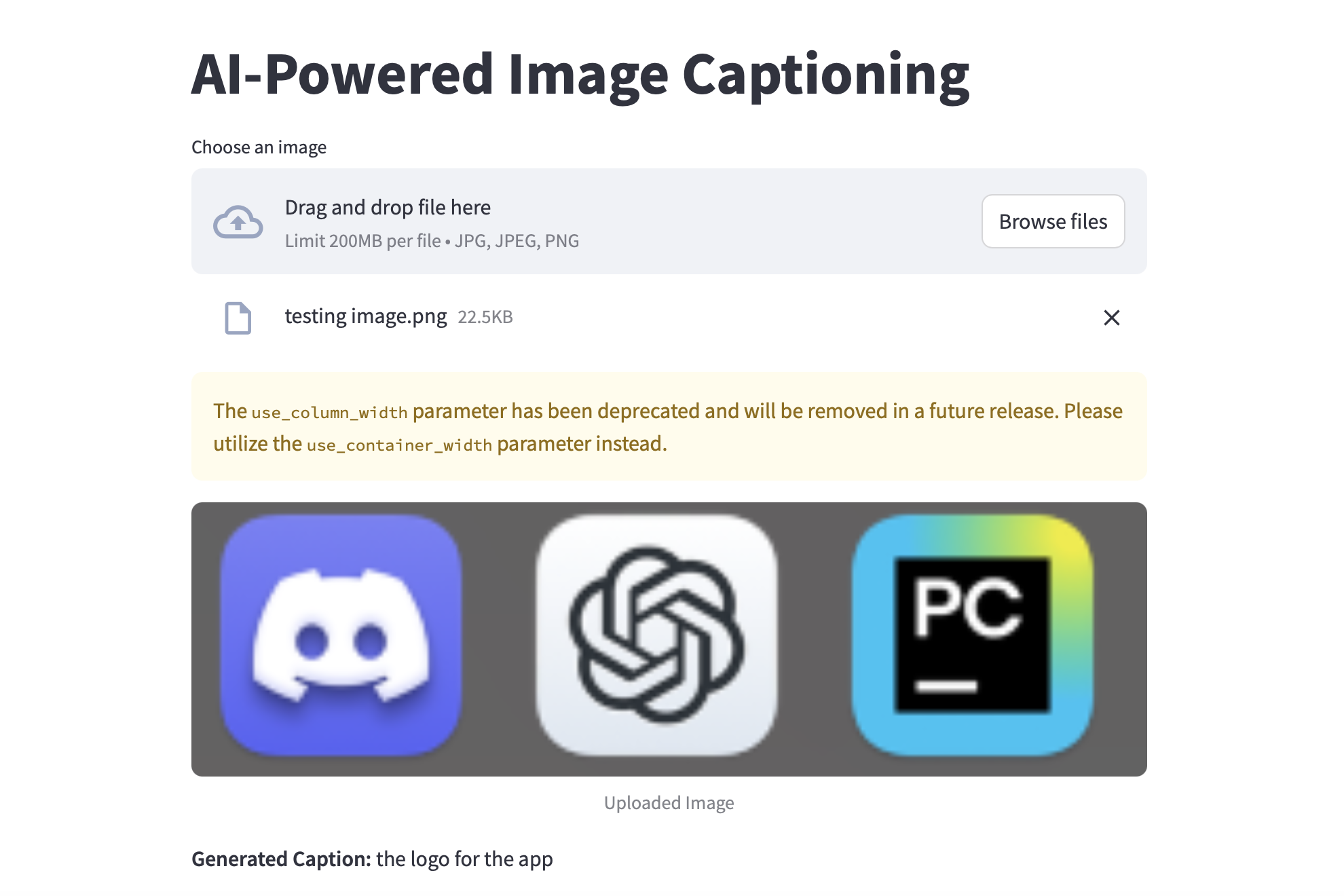
This is the UI for my progect, the caption on the bottom is the discription of the uploaded image generated by AI model.
-
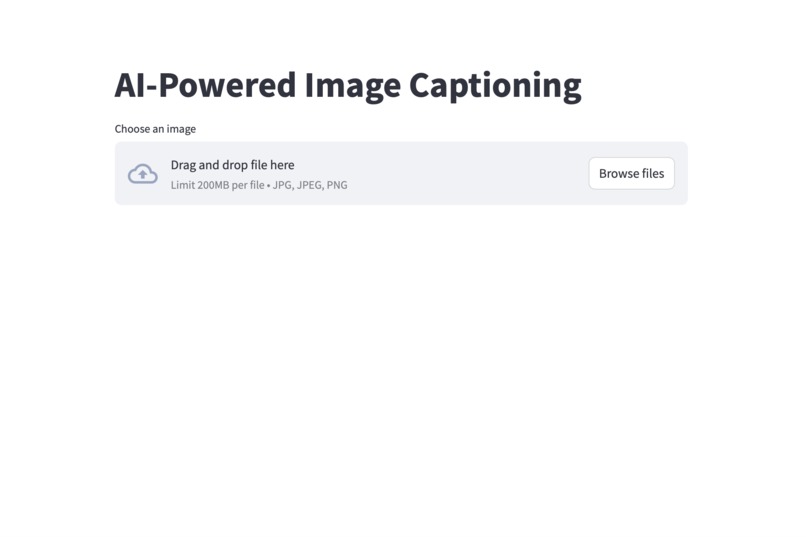
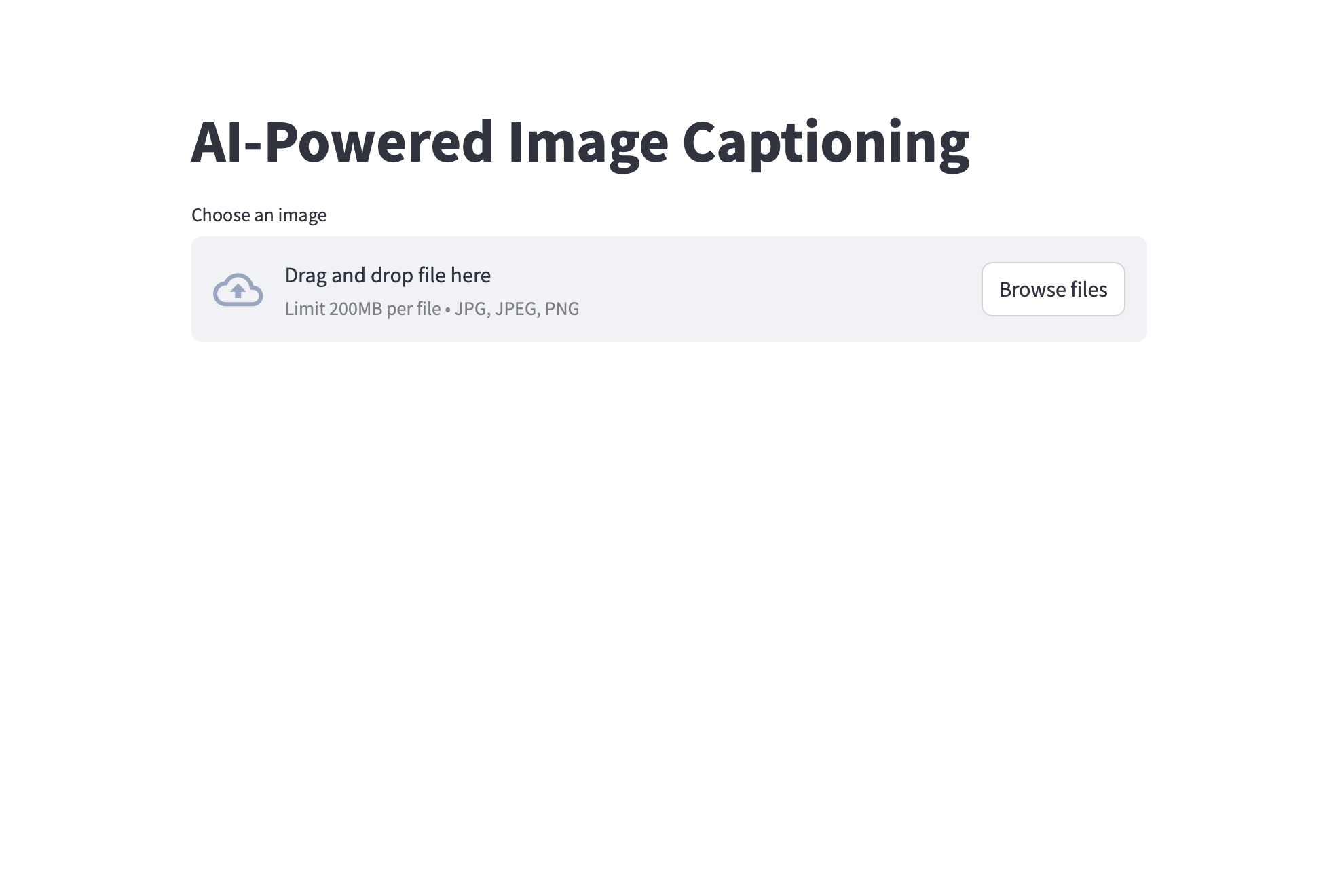
This is the UI asking the user to upload an image
Inspiration
I noticed that people with vision disorder have difficulties in reading images in their daily life, so I want to develop a project to solve this problem and help them in their daily life.
What it does
This is a program use to generate a caption for an uploaded image. After a caption was generated, the program will automatically read the caption to help people with vision disorder to know what the image is about.
How we built it
This project is based on python. I used a large language model to process the image and generate the caption. While building this project, I divided it into three parts--image processing, text reading and user interface. First, I create the image processing part using pre-trained language model. A caption will be generated on the terminal for each image. At this time, there isn't a way to upload images directly into my program, so I had to manually move the image into the file. After finished the core of this project, the image reading component, I started to work on the text reading. This part is probably the easiest part of the project. I used the python text-to-speach module to help me read all the caption generated by the image processor. After finish this part, I seperated it from the image processor file to make it easier for future edit and debug. The last part was the user interface. I used streamlit to create a simple and interactive web interface for the application and accept files uploaded by users. In this part, I imported the previous parts of this program as modules and the project got full functionality.
Challenges we ran into
The most challenging part of this project was developing the user interface, as I had no prior experience in UI development, so I relied on online tutorials and AI tools to guide me. While combining the image processing part and user interface, a problem occurred. The image processor processed images as files, but Streamlit accepted them as variables. To solve this, I rewrote most of the image processor's code using object-oriented programming to increase the flexibility of the program, allowing it to handle images both as files and in-memory objects, making the program more modular and adaptable for future enhancements.
Accomplishments that we're proud of
This is my first time creating such a project, and I finished everything by my self, so I am proud of everything in this project.
What we learned
Most of the techniques used in this project are new to me. I learned how to use large langurage models to process images, how to set up an local website that contain simple interaction functions, and more importantly, I learned the process for project development. I am really proud of successfully integrating a pre-trained deep learning model into a functional application, creating a user-friendly interface that makes the tool accessible to non-technical users, and building such a project that has the potential to make a real difference in people’s lives.
What's next for AI-Powered Image Captioner
Now this AI-Powered Image Captioner still have many shortcomings. The next step I planed for this project is to make this tool accessible to anyone, anywhere, by deploying it as a web application using platforms like Streamlit Sharing, Heroku, or AWS. Then I will try to transform it into a standalone application and improve its functionalities like allowing users to get the caption for all images on the screen that they double click on.

Log in or sign up for Devpost to join the conversation.