-
-
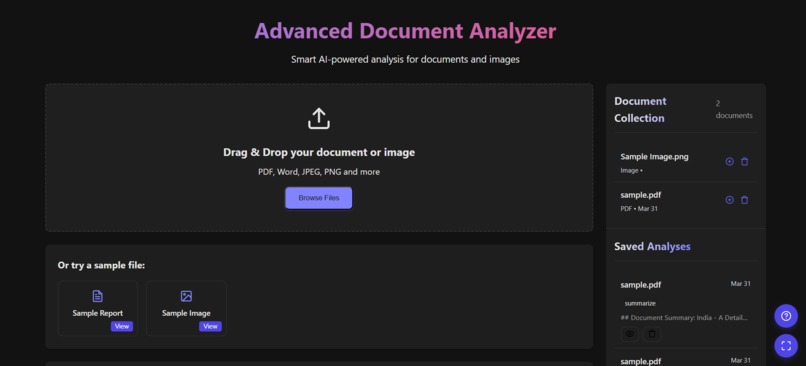
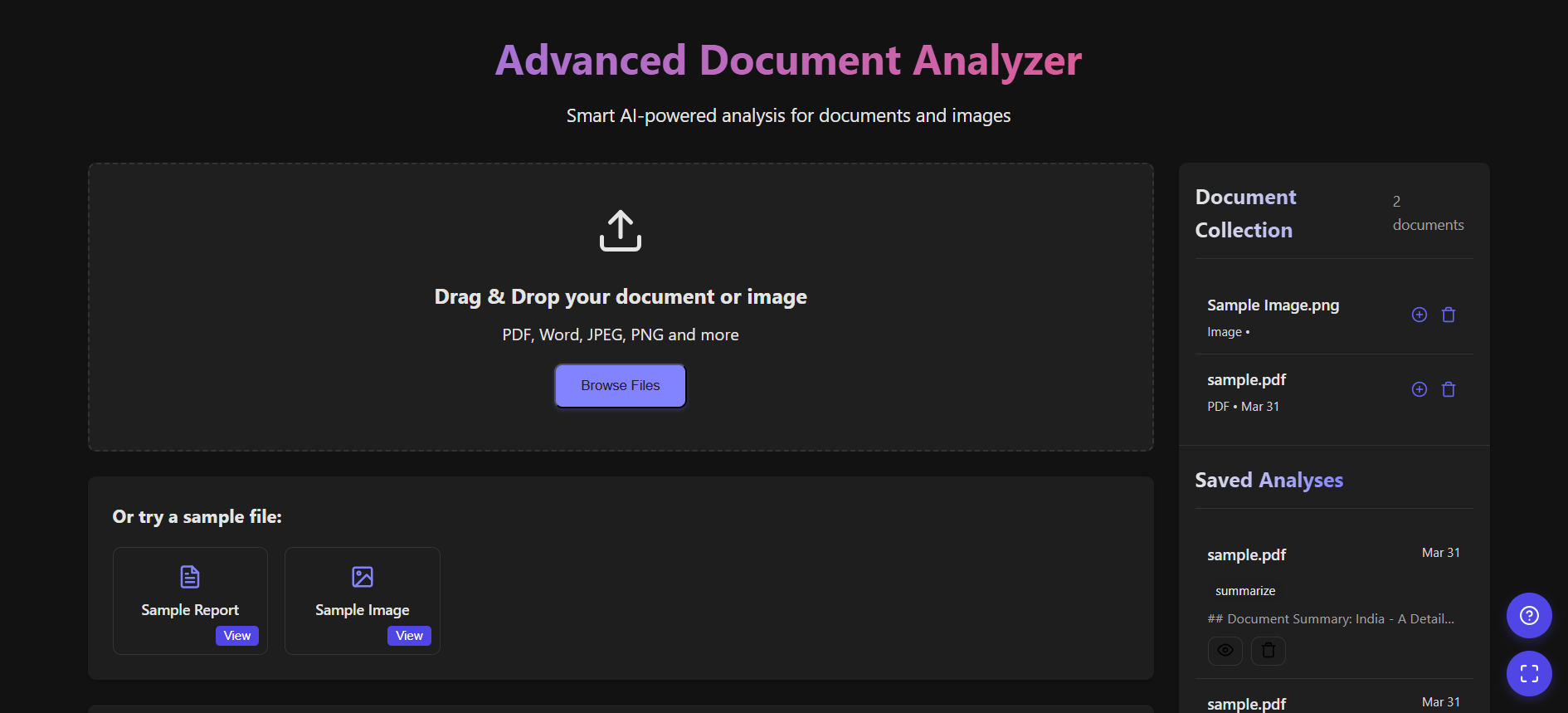
1) Welcome Page
-
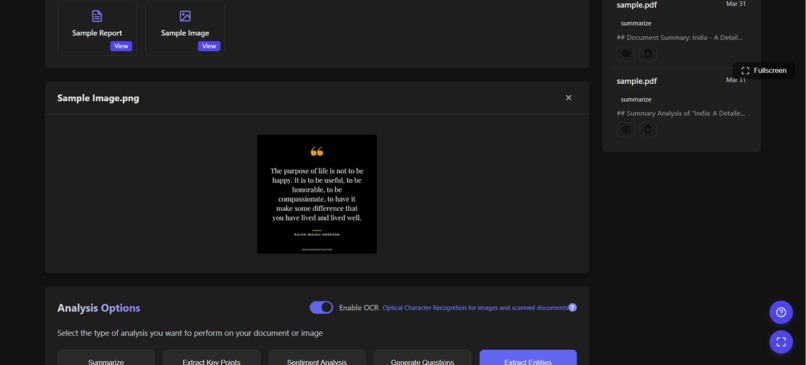
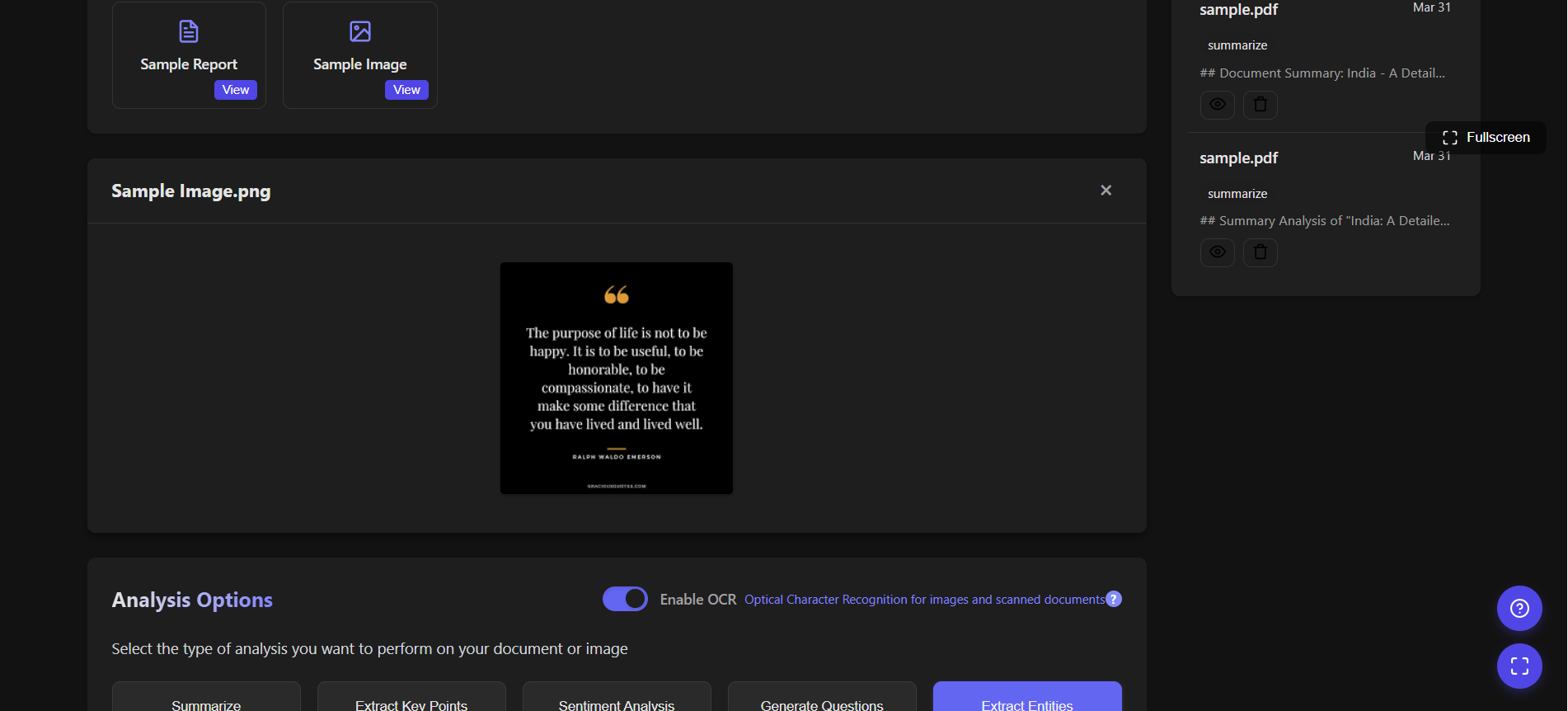
2) Sample Image
-
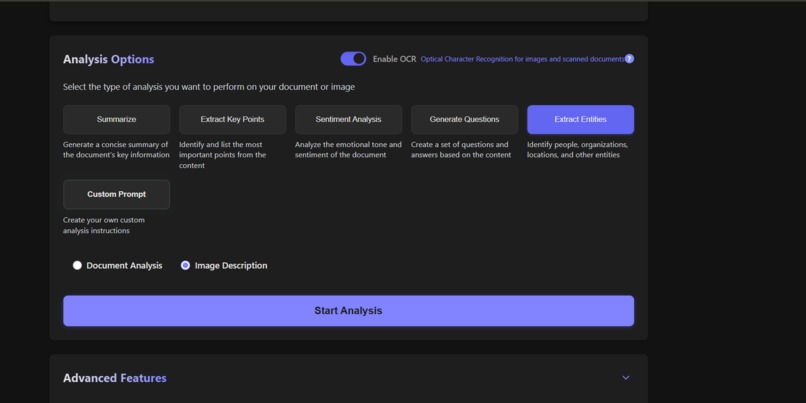
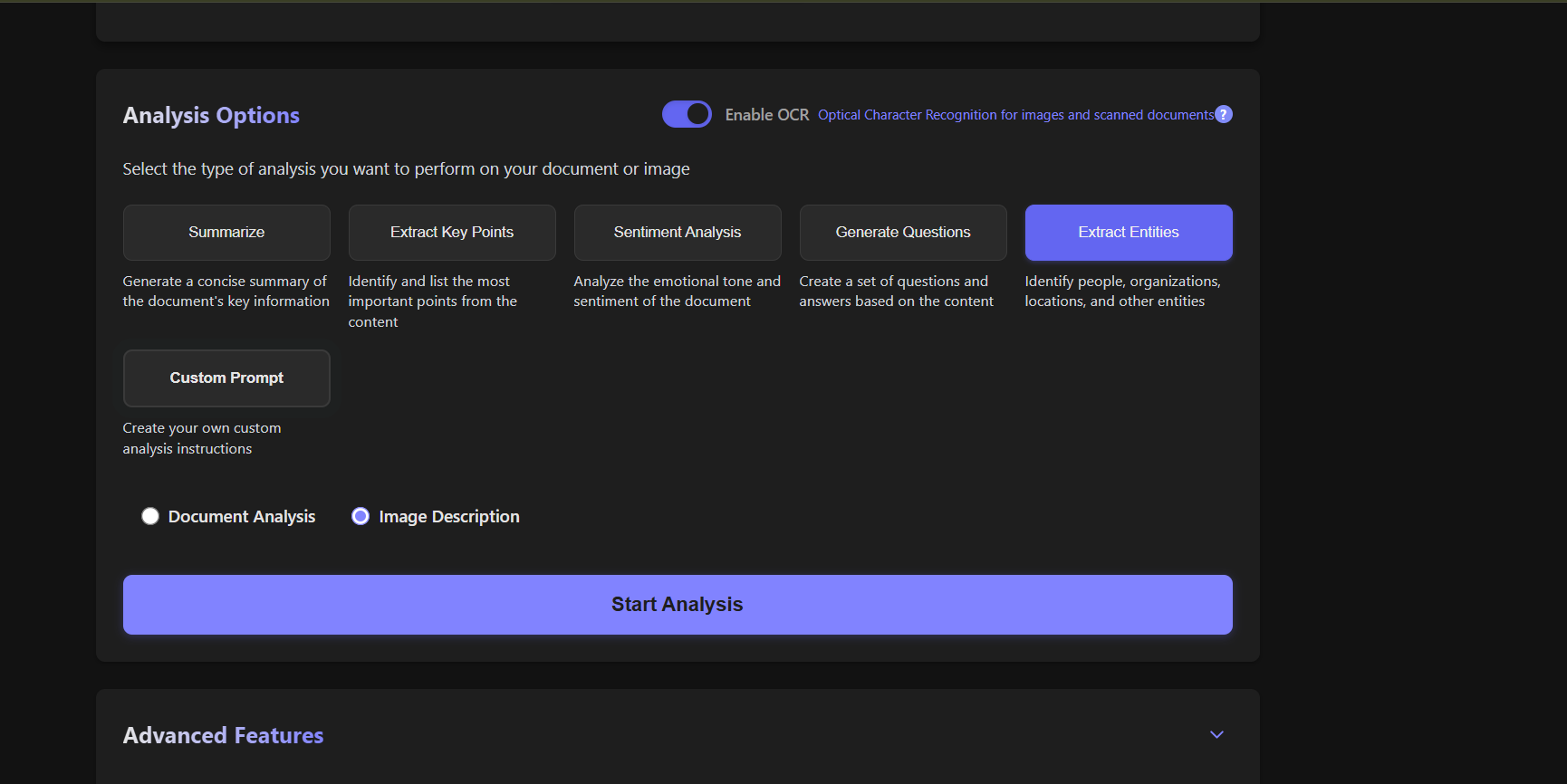
3) Advanced Analysis options
-
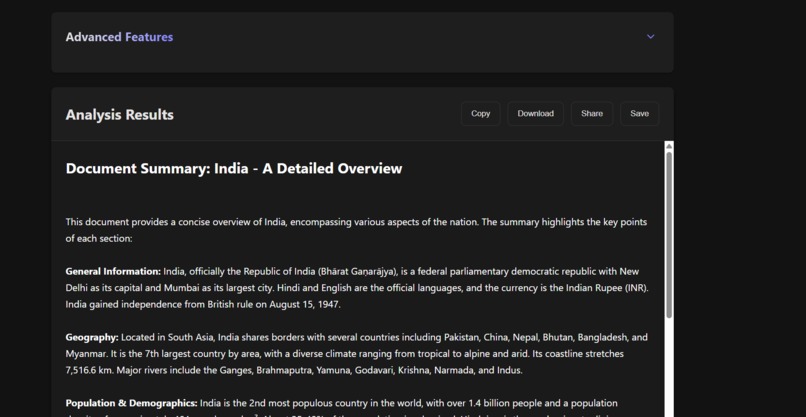
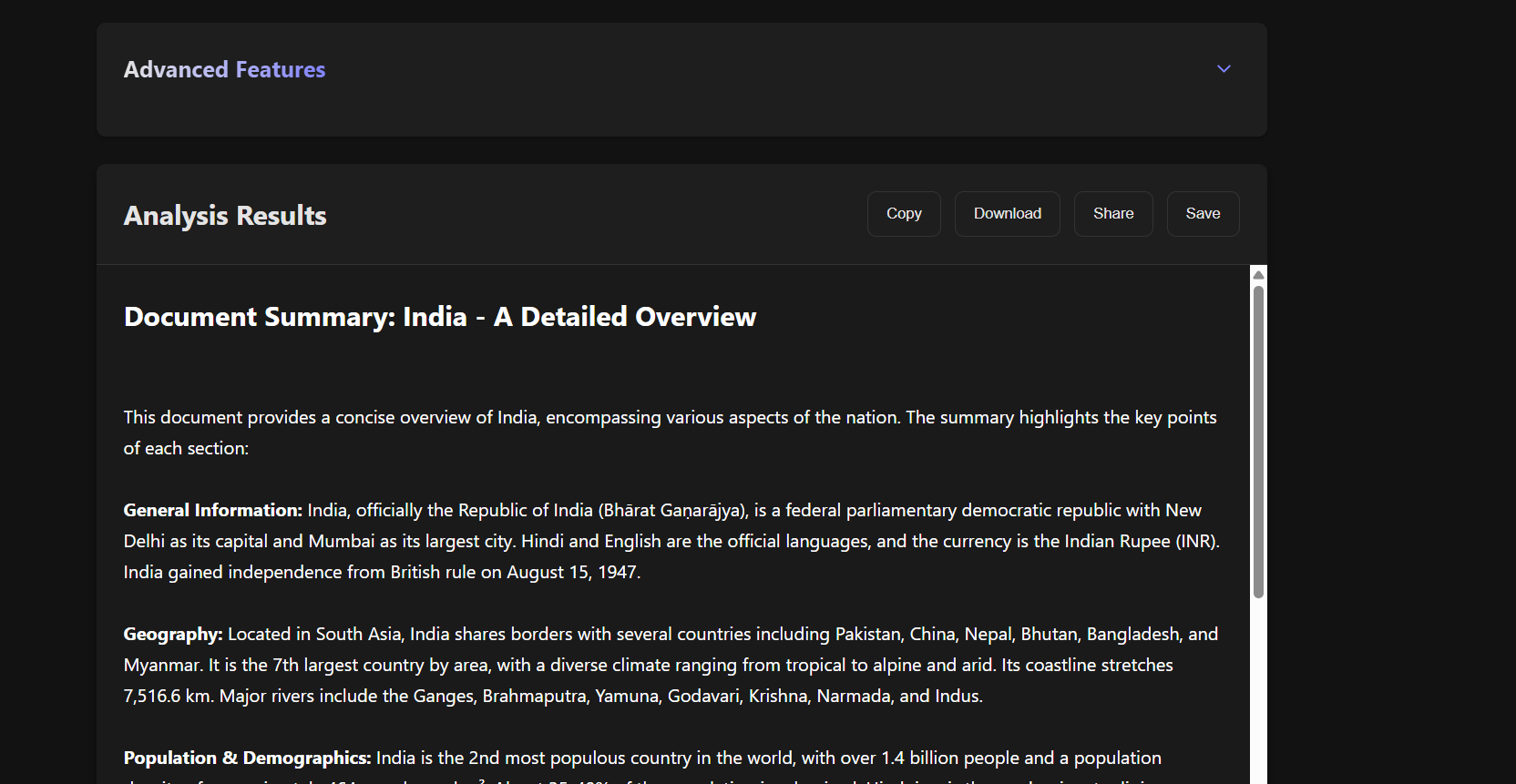
4) Analysis Results
Inspiration
The inspiration for this project stemmed from the common challenge of sifting through extensive documents to find pertinent information. Recognizing the time-consuming nature of this task, we aimed to create a solution that could automate and simplify document analysis, making it more efficient for users across different sectors.
What it does
The AI-Powered Document Analyzer offers several key functionalities:
- Summarization: Generates concise summaries highlighting the main points of a document.
- Key Point Extraction: Identifies and lists the most critical points within the content.
- Sentiment Analysis: Evaluates the emotional tone conveyed in the document.
- Question Generation: Creates relevant questions and answers based on the document's content.
- Entity Extraction: Detects and categorizes entities such as people, organizations, and locations mentioned in the text.
These features enable users to quickly grasp the essence of documents without reading them in their entirety.
How we built it
The development process involved several key steps:
Technology Stack Selection: We utilized Next.js for the frontend interface, ensuring a responsive and user-friendly experience. The backend was powered by Node.js, providing a robust foundation for handling server-side operations.
AI Integration: Incorporated advanced natural language processing models to perform various analyses, including summarization and sentiment detection.
OCR Implementation: Integrated Optical Character Recognition (OCR) capabilities to process and analyze text within images and scanned documents.
Cloud Deployment: Deployed the application on Vercel, facilitating seamless scalability and accessibility.
Challenges we ran into
Throughout development, we encountered and addressed several challenges:
OCR Accuracy: Ensuring high accuracy in text recognition from images required fine-tuning OCR algorithms and preprocessing techniques.
Processing Speed: Balancing comprehensive analysis with swift processing times necessitated optimization of AI models and backend operations.
User Interface Design: Creating an intuitive and efficient interface involved iterative testing and user feedback to enhance usability.
Accomplishments that we're proud of
We take pride in several key achievements:
Comprehensive Analysis Features: Successfully implemented a suite of analysis tools that cater to diverse user needs.
Cross-Format Compatibility: Enabled support for multiple document formats, including PDFs, Word documents, and images.
User-Centric Design: Developed an interface that balances functionality with ease of use, enhancing the overall user experience.
What we learned
The project provided valuable insights into:
AI Model Integration: Gained experience in incorporating and optimizing AI models for practical applications.
OCR Technology: Deepened our understanding of OCR capabilities and the nuances of text extraction from various media.
Full-Stack Development: Enhanced our skills in developing and deploying full-stack applications, from frontend design to backend functionality.
What's next for AI-Powered Document Analyzer
Looking ahead, we plan to:
Expand Language Support: Introduce capabilities to analyze documents in multiple languages, broadening accessibility.
Enhance AI Models: Continuously update and refine AI algorithms to improve accuracy and introduce new analysis features.
Mobile Optimization: Develop a mobile-friendly version to cater to users on various devices.
Integration with Cloud Storage Services: Enable users to import documents directly from platforms like Google Drive and Dropbox for seamless analysis.
These advancements aim to further solidify the AI-Powered Document Analyzer as an indispensable tool for efficient document management and analysis.

