-
-
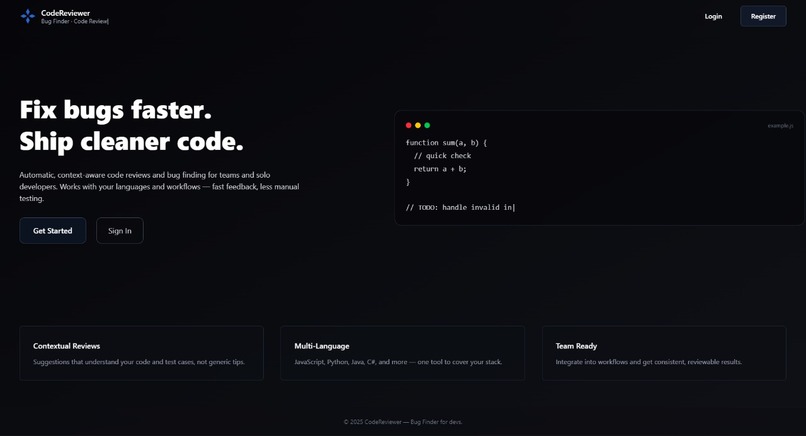
Landing Page
-
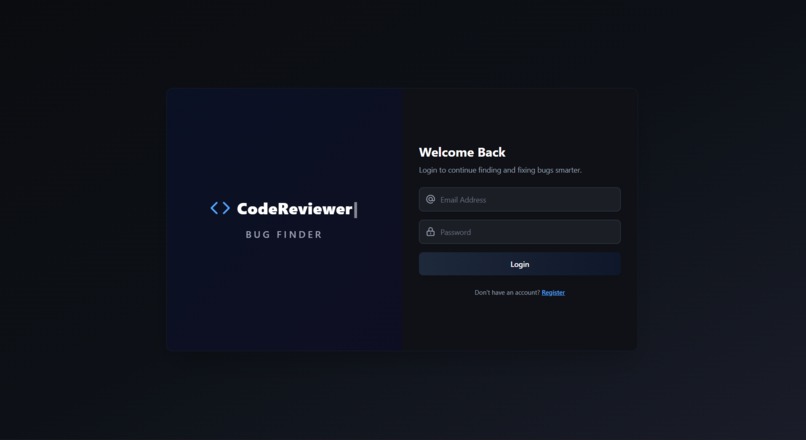
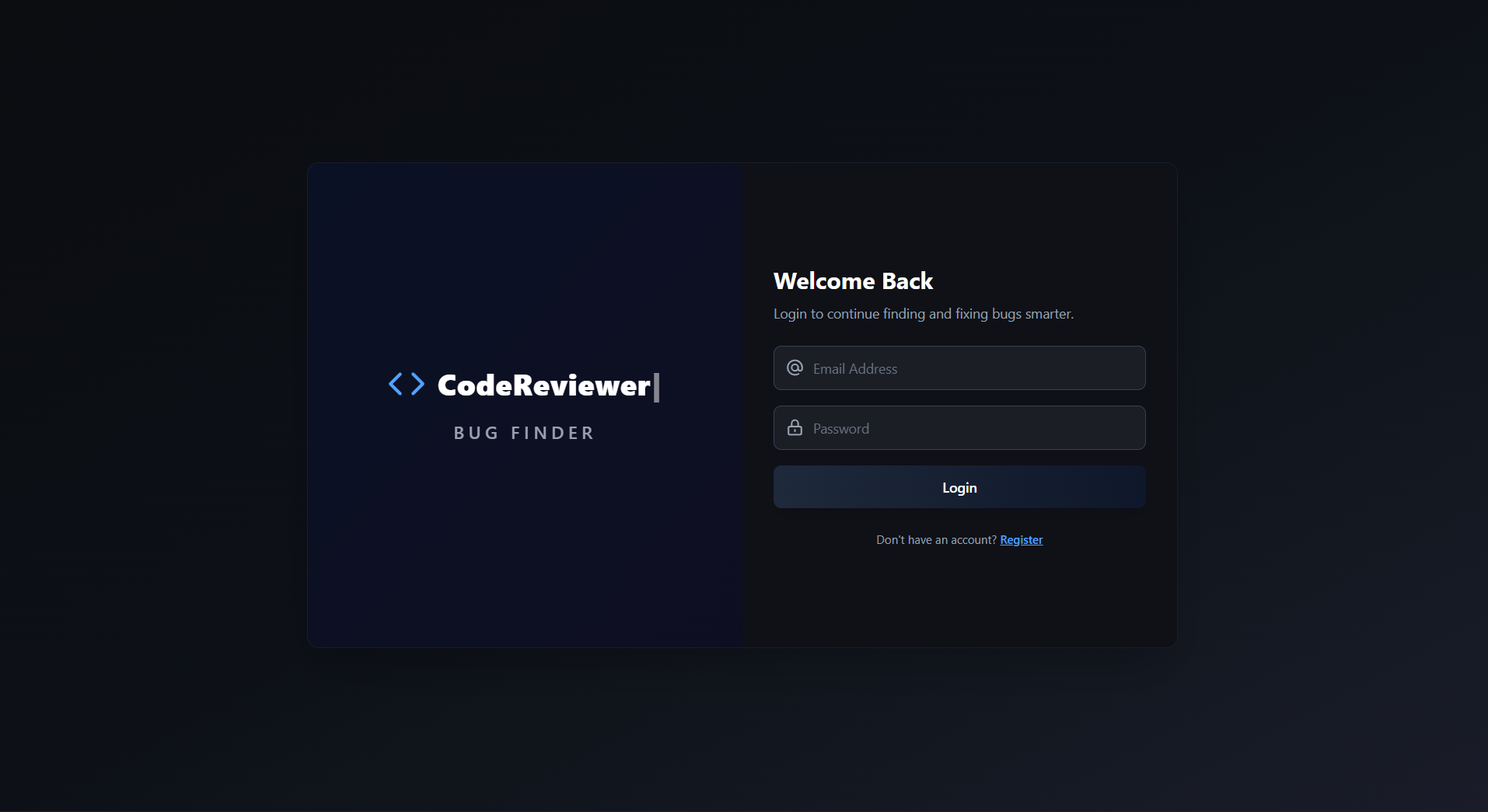
Login Page
-
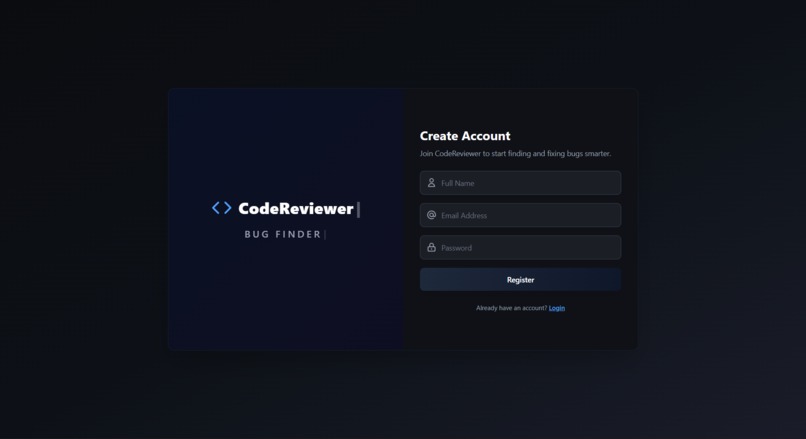
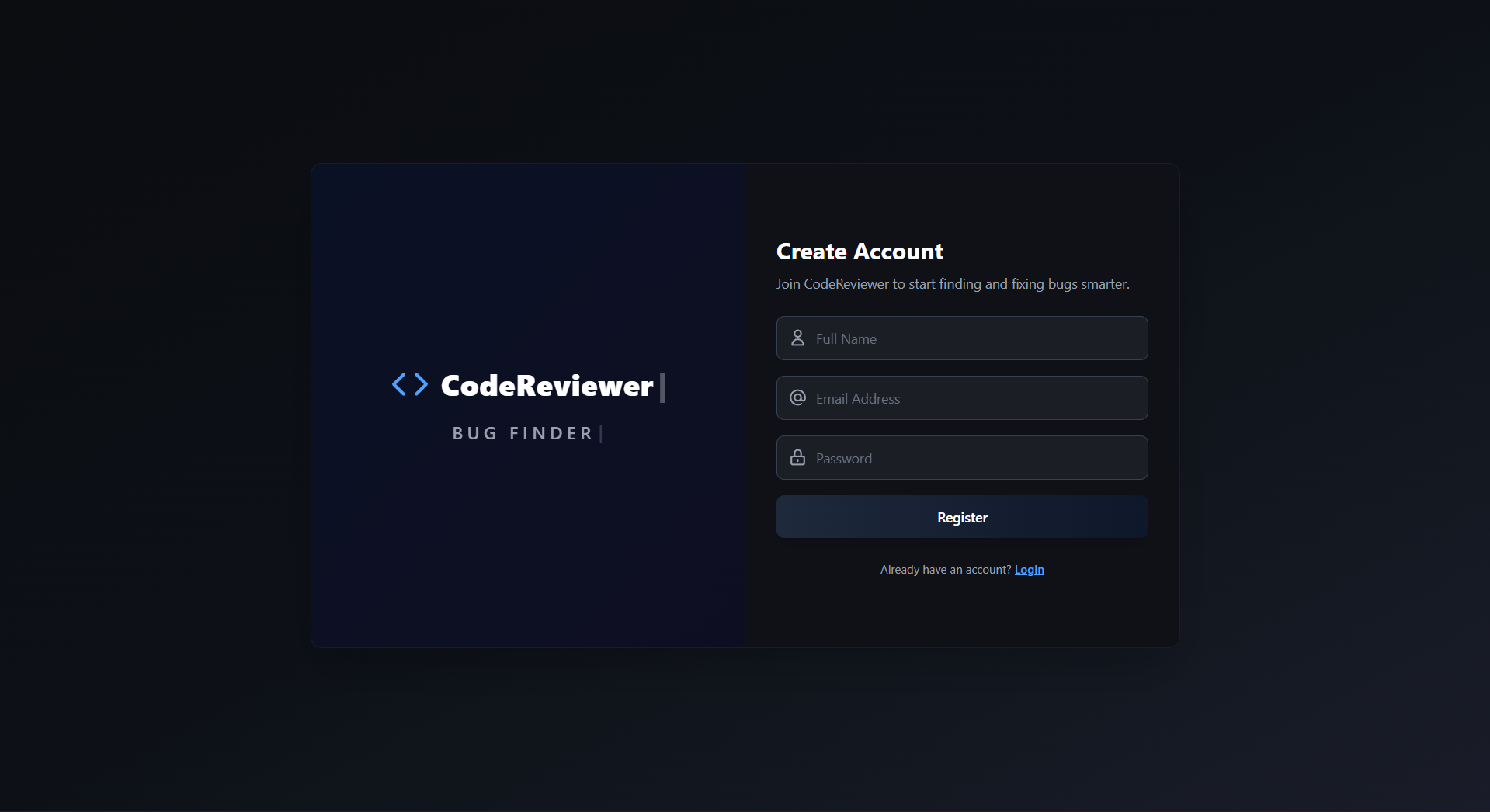
Register Page
-
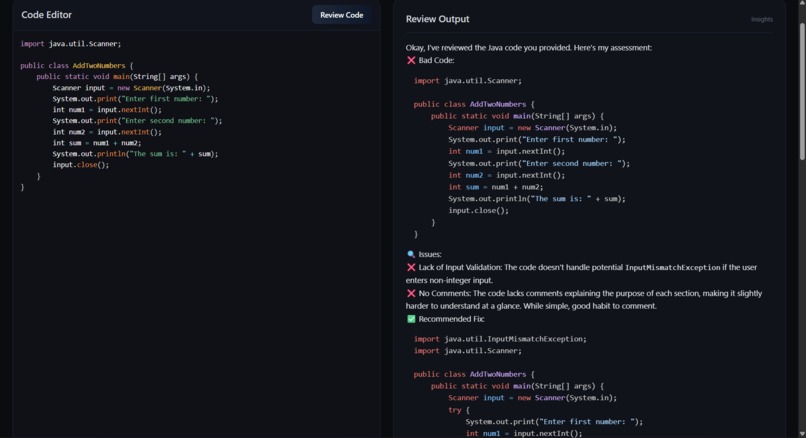
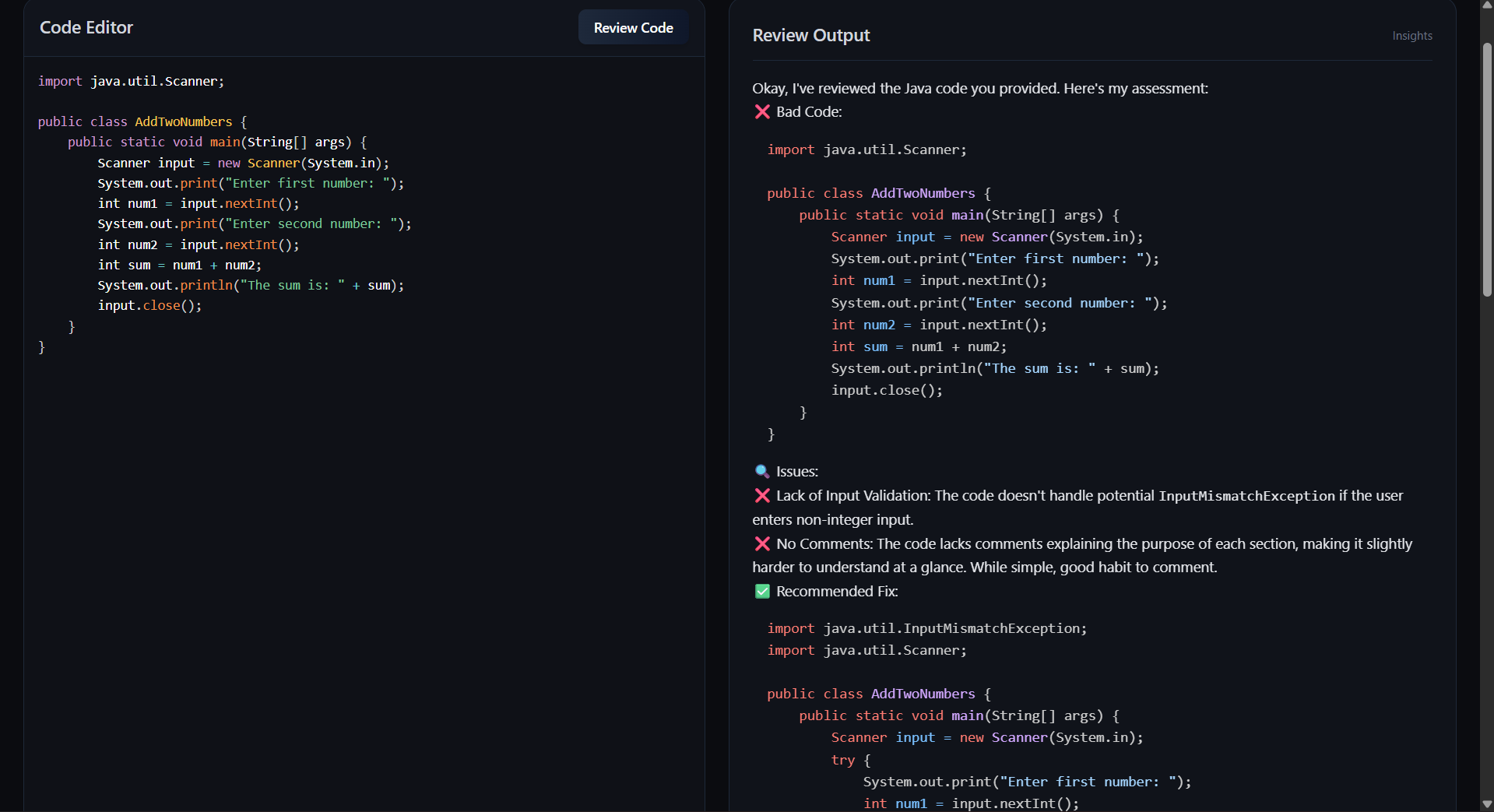
Code Review Page

💡 Inspiration
Every developer has faced moments when the code runs, but something just feels off — maybe a hidden bug, poor optimization, or a missing best practice. I’ve been there too. During my development journey, I realized that manual code reviews are time-consuming and often overlooked.
That’s when I thought — what if an AI could review code like a senior developer does? That spark turned into AI-Powered Code Reviewer & Bug Finder, a web app that uses AI to find bugs, analyze performance, and guide developers toward cleaner code.
AI + Developer Productivity = Better, Faster, Smarter Coding
🧠 What It Does
The app allows users to:
Paste their code in multiple programming languages (JavaScript, Python, Java, C++, etc.)
Get AI-powered reviews that highlight bugs, logic errors, and poor coding patterns
Receive structured suggestions for scalability, readability, and performance
Use a secure MERN-based dashboard with JWT authentication and a clean Tailwind UI
In short, it’s like having your personal AI code mentor, available anytime to improve your code quality.
⚙️ How We Built It
The project is powered by the MERN stack (MongoDB, Express.js, React.js, Node.js) with Google Gemini API as the AI engine.
Development Process:
🧩 Frontend: Built using React.js and Tailwind CSS for a responsive and modern design.
🔐 Authentication: Implemented login/signup with JWT for secure access.
🤖 AI Integration: Connected the backend with Google Gemini API for intelligent code reviews.
🗄️ Database: Used MongoDB for storing user profiles and review history.
☁️ Deployment: Hosted both frontend and backend using Render for smooth live performance.
The frontend and backend communicate seamlessly, creating a real-time AI-assisted review experience.
🧩 Challenges We Faced
Every AI project brings its own unique challenges — and this one was no exception. Some key challenges were:
Integrating the Gemini API smoothly with Express routes.
Handling large code snippets and formatting the AI’s response clearly.
Dealing with CORS and deployment issues while testing on Render.
Ensuring the AI’s feedback was accurate, meaningful, and easy to understand.
Each problem made the system stronger, teaching valuable lessons in debugging and backend optimization.
🎓 What We Learned
This project taught me more than just coding — it taught me how to think like an AI developer. Key learnings include:
Integrating AI APIs (Google Gemini) with full-stack applications.
Understanding prompt engineering and how AI output changes with better instructions.
Managing secure environment variables and API keys effectively.
Handling real-world deployment issues in full-stack apps.
Designing intuitive, developer-focused UI/UX dashboards.
Most importantly, I learned how AI can truly assist developers in writing better, more maintainable code.
🔮 What’s Next
Add real-time syntax highlighting and inline AI feedback.
Expand support for more programming languages and frameworks.
Build a VS Code extension for direct AI review inside the editor.
Enable team-based collaboration so developers can review together with AI assistance.
My goal is to make this tool a must-have AI assistant for every coder — whether they’re a beginner or a pro.
👨💻 Author
Ayush Bhandarkar
Built With
- axios
- express.js
- gemini
- jwt
- mongodb
- node.js
- react.js
- render
- tailwind
- vite

Log in or sign up for Devpost to join the conversation.