-
-
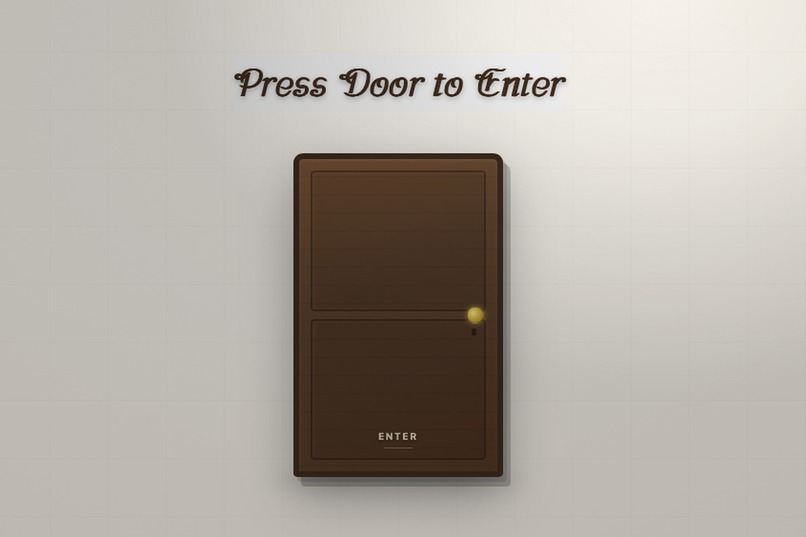
Press Door to Enter
Inspiration
I built AI Portfolio Submission Blueprint because I believe software portfolios need a better way to be presented and reviewed.
Most portfolios are submitted as separate pieces: a GitHub link, a README, a deployed demo, screenshots, and maybe a short explanation. This makes reviewers jump between many places before they can understand the project.
This project was inspired by the idea of creating a better portfolio submission blueprint: one place where a reviewer can see the project, interact with it, and ask questions about it using AI.
Modern portfolio = Live preview + Project context + AI Q&A + Interactive experience
What it does
AI Portfolio Submission Blueprint is an interactive project review experience built with MeDo.
Users enter through an animated door, view a project inside an embedded preview window, and use an AI assistant to ask questions about the project.
The assistant can answer questions about the project’s architecture, backend structure, risks, tests, improvements, and overall quality.
The goal is to help technical interviewers, recruiters, and reviewers inspect a software project faster from one place instead of switching between GitHub, README files, deployed demos, and explanations.
How we built it
We built the project using MeDo through multi-turn prompting and iteration.
MeDo helped generate and refine the frontend design, animations, layout, embedded project preview area, and chatbot interface.
The app also uses the Groq API to power the AI assistant so users can ask questions and receive fast conversational responses.
The project includes:
- An animated door entry experience
- A project preview window
- An interviewer-style AI chat assistant
- Frontend design and layout generated through MeDo
- Backend/API structure connected to the chat experience
- Groq API integration for AI responses
- GitHub-connected project context
- Supabase-related structure for backend/data organization
Challenges we ran into
One of the biggest challenges was getting the exact visual output I wanted within the available prompting and token limits.
Small details like colors, button sizes, spacing, and element positioning required multiple attempts. Sometimes the idea was clear in my head, but I had to learn how to describe it more precisely so MeDo could generate the correct result.
Another challenge was that in some cases I could not directly access or edit the code for small changes. For example, changing a tiny UI detail sometimes required more prompting instead of a simple manual code edit.
This showed me that flexibility is important in AI website builders. Different users have different skill levels. Some users may want no-code simplicity, while developers may also want direct code access for small precise changes.
Accomplishments that we're proud of
I am proud that this project became more than a normal portfolio page. It became an interactive review experience where reviewers can enter, view the project, and ask an AI assistant questions about it.
I am also proud that the main features work together: the door animation, the embedded project preview, the Groq-powered chat, and the GitHub-connected project context.
The biggest accomplishment is the idea itself. Instead of only submitting a GitHub link, this project shows a better way to present software work.
Instead of saying:
“Here is my GitHub link.”
The project says:
“Here is an interactive experience that helps you understand the project faster.”
What we learned
I learned that building with AI tools requires clear communication. Prompting is not only about asking for features. It is about describing design, behavior, structure, and constraints in a way the tool can understand.
I also learned more about how frontend, backend, API keys, Groq, Supabase-related structure, GitHub context, and deployment fit together in a full-stack AI application.
Most importantly, I learned that the future of programming may look very different. Developers may spend more time guiding, reviewing, refining, and architecting systems with AI tools rather than writing every line manually.
This project gave me a real glimpse of what it feels like to deploy and iterate using MeDo.
What's next for AI Portfolio Submission Blueprint
Next, I would like to make the project more flexible and scalable.
Future improvements could include:
- Supporting multiple projects instead of only one sample project
- Letting users connect a GitHub repository directly
- Giving the AI assistant deeper project context
- Improving the project preview and review flow
- Adding better customization for colors, layouts, and button positions
- Creating a reusable template that other developers can use for their own portfolios
The long-term goal is to turn this into a real blueprint for modern software portfolio submissions, where every project can be reviewed through an interactive tour, live preview, and AI-powered explanation system.
Built With
- embedded
- groq
- medo
- project
- react
- rest-apis
- supabase
- tailwind-css
- typescript
- vite

Log in or sign up for Devpost to join the conversation.