-
-
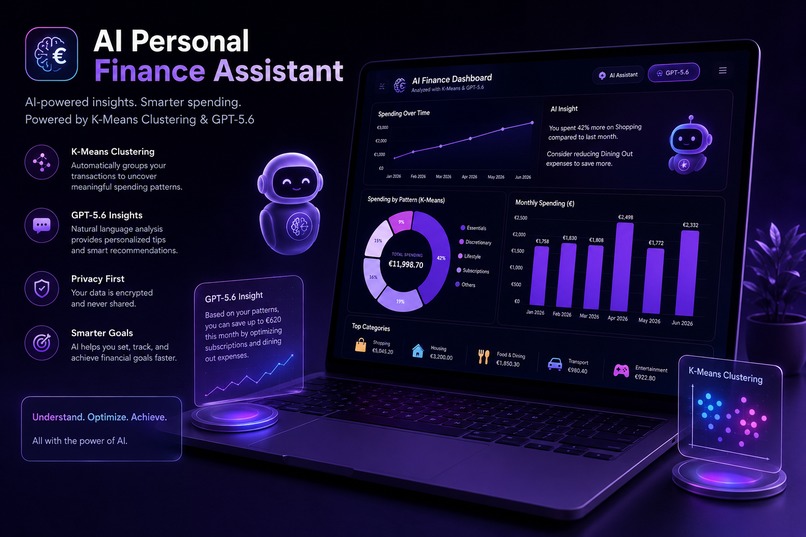
AI Personal Finance Assistant powered by GPT-5.6 and machine learning
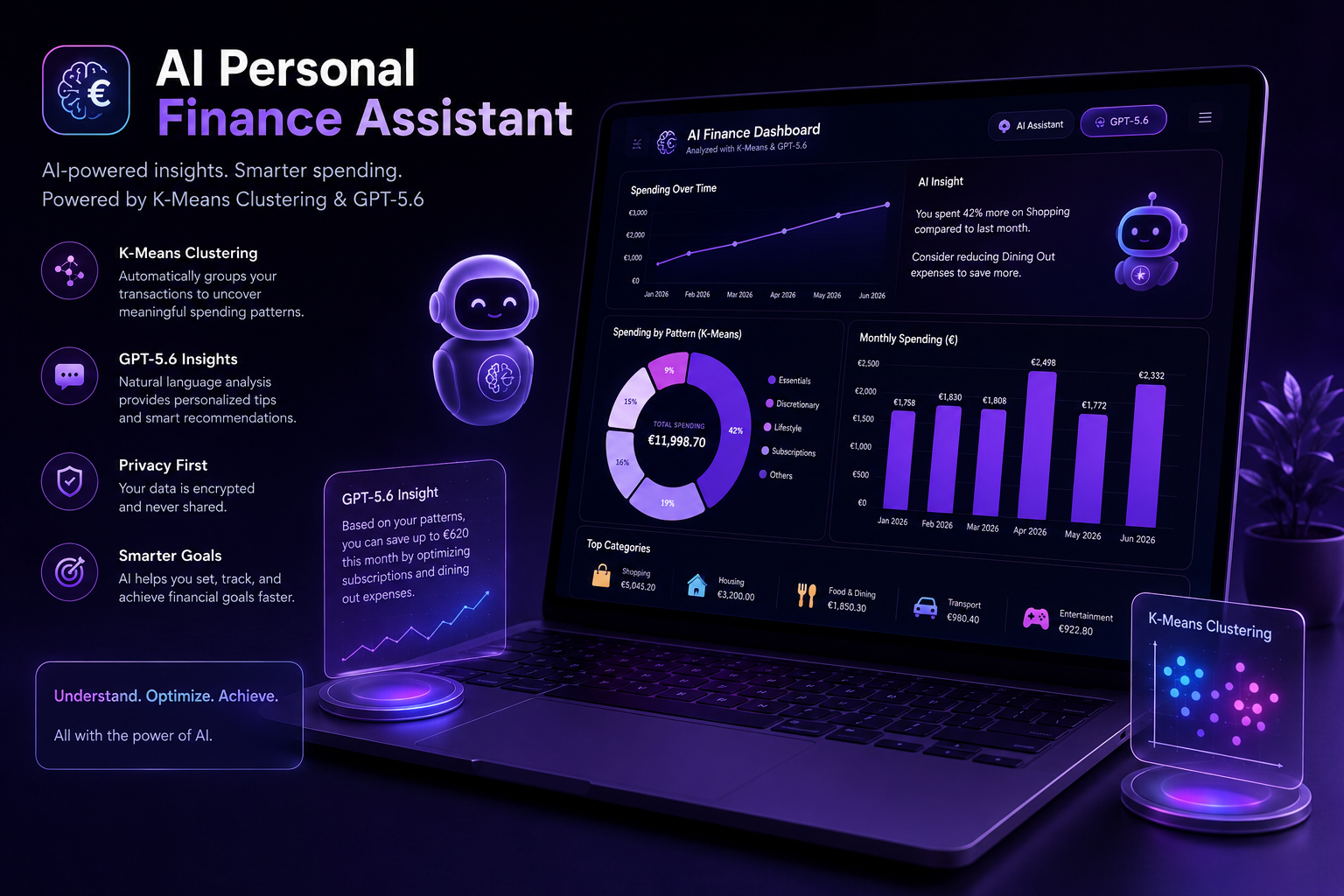
Inspiration
In a world of constant online shopping, subscriptions, and one-click purchases, it's easier than ever to spend money without really noticing where it goes. Most people have dozens of recurring payments and hundreds of transactions every month, yet a bank statement is still just a long list of numbers. It tells you what you spent, but not why, or what patterns are hiding underneath. So, I wanted to build something that could change that. My goal was to build a project that is useful and easy to use, yet still powerful "under the hood". That's why I decided to unite AI and machine learning to create an app that gives people a clear understanding of their spending without requiring them to be finance experts or spend hours analyzing spreadsheets. It's a project I wanted to be meaningful from day one, something I'd genuinely use myself, and technically solid enough to be more than a weekend distraction.
What it does
AI Personal Finance Assistant analyzes a bank statement and uncovers the spending habits hidden behind the transactions.
Users upload a bank export (.csv or .xlsx, up to 5 MB), and the app automatically processes it, groups merchants into meaningful spending patterns using K-means clustering, and identifies recurring spending behaviors. Then, GPT-5.6 gives each spending pattern a meaningful name and generates a concise explanation in plain English. Instead of simply saying that spending increased by 20% compared to last month, the app explains why it increased – whether it was due to subscriptions, recurring purchases, one-off expenses, or changes in spending habits.
Users can compare their spending over the last month, three months, six months, or across their entire transaction history to understand how their finances evolve over time.
How I built it
The application is built entirely in Python, with Codex acting as a development partner throughout the project. Uploaded files are parsed into pandas DataFrames, merchant names are normalized, and a set of features is extracted for each merchant, including purchase frequency, average spending, timing regularity, and price consistency. Those features are clustered using scikit-learn's K-means algorithm to identify meaningful spending patterns. To protect user privacy, GPT-5.6 never receives raw transaction data. Instead, it only sees aggregated statistics for each cluster, which it uses to generate human-readable pattern names and personalized spending insights through the OpenAI API. Everything is presented through a responsive Streamlit dashboard with interactive Plotly visualizations, making the results easy to explore on desktop, tablet, and mobile devices.
Challenges I ran into
While building this project, I faced several challenges, but two stood out the most:
- Working around Streamlit's styling limitations. Streamlit is a great option for quickly building and deploying applications, especially for beginners, but customizing its appearance can be surprisingly difficult. The built-in charts are quite opinionated, and even something as simple as creating a donut chart with rounded segments required hours of experimenting, tweaking, and manually patching the underlying chart configuration.
- Making the AI provide real insights instead of obvious observations. Getting GPT to describe a chart is easy, yet it doesn't add much value. The real challenge was prompting it to identify genuinely useful patterns instead of repeating what users could already see. After a lot of experimentation, I focused the summaries on five key areas: the biggest spending change, subscriptions, recurring habits, unusual one-off expenses, and anything that deserves a closer look.
Accomplishments that I'm proud of
- Building my first frontend application from scratch and turning it into a polished, fully functional product.
- Taking the project from a rough idea to a deployed application within the hackathon timeframe.
- Creating a clean, modern interface that focuses on insights rather than overwhelming users with numbers.
- Building an AI summary that explains why spending changed instead of simply describing the charts.
- Delivering a responsive dashboard that works well across desktop, tablet, and mobile devices.
What I learned
This was my first time building a frontend application from scratch and my first experience working with Codex as a true development partner rather than just a coding assistant. Along the way, I learned how to design and deploy an interactive Streamlit dashboard, apply K-means clustering to noisy real-world financial data, engineer meaningful features from transaction histories, and integrate GPT-5.6 to generate useful, human-friendly insights. Most importantly, I learned what it takes to turn an idea into a polished, working product in just a few days.
What's next for AI Personal Finance Assistant
- Downloadable PDF reports that users can save or share.
- Support for additional languages beyond English.
- A light theme alongside the current dark interface.
- Lightweight budgeting, allowing users to set spending targets for categories or patterns and receive alerts when they exceed them.
- AI-powered recommendations for unnecessary subscriptions and recurring expenses, with suggestions on where users could save money.
- Long-term spending forecasts and trend predictions for users with enough historical data.

Log in or sign up for Devpost to join the conversation.