-
-
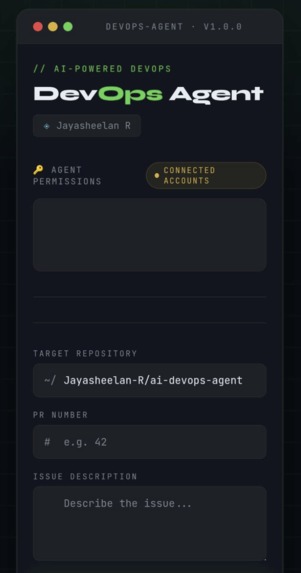
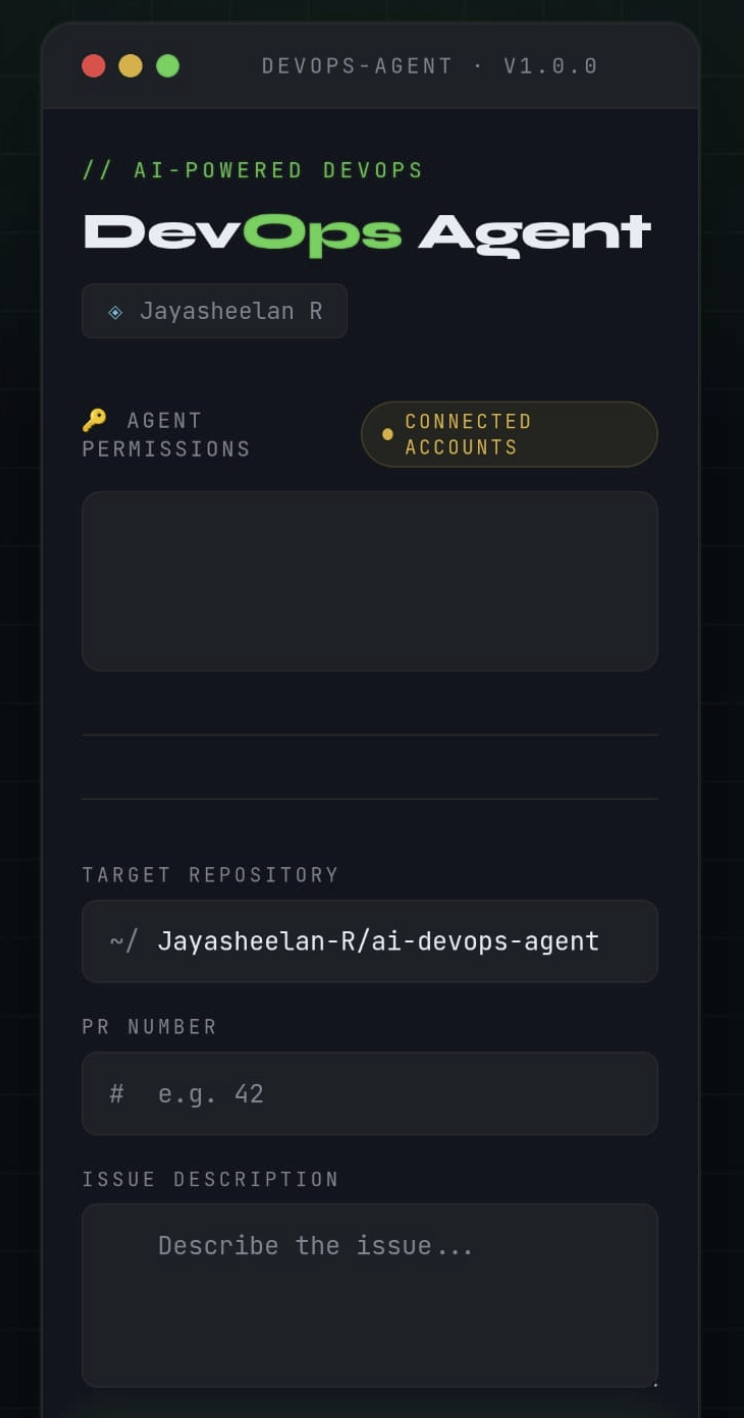
Mobile View - WebPage
-
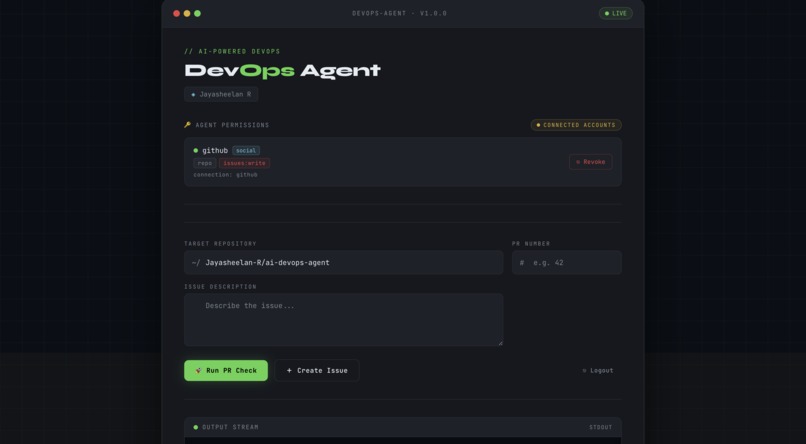
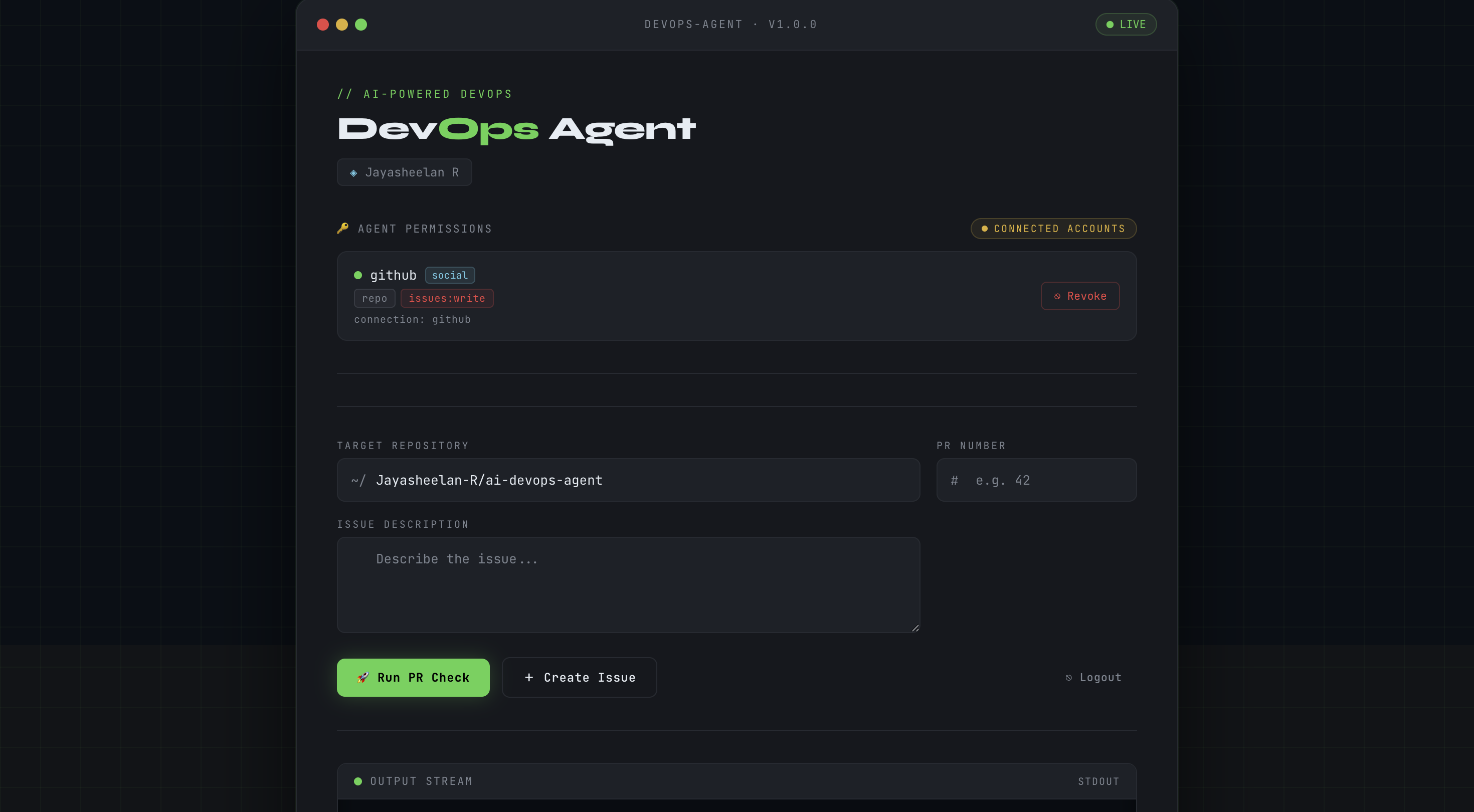
Desktop View - Webpage
-
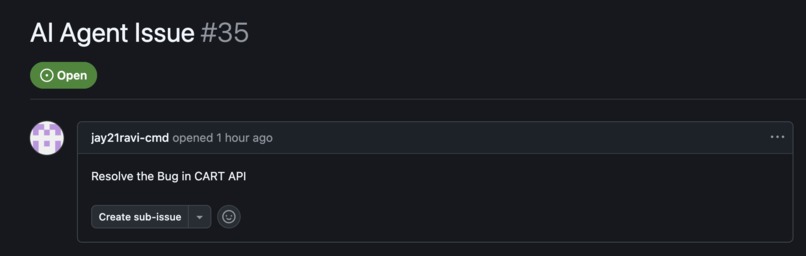
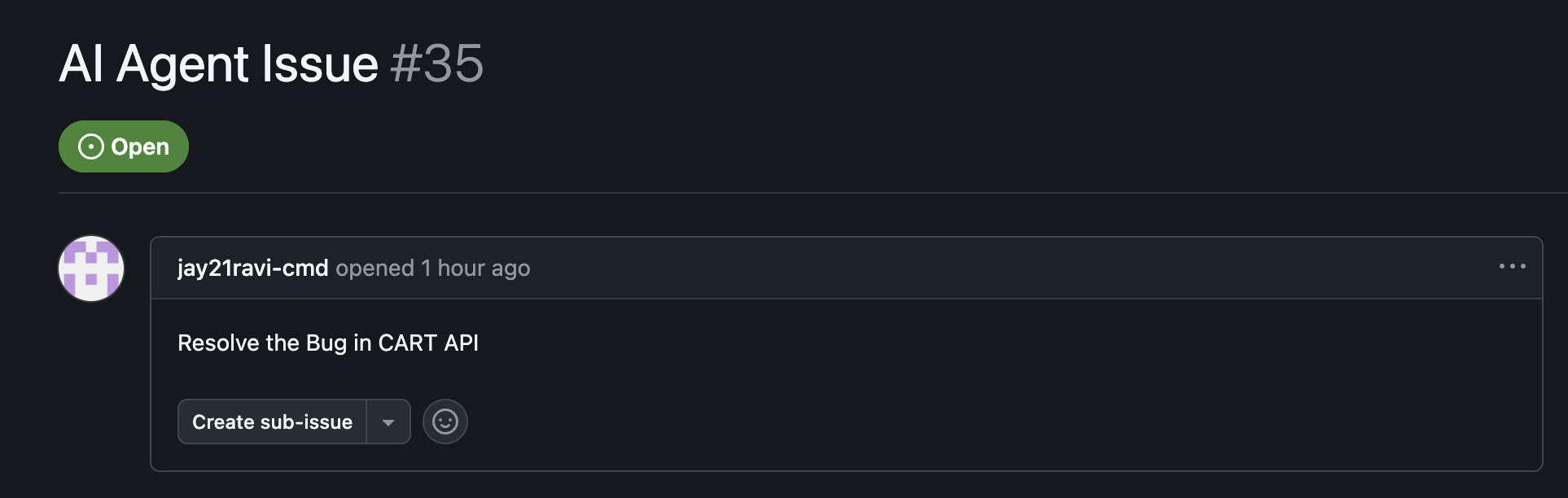
Agent Created issue
-
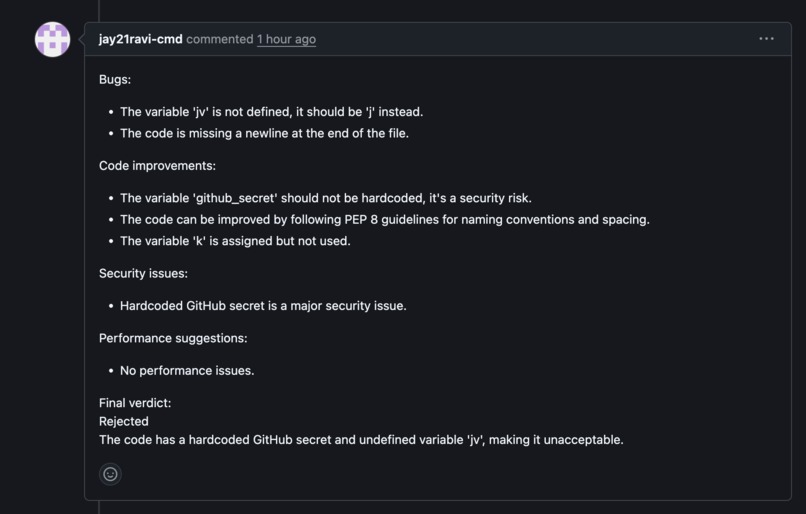
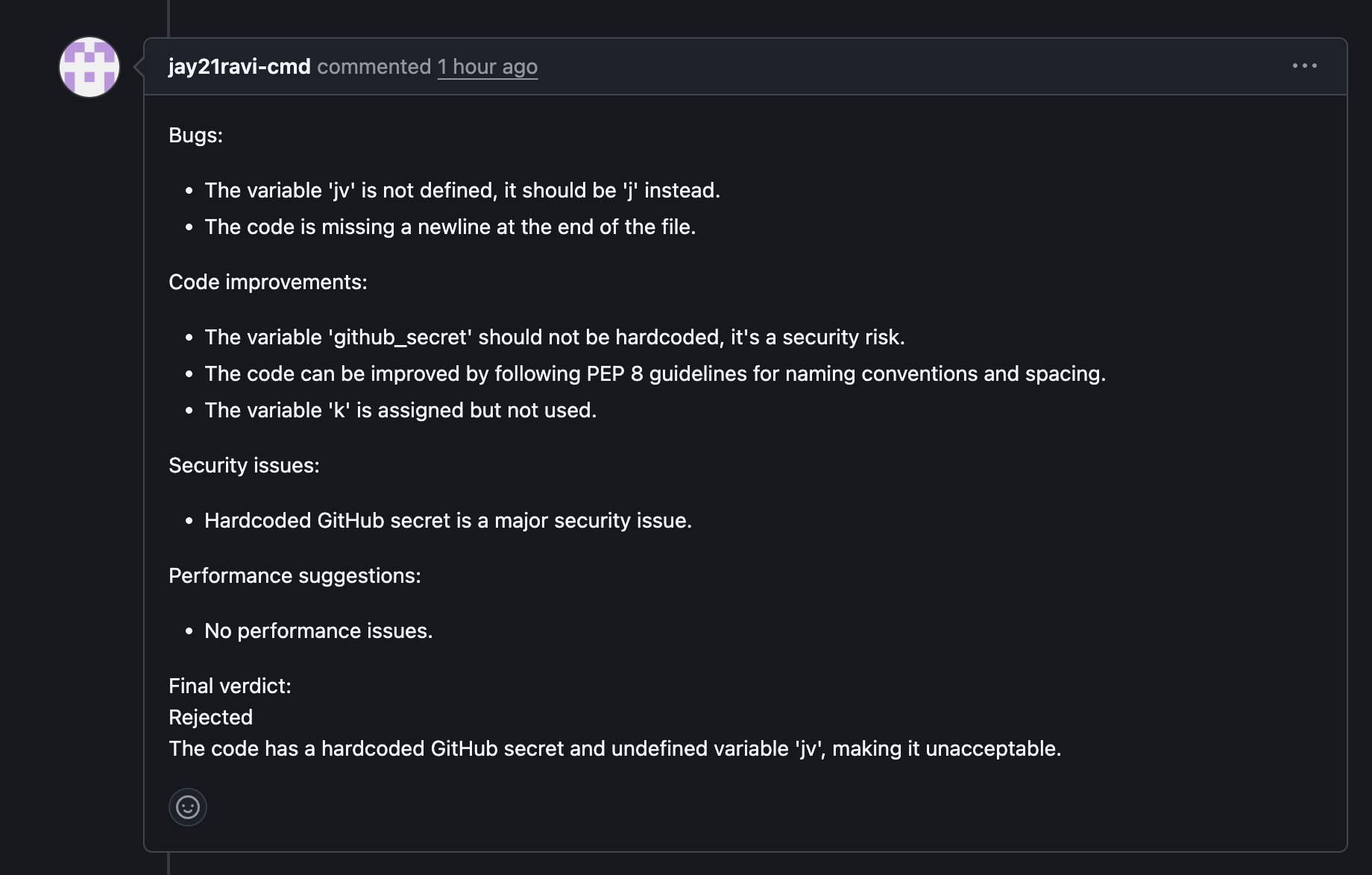
Agent - Code Reviewed
-
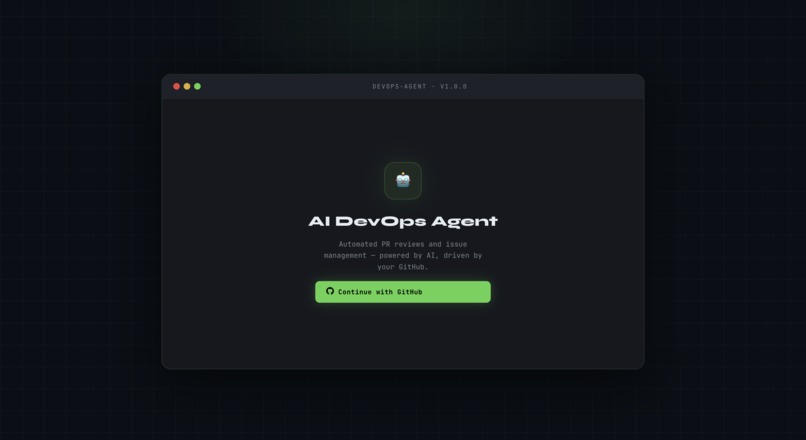
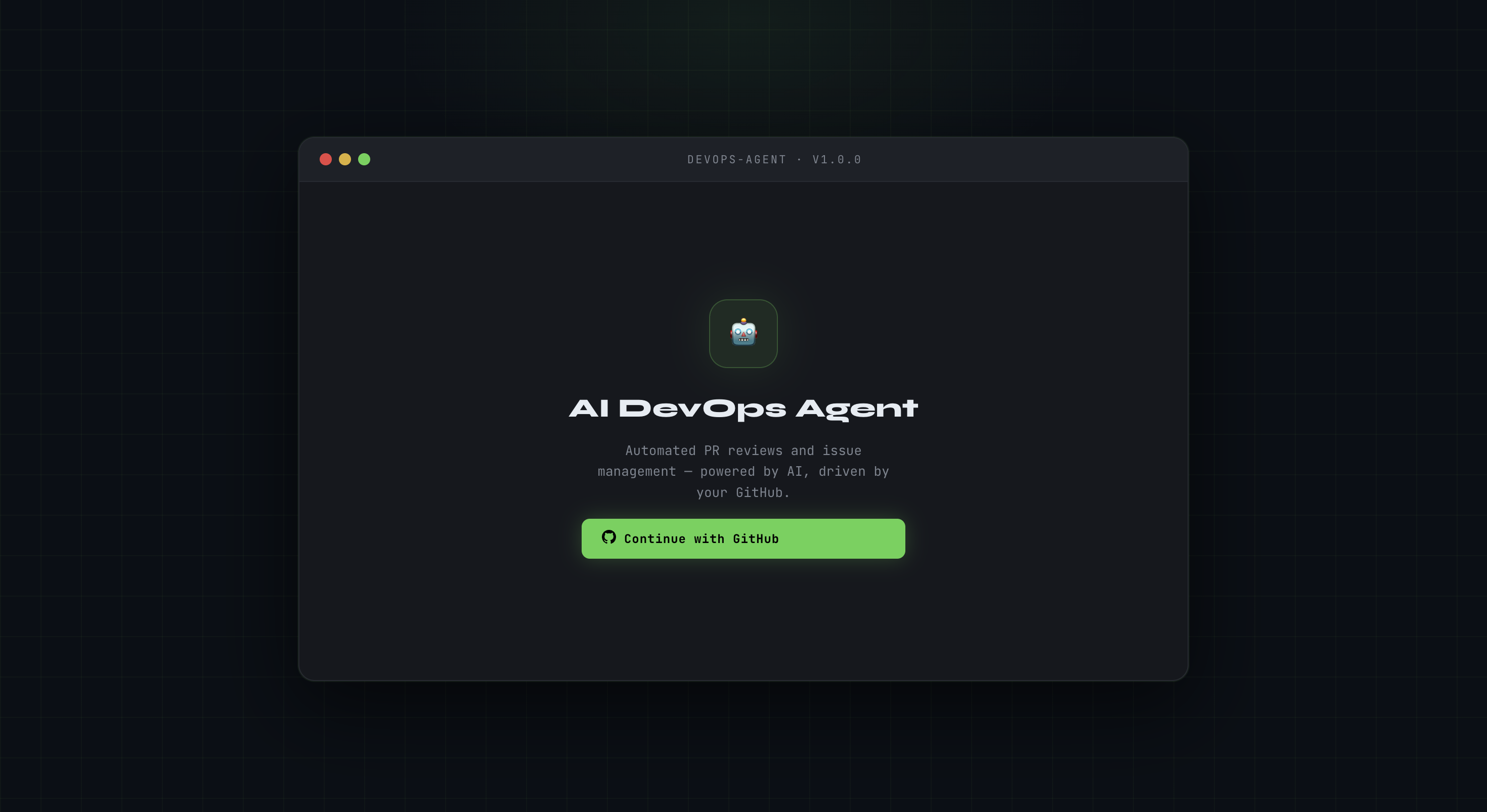
Login Page - Auth0
📝 BLOG POST SUBMISSION
AI DevOps Agent — Authorized to Act
Inspiration
Every developer team has the same bottleneck — DevOps actions that should be automated are still manual. Someone has to log in, navigate to GitHub, write the review, create the issue, check the pipeline. It is slow, it does not scale, and it pulls engineers out of flow.
When you try to automate it, you hit a wall: token management.
Raw API keys in .env files. OAuth tokens nobody rotates.
Credentials that leak. This is not a tooling problem —
it is an identity and authorization problem.
The question that inspired this project:
How do you let software act on a user's behalf, securely, without the software ever holding the user's credentials?
Auth0 Token Vault answered that question. So I built around it.
What It Does
The AI DevOps Agent is a secure DevOps dashboard that lets developers manage GitHub workflows without touching a single API key or OAuth token manually.
Two fully working features:
🔹 Create GitHub Issues Enter a repo name and describe the issue. One click. The issue appears on GitHub instantly — no credentials in your code, no manual login.
🔹 AI-Powered PR Reviews Enter a PR number and hit Run PR Check. Groq AI reads the actual diff, generates a thorough code review, streams it live to the dashboard terminal, posts it as a comment on the GitHub PR, and sends an email summary.
🌐 Try it live: https://hackauth0frontend.onrender.com
How Auth0 Token Vault Solved It
This is where Auth0 Token Vault changed everything.
Here is exactly how it works in this project:
- User logs in via Auth0's standard OAuth flow
- User grants permission for the app to access GitHub on their behalf
- Auth0 Token Vault captures and stores the GitHub OAuth token securely — not in my database, not in an environment variable, not anywhere in my code
- When the Node.js backend needs to call the GitHub API, it requests the token from Token Vault at runtime
- Token Vault returns a valid, scoped token — and handles expiry and rotation automatically
My backend never stores the token. It never logs the token. It never sees the token longer than a single API call. That is zero-trust done right.
Before Token Vault, the only options were asking users to paste a GitHub Personal Access Token (terrible UX, terrible security) or building a complex OAuth refresh flow from scratch (weeks of work, easy to get wrong). Token Vault made this a one-afternoon integration.
How We Built It
Architecture:
React Frontend ↓ Node.js Backend (Express) ↓ Auth0 Token Vault ↓ GitHub API + Groq AI
- React — dashboard UI with terminal-style live output stream
- Node.js + Express — API routing, Token Vault calls, coordinates GitHub and Groq
- Auth0 Token Vault — sits in the middle of every GitHub API call. The entire security layer.
- Groq AI — receives the PR diff, generates the code review
- GitHub API — creates issues and posts PR comments using the delegated token
- Nodemailer — sends the review summary to the user's email
- Render — deployment for both frontend and backend
Challenges We Ran Into
The biggest challenge was understanding the Token Vault flow
deeply enough to trust it. The mental shift from
"store a credential" to "delegate an identity" is not obvious
at first. Getting the OAuth scopes right for GitHub —
specifically repo and issues:write — and making sure
Token Vault captured them correctly during the auth flow
took the most debugging time.a
Streaming the Groq AI response live to the frontend terminal while simultaneously posting it to GitHub was another tricky coordination problem — managing async streams in Node.js without losing data or timing out.
Accomplishments That We're Proud Of
- Zero raw credentials anywhere in the codebase — Token Vault handles everything end to end
- Two complete, working features — not a proof of concept, a real usable tool
- Live streaming output — watching Groq write the PR review in real time in the terminal UI is genuinely satisfying
- Full deployment — React + Node.js + Auth0 + Groq + GitHub all talking to each other on Render, right now
What I Learned
Authorization is the hardest part of building agentic AI — and most people skip it.
It is easy to get an LLM to write a PR review. The hard part is: how does it then post that review to GitHub without hardcoding credentials into your server? How does it act as you, not just alongside you?
Auth0 Token Vault answers that cleanly. The agent is authorized. Not the token — the agent.
That shift in thinking — from "store a token" to "delegate an identity" — is what makes AI agents trustworthy enough to use in real production workflows.
What's Next for AI DevOps Agent
Today it is two buttons. The architecture is the important part.
Because Token Vault handles auth for any OAuth-connected service, this same pattern extends to:
- CI/CD triggers — run pipelines, roll back deployments, promote releases
- Branch management — create branches, merge PRs, enforce protection rules
- Multi-service — connect Jira, Linear, Slack, Vercel, AWS — any OAuth service your team uses
- Natural language interface — replace buttons with a chatbot: "review my latest PR and if it looks good, merge it"
- Human-in-the-loop approval — high-risk actions like production deployments held for human approval before executing
The identity layer — Token Vault — does not change as you scale. You add features, not auth complexity. That is the real unlock.
Tech Stack
| Layer | Technology |
|---|---|
| Frontend | React |
| Backend | Node.js + Express |
| Auth | Auth0 + Token Vault |
| AI | Groq AI |
| API | GitHub REST API |
| Nodemailer | |
| Deploy | Render |
Links
- 🌐 Live App: https://hackauth0frontend.onrender.com
- 💻 GitHub: https://github.com/Jayasheelan-R/HackAuth0Backend
- 📋 Hackathon: https://authorizedtoact.devpost.com
Built solo by Jayasheelan R · Auth0 for AI Agents Hackathon 2026
Built With
- auth0
- auth0-token-vault
- express.js
- github-api
- groq-ai
- node.js
- nodemailer
- react
- render
- resend


Log in or sign up for Devpost to join the conversation.