

Inspiration
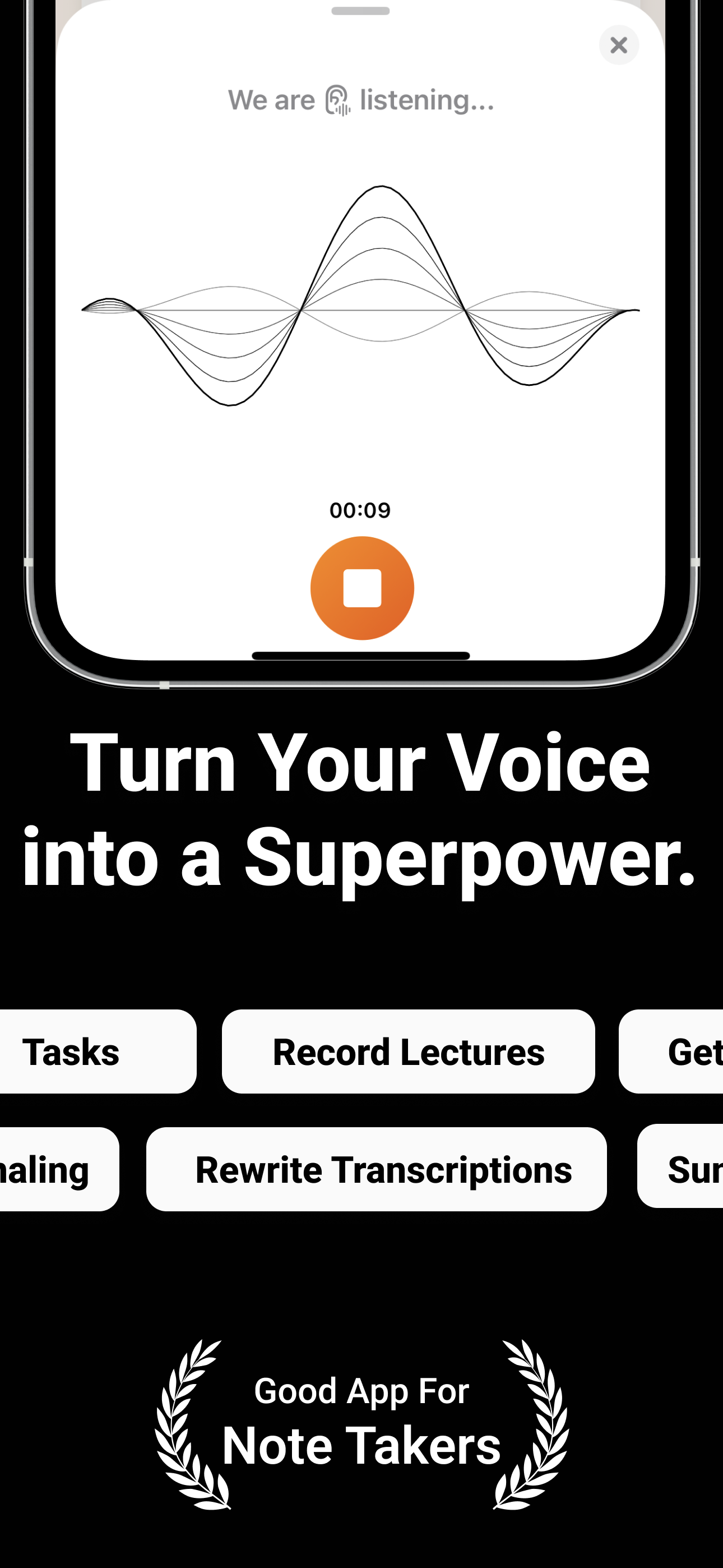
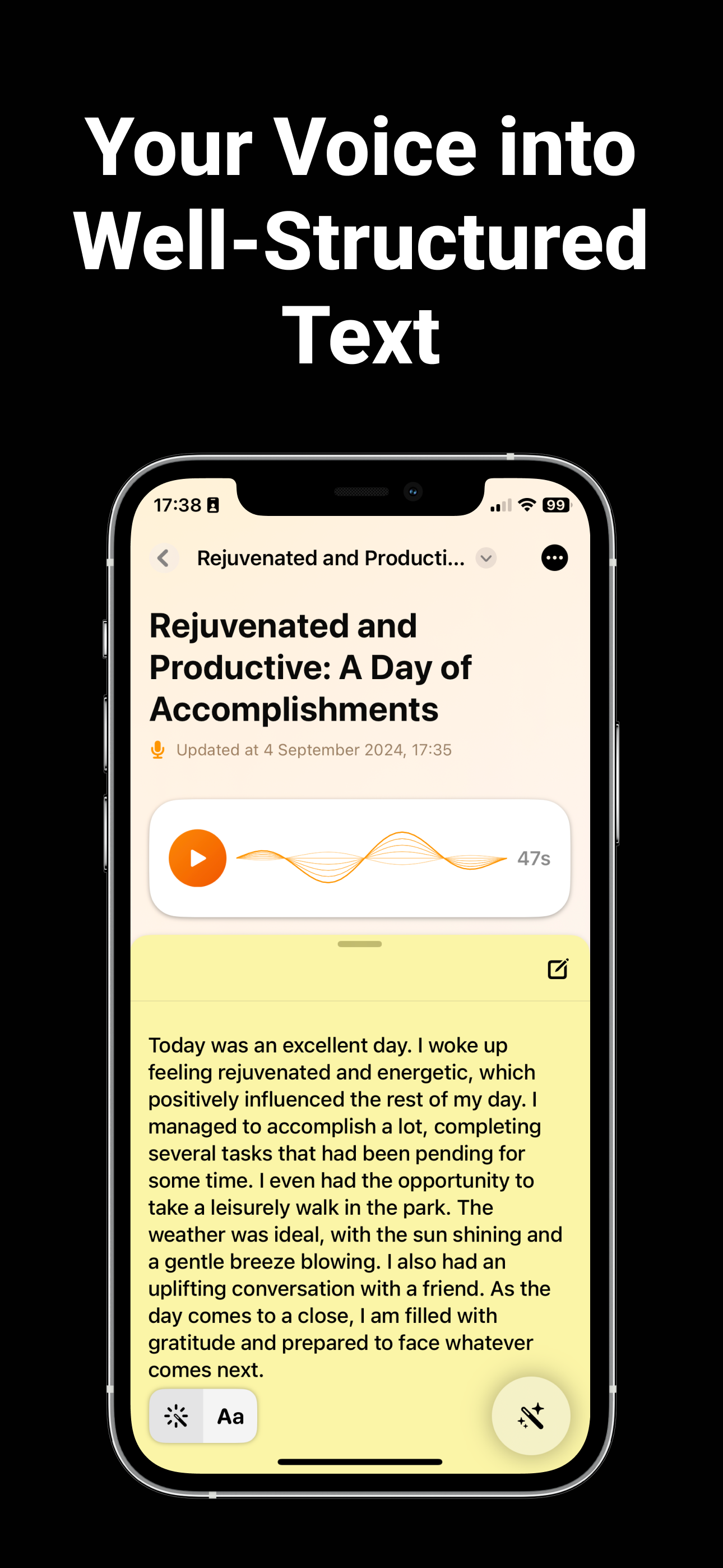
The idea for this project came from the constant thought of having a way to record my quick thoughts. I think faster than I type when I'm on a commute, and I’m not alone in this probably. Like many others, I needed a way to capture thoughts, ideas, and important information in real time—without the friction of typing or writing things down. This led me to imagine an app that could turn voice into organized, well-structured text in just a few steps. I wanted something that wouldn’t just transcribe, but actually help organize and refine the flow of ideas in smarter and more intuitive ways.
How I built it and what it does
I started with the foundation—SwiftUI. This made it simple to get a working prototype up and running as I'm an iOS Developer with more than 10+ years of experience. The design was focused on minimalism because I wanted users to focus on recording and organizing their thoughts, not navigating a complicated interface, and of course, the time of development was short.
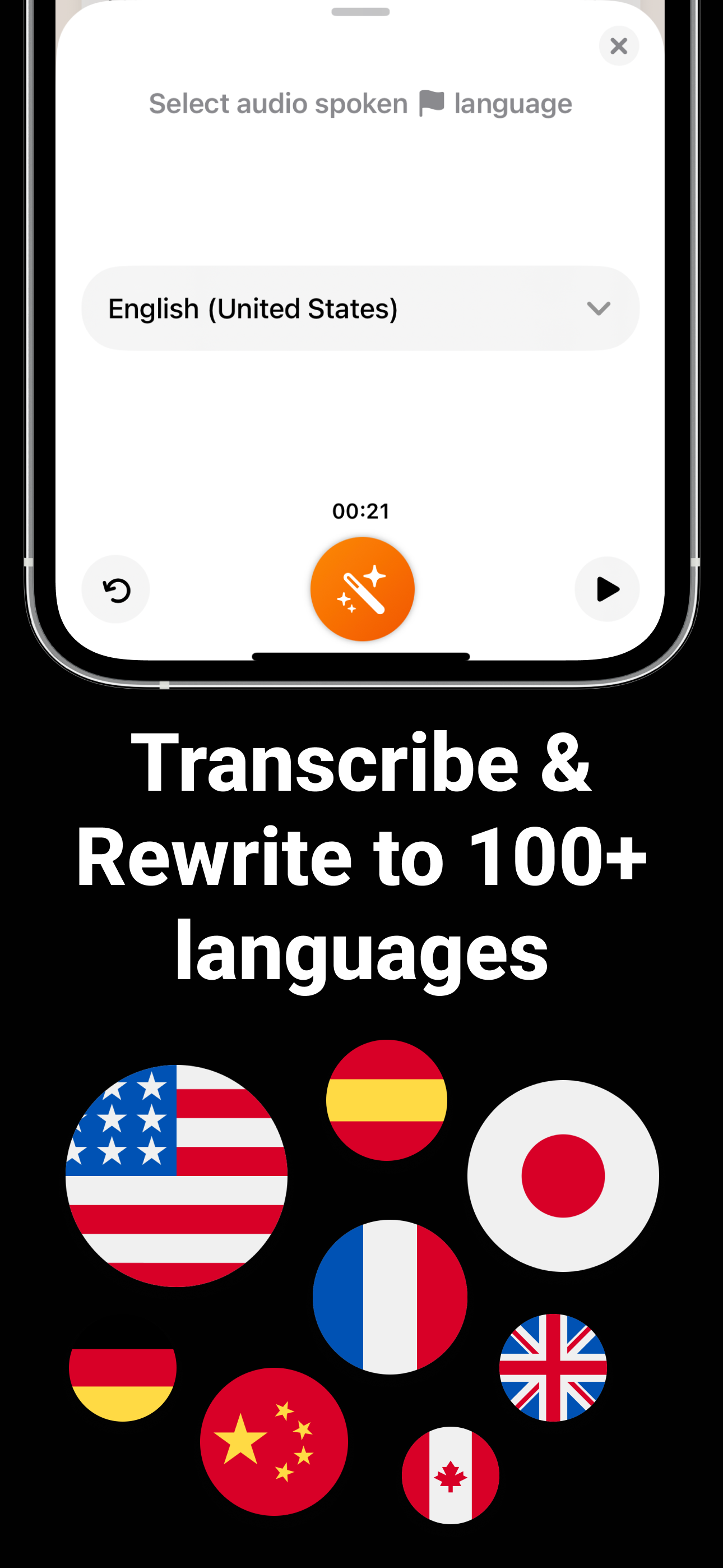
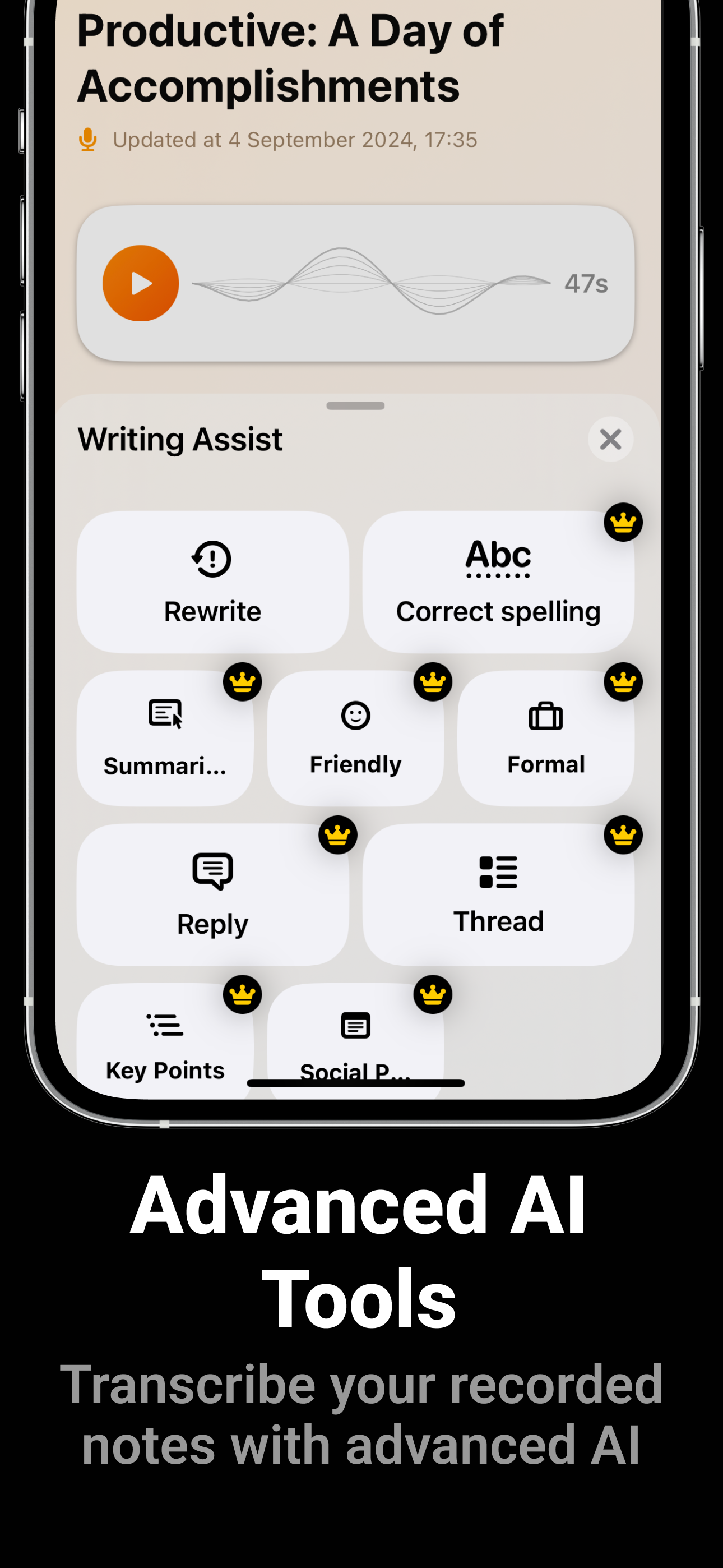
For the voice transcription, I integrated Microsoft Cognitive Speech Services. The transcription was only the beginning. The real magic came when I added OpenAI to help refine those transcriptions. Users could now take rough drafts of their thoughts and let AI rewrite, summarize, or even clean up the grammar. It wasn’t just a voice recorder anymore; it was an assistant.
I use RevenueCat in all my projects to easily manage subscriptions without getting bogged down in the technicalities of store management.
Challenges we ran into
There were hurdles along the way. The biggest challenge was making sure the app was accurate and fast. Integrating two major APIs (OpenAI and Microsoft Cognitive Services) introduced complexities in ensuring the transcriptions were not only correct but also processed quickly enough to avoid frustrating delays for the user.
There were also some hurdles with SwiftUI itself. SwiftUI is powerful, but it’s also evolving.
Another challenge was finding the right balance between simplicity and functionality. I wanted Memoir to be easy for anyone to use, but I also wanted it to be powerful enough for users who rely heavily on it for everything from journaling to professional content creation.
What we learned
While developing this app, I learned a lot—technically and conceptually. First, SwiftUI became my playground. I discovered how powerful and flexible SwiftUI could be for building user-friendly and interactive interfaces quickly.
What's next for AI Note Taker: Memoir
In the end, I’m proud of what Memoir has become: an app to capture, organize, and refine ideas in real time, using nothing but your voice. This project taught me how much technology can augment creativity, and I’m excited to see where it goes from here.
Built With
- microsoftcognitivespeech
- openai
- revenuecat
- swift
- swiftui

Log in or sign up for Devpost to join the conversation.