-
-
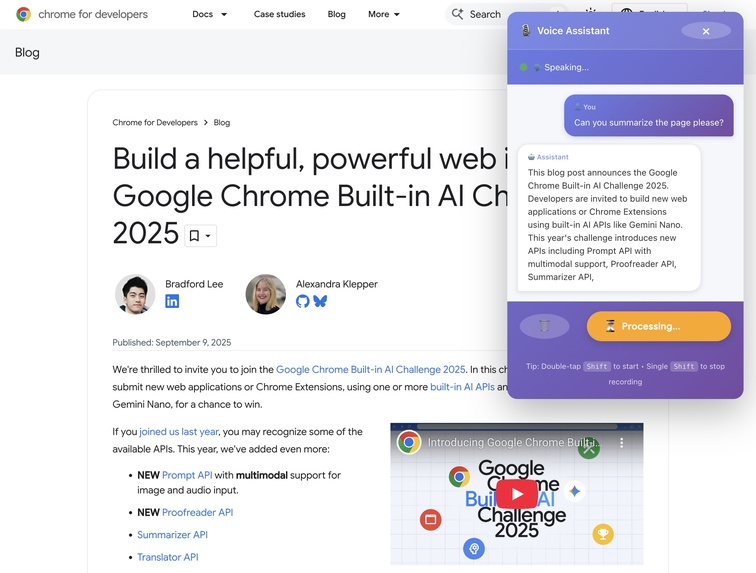
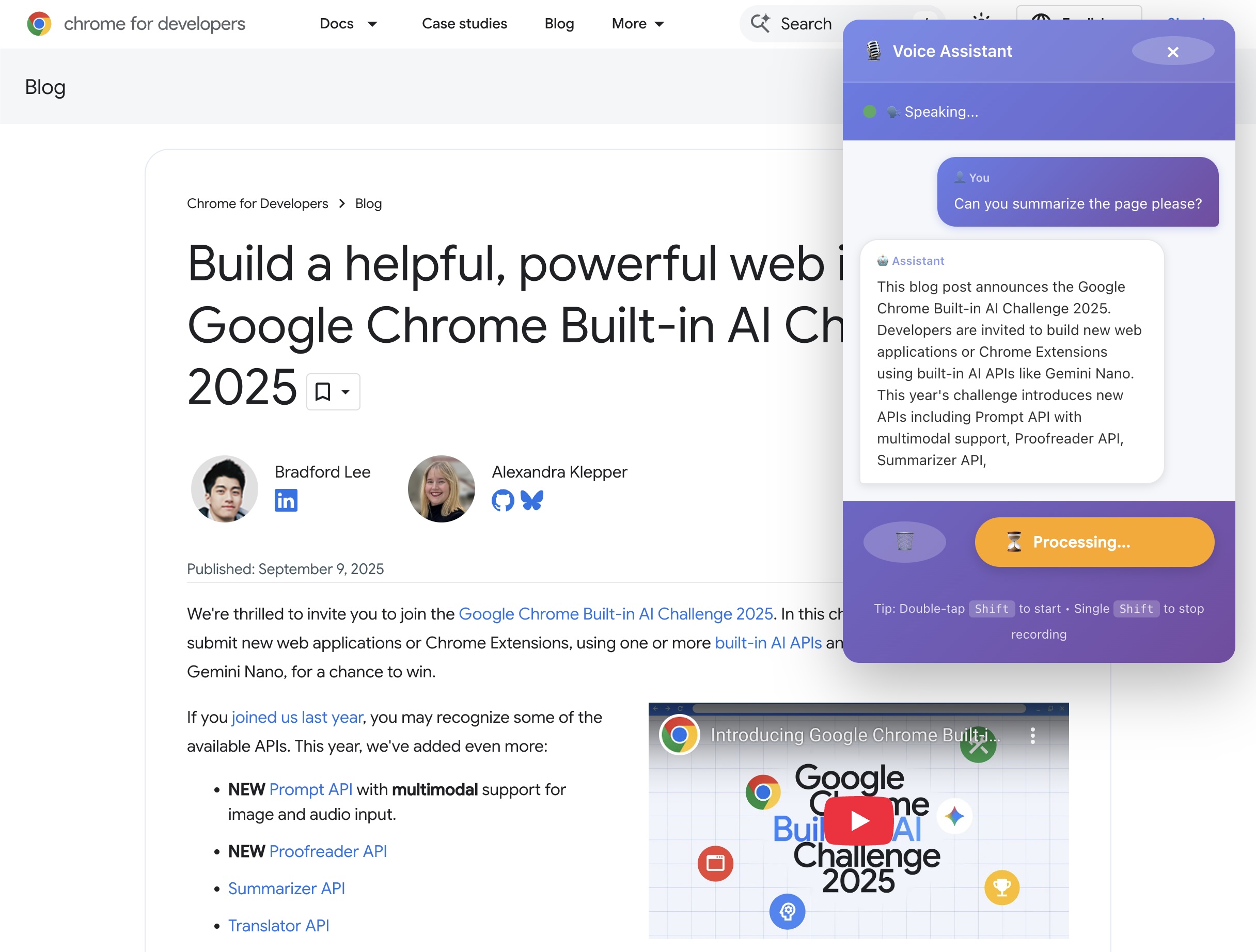
Extension overlay in action
-
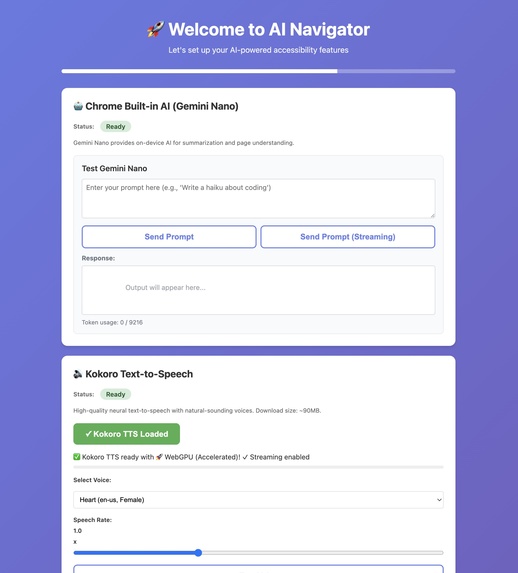
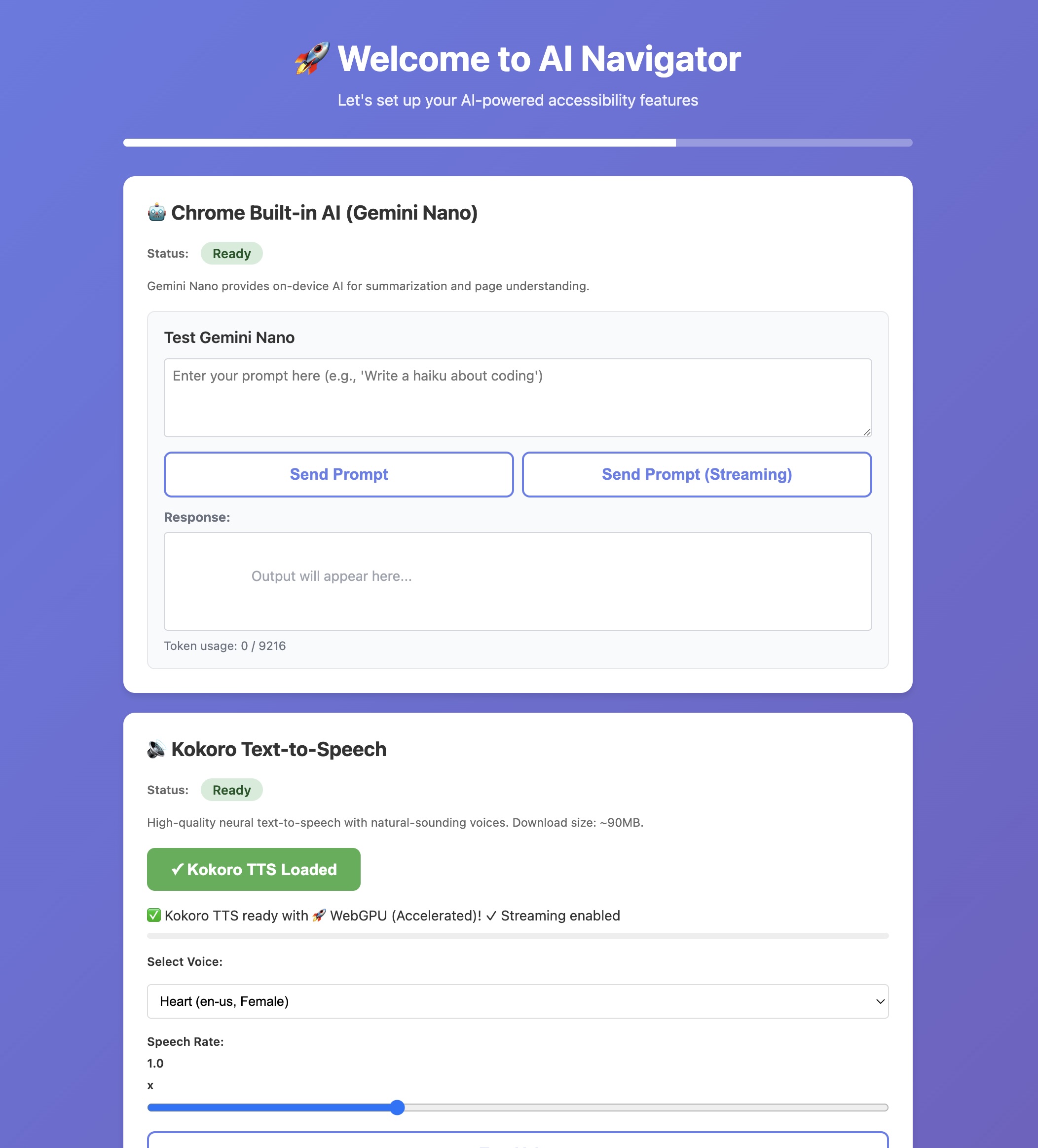
Setup page preview (opens on extension install)
Inspiration
While exploring Chrome's new Built-in AI APIs, I realized that Gemini Nano's multimodal capabilities could revolutionize web accessibility. Traditional screen readers are limited to text-only understanding, but modern websites are increasingly visual—with buttons styled as images, content in charts, and layouts that rely on visual hierarchy.
I wanted to build something that could see the web like a sighted person does, understand it contextually, and take actions autonomously. The goal: enable someone to simply say "click the login button" and have the AI find and click it, just like asking a friend for help.
What it does
AI Navigator is a Chrome extension that combines vision, voice, and action to make web browsing accessible:
- 👁️ Sees pages through screenshot capture and Gemini Nano's vision API
- 🎤 Listens via Whisper speech-to-text (running in-browser with WebGPU)
- 🤖 Understands content using Gemini Nano for summarization and Q&A
- 🖱️ Acts autonomously by clicking buttons, links, and forms based on voice commands
- 🔊 Speaks naturally with Kokoro TTS (7 high-quality voices)
All processing happens 100% on-device—no cloud APIs, no data sharing, complete privacy.
How we built it
Architecture
Built as a Chrome Extension (Manifest V3) with multiple components:
- Content Script - Injected into web pages, extracts content, tags interactive elements, executes clicks
- Background Service Worker - Coordinates AI services, manages models, handles screenshot capture
- Offscreen Document - Enables microphone access for voice input
- Popup & Setup Pages - User interface for configuration and quick actions
AI Pipeline
- Voice Input → MediaRecorder captures audio → Resample to 16kHz
- Transcription → Whisper STT model (distil-whisper-tiny) via Transformers.js
- Visual Context →
chrome.tabs.captureVisibleTabcaptures PNG screenshot - Element Detection → Scan DOM for 50+ interactive element types, assign unique IDs
- Multimodal AI → Send text + image to Gemini Nano's vision API
- Command Parsing → Extract
<<click:elem_id>>commands from AI response - Action Execution → Find element, highlight, scroll, click
- Speech Output → Sentence-by-sentence streaming TTS with Kokoro (parallel generation)
Key Technical Achievements
- Multimodal prompting - Successfully combined screenshot images with text context
- Streaming TTS - Parallel sentence generation reduces latency by 70-80%
- Smart element detection - Filters visible elements, handles aria-labels and shadow DOM
- Command injection - AI embeds executable commands in natural language responses
- WebGPU acceleration - Uses fp32 precision for highest quality TTS
Challenges we ran into
1. Gemini Nano Multimodal API Documentation
The vision API is bleeding-edge with limited documentation. Through experimentation, I discovered:
- Images must be
Fileobjects, not base64 strings - Must use
append()with specific content structure:[{role: 'user', content: [{type: 'text'}, {type: 'image'}]}] - Vision capability requires
expectedInputs: [{ type: 'image' }]during session creation
2. Audio Streaming for Real-Time TTS
Initial approach generated full response before speaking (10+ second delay). Solution:
- Split streaming AI responses into sentences
- Generate TTS for each sentence in parallel (non-blocking promises)
- Queue audio chunks and play sequentially
- Result: First words spoken in ~2 seconds vs 10+ seconds
3. Action Execution Reliability
Making AI consistently output correct element IDs was tricky:
- Solution: Provide clear context with element descriptions
- Use distinctive syntax:
<<click:elem_id>> - Include element text, type, and position in the map
- Regex parsing:
/<<click:(elem_\d+)>>/g
4. Chrome Extension Manifest V3 Limitations
- Service workers can't use
getUserMedia()directly → Created offscreen document - Audio context requires user gesture → Lazy initialization
- Storage limits for large models → Used
unlimitedStoragepermission
5. Cross-Browser Model Loading
Transformers.js models behave differently across backends:
- WebGPU: Best quality but limited browser support
- WASM: Slower but universal compatibility
- Implemented fallback chain: WebGPU → WASM → Chrome TTS
What we learned
- Multimodal AI is incredibly powerful for accessibility when you combine vision + language
- On-device AI is ready for production - Gemini Nano, Whisper, and Kokoro all run smoothly
- Streaming architectures matter - Parallel processing transforms user experience
- Web Audio API is complex - Resampling, timing, and context management require careful handling
- Privacy-first AI is possible - No need for cloud APIs when browser AI is this capable
What's next
- Form field input - Voice dictation to fill text fields
- Page scrolling - "Scroll down", "Go to top" voice commands
- Enhanced vision - Object detection, chart analysis, OCR for images
- Multi-language support - TTS and STT in languages beyond English
- Reading mode - Continuous article narration with playback controls
Built With
- html5/css3
- javascript
- kokorotts
- offscreen
- scripting
- storage
- transformers.js
- webgpu
- whisperstt


Log in or sign up for Devpost to join the conversation.