-
-
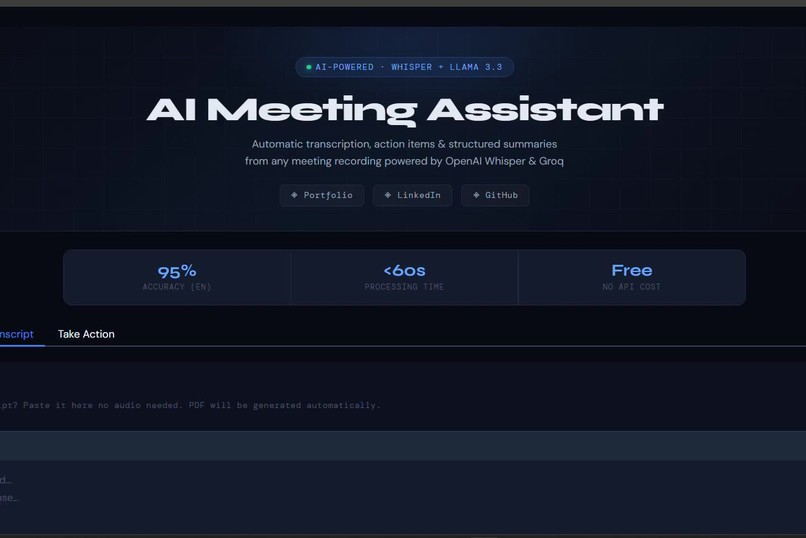
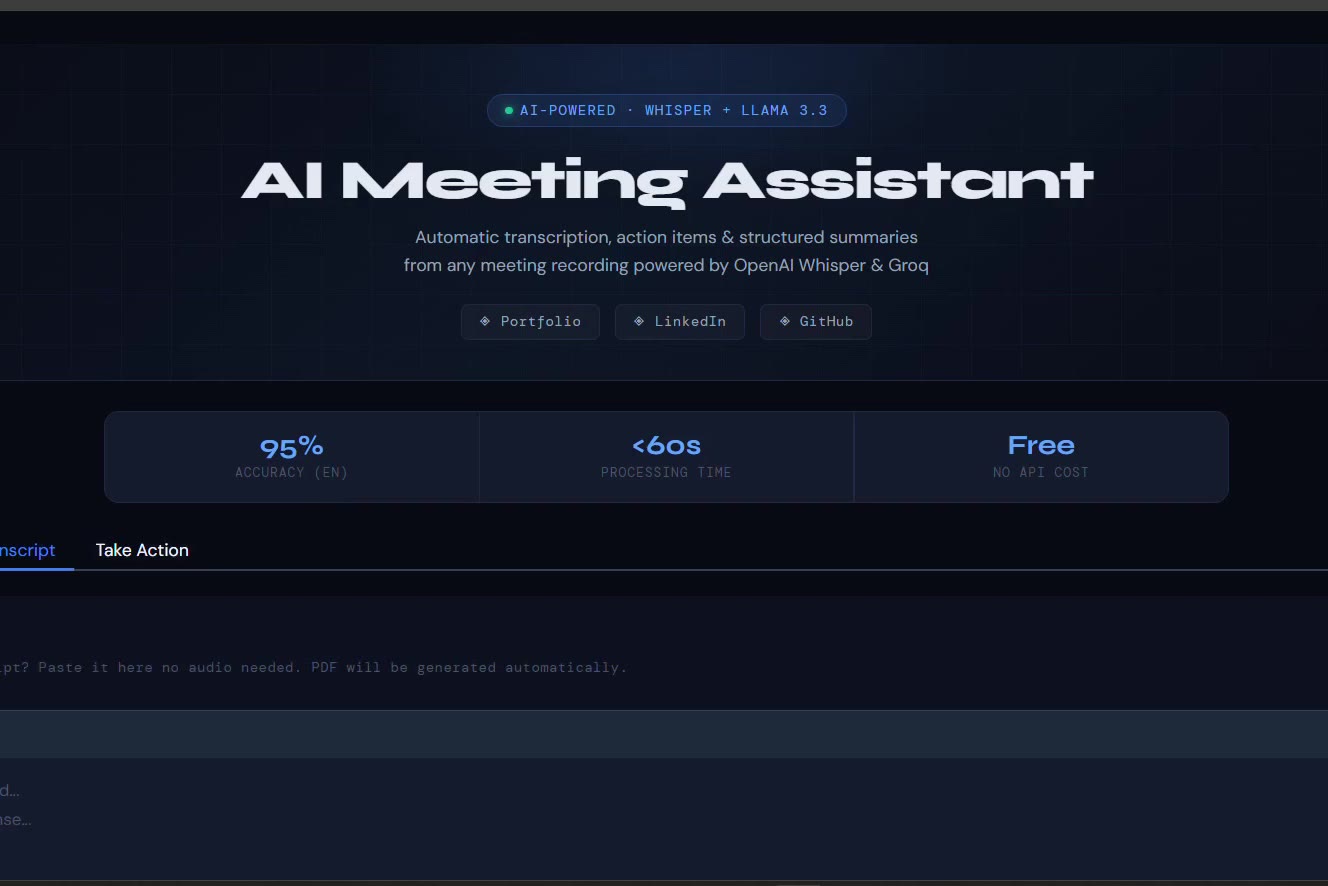
AI Meeting Assistant — transcribes meetings with Whisper and extracts action items with Llama, now extended with a CALL-E integration.
-
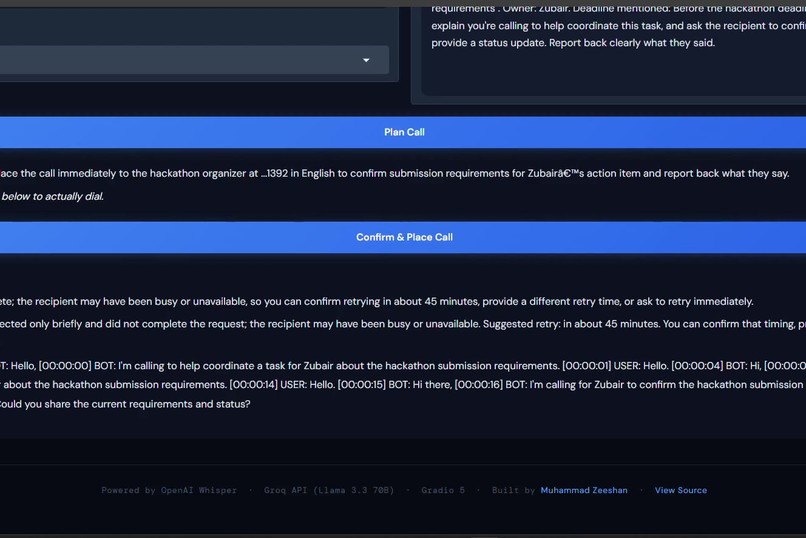
The Take Action tab: pick an extracted action item, and CALL-E shows exactly what it's about to say before any call is placed.
-
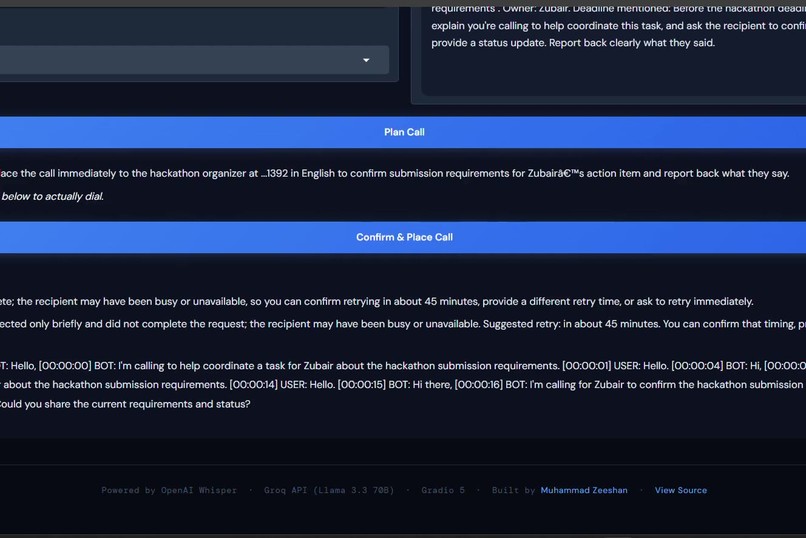
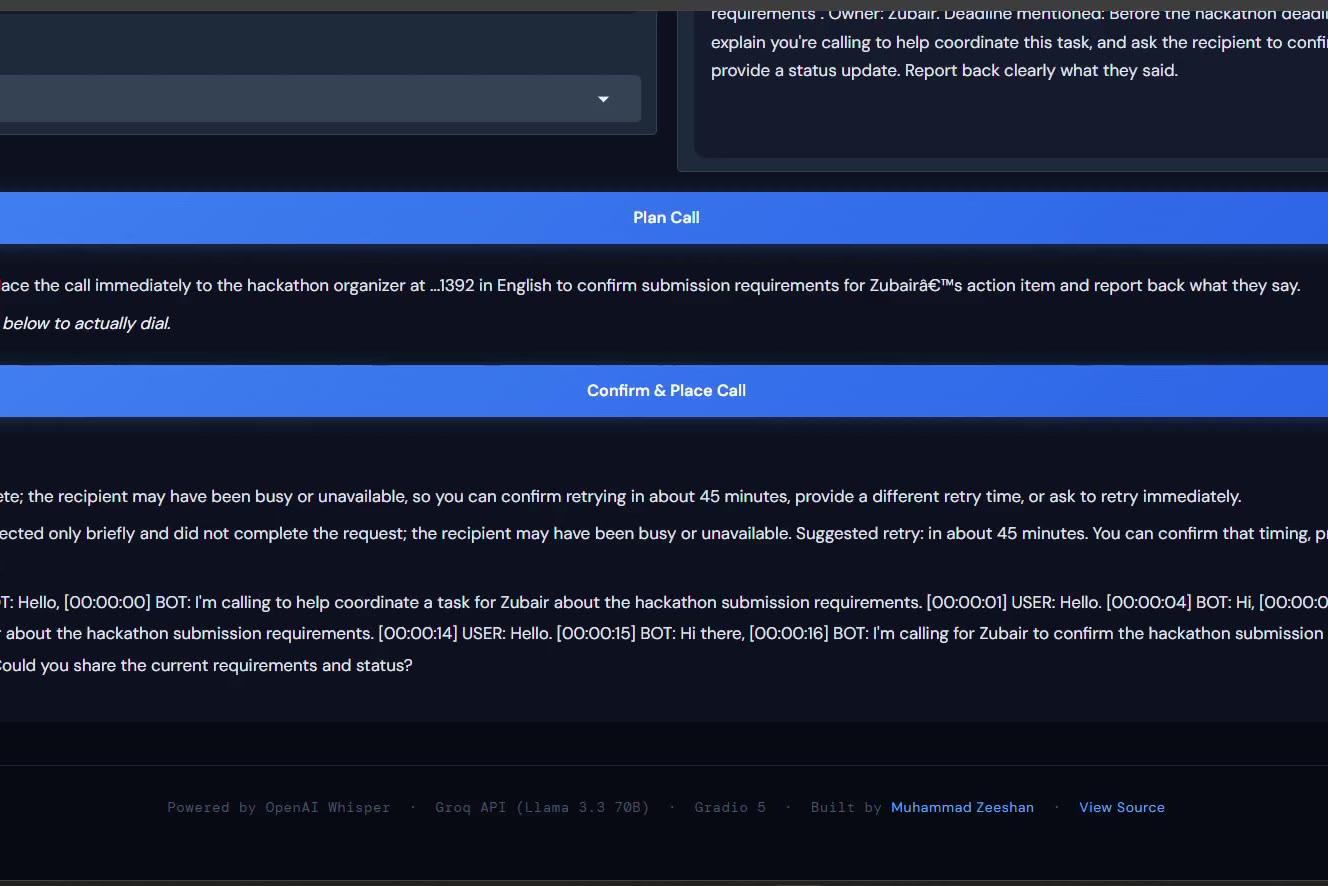
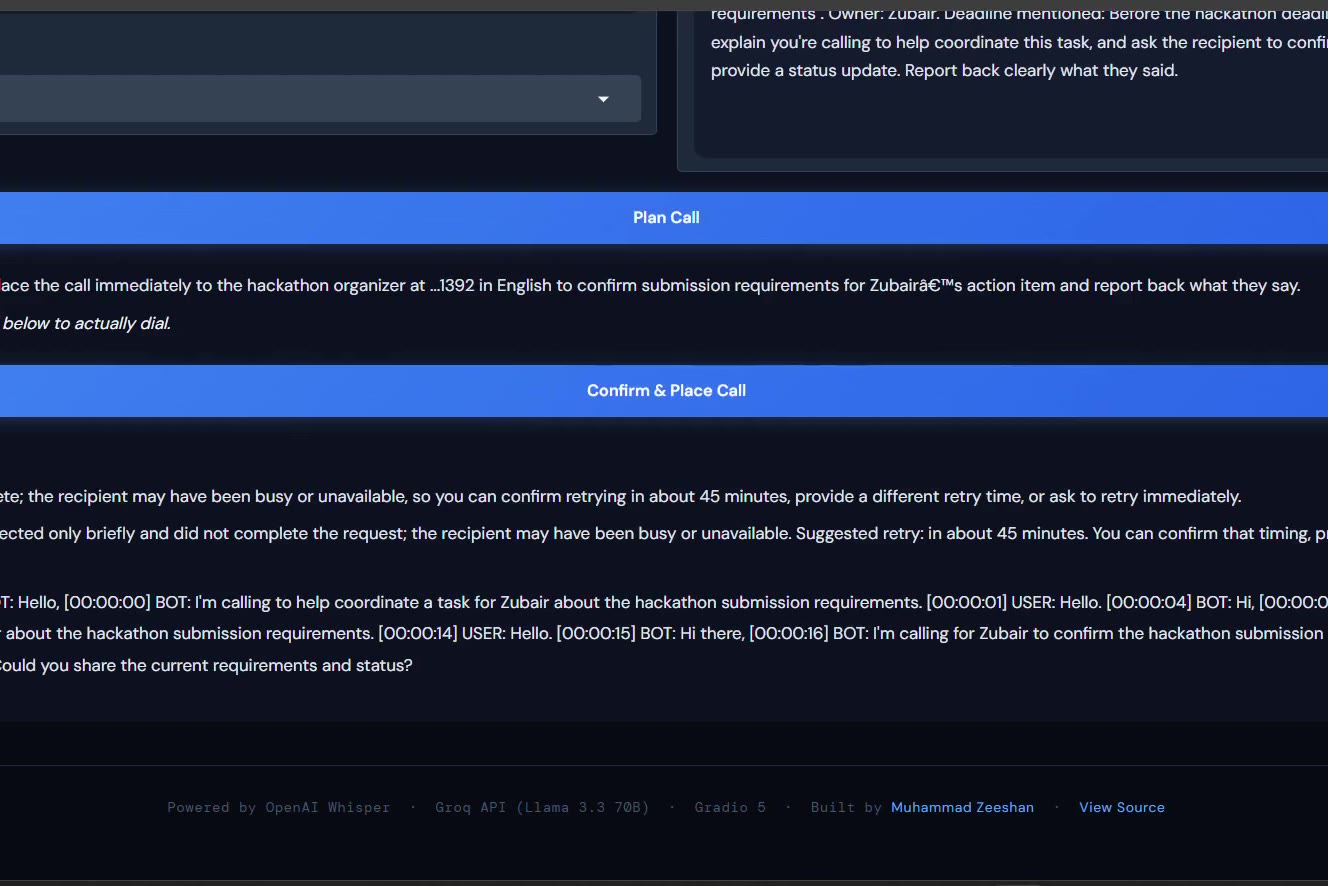
A real completed call — CALL-E dialed out, held the conversation, and returned a live transcript straight back into the app.
Inspiration
After every meeting, someone says "I'll follow up on that" — and it quietly disappears. The action item gets buried in a notes app nobody reopens, and the actual follow-through never happens. When I saw CALL-E let agents place real phone calls, the idea was obvious: what if the AI that extracts your action items could also be the one that calls about them?
What it does
Upload a meeting recording or paste a transcript, and the app transcribes it with OpenAI Whisper and extracts a structured summary, key decisions, and action items using Llama via Groq — along with an auto-generated PDF report. From there, pick any action item in the "Take Action" tab, and the call goal auto-fills based on the actual meeting context. Enter a phone number and region, and CALL-E plans the call, shows exactly what it's about to say, and — once confirmed — places a real outbound call. The app polls for live status and returns the actual transcript and outcome, right back in the interface.
How we built it
This started as a meeting transcription and analysis tool built by Ali Raza and Muhammad Zeeshan. I extended it with a full CALL-E integration layer: a Python wrapper (calle_client.py) around CALL-E's CLI that handles planning, confirmation, execution, and live polling of real phone calls, plus a new "Take Action" tab that wires that flow directly into the action items already being extracted by the existing pipeline.
Challenges we ran into
Two real bugs stood out. First, a Windows-specific subprocess issue: Python's subprocess.run() couldn't execute CALL-E's .cmd CLI wrapper directly, which silently surfaced as a misleading "not authenticated" error even with valid, working credentials — traced it down to a missing shell=True flag on Windows. Second, Groq deprecated llama-3.3-70b-versatile mid-project, which broke the analysis step entirely until I migrated to their current recommended model. Beyond the code, getting the plan → confirm → run → poll flow to feel safe and transparent — rather than just "an app that can call anyone" — took real care, especially making sure nothing dials without an explicit, readable confirmation step first.
Accomplishments that we're proud of
Getting a real, live phone call to complete end-to-end — dialed, answered, held an actual conversation, and reported back a structured transcript — directly from a meeting action item with no manual steps in between. It's not a simulated response; it's a genuinely working pipeline from raw audio to a completed real-world task.
What we learned
How much of "AI agent" work is really about the boring-but-critical plumbing: subprocess quirks, model deprecations, auth token handling. The CALL-E integration itself (plan/confirm/run/poll) was conceptually simple — most of the real engineering time went into making an existing tool's environment reliable enough to build on top of.
What's next for AI Meeting Assistant + CALL-E
Automatic call scheduling right after a meeting ends, without needing to manually open the Take Action tab. Batched follow-up calls for teams managing multiple clients or vendors from a single meeting. And multi-language support for calls, since the underlying transcription and CALL-E both already support it.


Log in or sign up for Devpost to join the conversation.