-
-
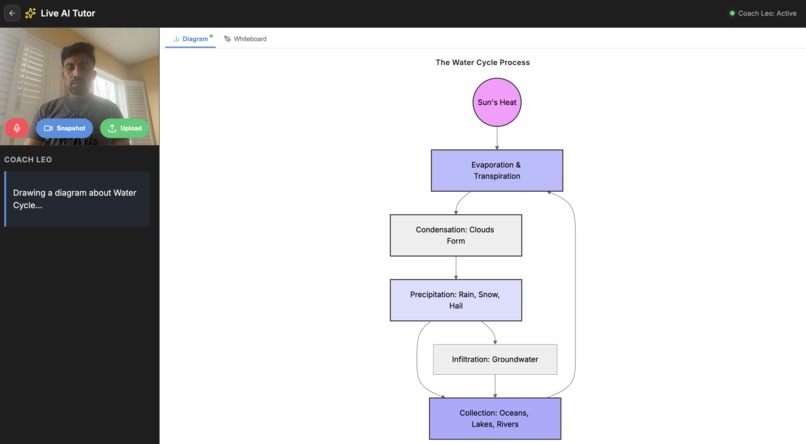
ScienceConceptVisual
-
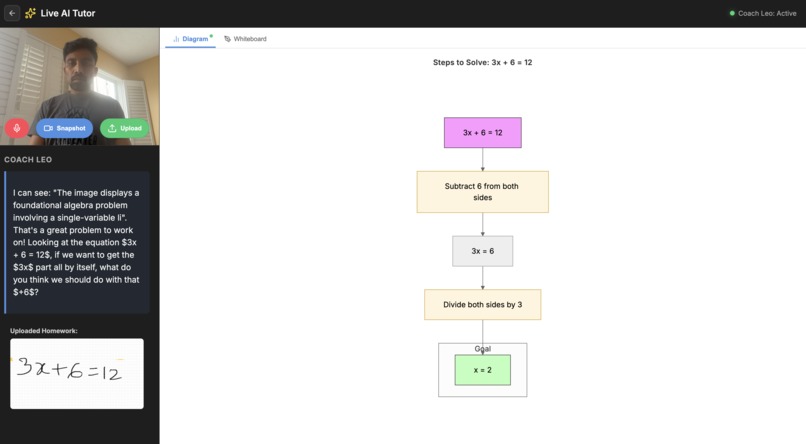
MathProblemSolutionVisual
-
Inspiration
Students today increasingly turn to AI tools for homework help, but most systems simply provide answers instead of fostering understanding. We were inspired by the experience of a live tutor sitting beside a student, asking questions, drawing explanations on a whiteboard, and guiding the student to the solution rather than solving the problem for them.
Our goal was to recreate that interactive tutoring experience using AI. With the recent advances in multimodal AI and real-time interaction through Gemini Live, we saw an opportunity to build an AI tutor that can see homework, converse naturally with students, and visually explain concepts on a collaborative whiteboard.
What it does
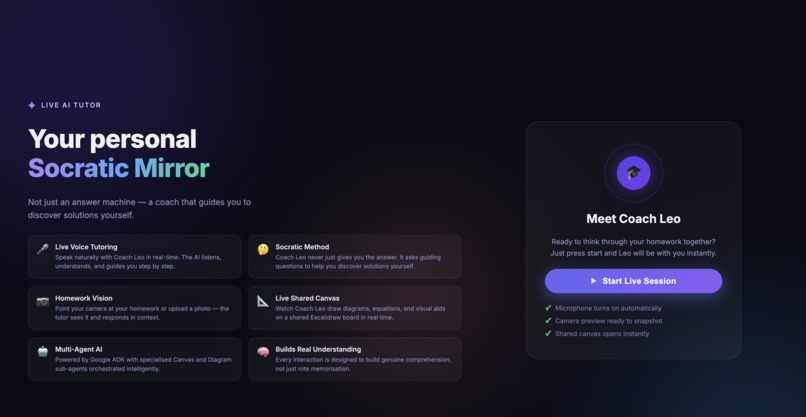
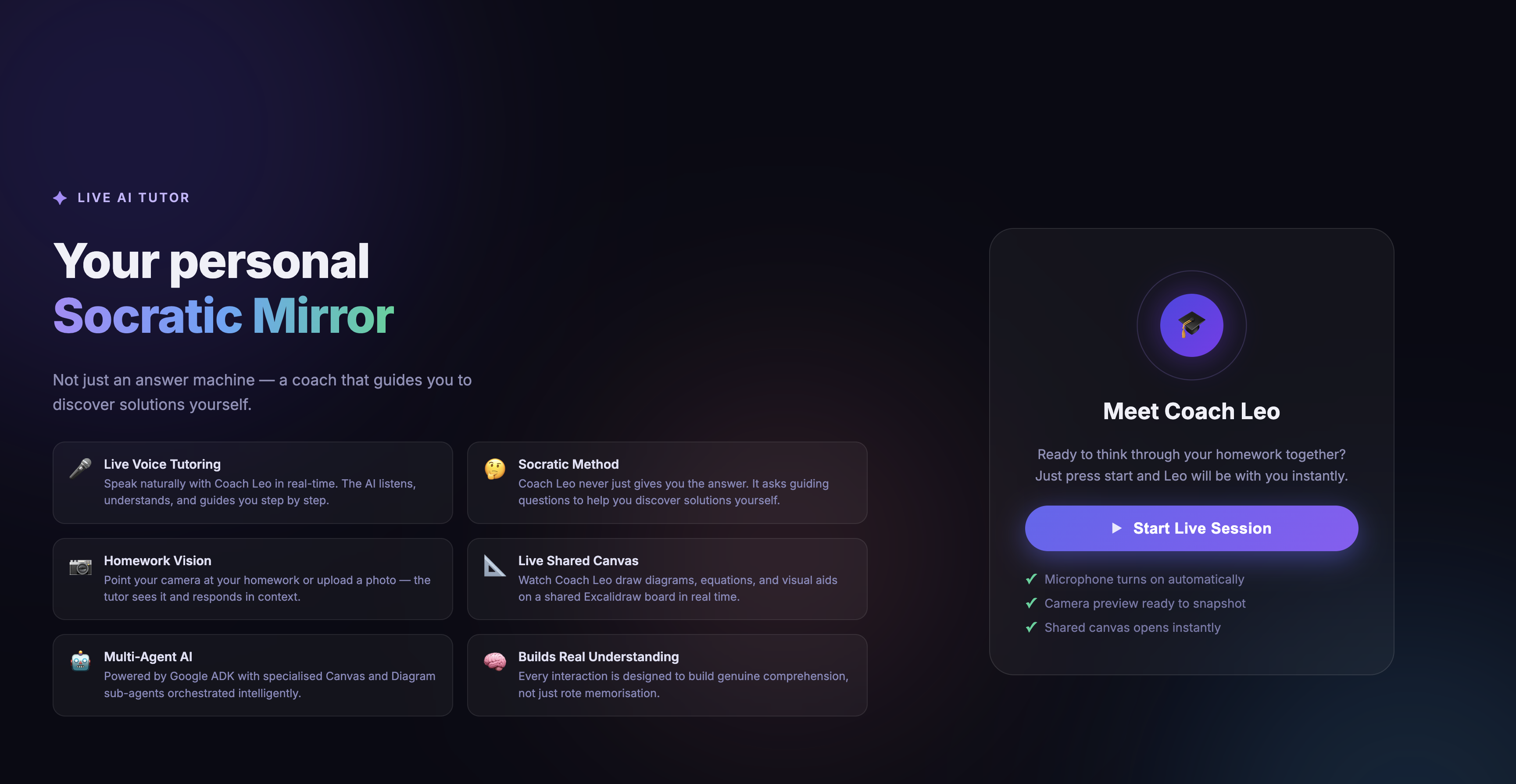
AI Live Tutor is a real-time multimodal AI tutor designed to help students understand their homework rather than simply get answers.
Students can:
- Show their homework using their device camera
- Ask questions using natural voice conversation
- Get guided hints and explanations
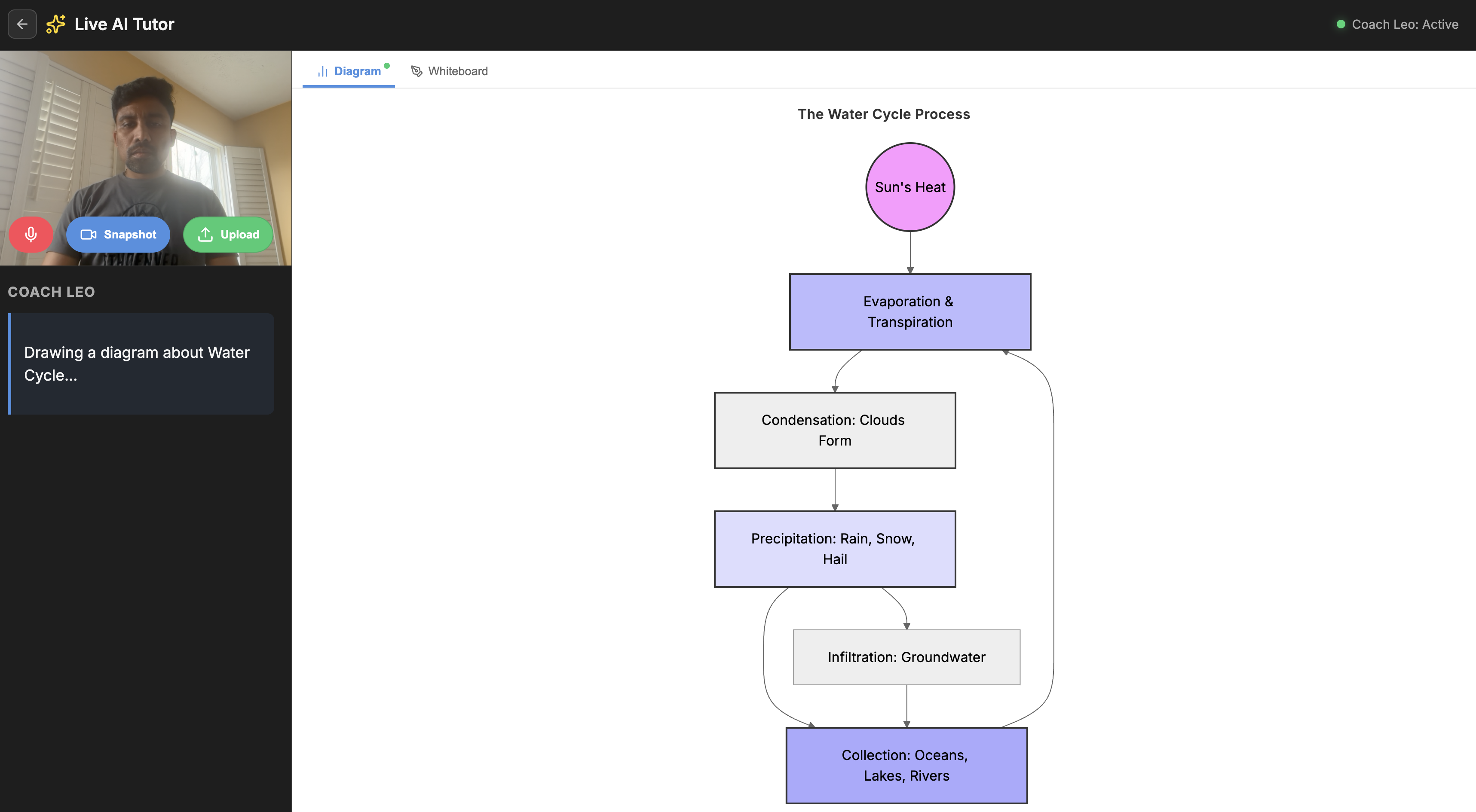
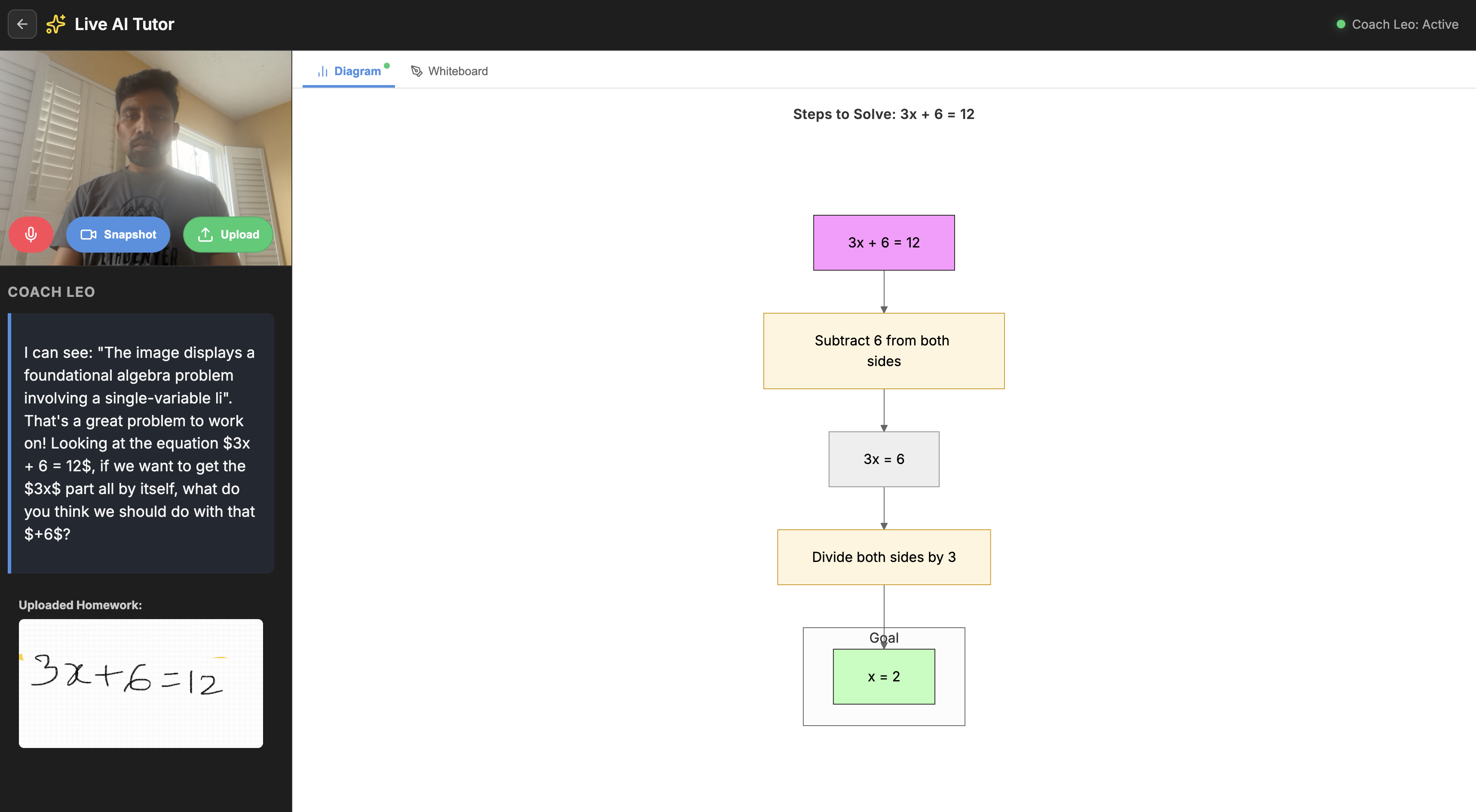
- See the tutor draw steps, highlight concepts, and generate diagrams on a shared whiteboard
The system uses multiple specialized AI agents to:
- Analyze homework problems using computer vision
- Guide students using Socratic questioning
- Visually explain solutions using a collaborative Excalidraw whiteboard
- Review completed work and provide feedback
- Generate reinforcement problems to strengthen understanding
The result feels like a real tutor session powered by AI.
How we built it
We designed the system using a multi-agent architecture built on Google’s AI ecosystem.
Core components include
Gemini Live API
Handles real-time conversational interaction, allowing students to speak naturally and interrupt the AI tutor.
Agent Development Kit (ADK)
Orchestrates multiple specialized agents that collaborate during the tutoring session.
AI Agents
- Vision Agent – interprets homework from camera input
- Conversation Agent – manages dialogue and interruptions
- Tutor Agent – guides the student using Socratic reasoning
- Canvas Agent – converts explanations into whiteboard actions
- Diagram Agent – generates visual diagrams for concepts
- Review Agent – evaluates student answers
- Reinforcement Agent – creates follow-up practice questions
Interactive Whiteboard
We integrated Excalidraw to create a shared reasoning canvas where the AI can:
- write equations
- draw diagrams
- highlight steps
- visually demonstrate concepts
Cloud Infrastructure
The backend is deployed on Google Cloud Run, with session state stored in Firestore and images handled through Cloud Storage.
The result is a real-time, multimodal tutoring system that combines vision, voice, reasoning, and visual teaching.
Challenges we ran into
One of the biggest challenges was orchestrating multiple AI agents in real time while maintaining a natural conversation flow.
Another challenge was translating conceptual explanations into visual whiteboard instructions. Instead of simply generating text, the AI had to produce structured drawing commands that the Excalidraw canvas could render dynamically.
Handling interruptible voice conversations was also complex. The system needed to manage partial responses, maintain context, and adapt when the student asked follow-up questions mid-explanation.
Finally, balancing AI assistance with real learning was critical. We designed the tutor to use Socratic questioning, ensuring the system encourages reasoning rather than giving away answers.
Accomplishments that we're proud of
We successfully created a system that feels less like a chatbot and more like a live tutoring experience.
Key achievements include:
- Building a real-time multimodal tutor using Gemini Live
- Designing a multi-agent architecture that separates vision, tutoring, diagrams, and evaluation
- Creating a visual reasoning whiteboard where the AI teaches concepts interactively
- Implementing diagram generation for math and science explanations
- Demonstrating how AI can teach students to think rather than just solve problems
Seeing the AI guide a student step-by-step while drawing explanations on the canvas was a major milestone.
What we learned
Through this project we learned that effective AI tutoring requires more than powerful models.
Key insights include:
- Visual explanations dramatically improve learning compared to text-only responses
- A multi-agent architecture helps separate reasoning, teaching, and visualization responsibilities
- Real-time AI interaction requires careful management of context and latency
- The most valuable AI education tools are those that guide thinking rather than provide answers
We also gained hands-on experience building systems with Gemini Live, agent orchestration, and multimodal AI pipelines.
What's next for AI Live Tutor
We see several exciting directions to expand AI Live Tutor.
Personalized Learning
Tracking student progress and adapting lessons based on strengths and weaknesses.
Expanded Diagram Capabilities
Automatically generating graphs, geometry figures, and science visualizations.
Collaborative Learning
Allowing multiple students or teachers to join a session.
Curriculum Integration
Aligning tutoring with school standards and learning objectives.
Mobile App Experience
Making the tutor accessible directly from a student's phone or tablet.
Our long-term vision is to build an AI tutor that feels as natural and effective as learning with a human teacher, helping students everywhere gain deeper understanding and confidence in their studies.


Log in or sign up for Devpost to join the conversation.