-
-
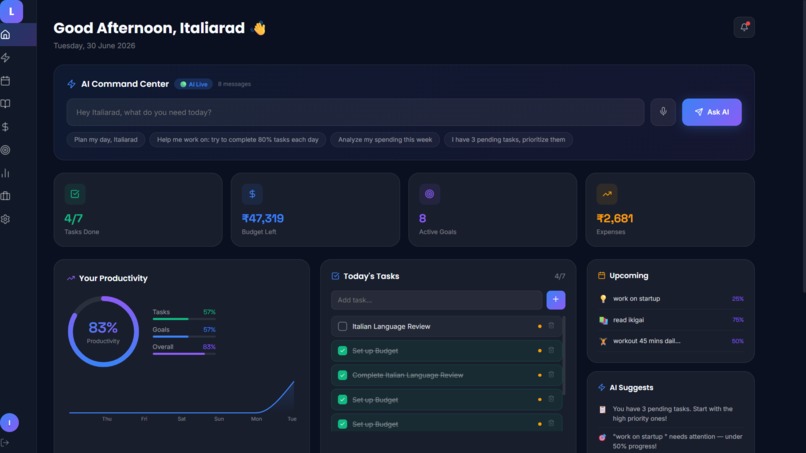
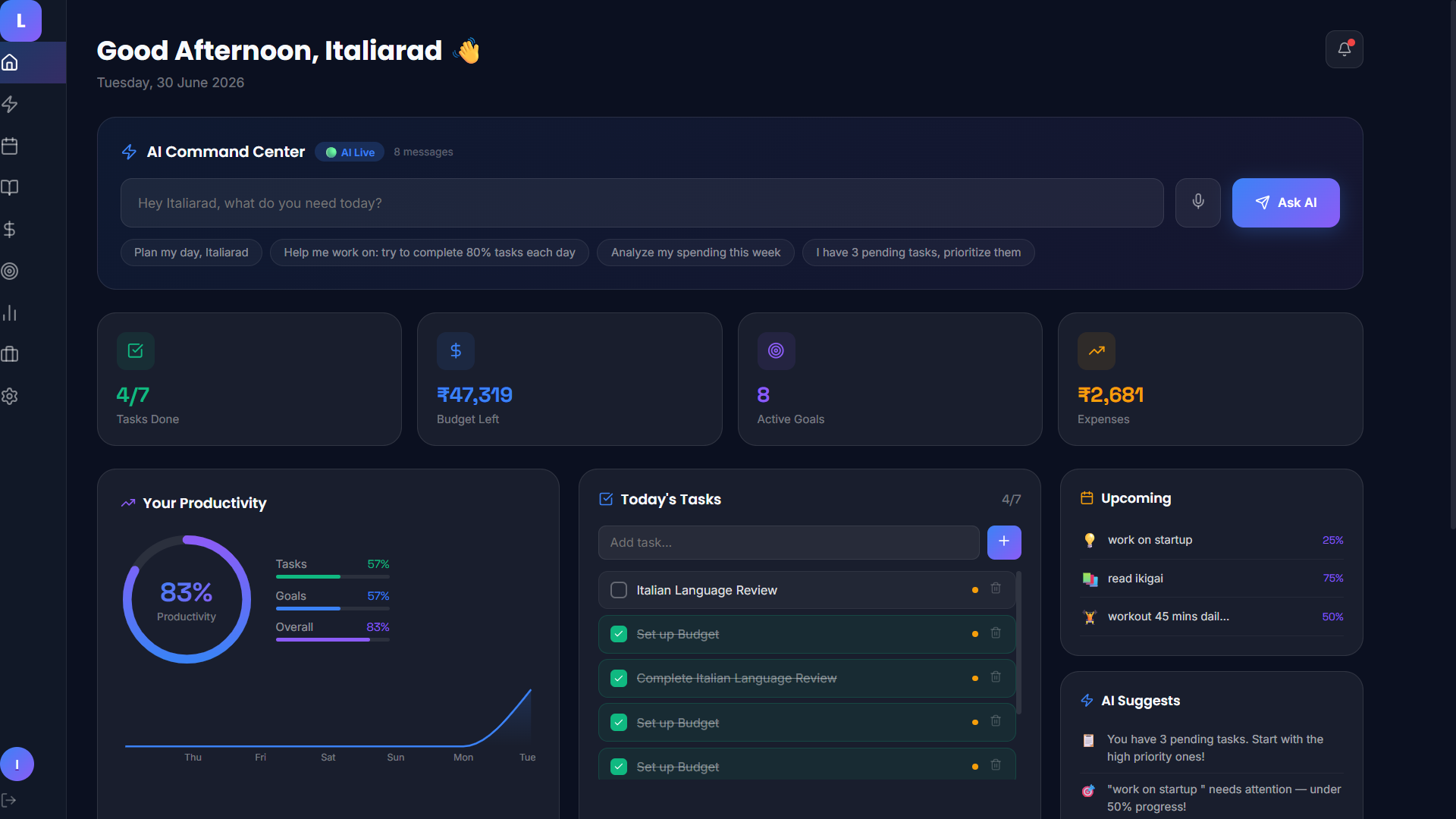
Dashboard main view (greeting, AI Command Center, stats, productivity ring) — strongest opener
-
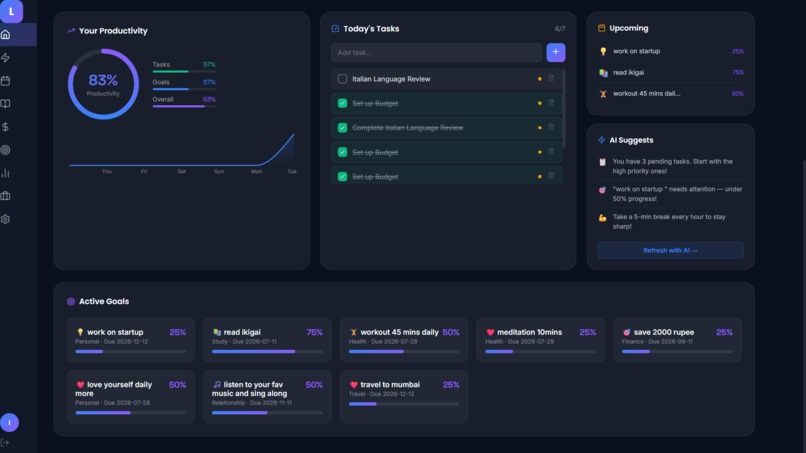
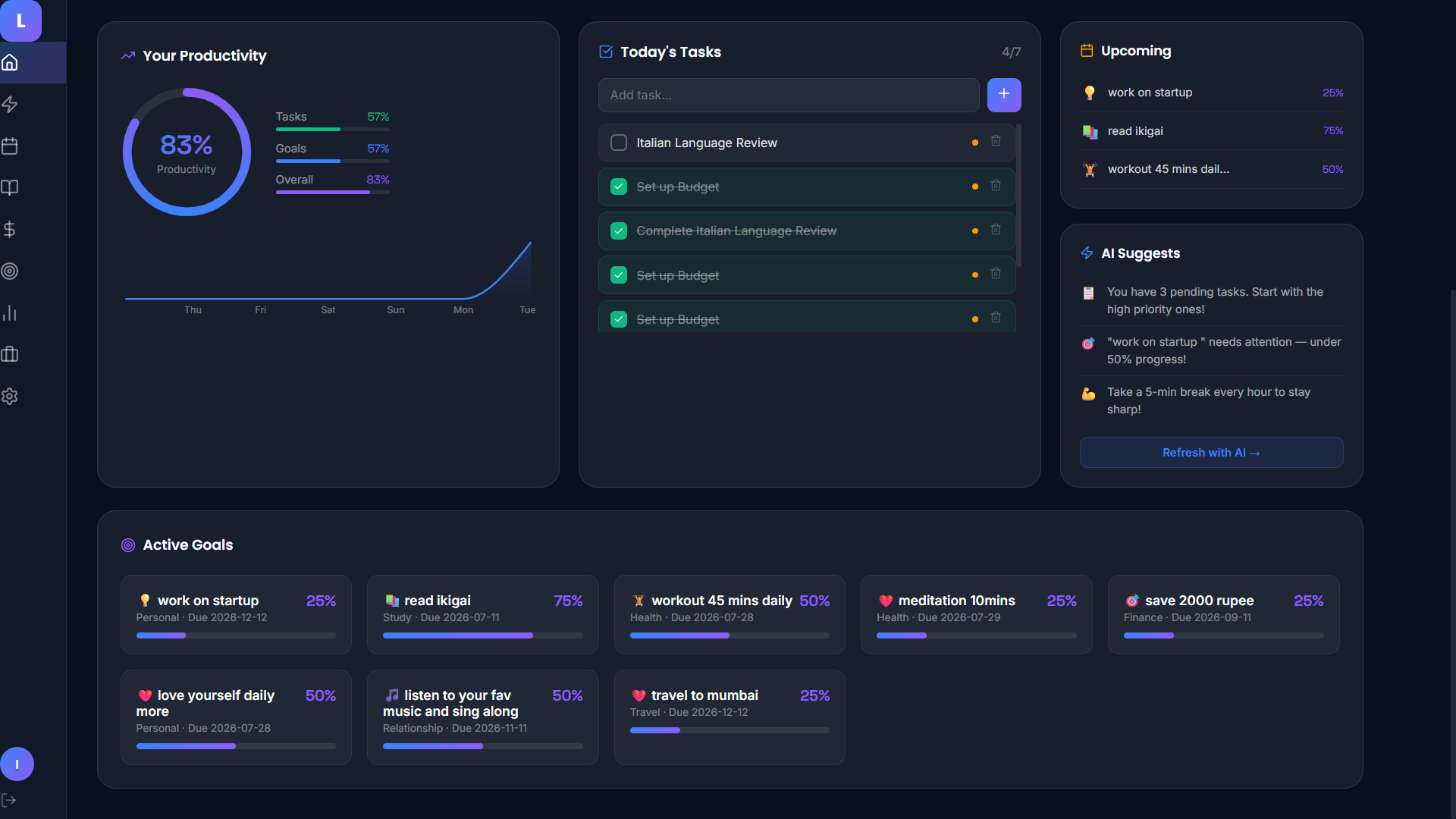
Dashboard scrolled down (Active Goals grid + AI Suggests panel) — shows breadth
-
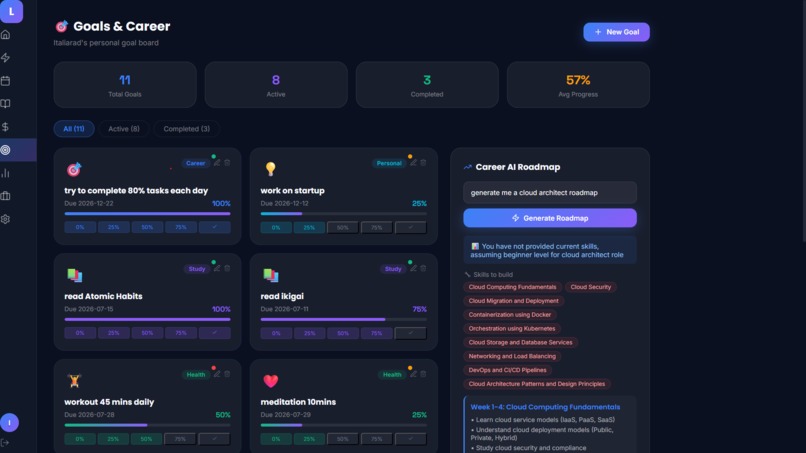
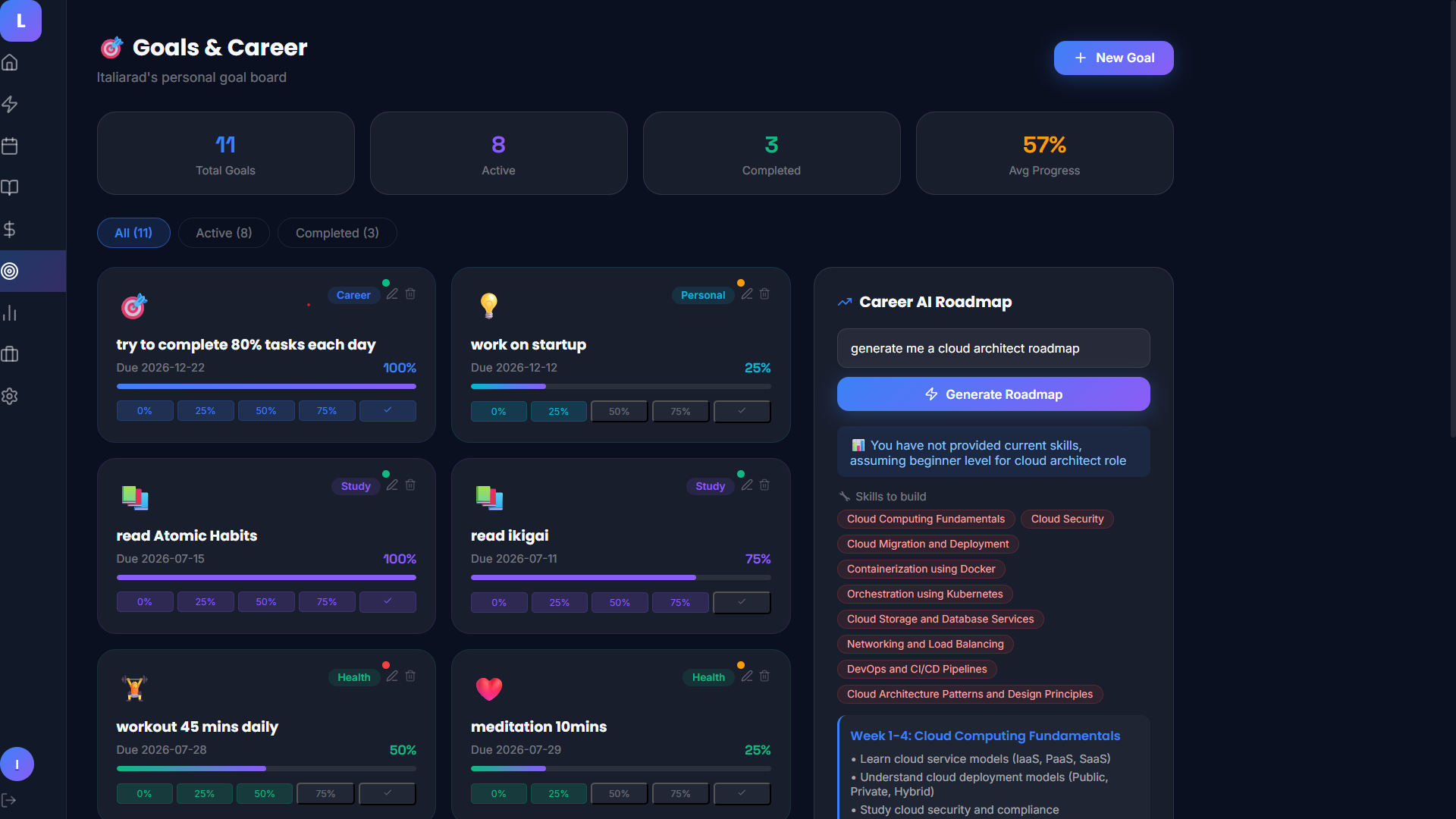
Goals & Career with Career AI Roadmap generating
-
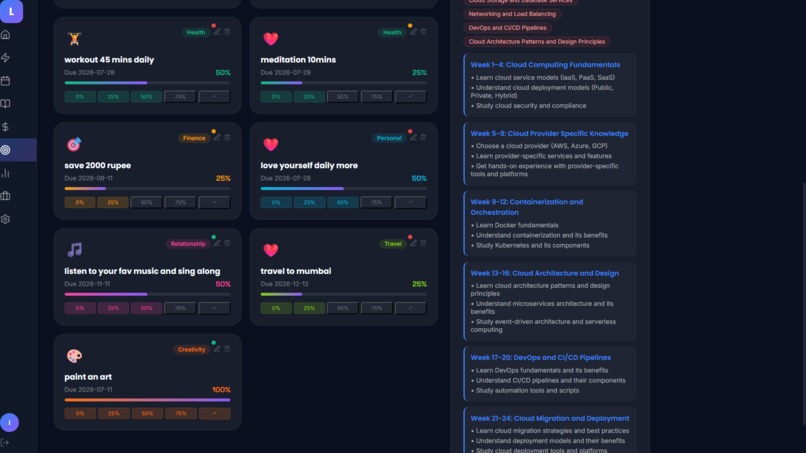
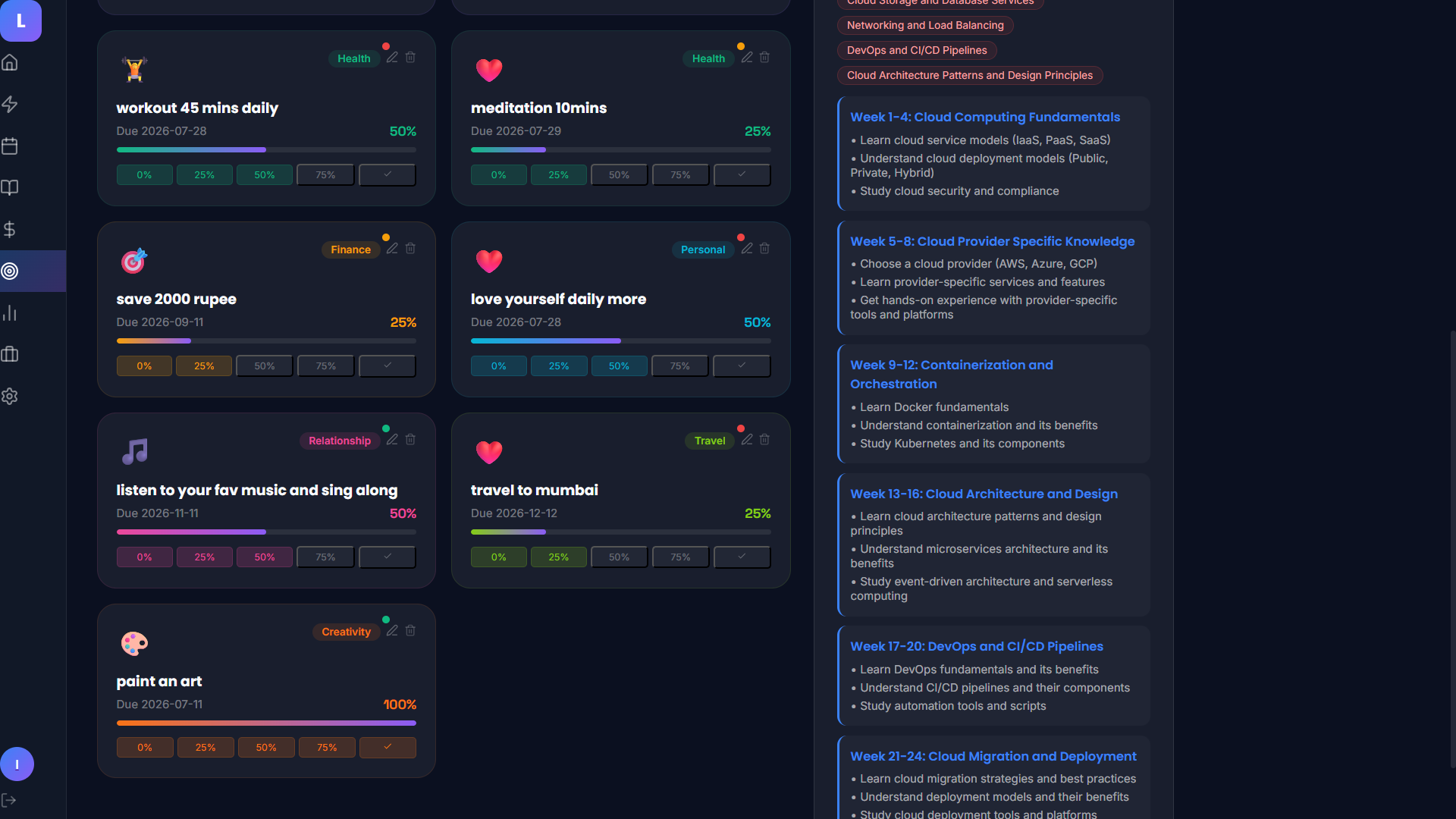
Goals grid with emoji personalization + roadmap weeks
-
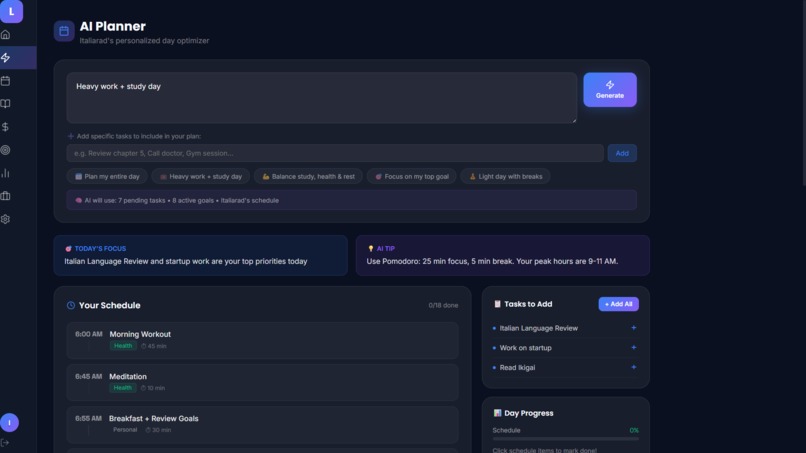
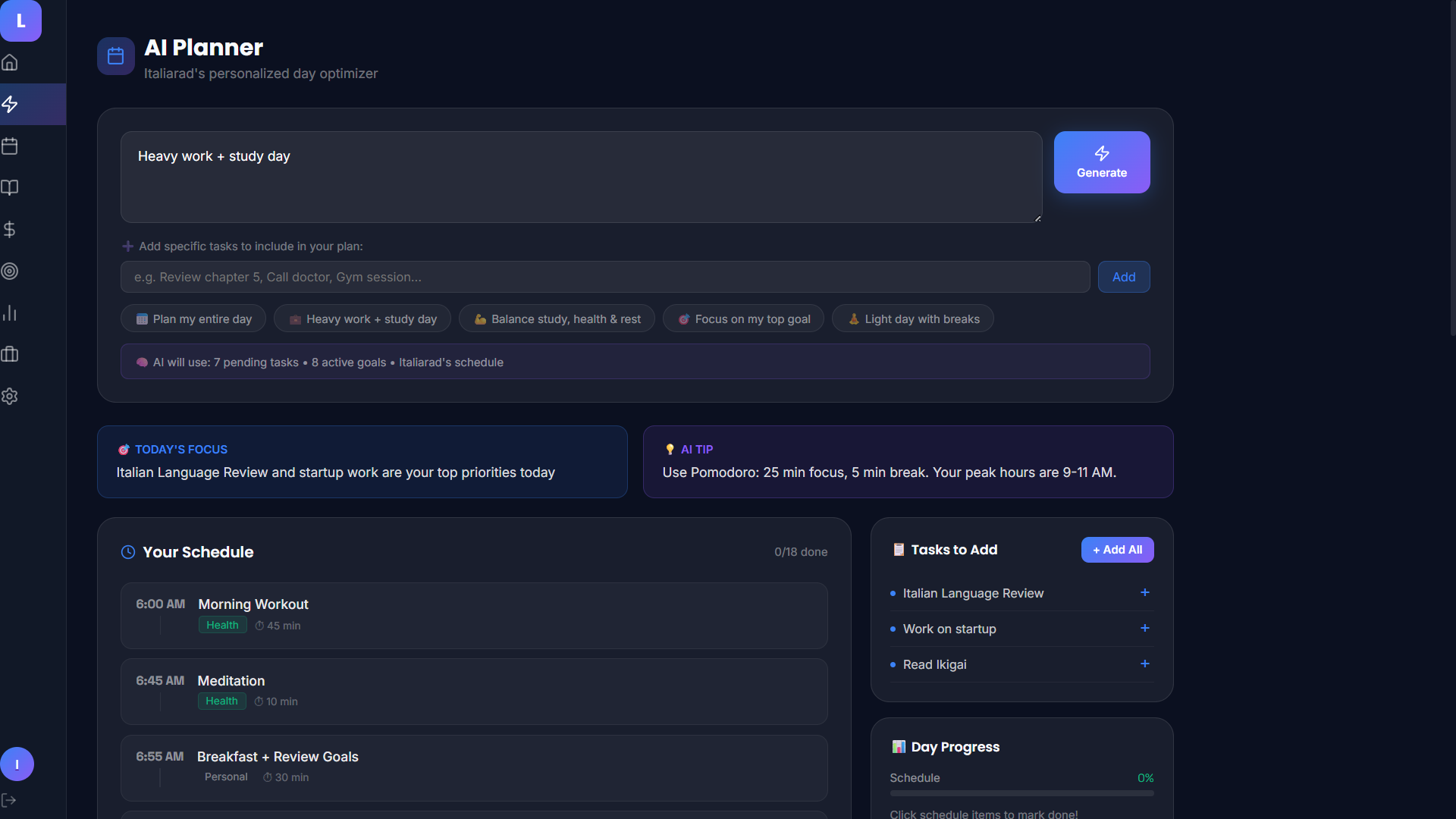
AI Planner generated schedule (Today's Focus + Tip + Tasks to Add) — shows it actually works
-
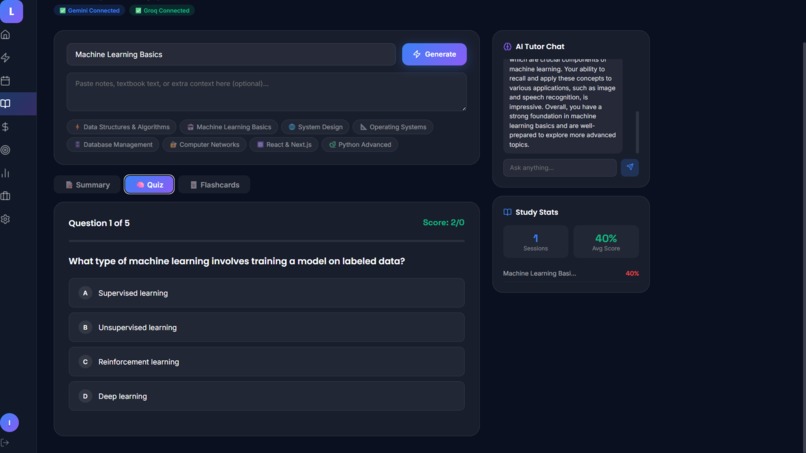
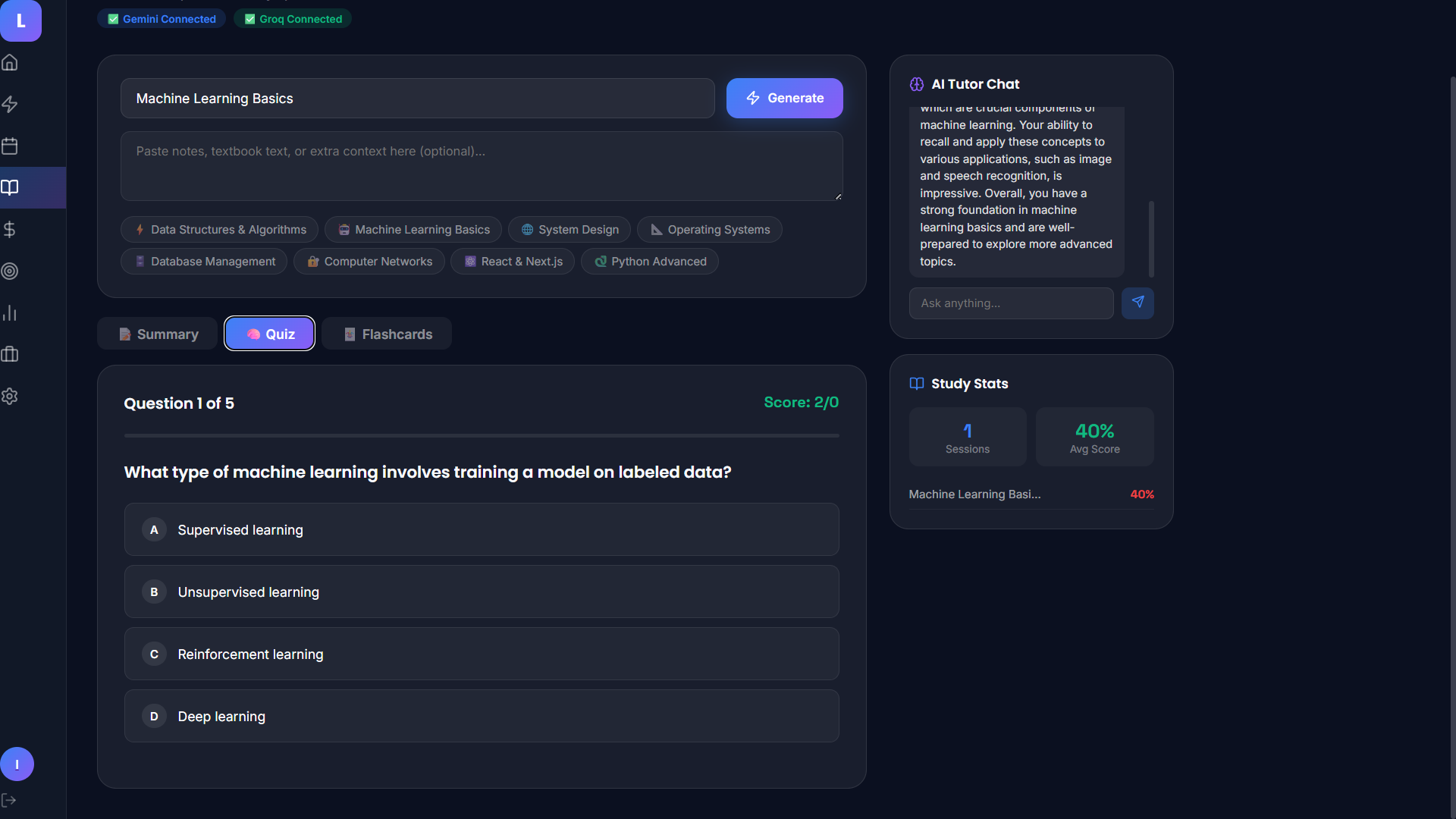
Study Hub Quiz in progress — shows interactivity
-
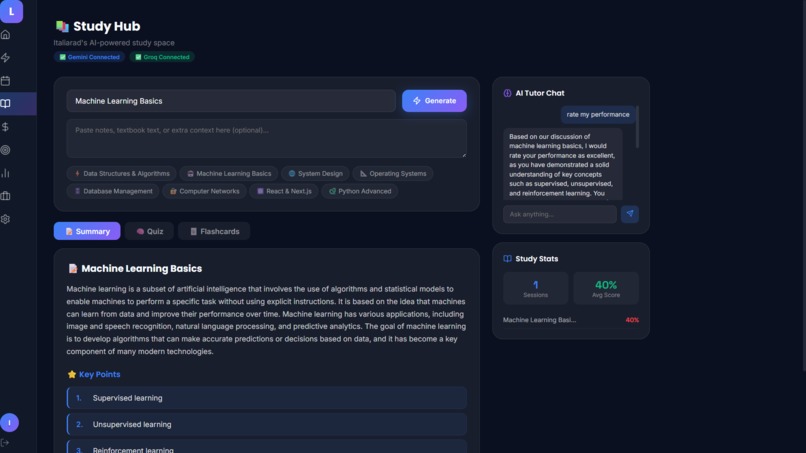
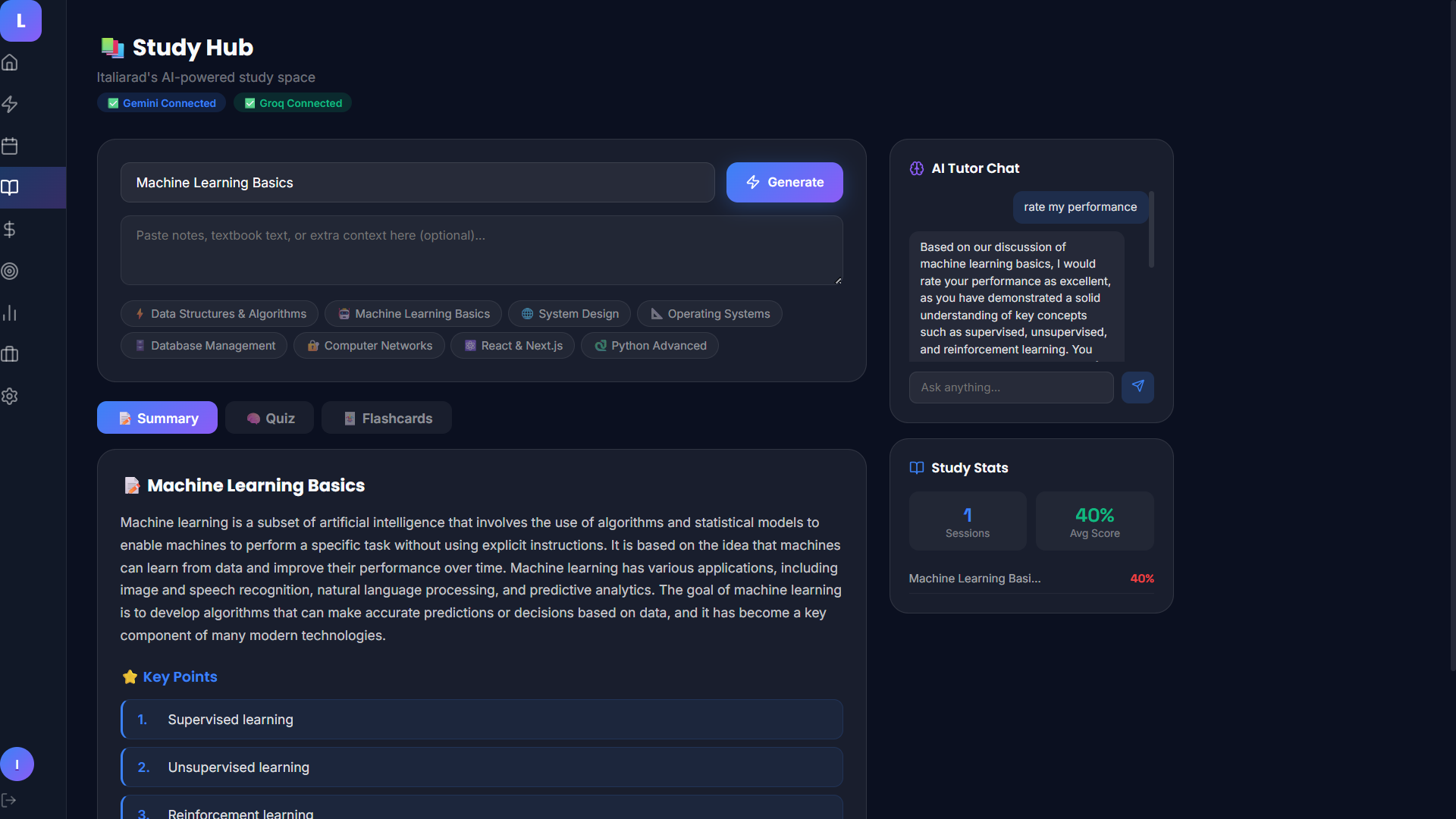
Study Hub with Summary tab + AI Tutor Chat
-
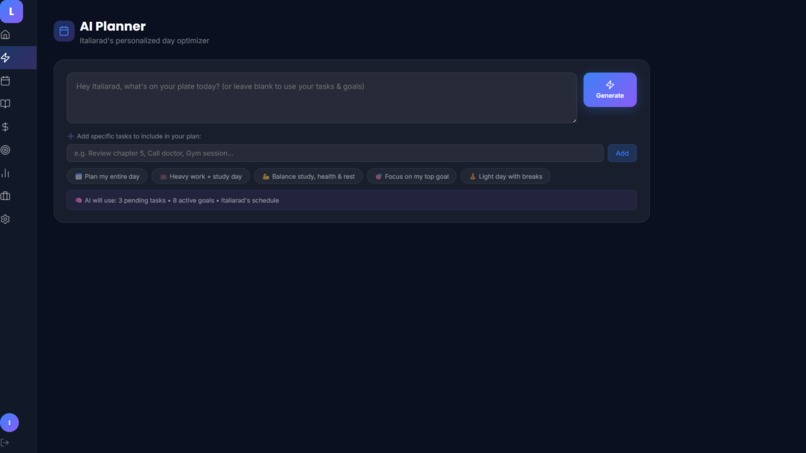
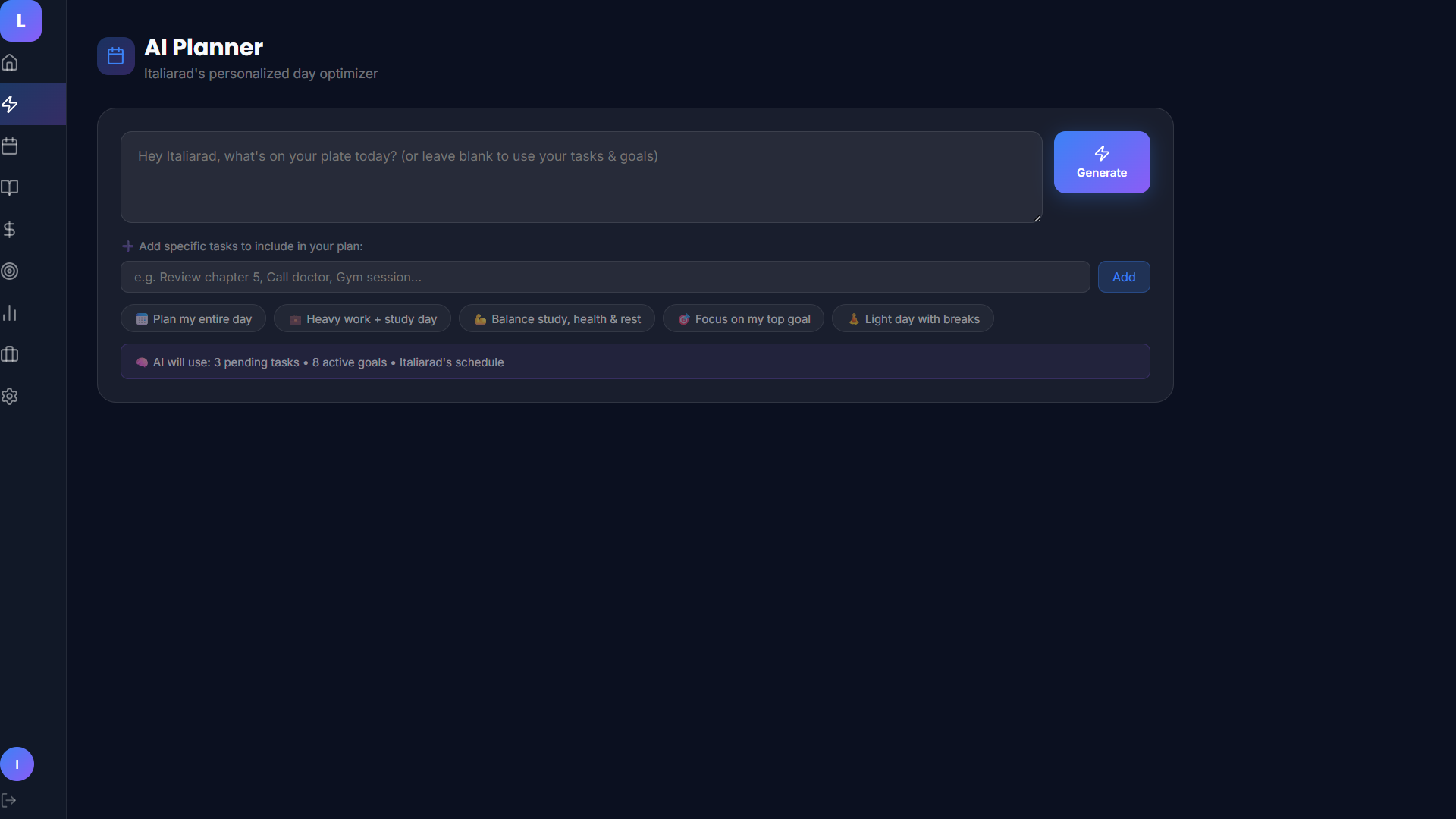
AI Planner empty state with quick-prompt chips
-
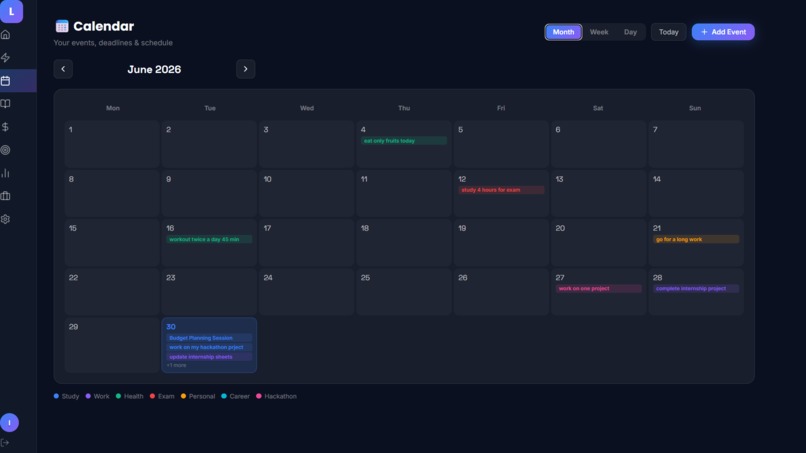
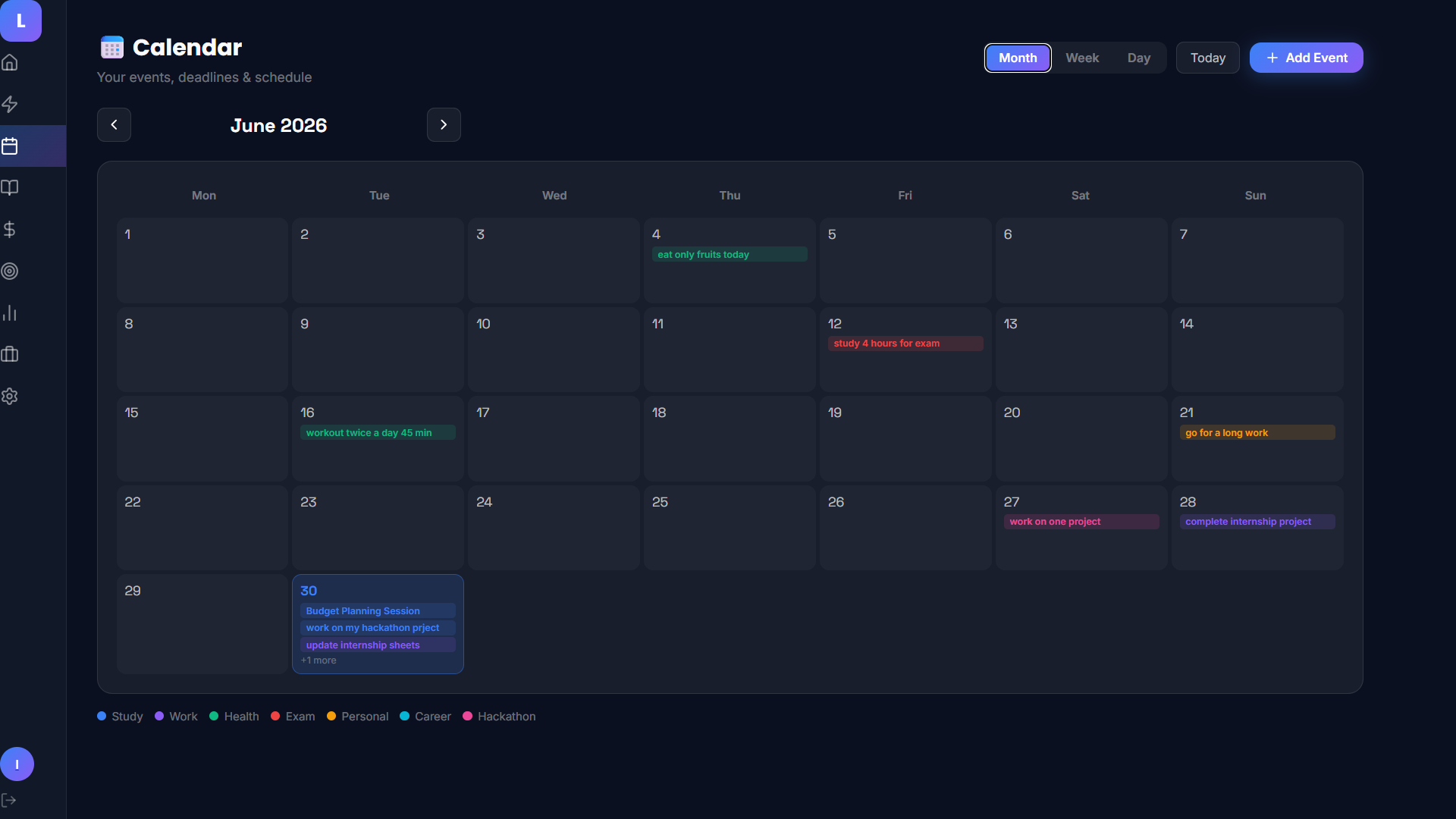
Calendar Month view with color-coded events
-
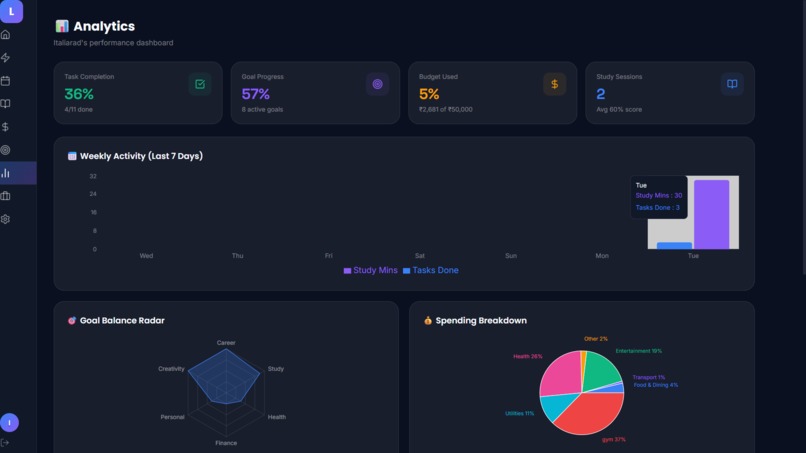
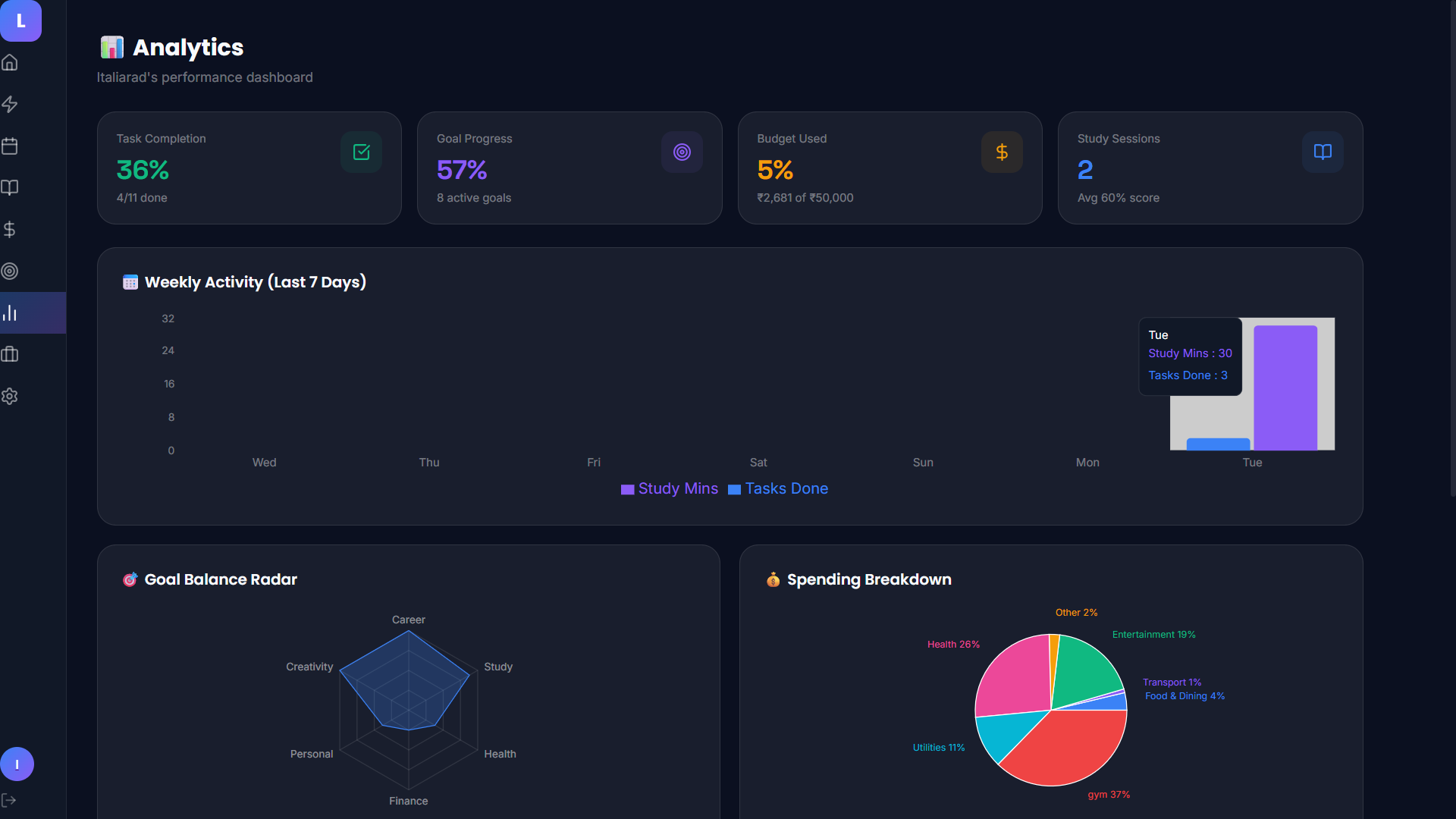
Analytics overview (4 stat cards + weekly activity chart)
-
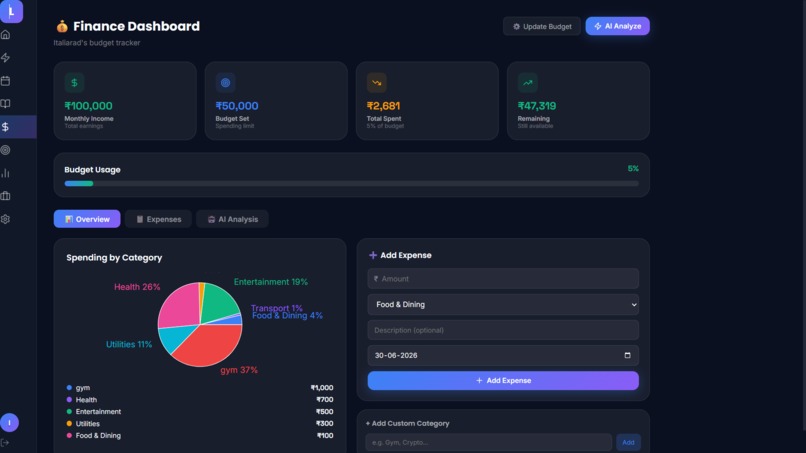
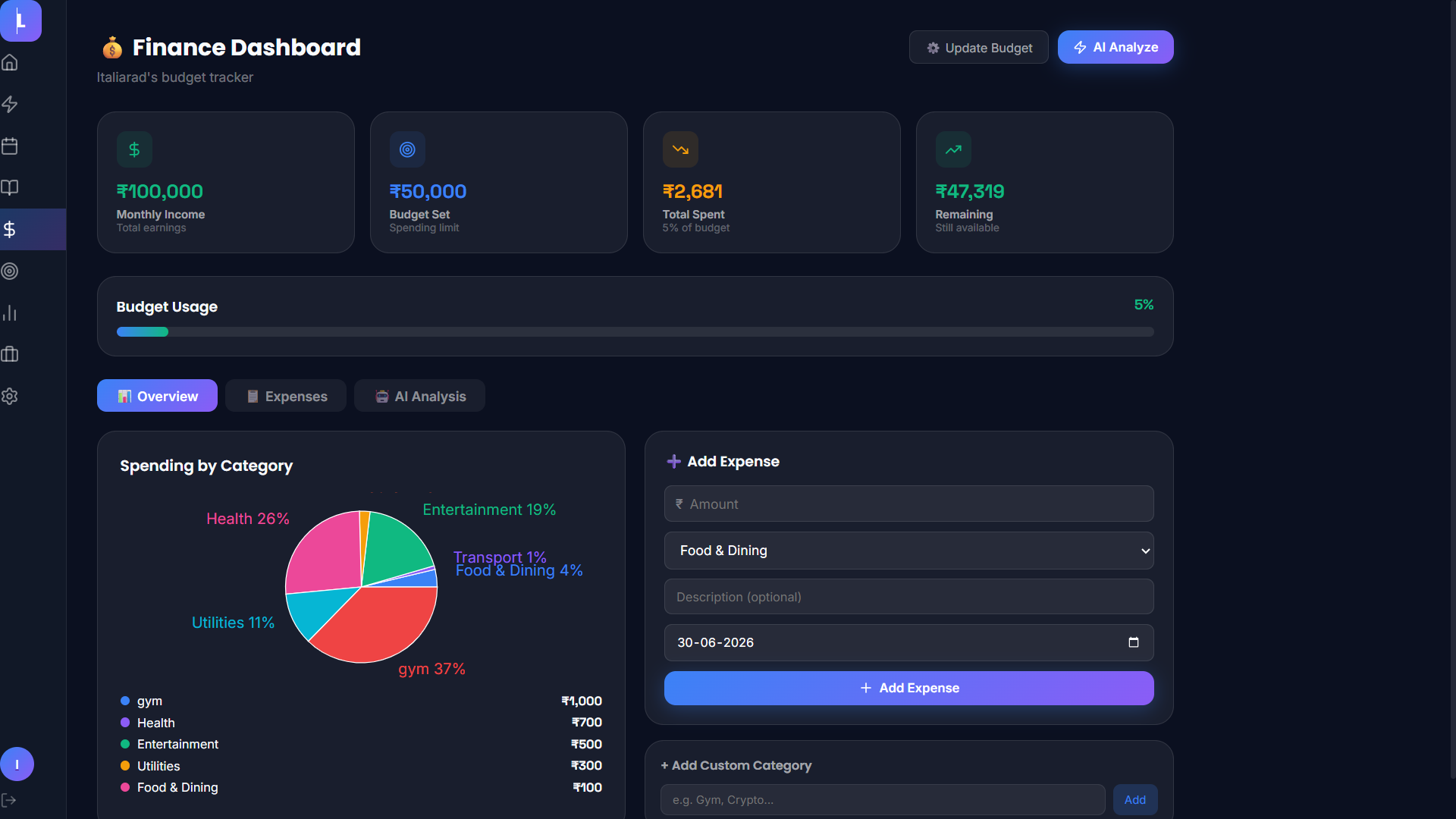
Finance Dashboard (pie chart + add expense) — core feature
-
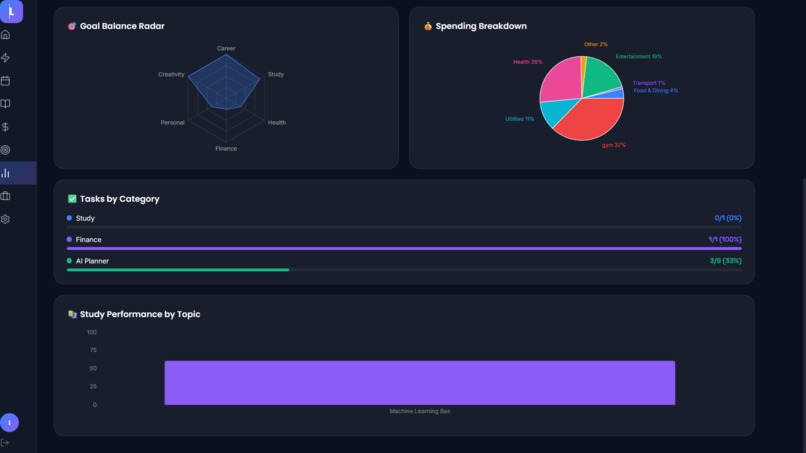
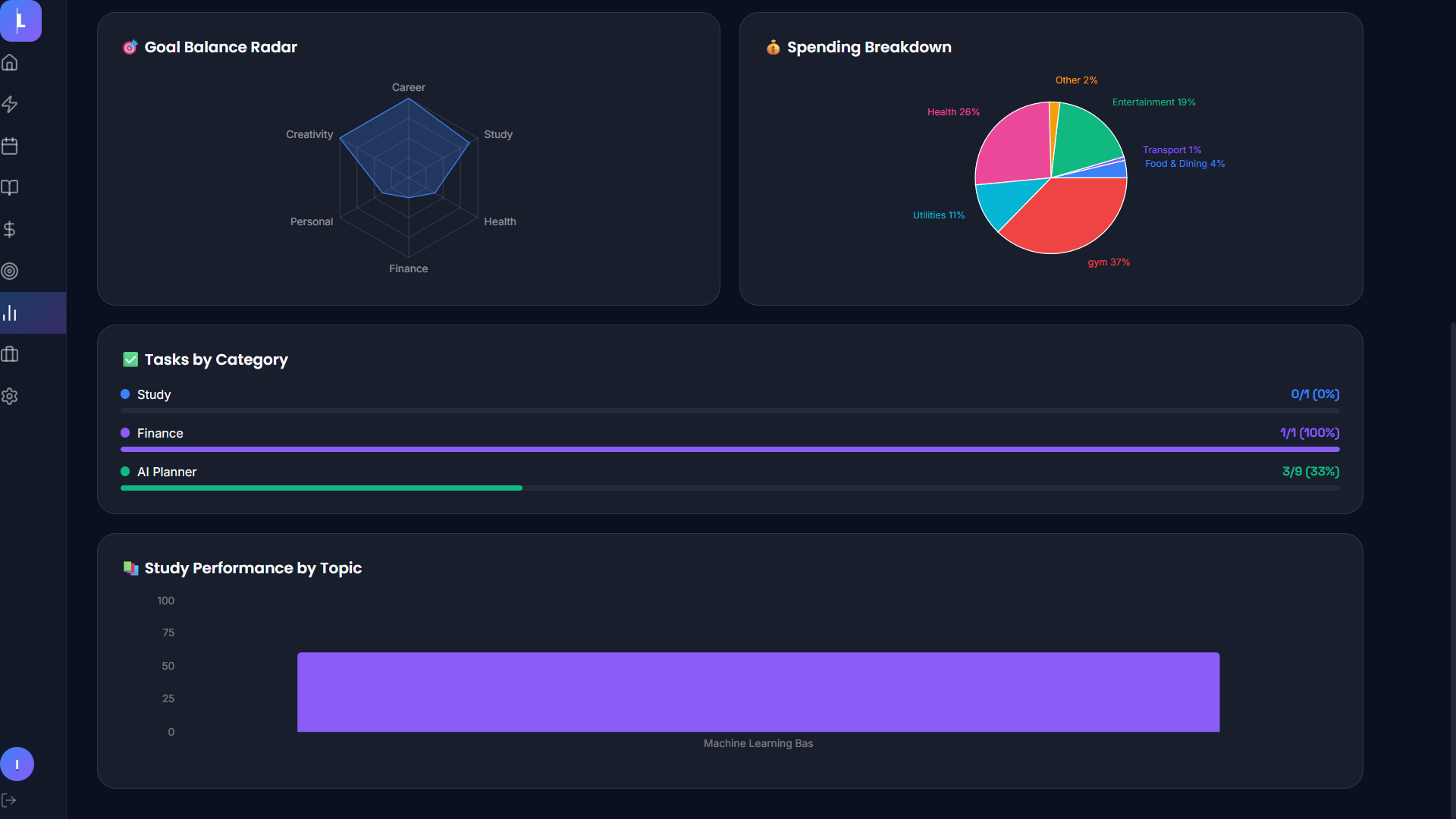
Analytics deep dive (radar chart + spending + tasks by category)
-
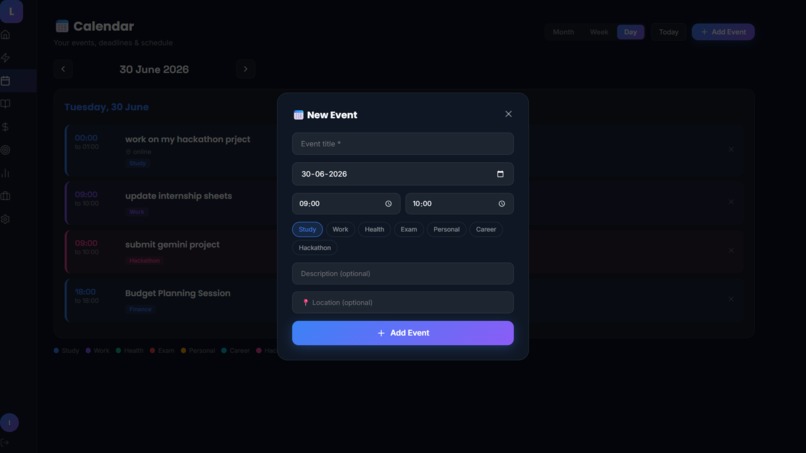
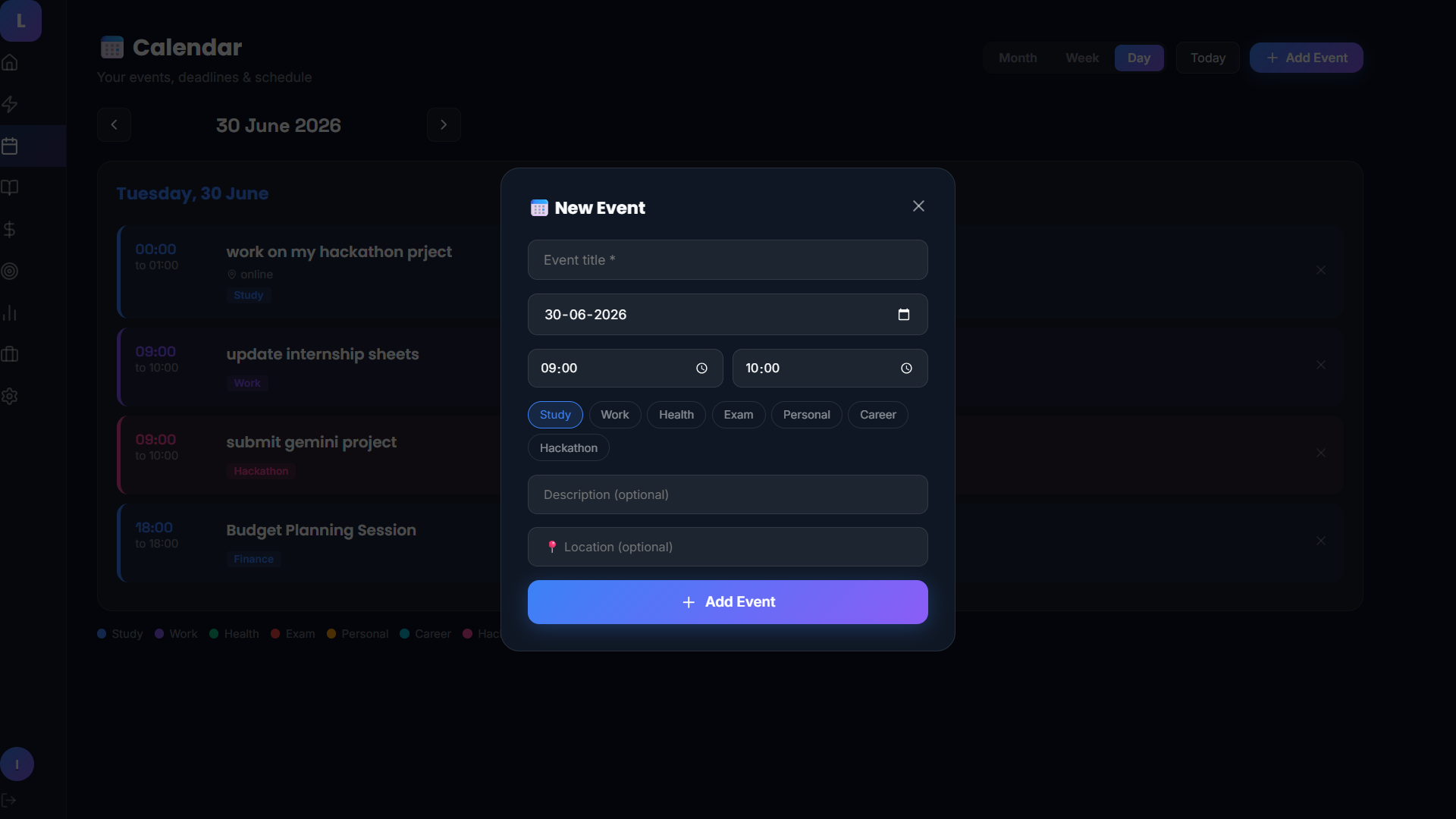
Calendar "New Event" modal — shows the unique add-event flow
-
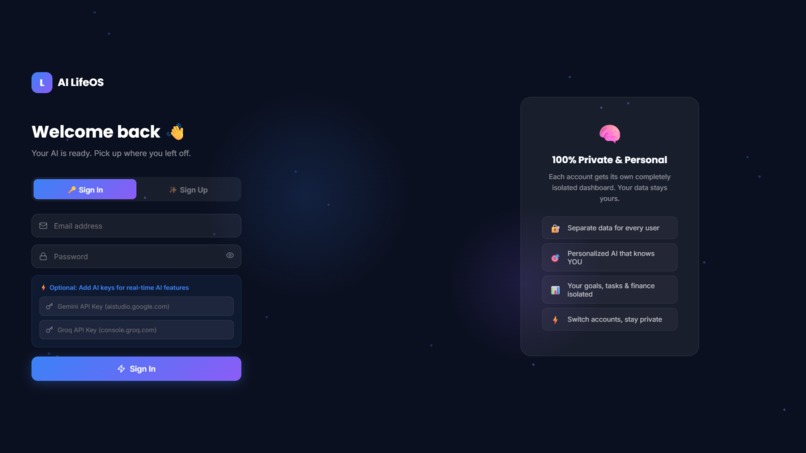
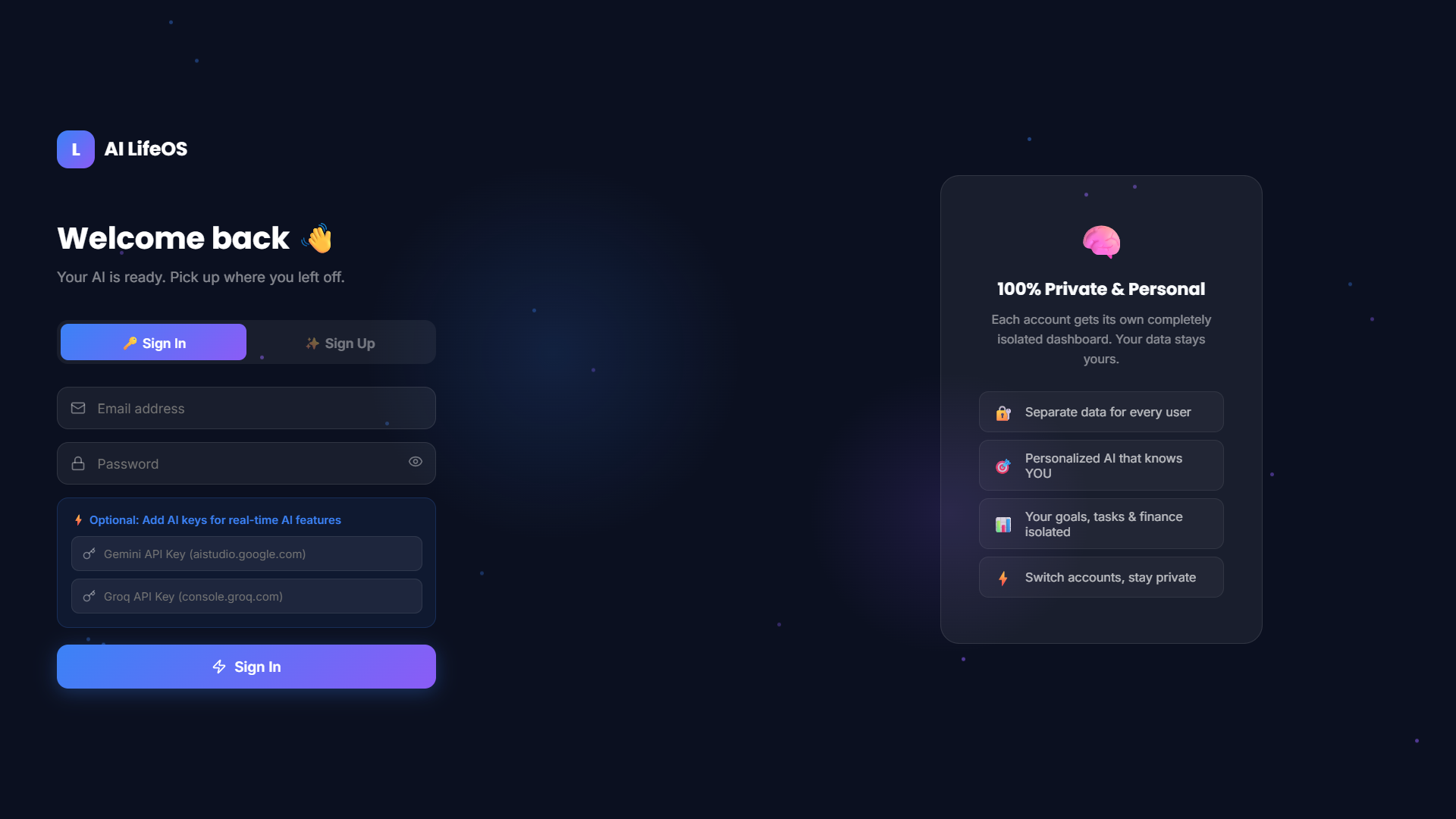
Login/Signup screen
Inspiration
As a student juggling classes, projects, finances, and personal goals, I found myself switching between a dozen different apps — a to-do app, a budgeting app, a calendar, study notes, goal trackers — none of which talked to each other or understood my actual life. I wanted one place that combined all of these and was smart enough to act like a personal assistant rather than just a static dashboard. That's what pushed me to build AI LifeOS: a single operating system for daily life, powered by AI.
What it does
AI LifeOS combines a personalized dashboard, an AI command center, a daily planner, a calendar, a study hub, a finance tracker, and a goals/career tracker into one app. Users can talk to the AI (by typing or speaking) to plan their day, get study materials generated in real time, analyze their spending, and build a career roadmap — all personalized to their actual tasks, goals, and data. Each user gets their own private, isolated dashboard the moment they sign up.
How we built it
The app is built with Next.js (App Router) and TypeScript for the frontend, Tailwind CSS and Framer Motion for the UI and animations, and Zustand for state management with localStorage persistence. AI features are powered by Google Gemini and Groq (Llama 3.3), called directly from the client with a fallback system so either provider can power the assistant. Charts and analytics use Recharts. The whole thing is deployed on Vercel.
Challenges we ran into
Getting the AI to behave consistently was the hardest part — early versions silently fell back to generic canned responses whenever a real API call failed, which made debugging nearly impossible. I had to rebuild the AI layer to surface real error messages instead of hiding them. Voice input was tricky too, since the Web Speech API requires HTTPS and explicit microphone permission handling to work reliably across browsers. Multi-user data isolation also required restructuring the entire state store so each login gets a fully separate dashboard.
Accomplishments that we're proud of
Getting a fully functional voice-controlled AI assistant working inside a custom dashboard, building a real-time AI-powered study hub that generates quizzes and flashcards on demand, and making the whole experience feel personal — from emoji-tagged goals to a finance tracker that starts from the user's actual income and budget.
What we learned
How to architect a multi-provider AI system that gracefully falls back between APIs, how to properly isolate user data in a client-side app, and just how much UX detail goes into making AI features feel trustworthy rather than flaky — clear error messages matter as much as the AI responses themselves.
What's next for AI LifeOS – Your Personal AI Operating System
Next steps include adding cloud sync so data isn't just stored locally, building out the mobile app experience, and introducing the Pro plan with deeper AI coaching for goals, habits, and career planning.
Built With
- framer-motion
- google-gemini-api
- groq
- llama-3.3
- lucide-react
- nextjs
- react
- recharts
- tailwindcss
- typescript
- vercel
- zustand


Log in or sign up for Devpost to join the conversation.