-
-
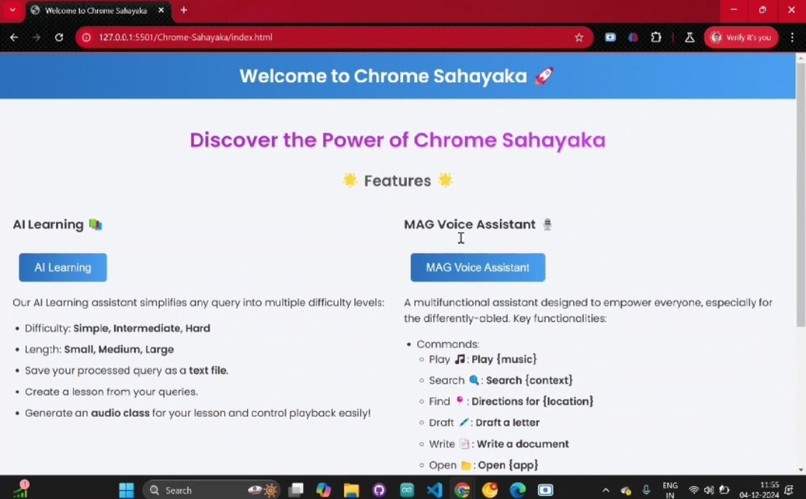
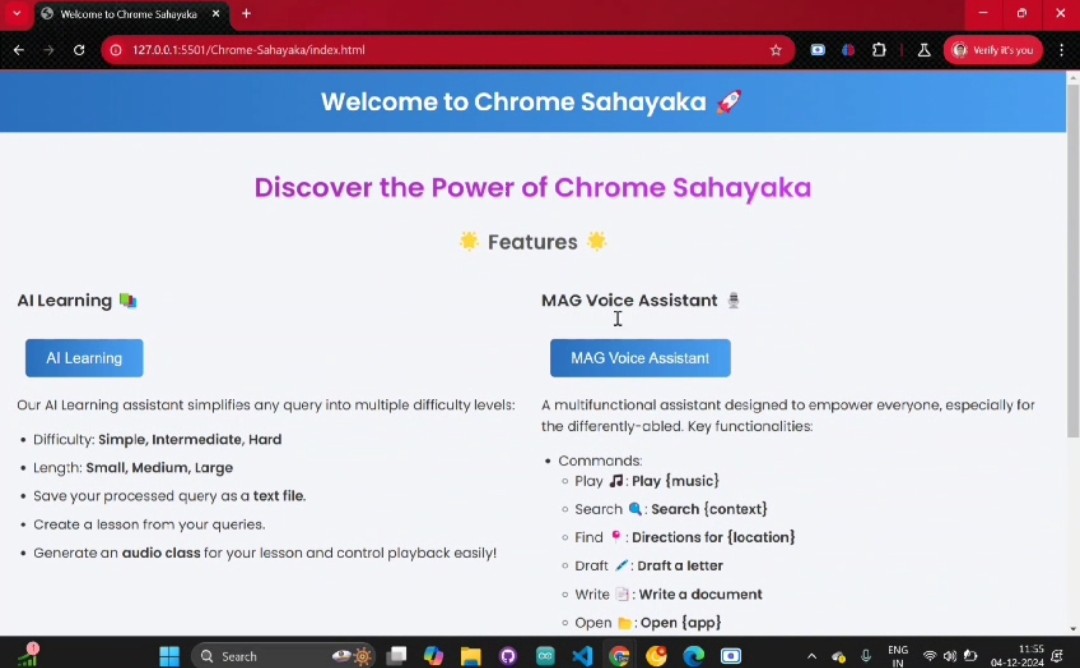
ChromeSahaya: this is home page of our project where you can see the features it provides and also continue using the website from this page
-
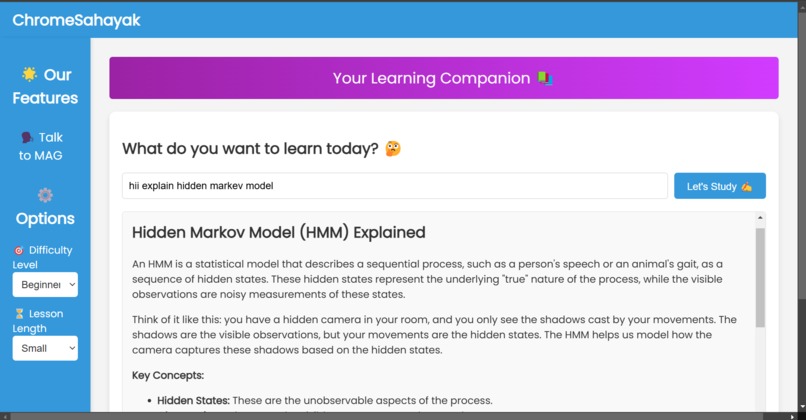
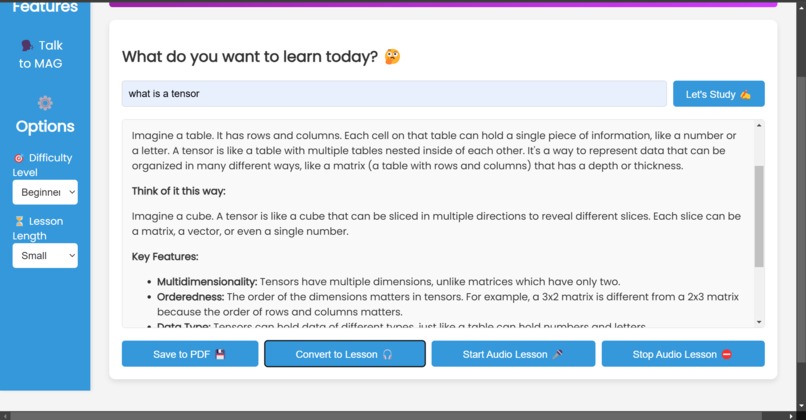
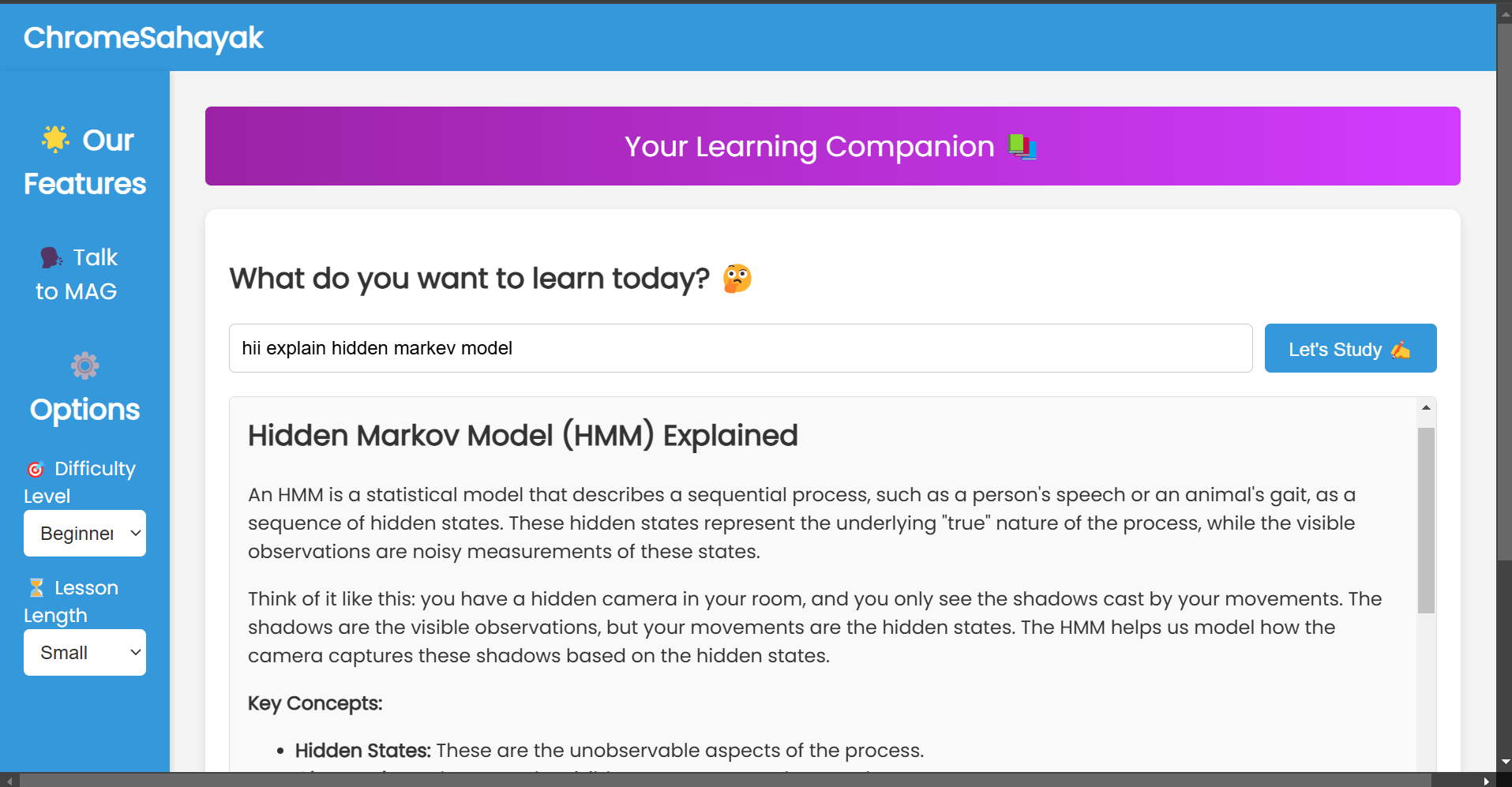
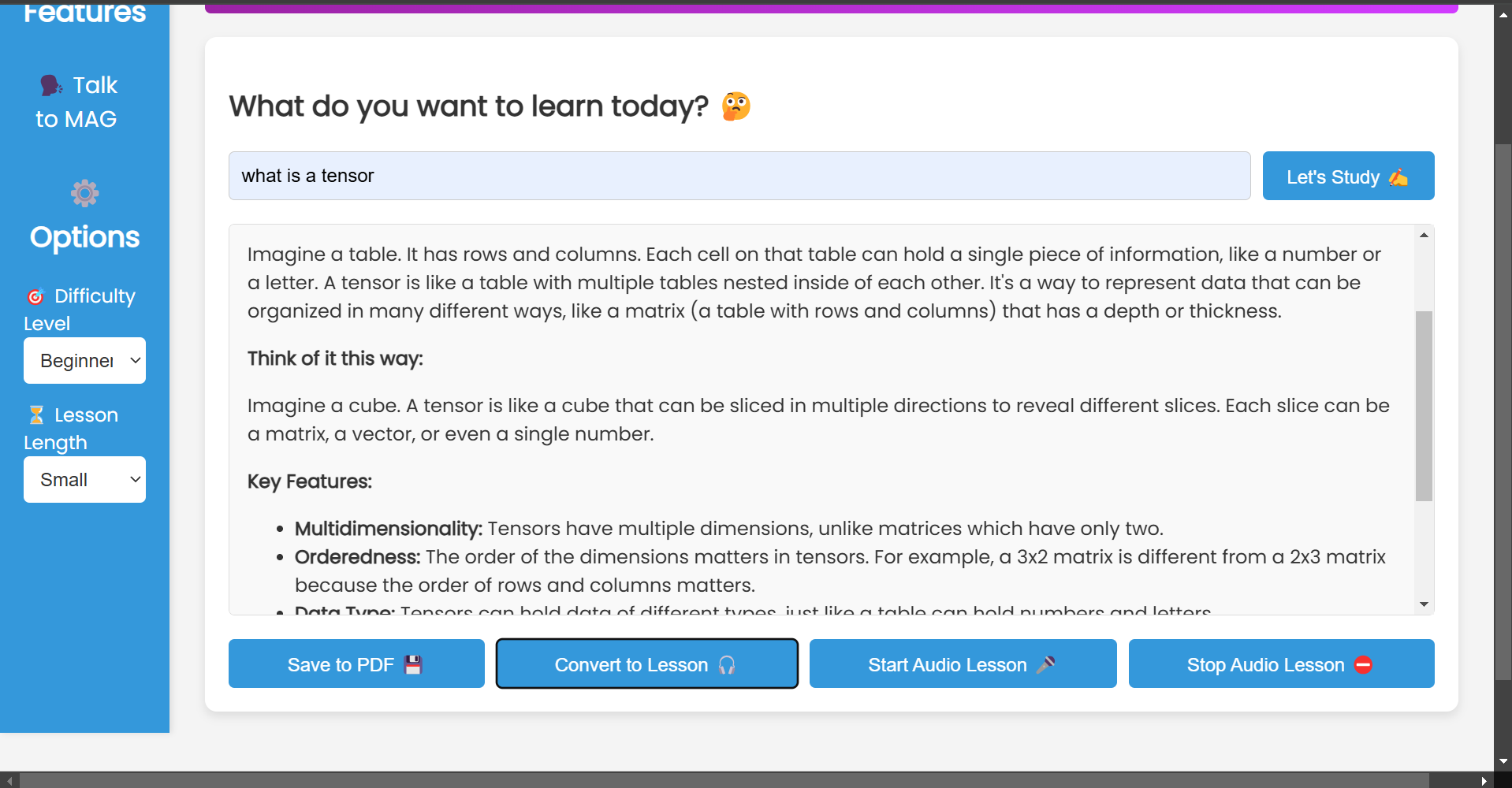
The Ai Learner Portal : here everyone can learn different things they want to and also get audio lessons and download it too
-
-
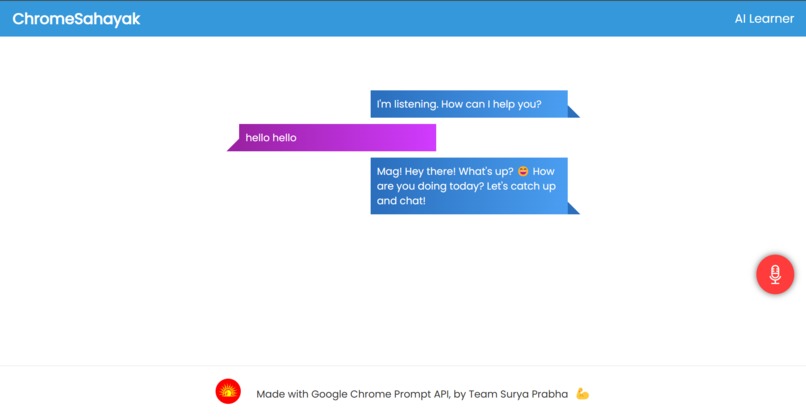
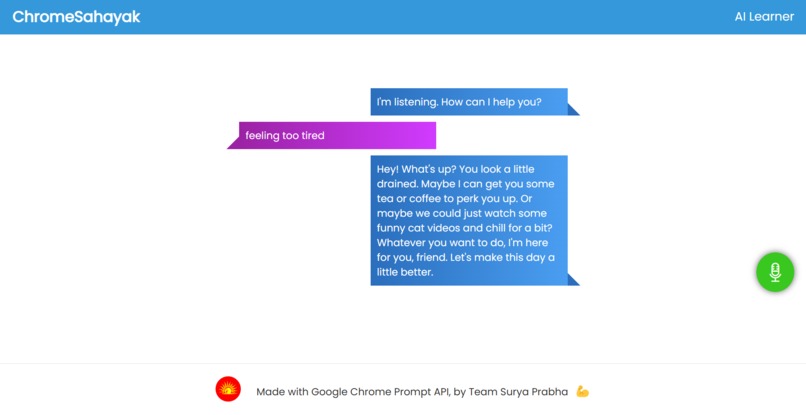
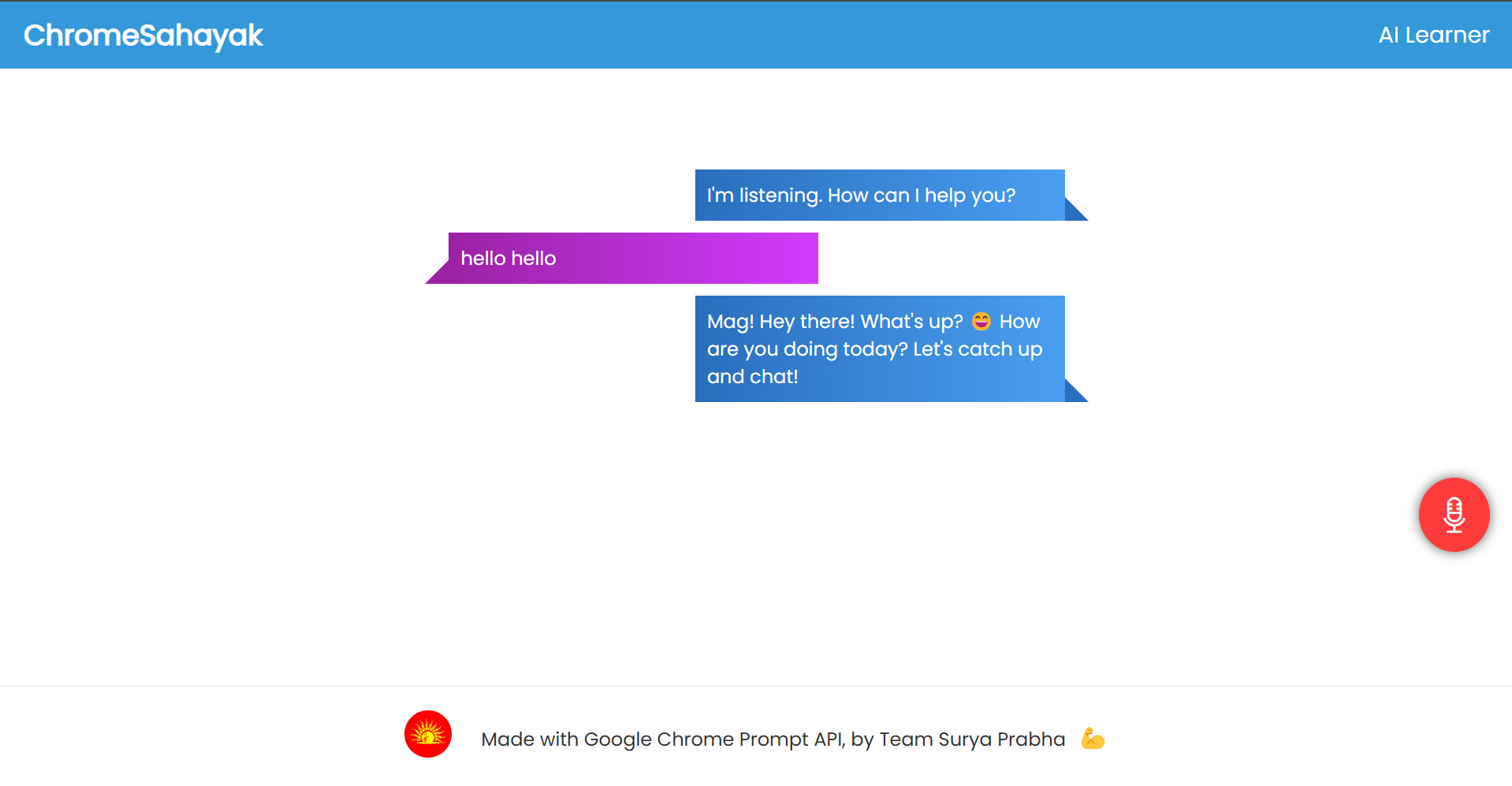
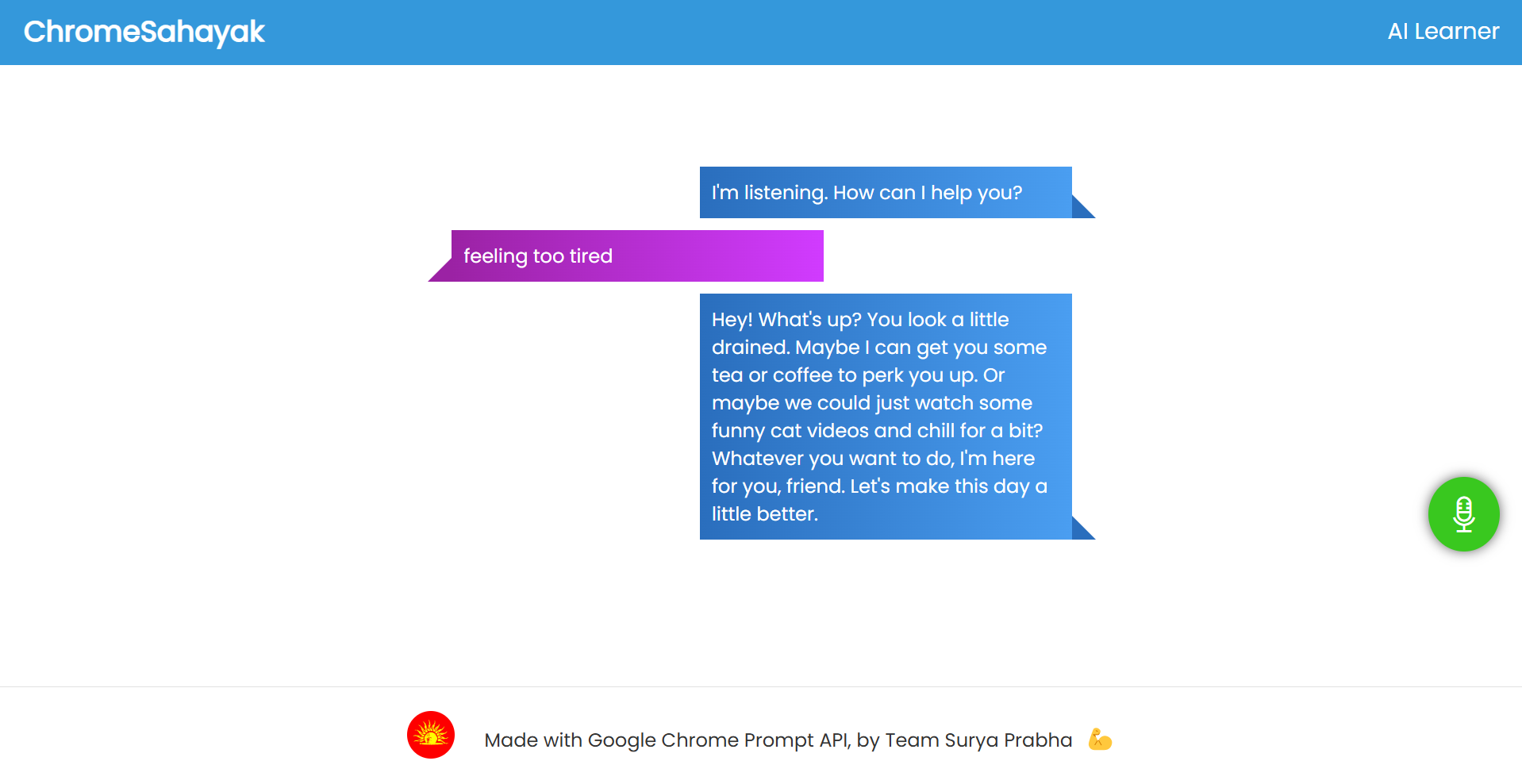
Mag Voice Assistant:everyone can use this to talk to the assistant, learn and also search in web for different learning materials through it
-
-
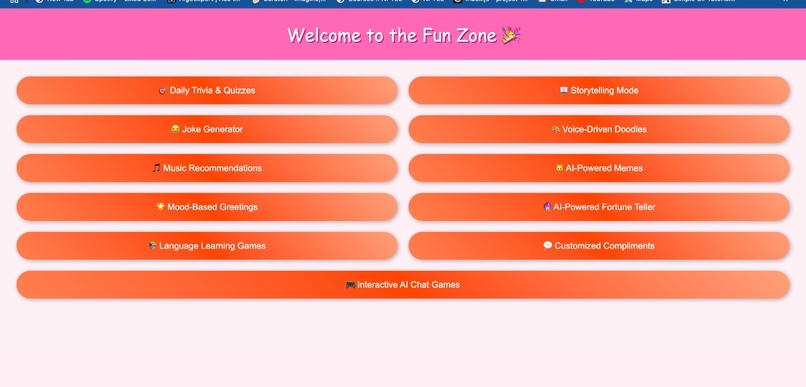
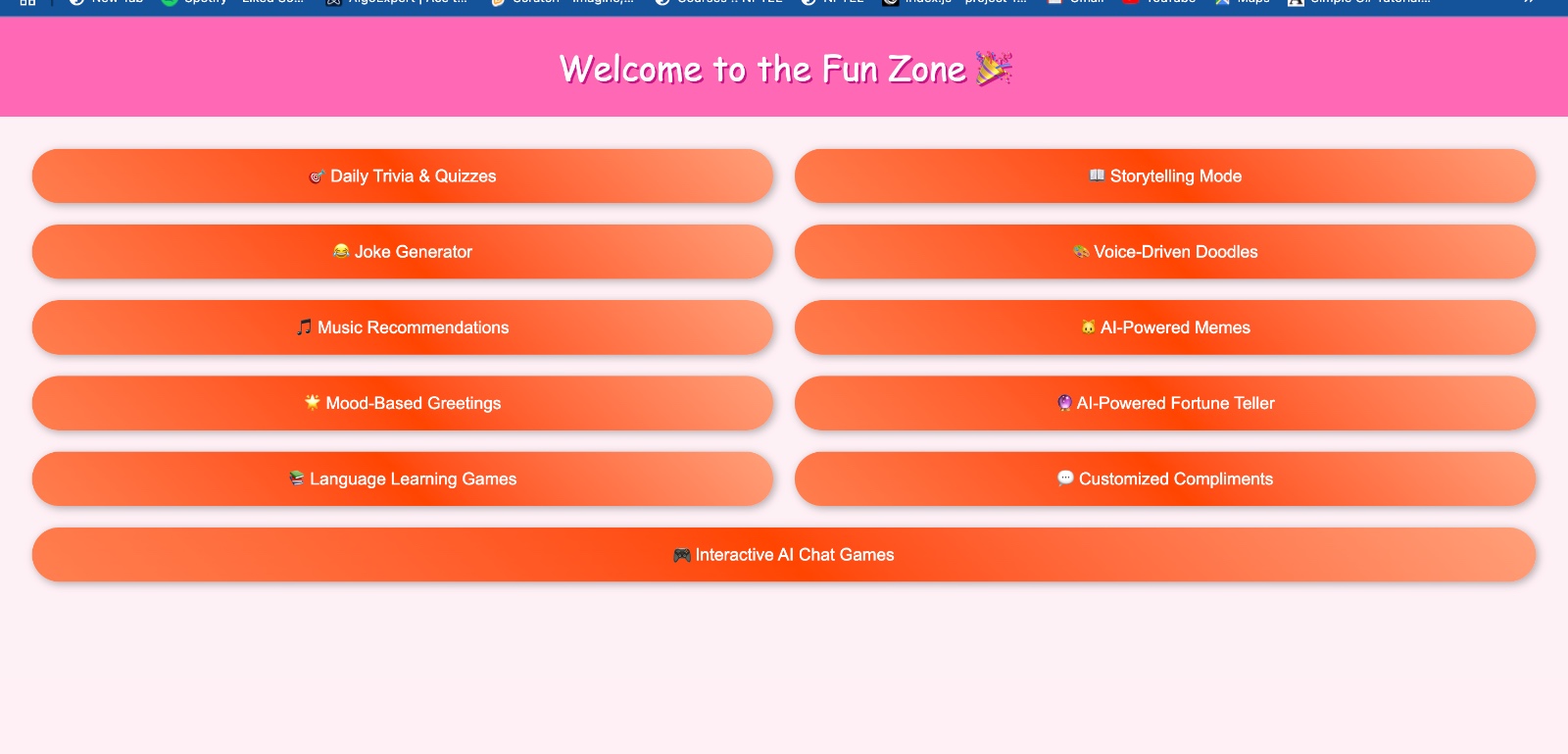
Fun Zone
-
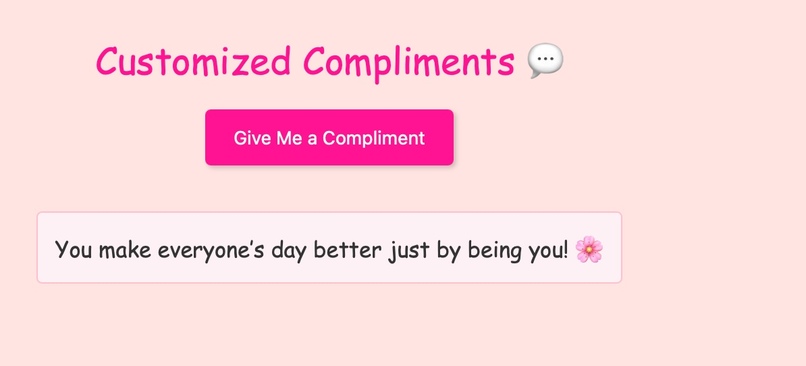
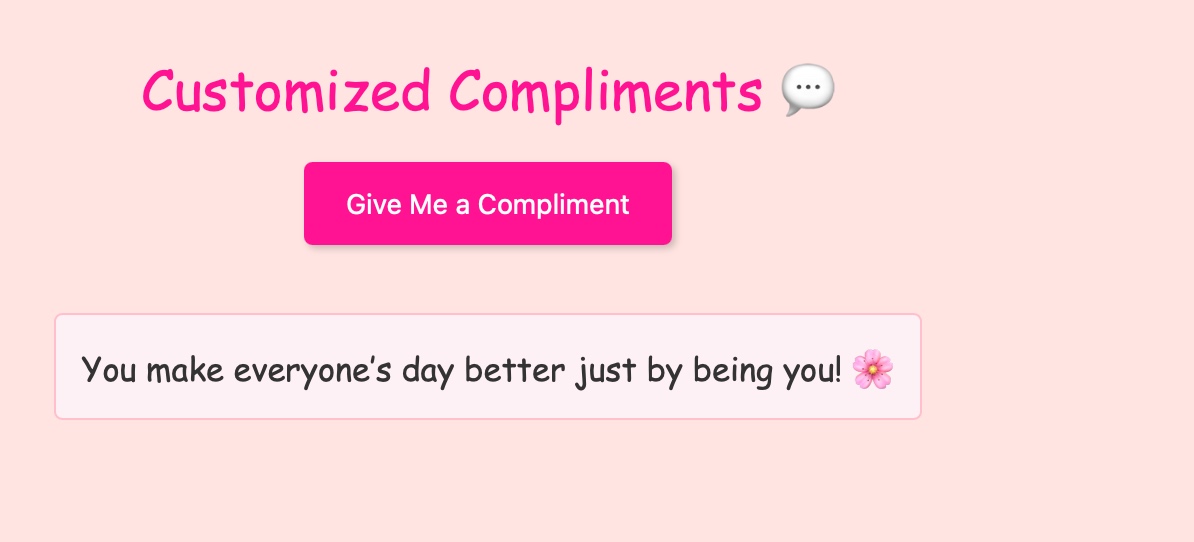
Cutomized Compliments(Prompt API)
-
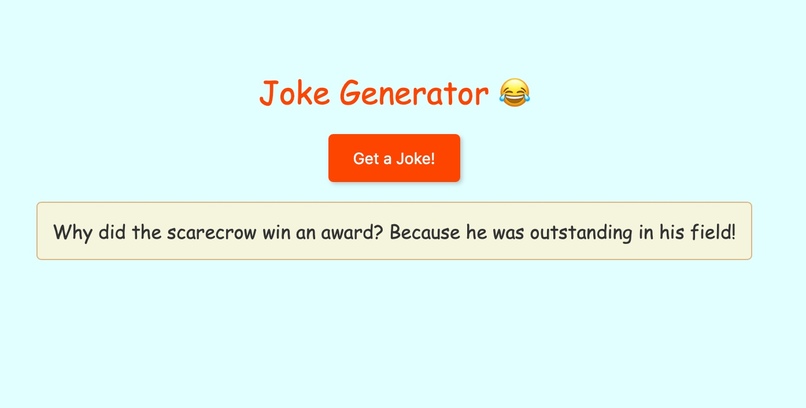
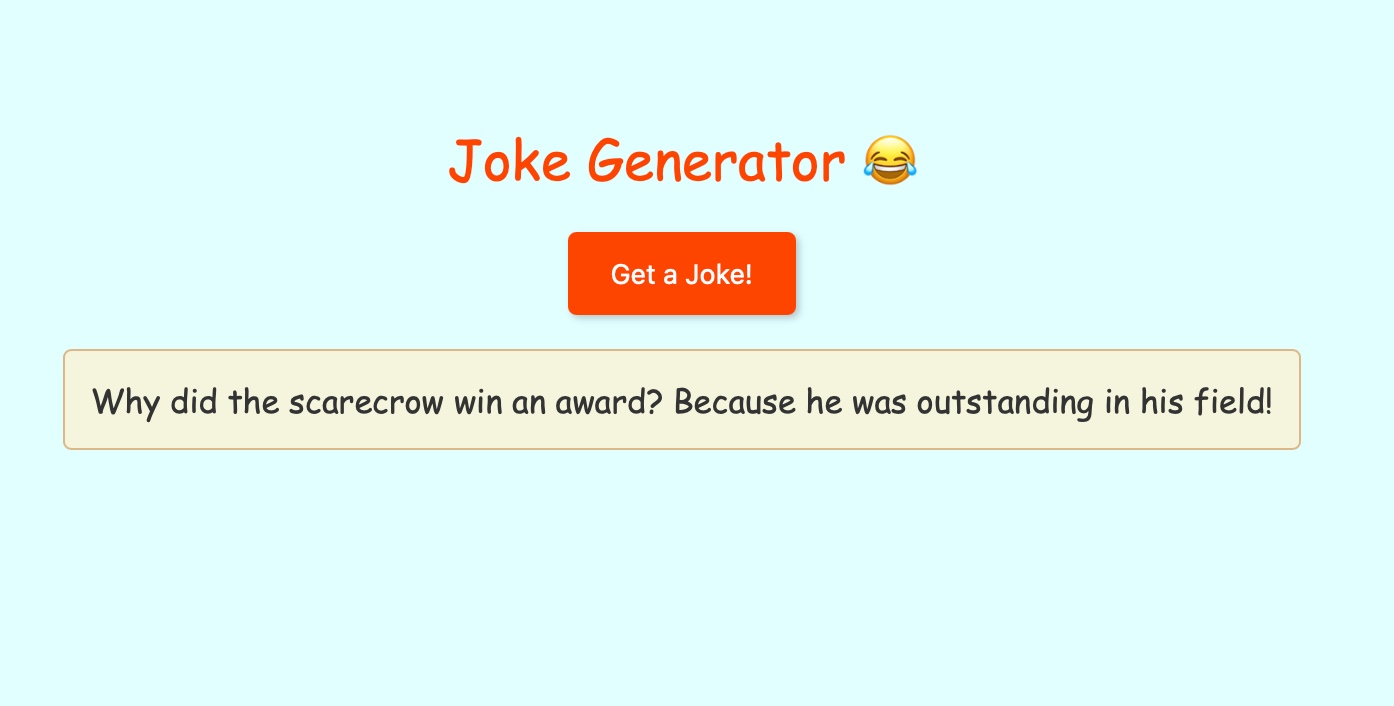
Joke Generator with Prompt API
-
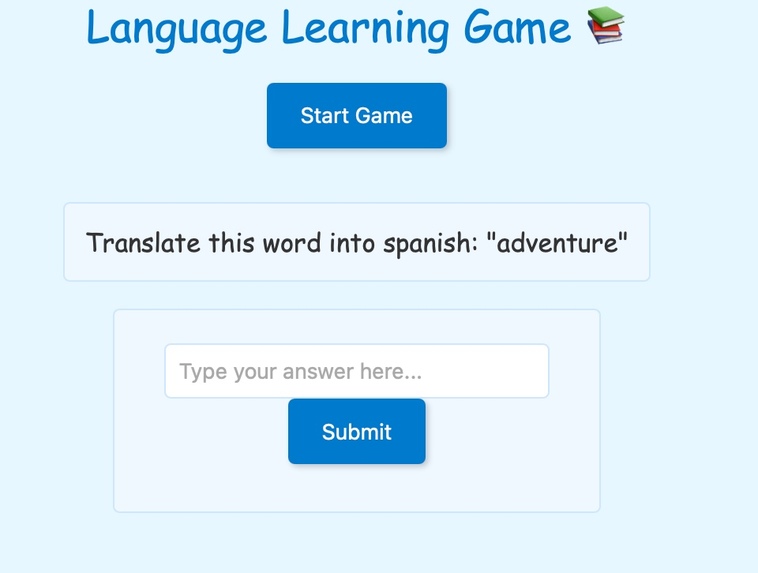
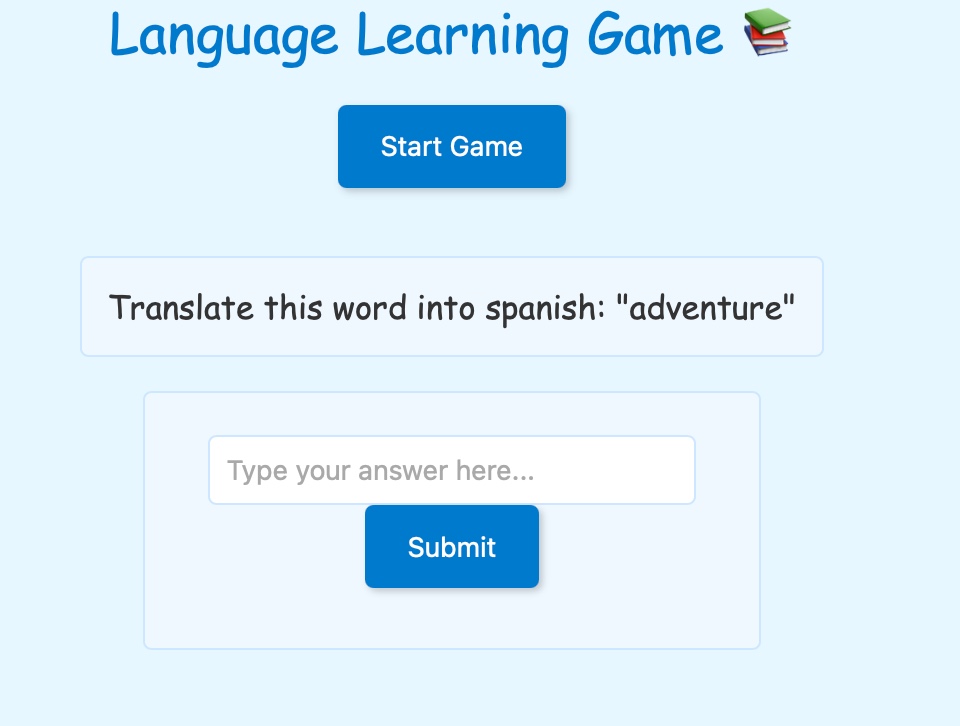
Language Learning Game(Prompt API)
-
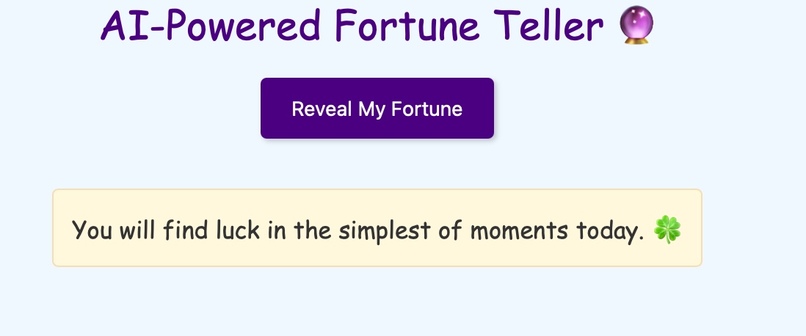
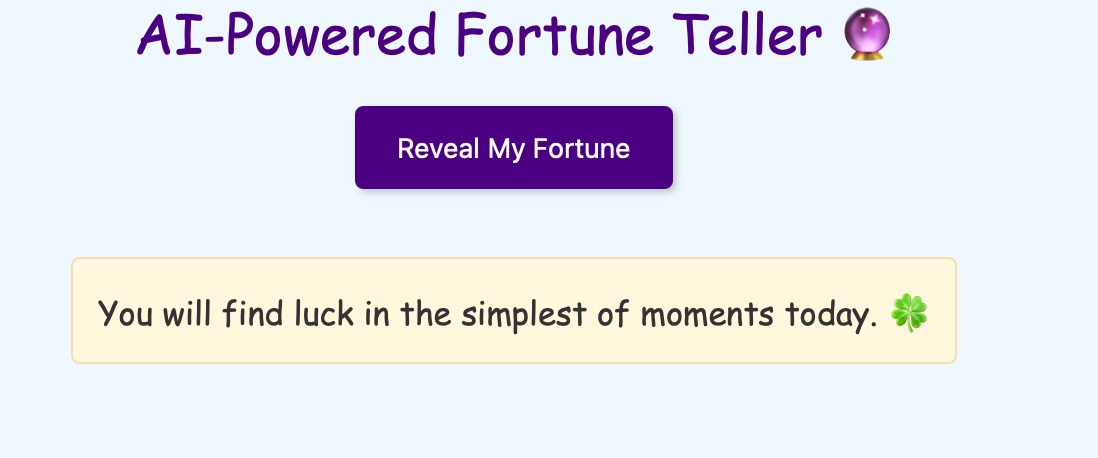
AI-Powered Forture Teller(Prompt API)
-
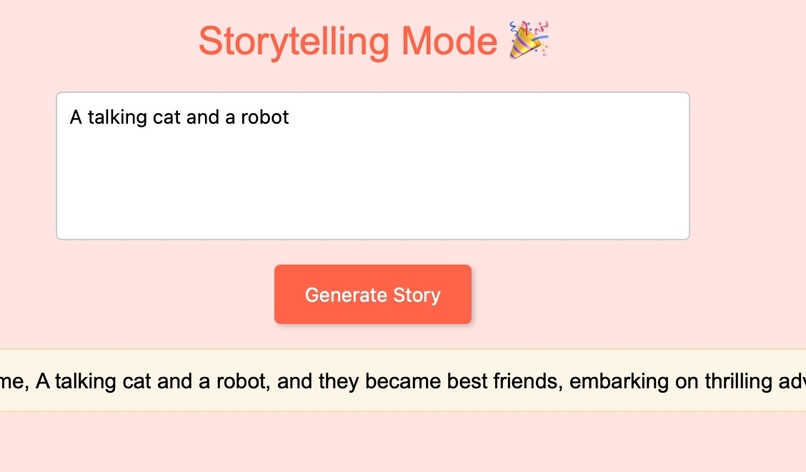
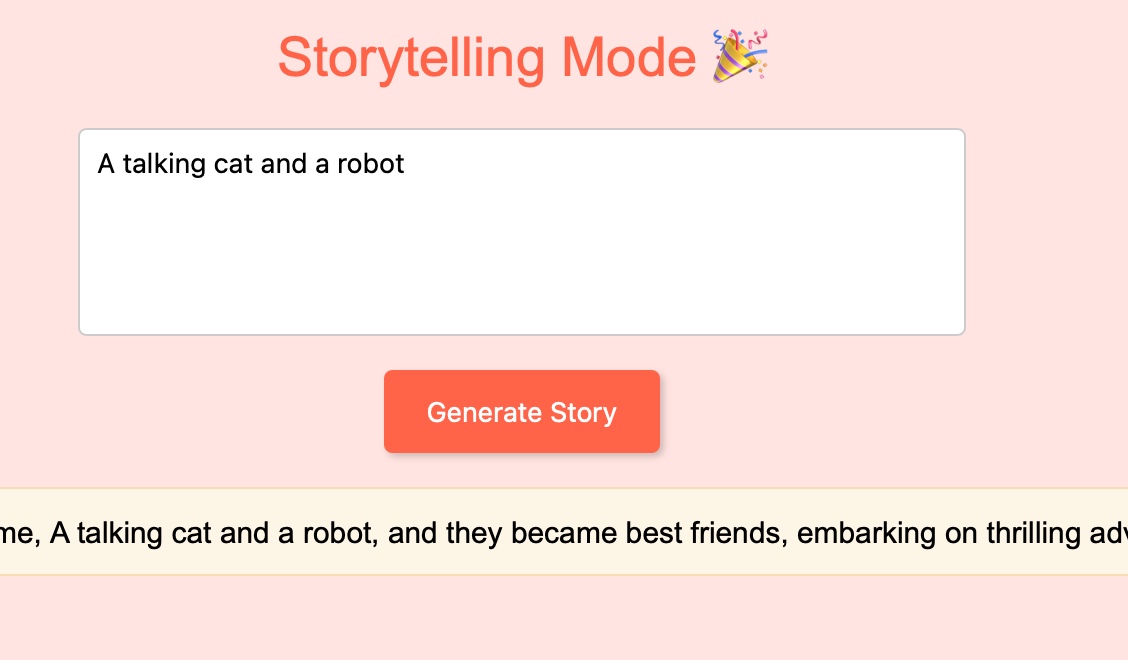
StoryTelling Mode Prompt API
-
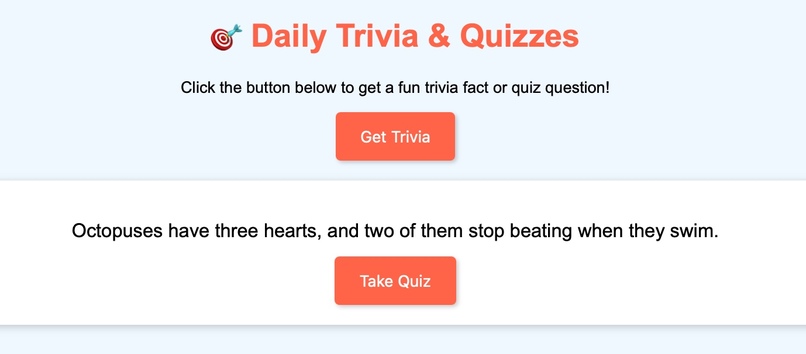
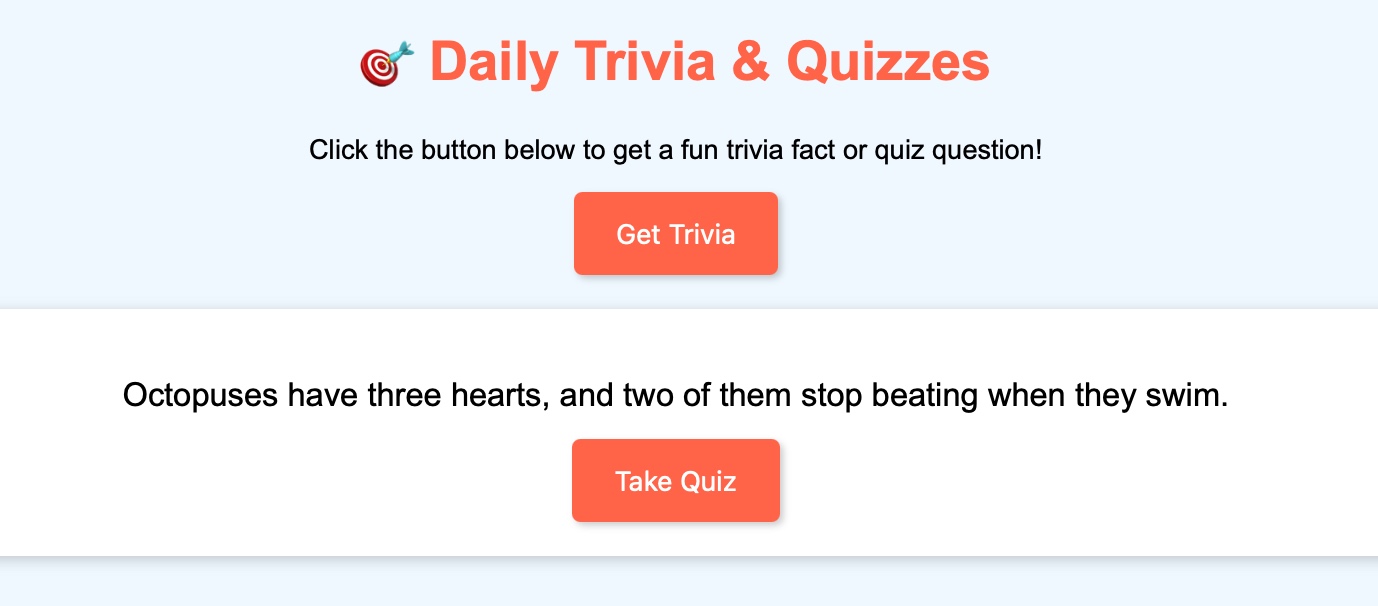
Daily Trivia Quizzes Prompt API
-
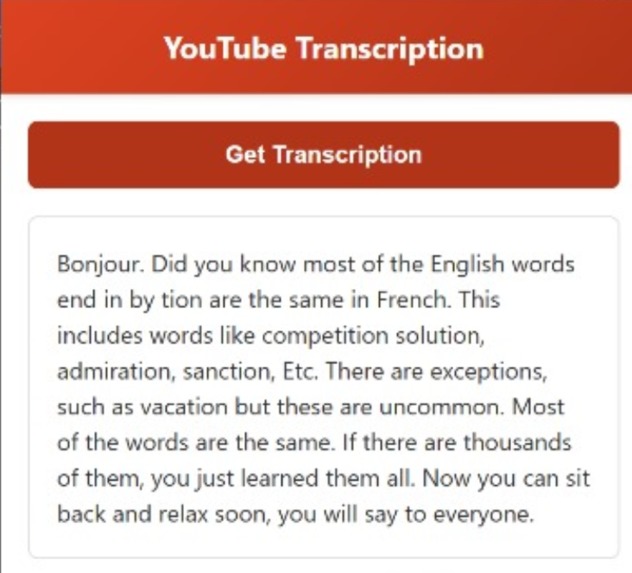
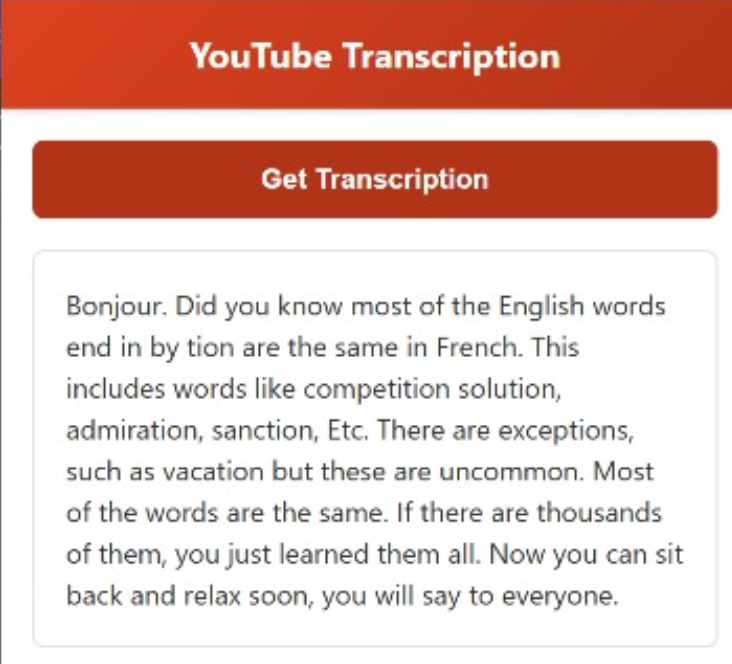
Youtube Transcription
Inspiration: Chrome Sahayaka was born from the desire to revolutionize the way we learn and interact with the digital world. We envisioned a tool that could seamlessly integrate AI-powered learning into our daily routines, making education more accessible, engaging, and personalized.
What it does: Chrome Sahayaka is a versatile Chrome extension that empowers users to learn and interact with the web more efficiently.
It offers a range of features: AI Tutor: Provides personalized learning experiences by answering questions, explaining complex topics, and generating custom study materials.
Voice Assistant: Enables hands-free interaction with the web through voice commands, making it easier to search, navigate, and control web pages.
YouTube Transcription: Automatically transcribes YouTube videos, making it easier to follow along, review content, and extract key points.
Interactive Learning Tools: Offers a variety of interactive tools such as quizzes, flashcards, and language learning exercises to enhance learning.
How we built it: We combined the power of Chrome's AI APIs with advanced web development techniques to create Chrome Sahayaka:
Frontend Development: Utilized HTML, CSS, and JavaScript to design the user interface and ensure a seamless user experience.
Backend Development: Employed Flask to handle server-side logic, process YouTube videos, and integrate with various APIs.
API Integration: Leveraged Chrome's AI APIs (Prompt API, Rewrite API, Translation API, Speech Recognition API) for advanced AI capabilities.
Challenges we faced: API Integration: Ensuring seamless communication between Chrome APIs and our backend services.
Real-time Transcription: Achieving accurate transcriptions across different accents and languages.
User Experience: Balancing functionality with a user-friendly and intuitive interface.
Cross-browser Compatibility: Ensuring the extension works seamlessly across various browsers and operating systems.
Accomplishments we're proud of: Personalized Learning: Successfully implemented AI-powered tutoring to provide tailored learning experiences.
Voice-Activated Assistance: Developed a robust voice assistant capable of understanding and responding to complex commands.
YouTube Transcription: Achieved high-accuracy transcriptions for a wide range of YouTube videos.
Interactive Learning Tools: Created engaging learning tools to enhance user engagement and retention.
What's next for Chrome Sahayaka: Offline Mode: Enable offline access to lessons and study materials.
AR Integration: Incorporate augmented reality features for immersive learning experiences.
Expanded Fun Zone: Add more games, quizzes, and creative tools to make learning enjoyable.
User Personalization: Further enhance AI capabilities to tailor the experience to individual needs and preferences.
Mobile Support: Expand to mobile platforms for on-the-go learning.
By addressing these challenges and building upon our accomplishments, we aim to make Chrome Sahayaka an indispensable tool for learners of all ages and backgrounds.
Built With
- css3
- google-cloud-speech-api
- html5
- javascript
- prompt-api
- speech-recognition-api


Log in or sign up for Devpost to join the conversation.