-
-
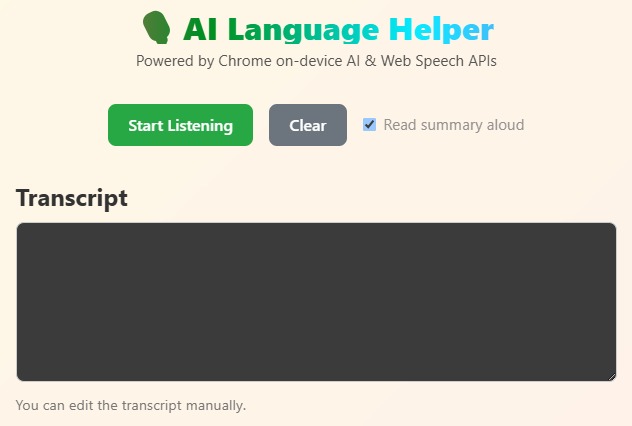
Web Speech Recognition
-
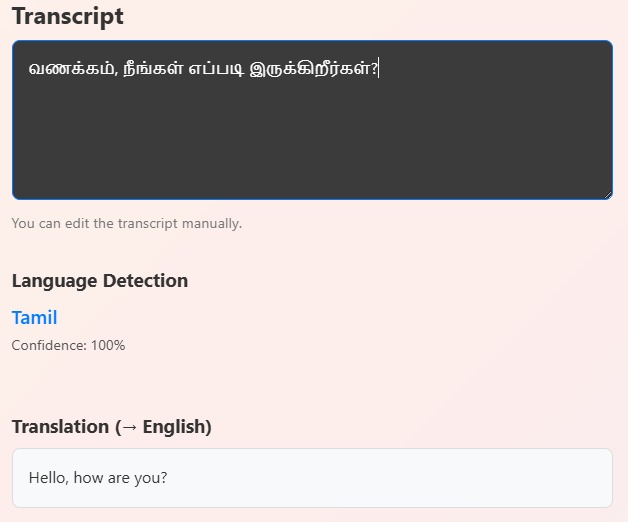
AI language detector and translator
-
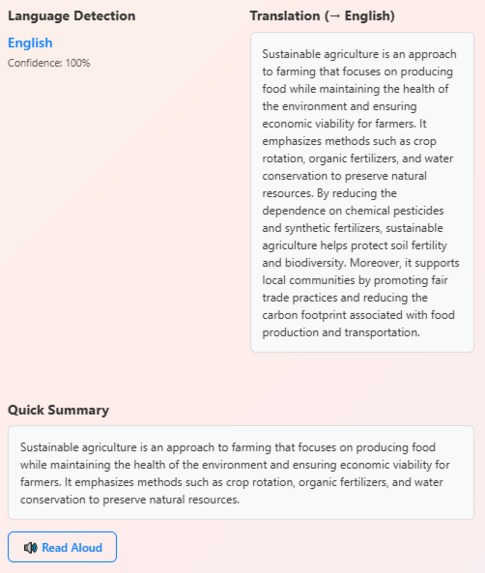
Summarizer
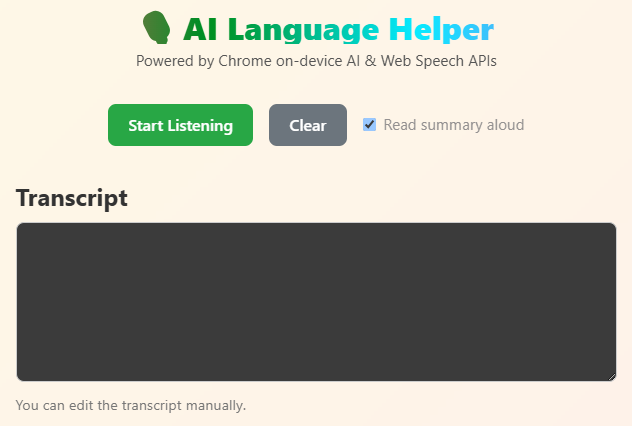
🧠 AI Language Helper
Tagline: Speak. Understand. Summarize. All in one click.
🌍 Overview
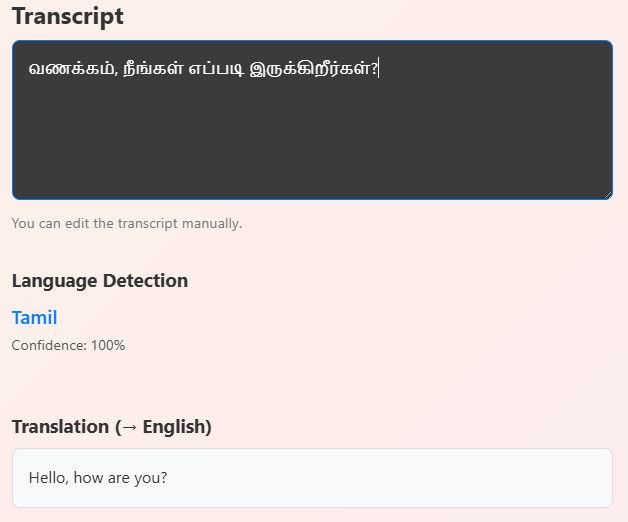
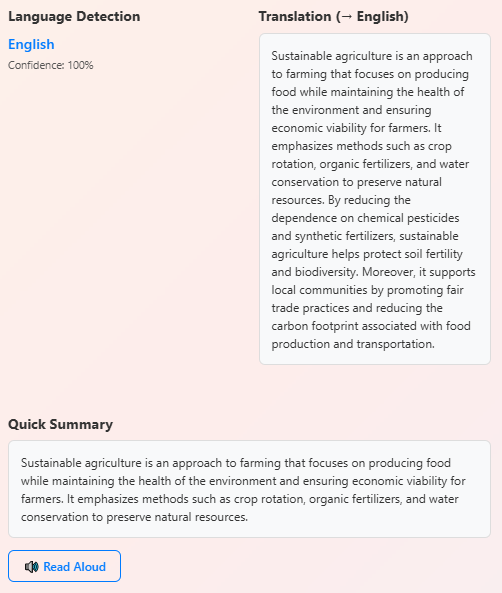
AI Language Helper is a web application built using React.js and FastAPI, designed to help users communicate effortlessly across languages. It listens to the user’s speech, detects the language, translates it into English, summarizes the content, and can even read it aloud — all in one seamless flow. The app primarily uses Google Chrome’s on-device AI APIs, and when unavailable, it smartly falls back to a secure FastAPI backend for detection and translation.
With a single click, it can: 🎙️ Speak → 🌐 Translate → 🧠 Summarize → 🔊 Listen
💡 Inspiration
I was inspired by how often people, including myself, encounter text or speech in languages they don’t understand, or long paragraphs that take time to digest. I wanted to create something that makes comprehension instant, intuitive, and accessible. When I learned about Chrome’s new on-device AI APIs, I realized it was possible to combine speech recognition, language detection, translation, and summarization — all directly in the browser, ensuring speed and privacy.
🛠️ How I Built It
The app was developed using: ⚛️ React.js for the frontend interface ⚡ FastAPI for backend fallback APIs 🎨 Tailwind CSS for responsive and clean styling 🗣️ Web Speech API (SpeechRecognition & SpeechSynthesis)
🤖 Chrome On-Device AI APIs ai.languageDetector → Detects the spoken language ai.translator → Translates text to English Custom Local Summarizer → Generates a quick summary of translated text
Workflow
The user clicks 🎤 Start Listening, and Chrome’s Speech Recognition converts voice to text. The Language Detector API identifies the language. If not English, the Translator API converts it to English. A simple summarizer condenses the meaning. Finally, the Speech Synthesis API reads the summary aloud. Everything runs locally when Chrome’s AI APIs are available — no cloud dependency, ensuring speed, privacy, and zero API keys.
🧩What I Learned
How to integrate Chrome’s on-device AI capabilities with a custom backend fallback. Managing asynchronous AI calls efficiently in React. Enhancing user interaction through smooth UI/UX and button feedback. The potential of on-device AI for secure and real-time language understanding. This project gave me deeper insight into how AI can make multilingual communication natural and human-centered.
⚙️Challenges Faced
🧠 Setting up Chrome’s experimental AI APIs and feature flags. 🎙️ Handling background noise in continuous speech recognition. 🌐 Maintaining translation context in long text segments. ⚙️ Keeping the UI responsive while running multiple async AI calls. 🔄 Preventing auto-restart loops in speech recognition.
Each challenge helped me refine the project for reliability, simplicity, and user trust.
🚀What’s Next
🧩 Convert this into a Chrome Extension for quick translation and summarization of any webpage. 🌍 Add multi-language voice output for translated summaries. 💾 Save recent transcripts and summaries locally. 🎨 Improve the interface with Google-style color animations and gradient transitions. ✨ Add “tone control” — generate formal, friendly, or concise summaries.
🧾 Concept Equation
If the process is represented as a function:
𝑓(Speech) = SpeechRecognition → Translate → Summarize → SpeechSynthesis
Then f acts as a communication simplifier, transforming raw speech into clear understanding — the true spirit of human-centered AI.
Built With
- css
- fastapi
- javascript
- on-deviceai
- python
- react
- webspeechapi


Log in or sign up for Devpost to join the conversation.