Why I Built It
A lot of AI education follows the same pattern: read an explanation, look at a diagram, and maybe ask a chatbot to explain it again.
But when learning how AI actually works, I found a fundamental problem with that approach: you can understand the words without developing an intuition for what the model is actually doing.
You shouldn't have to learn about vectors, gradients, recurrent networks, or attention by looking at static diagrams. You should be able to operate them.
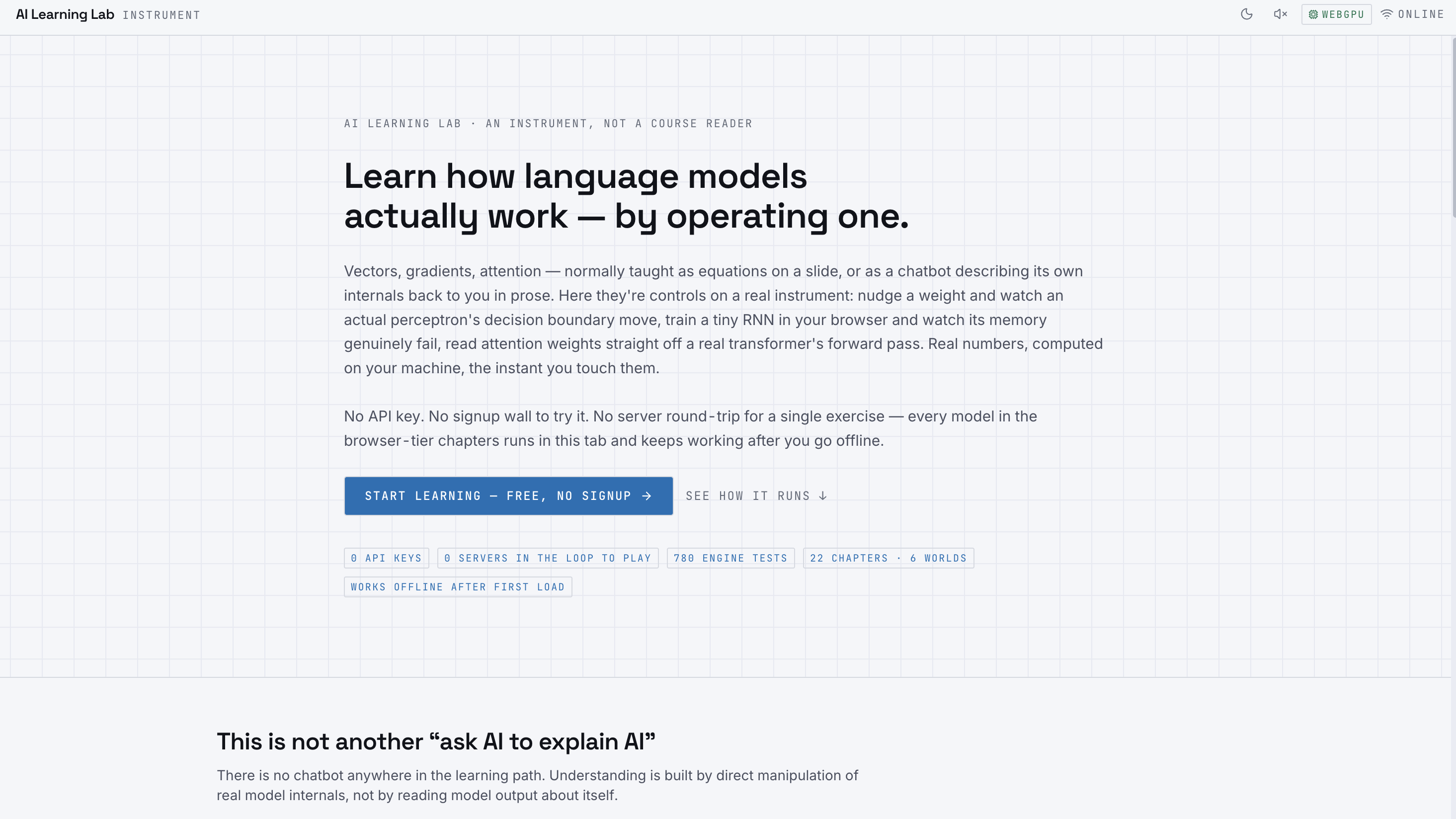
That idea became AI Learning Lab — an interactive AI/ML learning environment where the learner doesn't just read about models, but actually runs and manipulates them.
What Makes It Different
The core idea behind AI Learning Lab is simple:
Don't ask AI to explain AI. Operate it.
The learning experience uses real model computation rather than simulated or prerecorded outputs.
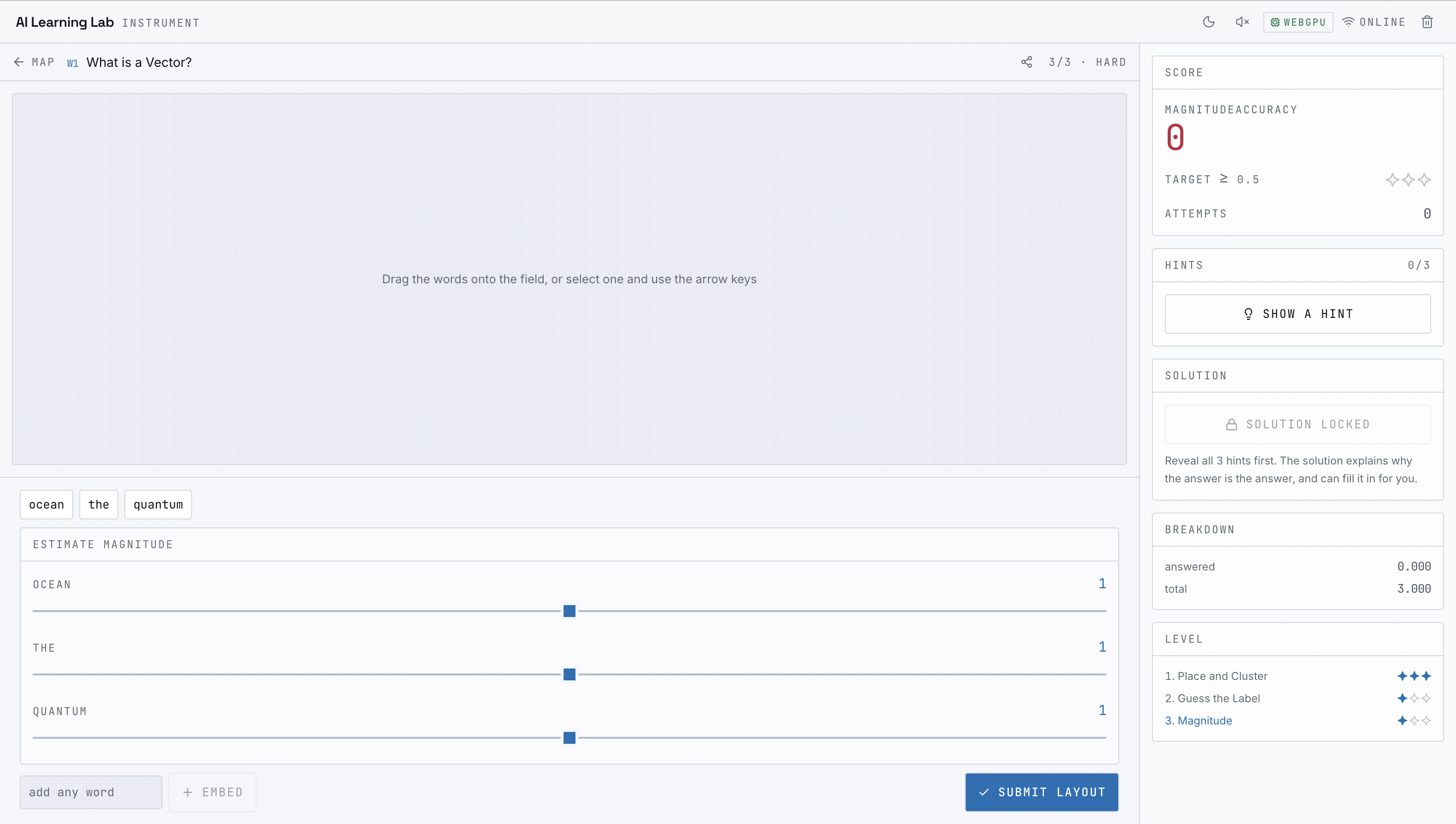
For example, learners can manipulate embeddings and see real similarity calculations update, train a small neural network and observe its decision boundary change, train a tiny RNN and observe its hidden-state memory decay, and inspect attention weights coming directly from a real transformer's forward pass.
Nothing is simply presented as a visual approximation. The numbers being shown are generated by the underlying computation.
This makes the platform feel less like a traditional course reader and more like an instrument for experimenting with AI.
Running Real Models Locally
One of the most important technical decisions I made was to run the models locally in the browser whenever possible.
The browser uses transformers.js with ONNX Runtime Web to perform tokenization, embeddings, small language-model inference, and attention extraction using WebGPU, with WASM as a fallback. The backend currently being used is exposed in the interface.
That means there is no server round-trip for the core learning exercises.
After the initial model download, the relevant model weights are cached by the browser, allowing previously opened chapters to continue working offline.
There are also models that aren't downloaded at all.
TinyNet and TinyRNN are implemented and trained directly in the browser, with real forward and backward passes. Their gradients are checked against numerical gradients in the test suite, so the training behavior isn't a staged animation pretending to be machine learning.
This local-first architecture was important to me because it makes the learning experience immediate, private, and much more tangible.
How I Built It
The project is built with Next.js, TypeScript, Tailwind CSS, transformers.js, WebLLM, Zustand, IndexedDB, and Vitest.
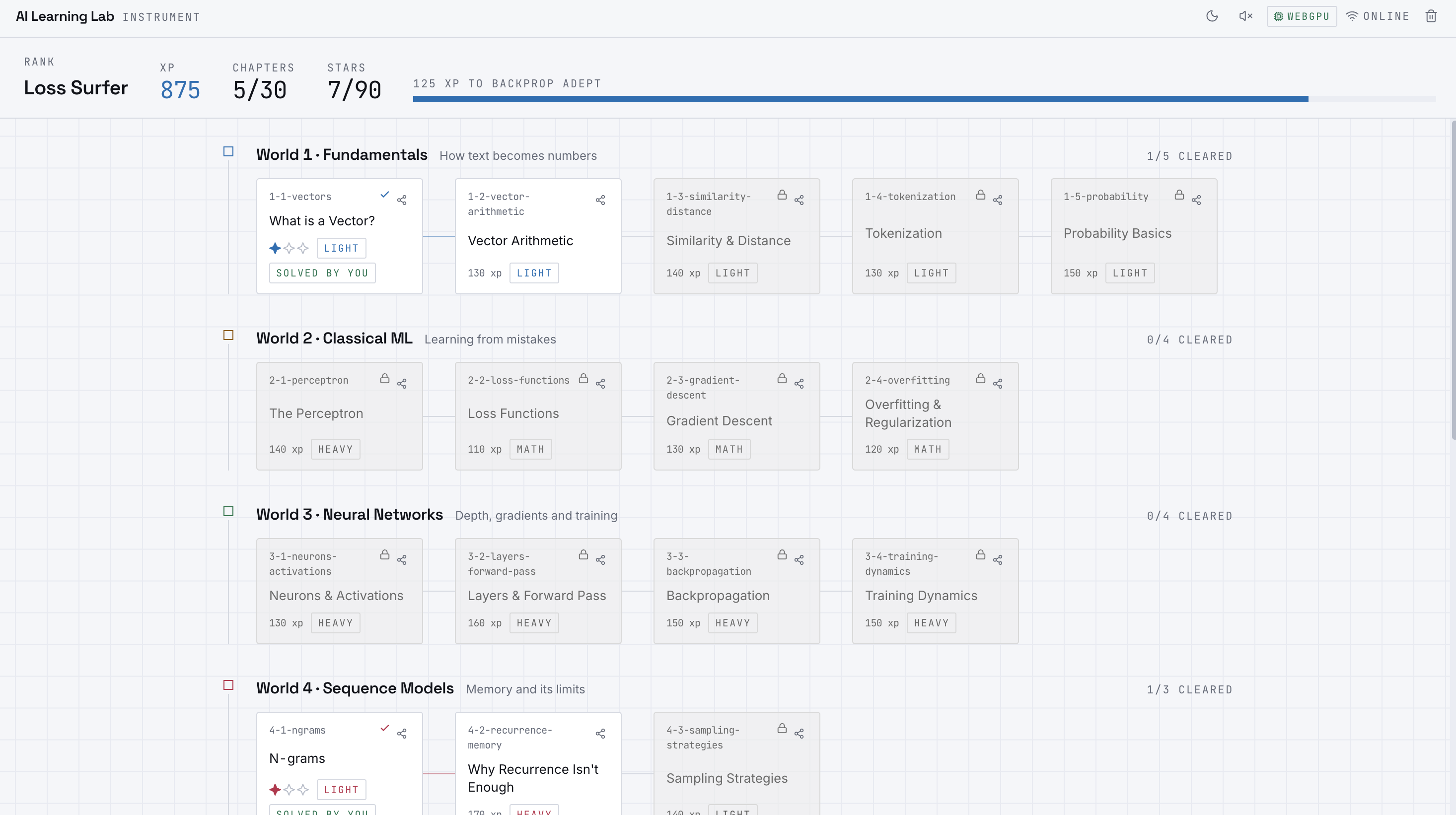
The curriculum currently spans 6 worlds and 22 chapters, progressing from fundamentals such as vectors, similarity, tokenization, and probability through classical ML, neural networks, sequence models, transformers, and finally a capstone.
I designed each chapter around a specific interaction rather than simply putting text on a page.
The underlying learning engines follow a consistent architecture:
prepare → initState → applyAction → evaluate
The engines are pure functions, with models injected through dependencies. This allows the same computation to power both the interactive experience and the automated test suite, rather than having a separate "demo" implementation and a separate production implementation.
The curriculum itself is data-driven. Level parameters, pass criteria, and progression rules are stored in versioned JSON and validated with schemas and cross-file checks. Automated tests also verify that the game mechanics and thresholds are actually reachable.
Progress is local-first as well, using IndexedDB for persistence and an offline activity queue.
No Fake Data
A major design principle throughout the project was:
Nothing shown to the learner should be fabricated just to make the demo look convincing.
For example:
- Word clusters are generated from k-means over live embeddings.
- Tokenization challenges use the real BPE merge-rank table.
- RNN memory decay is measured from actual hidden states.
- N-gram statistics are calculated from the bundled corpus at runtime.
- Transformer attention visualizations come from an actual forward pass.
If a model cannot expose the information required by an exercise, the system doesn't simply invent plausible-looking values. The chapter can acknowledge that limitation instead.
That constraint made development harder, but it also became one of the most important principles of the project.
What I Learned
The biggest lesson was that building an educational tool is very different from building a technical demo.
A model can work perfectly and still teach nothing.
I had to think constantly about the connection between the computation and the learner's mental model: What should they manipulate? What should change when they interact with it? Which numbers matter? What should they be able to predict before performing an action?
I also learned much more about browser-based ML while building the project. Getting real inference, training, visualization, caching, and offline behavior to work together introduced a completely different set of constraints from running models in a traditional Python environment.
Challenges
The biggest challenge was making the experience both technically real and understandable.
Running a model locally is one problem. Turning its internals into an interaction that teaches someone why the model behaves the way it does is another.
Performance was also important. Model inference and training need to happen quickly enough that the learner can experiment without waiting for a server response. WebGPU, WASM fallback, browser caching, and careful state management all became important parts of the architecture.
Another challenge was resisting the temptation to fake complexity.
It would have been much easier to hard-code convincing-looking attention maps, embeddings, or training curves. Instead, I built the exercises around real computations and added tests to verify the underlying engines.
What I Want AI Learning Lab to Become
The long-term idea is to make AI education feel more like a laboratory than a textbook.
Instead of telling learners:
"Here is how a transformer works."
I want the experience to say:
"Here is a transformer. Now let's see what happens when you operate it."
AI Learning Lab is my attempt to make that style of learning possible directly in the browser — with real models, real computations, and real experimentation, without requiring a GPU setup, API key, or backend for the core learning experience.
Built With
- ai
- artificial
- css
- education
- indexeddb
- intelligence
- interactive
- mongodb
- next.js
- onnx
- react
- runtime
- tailwind
- transformers.js
- typescript
- web
- webgpu
- webllm
- zustand


Log in or sign up for Devpost to join the conversation.