-
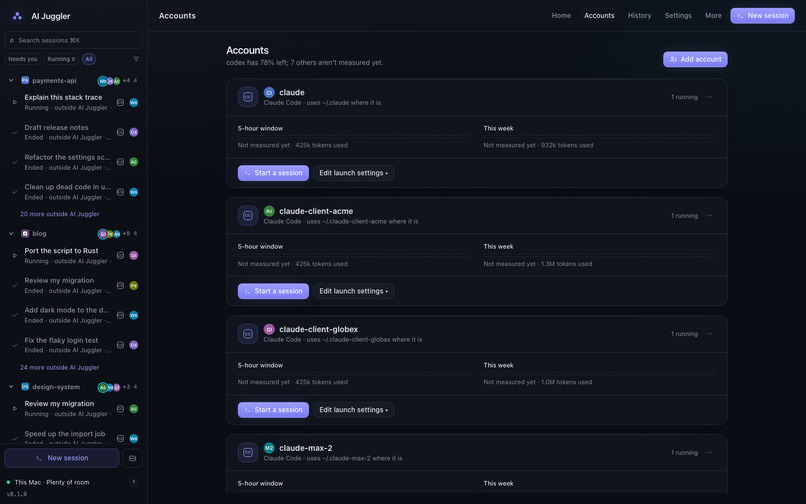
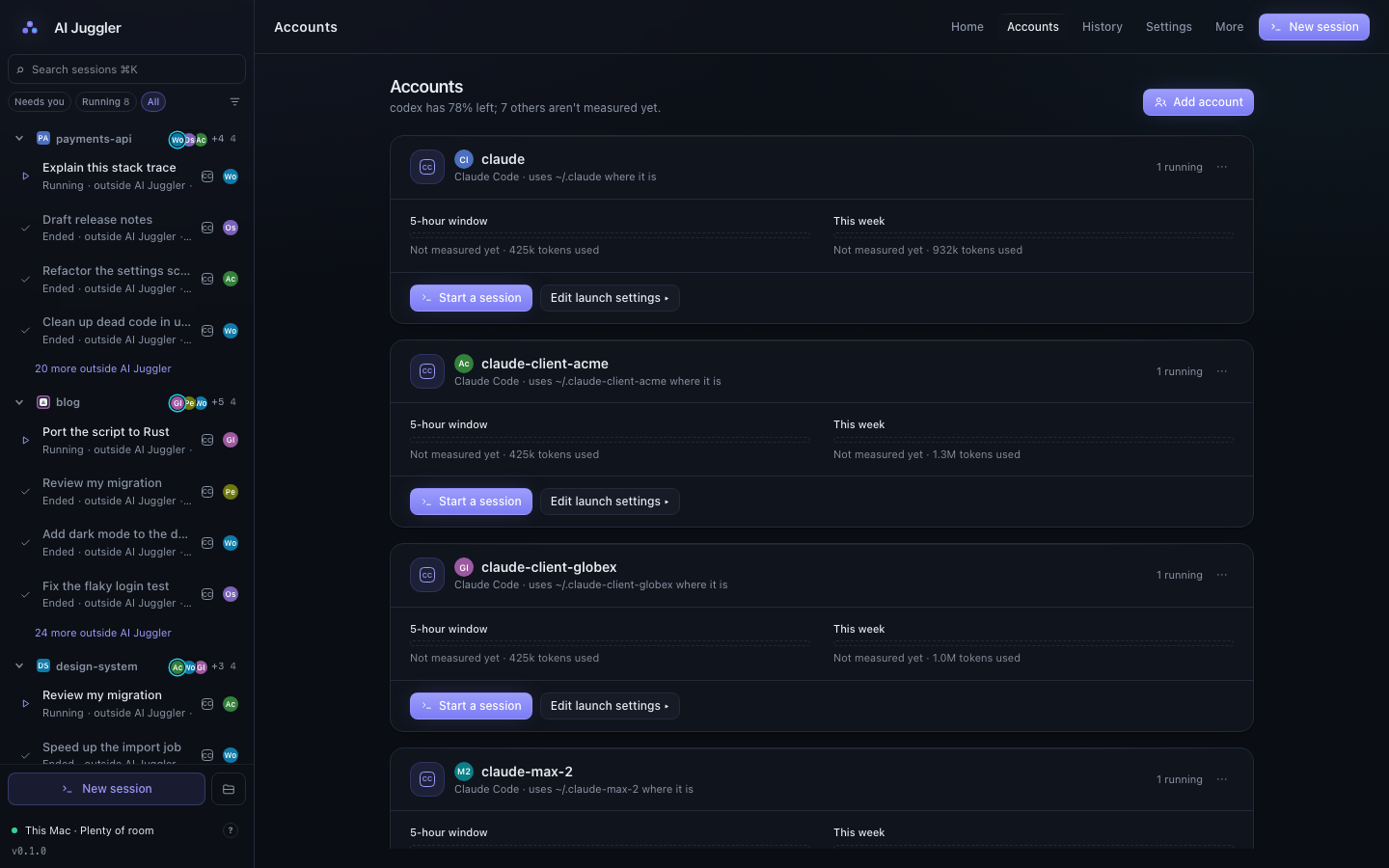
Accounts, profiles and usage limits. Development build with sample data.
-
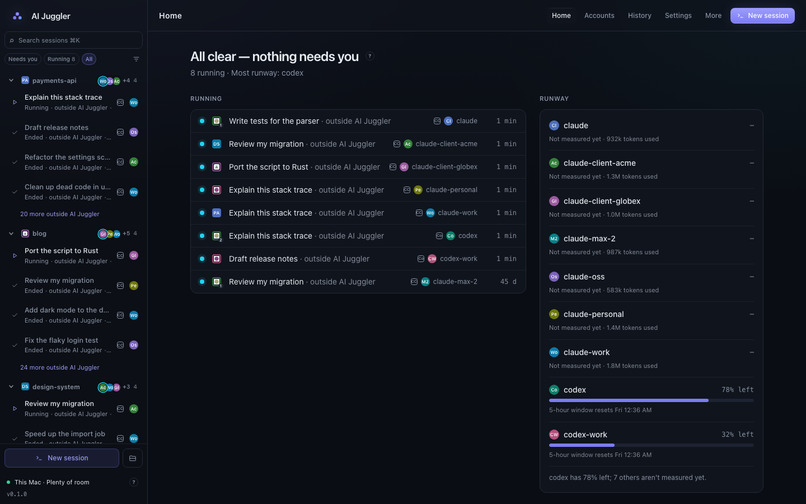
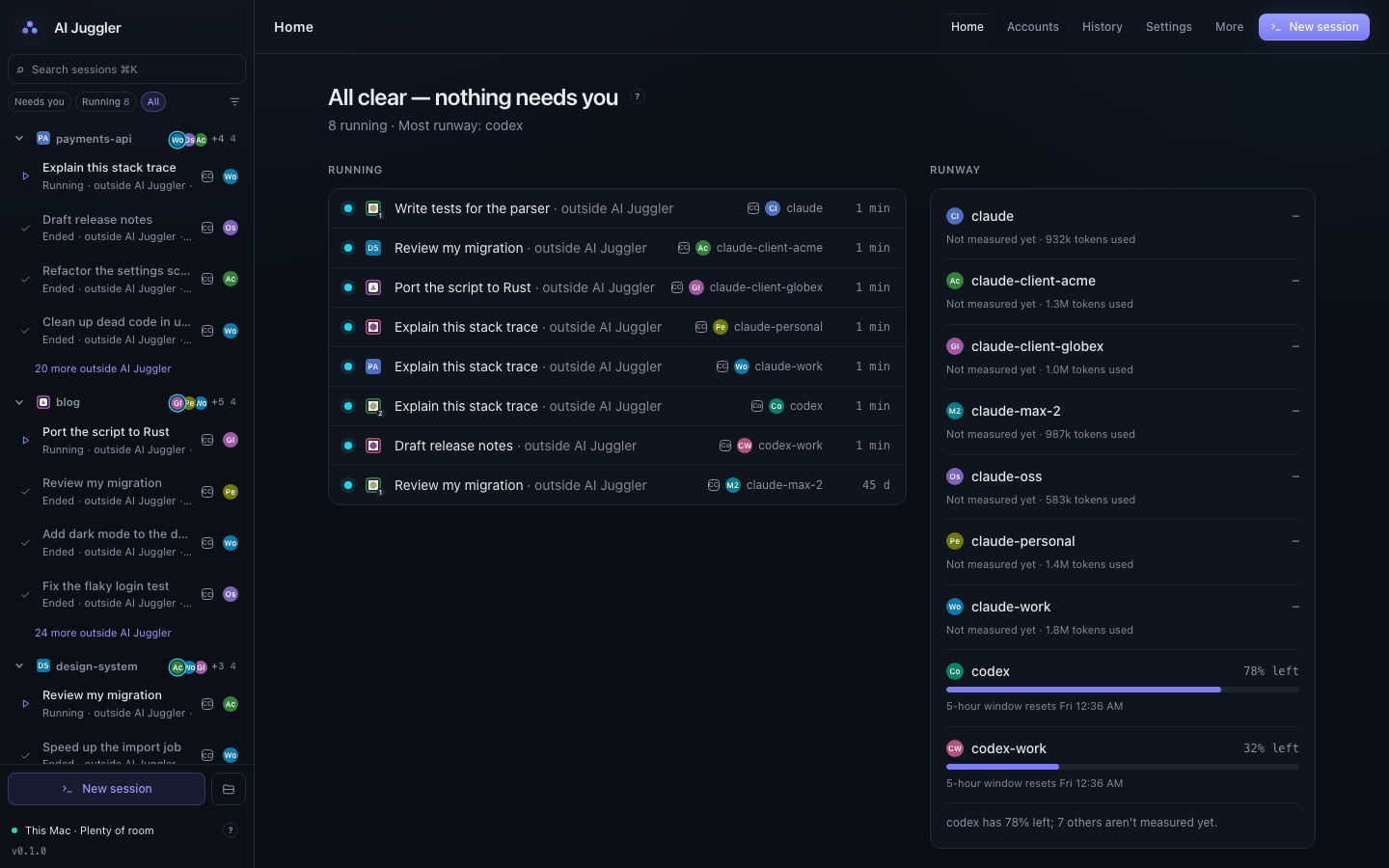
AI coding session dashboard. Development build with sample data.
-
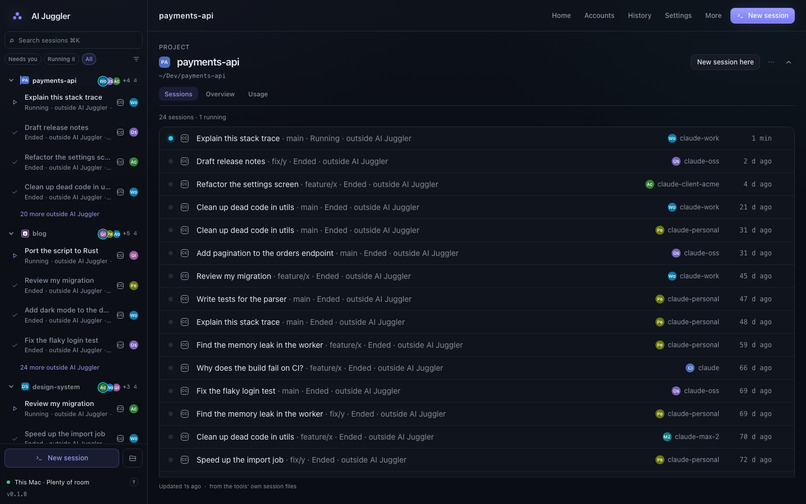
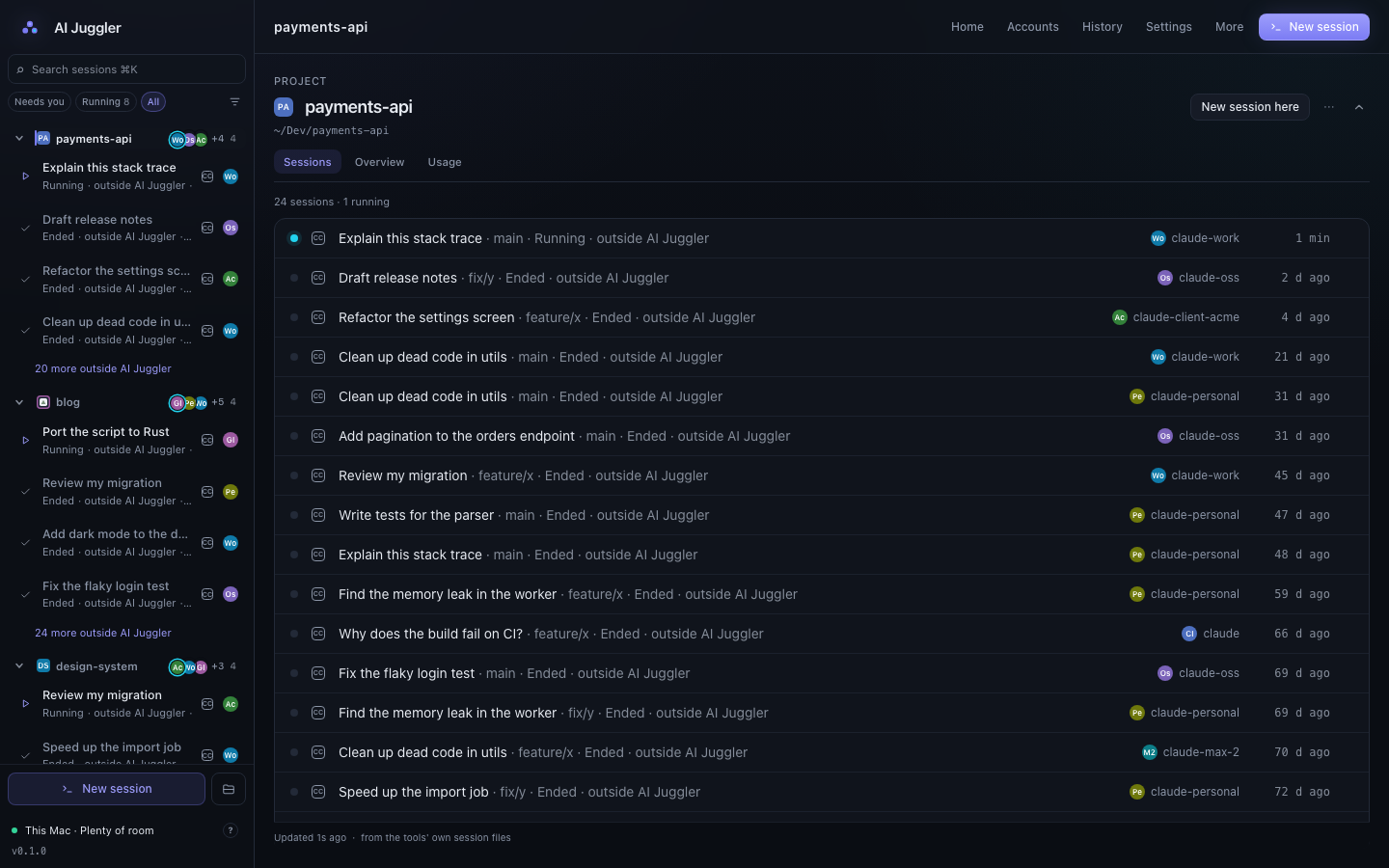
Project conversations and session history. Development build with sample data.
Inspiration
Working across several AI coding accounts gets messy fast. Conversations end up spread across terminal tabs, desktop apps and profiles, while each subscription has its own usage limits. AI Juggler brings the overview into one place so developers can find their work and see where they still have room to keep going.
What it does
AI Juggler is a free, open-source macOS app that works alongside Claude Code and Codex.
- See active sessions grouped by app and profile, and bring the right app forward.
- Manage separate profiles and the accounts they use.
- Check measured usage limits instead of guessing which account has room.
- Search recorded session history to find earlier conversations.
- Monitor memory and CPU usage across supported AI tools.
- Carry conversation context to another account or tool when a usage limit interrupts your work.
Cross-tool handovers prepare context for a new session. Your coding tools and subscriptions remain separate.
How it is built
The desktop app uses Rust and Tauri 2, with a React and TypeScript interface. It works with the native coding tools already installed and signed in on the Mac, bringing their sessions and local activity into a single dashboard.
Challenges and lessons
An account and a profile are different things. Several profiles can use one subscription and share its limits, so the app keeps those concepts distinct.
Trustworthy usage information also matters: a number is shown only when it has been measured. Unknown usage stays visibly unknown rather than looking like a full quota. These choices keep the dashboard useful when working across multiple tools and accounts.
Availability
AI Juggler is free under the MIT license. It supports macOS 14 or later on Apple silicon and Intel.
Screenshots show a development build with sample data.
Built With
- react
- rust
- tauri
- typescript

Log in or sign up for Devpost to join the conversation.