Inspiration
We wanted to challenge ourselves by tackling something completely new, so we chose Brevan Howard’s problem statement. The rise of AI-generated content has made it increasingly difficult to distinguish between real and synthetic things, and we wanted to explore this challenge through AI and machine learning.
What it does
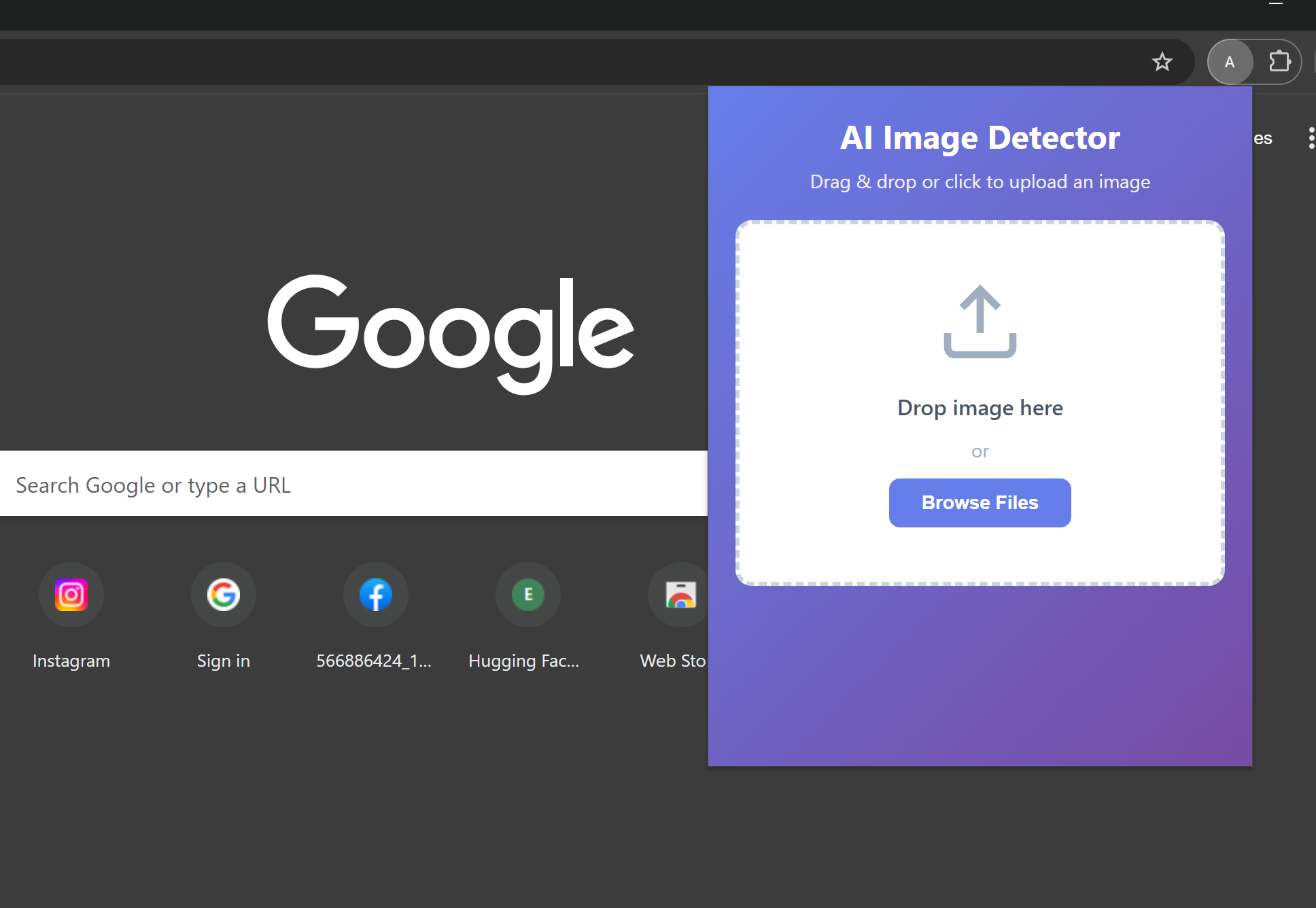
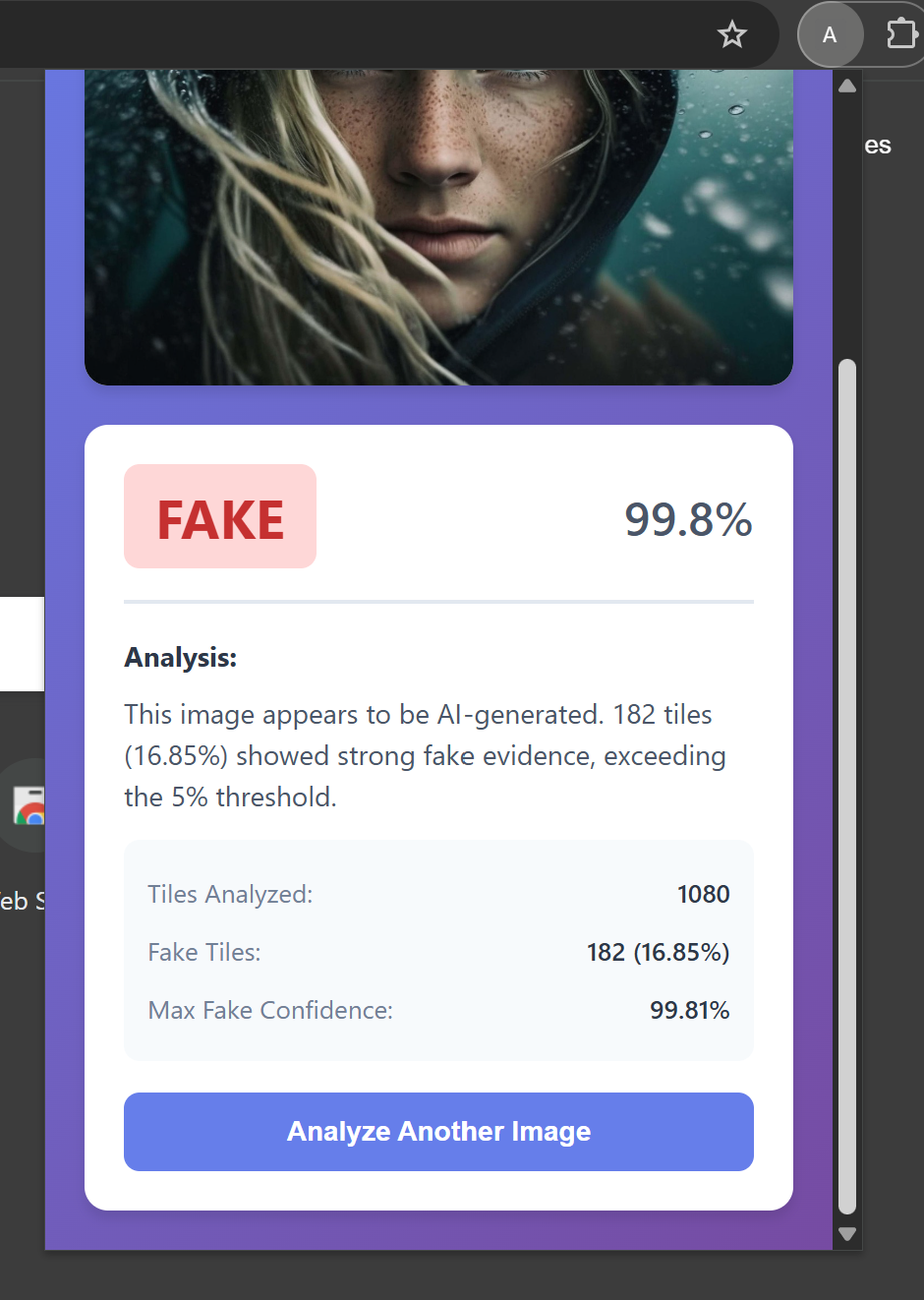
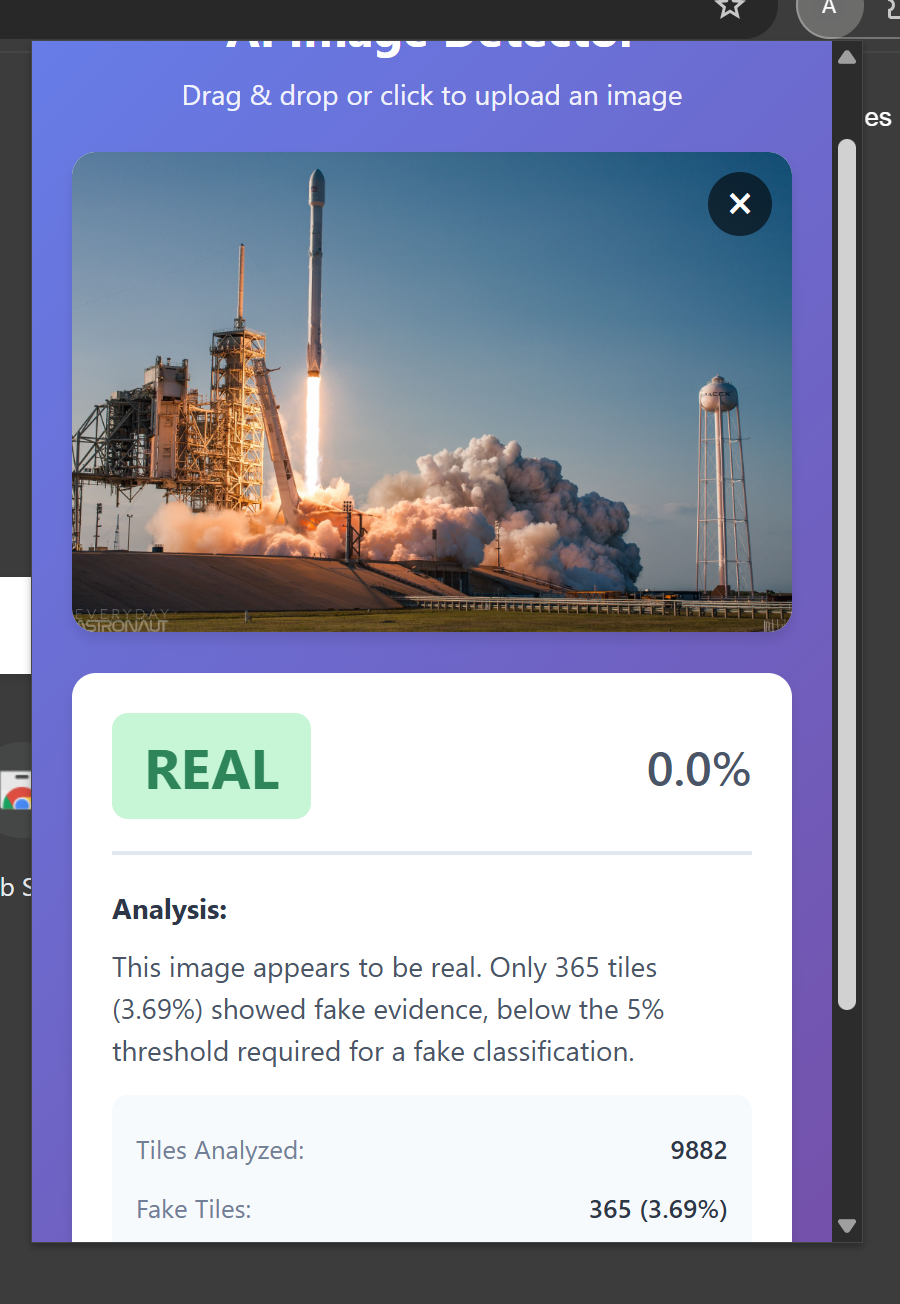
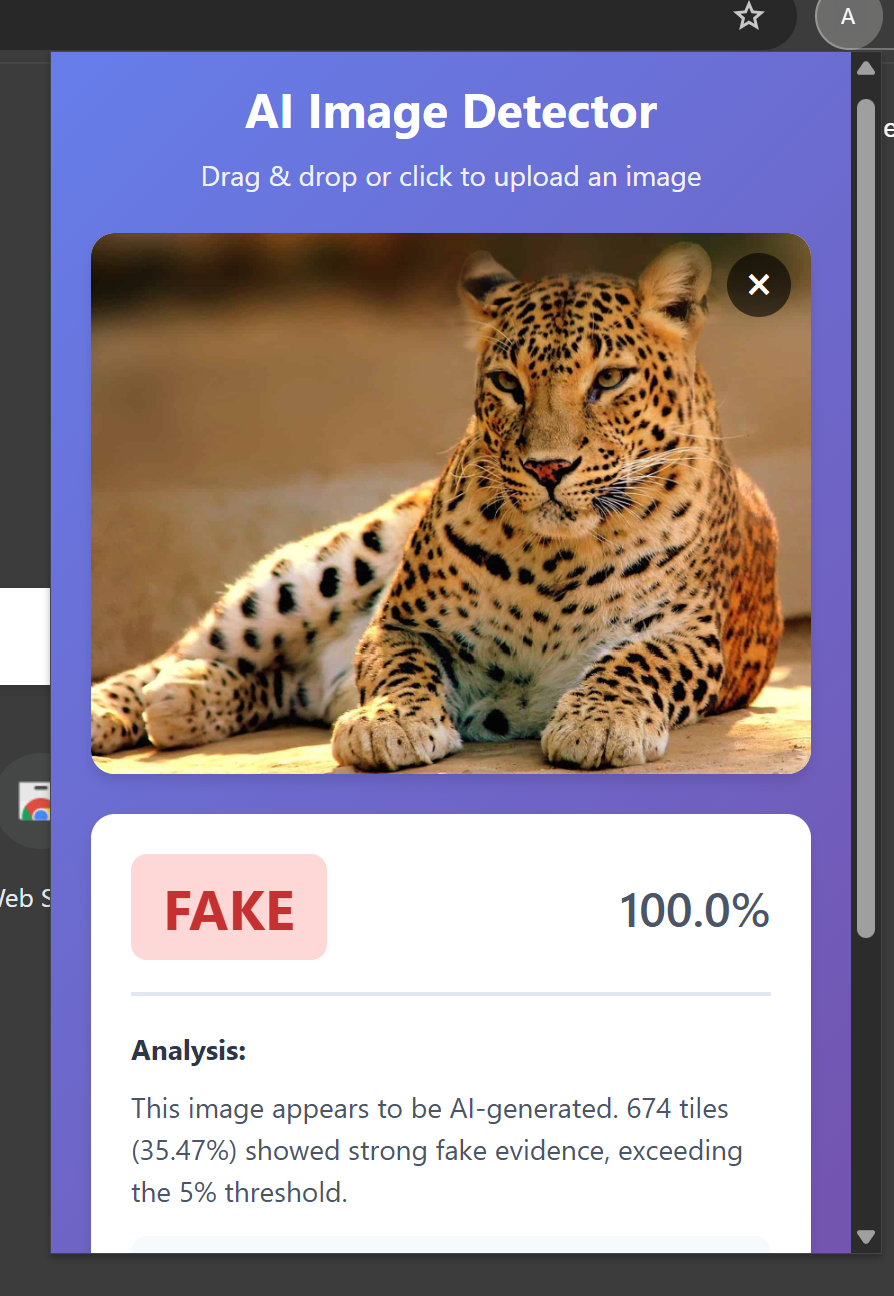
AI Information Checker is a Chrome extension that allows users to upload an image and instantly find out whether it’s AI-generated or real.
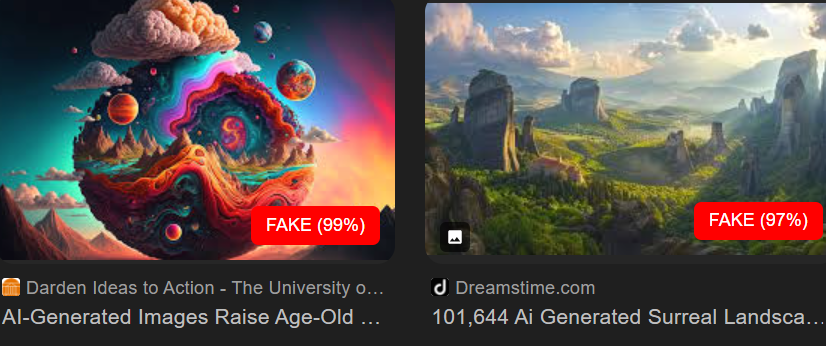
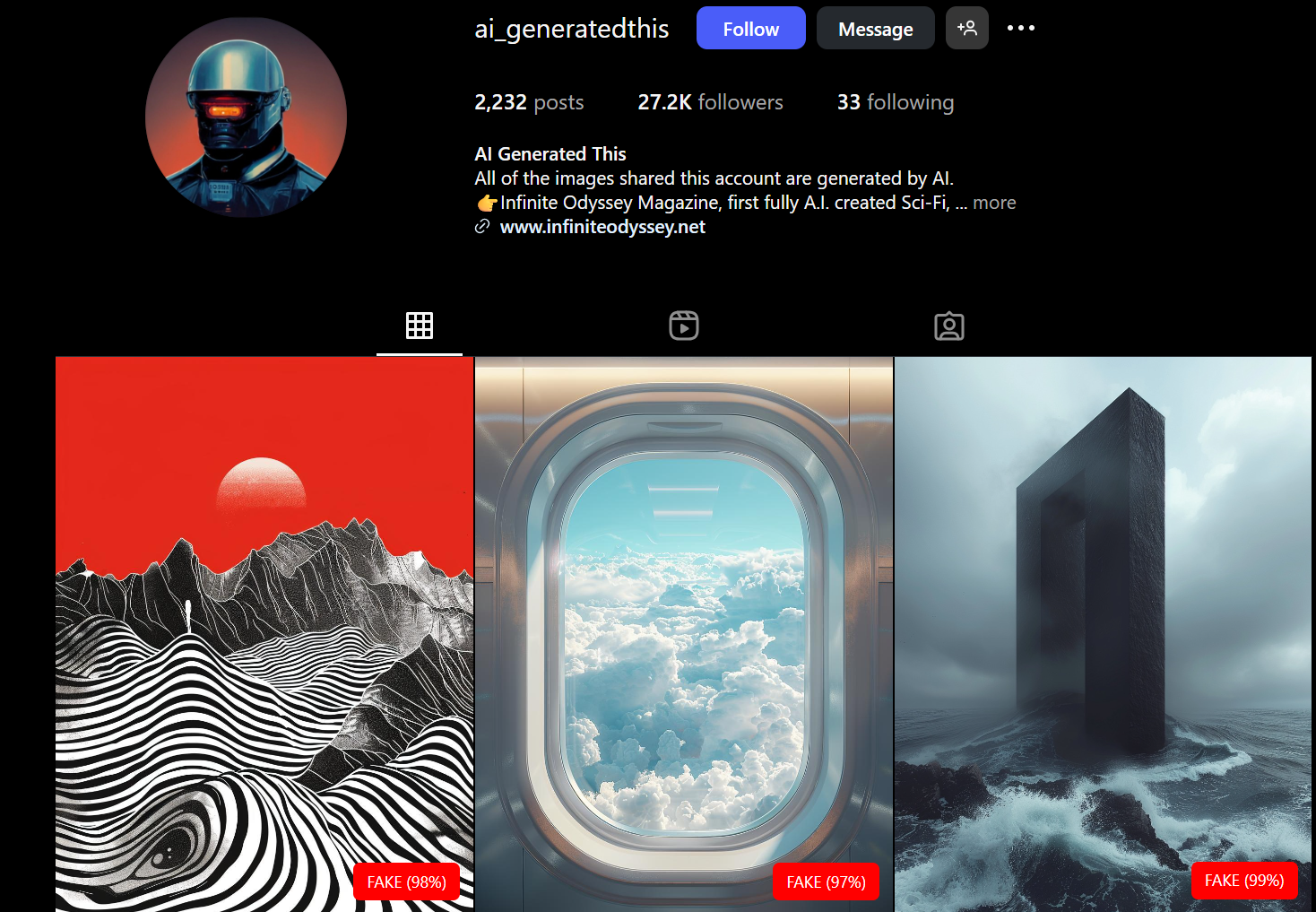
A different version can scan images displayed in the browser automatically, labelling them with a confidence score that indicates how likely they are to be AI-generated.
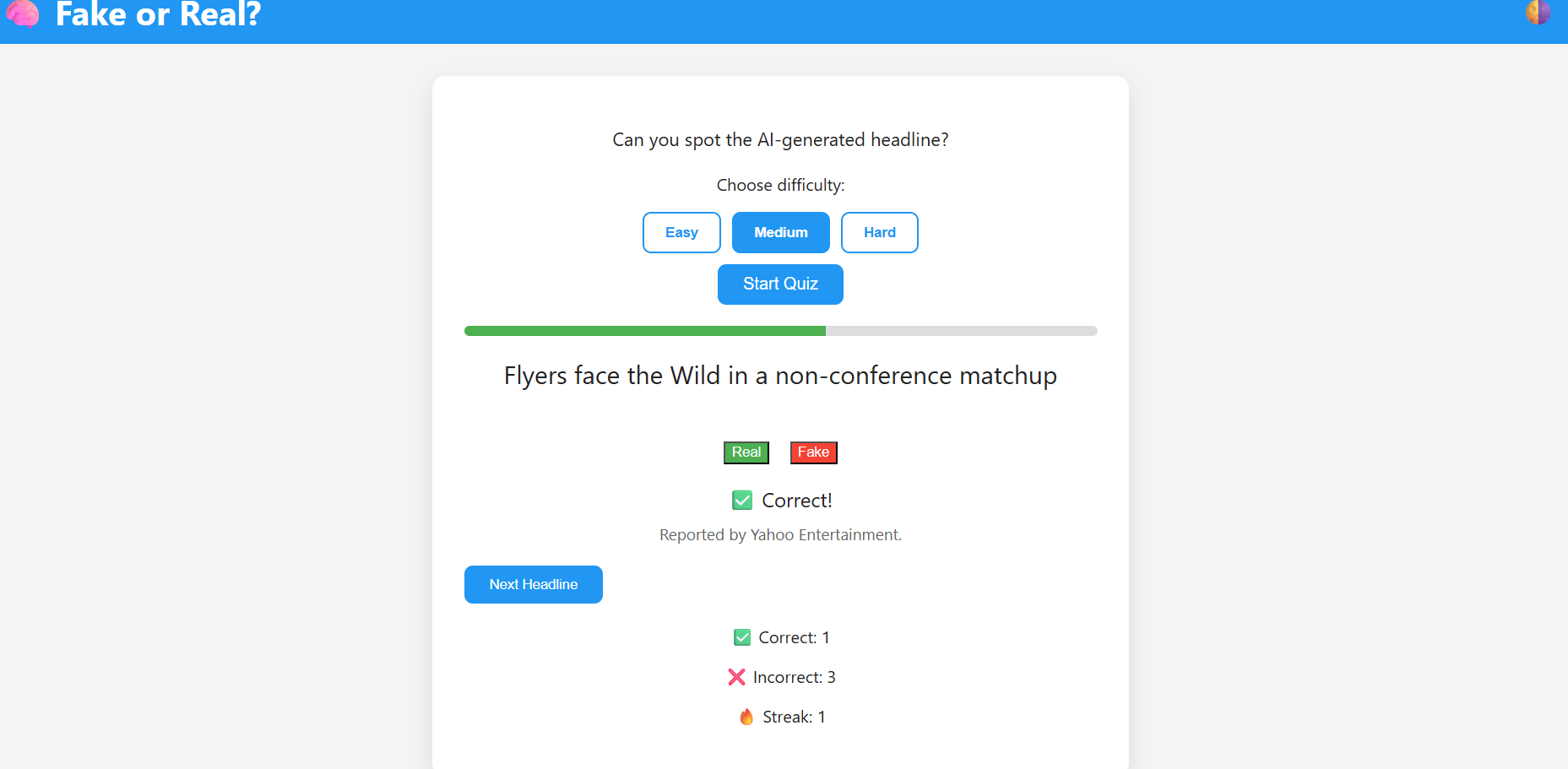
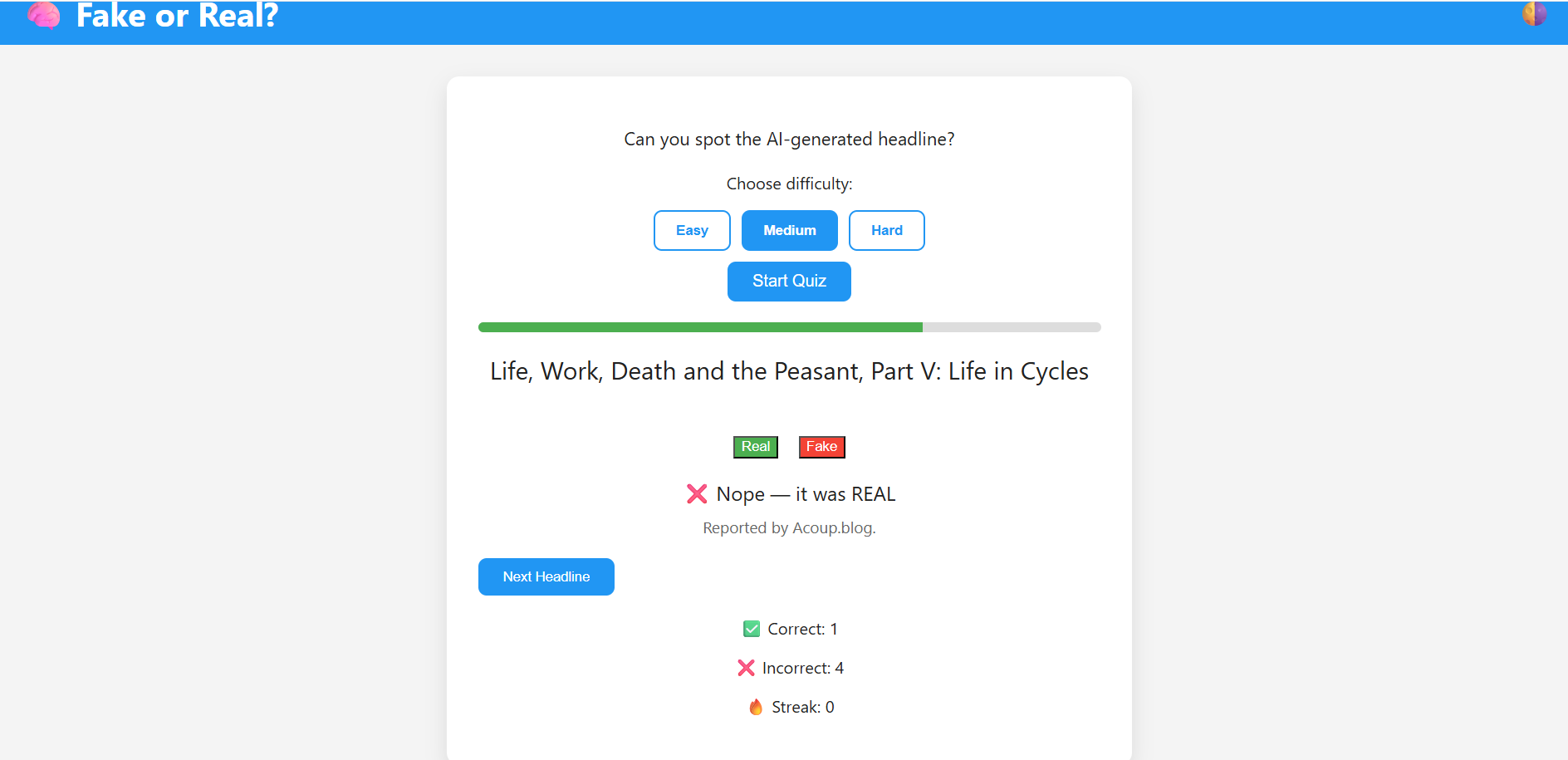
We also made a website that is an interactive platform which challenges users to identify whether news headlines are real or fake.
How we built it
We trained a custom deep learning model in Google Collab using TensorFlow, with datasets sourced from Kaggle containing both real and AI-generated images.
The trained model was then integrated into a Chrome extension using TensorFlow.js.
To handle image analysis, uploaded images are divided into (32 \times 32) pixel chunks, each evaluated by the model.
If a significant percentage of chunks are classified as AI-generated, the entire image is flagged accordingly.
We also had to implement several versions of the model to balance accuracy, performance, and browser compatibility.
We built the website using Flask to handle API endpoints and routing, while the frontend is powered by HTML, CSS, and JavaScript for an interactive quiz experience. The site promotes media awareness through a fast-paced, engaging quiz that challenges users to distinguish between real and fake headlines. Real headlines are fetched dynamically via the NewsAPI, while fake ones are generated from a randomized database pool. We also experimented with Ollama’s Llama 3 AI model to generate more realistic fake headlines.
Challenges we ran into
Instagram's servers blocked direct image downloads due to security concerns, specifically the Cross-Origin Resource Sharing (CORS) policy. To circumvent this, instead of attempting a direct image download from the browser extension, we sent the image URL itself, encapsulated in JSON format, directly to the Hugging Face API server. This approach successfully delegated both the image downloading and the analysis process entirely to the Hugging Face server.
Our dataset consisted of low-resolution ((32 \times 32)) images, so we had to process uploads by dividing them into small sections for analysis.
Working around Chrome’s Content Security Policy (CSP) was a major challenge — we needed to enable a local TensorFlow.js setup for the model to run directly within the extension.
Managing compatibility between the model format and browser execution required multiple iterations.
A key challenge we faced while developing the website was ensuring that the AI-generated headlines were realistic enough to be convincing, yet still clearly fake. We also encountered issues integrating the API for generating fake headlines, which led us to create a large, custom dataset of fake headlines that the website could reliably use as a source. Additionally, due to frontend–backend integration issues, we decided to rely on this pre-generated dataset to maintain smooth functionality and consistent performance.
Accomplishments that we're proud of
- Got the Chrome extension fully functional by the end of the hackathon after extensive debugging and testing.
- Integrated a machine learning model into a browser-based environment.
- Built the project end-to-end — from training the model to deploying it as a usable tool.
- Integrated the frontend with the backend, enabling real-time display of dynamically served headlines.
What we learned
- Learned how to effectively use Git and GitHub for version control, collaboration, and managing contributions across team members.
- Gained experience in converting and deploying TensorFlow models for integration within web-based applications.
- Developed a deeper understanding of Content Security Policy (CSP) restrictions and CORS restrictions and effective workarounds for running local models within Chrome extensions.
- Learned how to use APIs and connect them to frontend interfaces, enabling dynamic data exchange between the client and server.
What's next for AI Information Checker
- Improve model accuracy using higher-resolution datasets.
- App and web integration to make the tool more accessible.
- Potential expansion into detecting AI-generated text and videos.
Built With
- css
- googlecollab
- googledevtools
- html5
- huggingfacemodelapi
- javascript
- news-api
- python

Log in or sign up for Devpost to join the conversation.