-
-

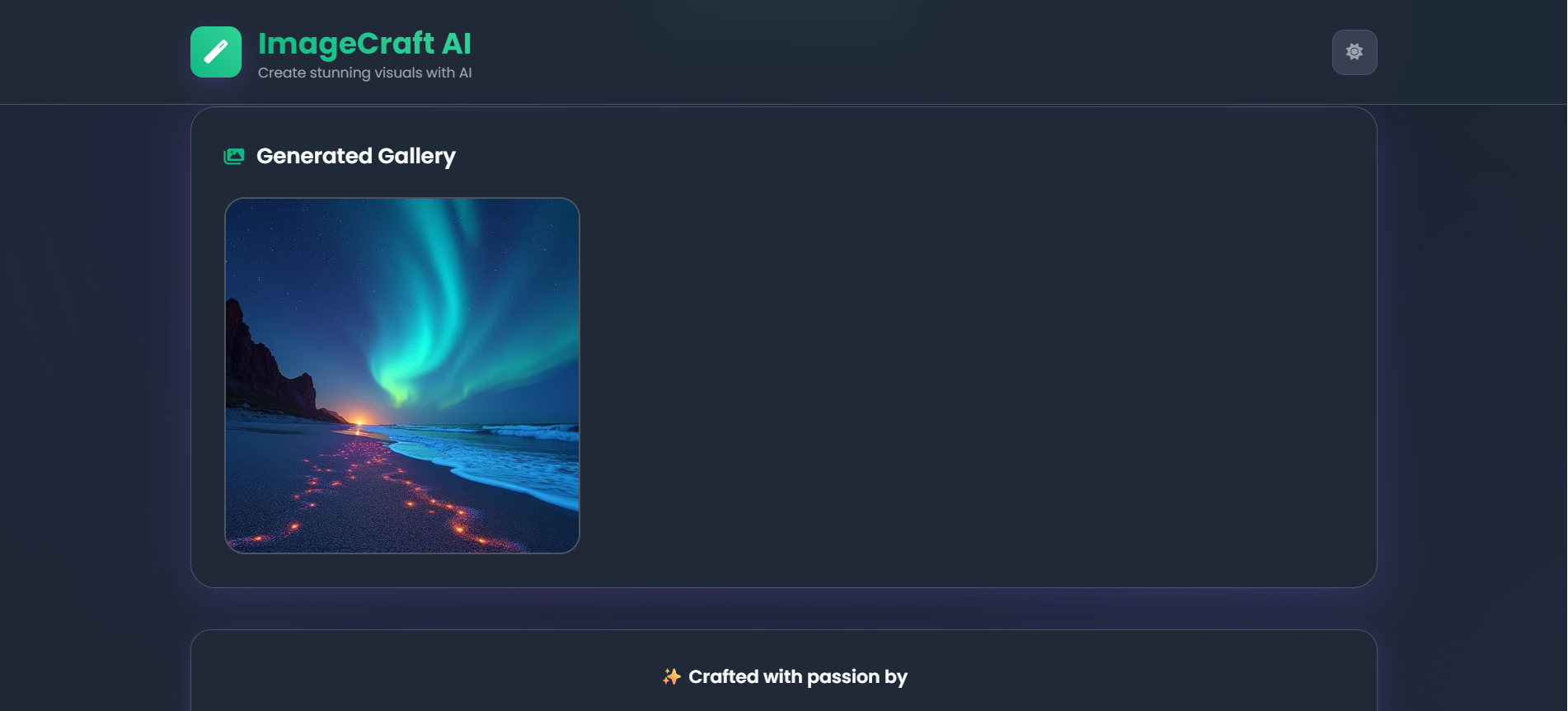
Generated Image
-
-
-

ImageCraft AI - Project Story
🌟 What Inspired Us
The idea for ImageCraft AI was born from our fascination with the creative potential of artificial intelligence. We were amazed by how AI models could transform simple text descriptions into stunning visual art, but we noticed that many existing tools were either too complex for beginners or lacked an intuitive user experience.
We wanted to create something different - a platform that would democratize AI art generation by making it accessible to everyone, from digital artists to curious beginners. Our vision was to build a tool where creativity meets simplicity, allowing users to bring their imagination to life with just a few words.
🎯 What We Learned
This project became an incredible learning journey that expanded our skills across multiple domains:
Frontend Development
- Mastered modern CSS techniques including CSS custom properties, advanced gradients, and responsive grid layouts
- Implemented smooth animations and micro-interactions to enhance user experience
- Learned to create adaptive themes with seamless light/dark mode transitions
API Integration
- Gained hands-on experience with the Hugging Face Inference API
- Understood the nuances of different AI models and their optimal use cases
- Learned to handle asynchronous operations and manage API rate limits effectively
User Experience Design
- Discovered the importance of intuitive form design and clear visual feedback
- Learned to balance aesthetic appeal with functional usability
- Understood how loading states and error handling impact user satisfaction
Problem-Solving & Optimization
- Tackled challenges related to image aspect ratio calculations and dynamic sizing
- Learned to optimize API calls and manage multiple concurrent requests
- Developed strategies for graceful error handling and user communication
🔧 How We Built It
Architecture & Design
We started with a mobile-first approach, designing a clean and modern interface that would work seamlessly across all devices. The project structure includes:
- Semantic HTML5 for accessibility and SEO optimization
- Modern CSS with custom properties for consistent theming
- Vanilla JavaScript for lightweight, fast performance
- Responsive Grid System for optimal layout on any screen size
Technical Implementation
Dynamic Theme System: Implemented a sophisticated theme switcher that respects user preferences and system settings, with smooth transitions between light and dark modes.
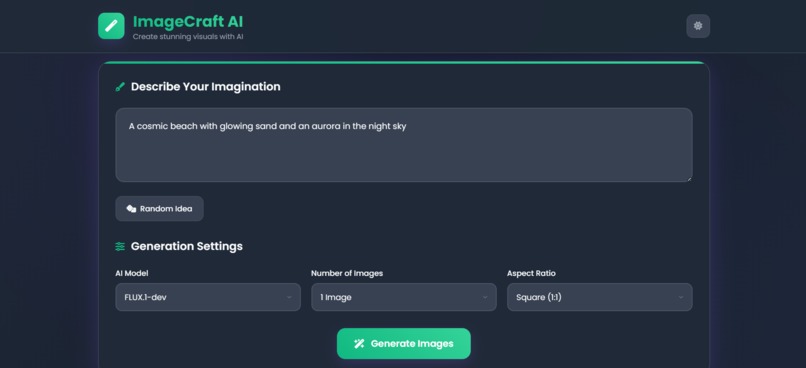
Smart Image Generation: Built an intelligent system that calculates optimal image dimensions based on aspect ratios while ensuring compatibility with AI model requirements.
Concurrent Processing: Developed a robust system to handle multiple image generations simultaneously, with individual error handling for each request.
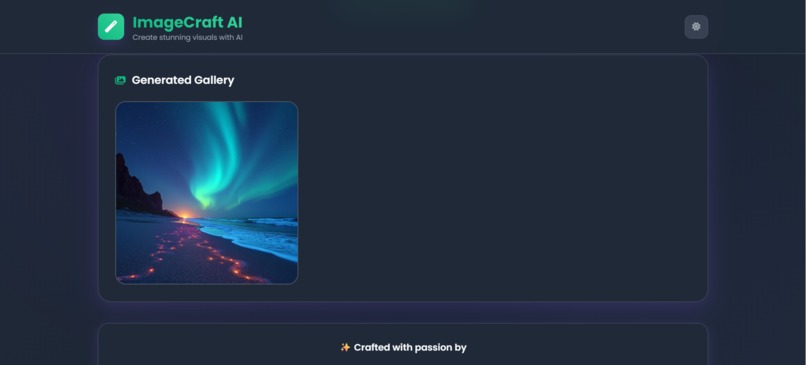
Interactive Gallery: Created a responsive gallery with hover effects, download functionality, and loading states that provide clear feedback to users.
API Integration Strategy
We integrated with multiple Hugging Face models to give users variety in their creative options:
- FLUX.1-dev & FLUX.1-schnell for high-quality, detailed generations
- Stable Diffusion XL & v1.5 for reliable, versatile outputs
- Openjourney for artistic, stylized results
💪 Challenges We Faced
1. API Complexity & Rate Limits
Challenge: Different AI models had varying response times and occasional failures. Solution: Implemented individual error handling for each image card, allowing partial success scenarios where some images generate successfully while others fail gracefully.
2. Responsive Image Aspect Ratios
Challenge: Maintaining consistent aspect ratios across different screen sizes while ensuring generated images fit properly. Solution: Developed a mathematical approach to calculate optimal dimensions that satisfy both user preferences and AI model constraints (multiples of 16).
3. User Experience Optimization
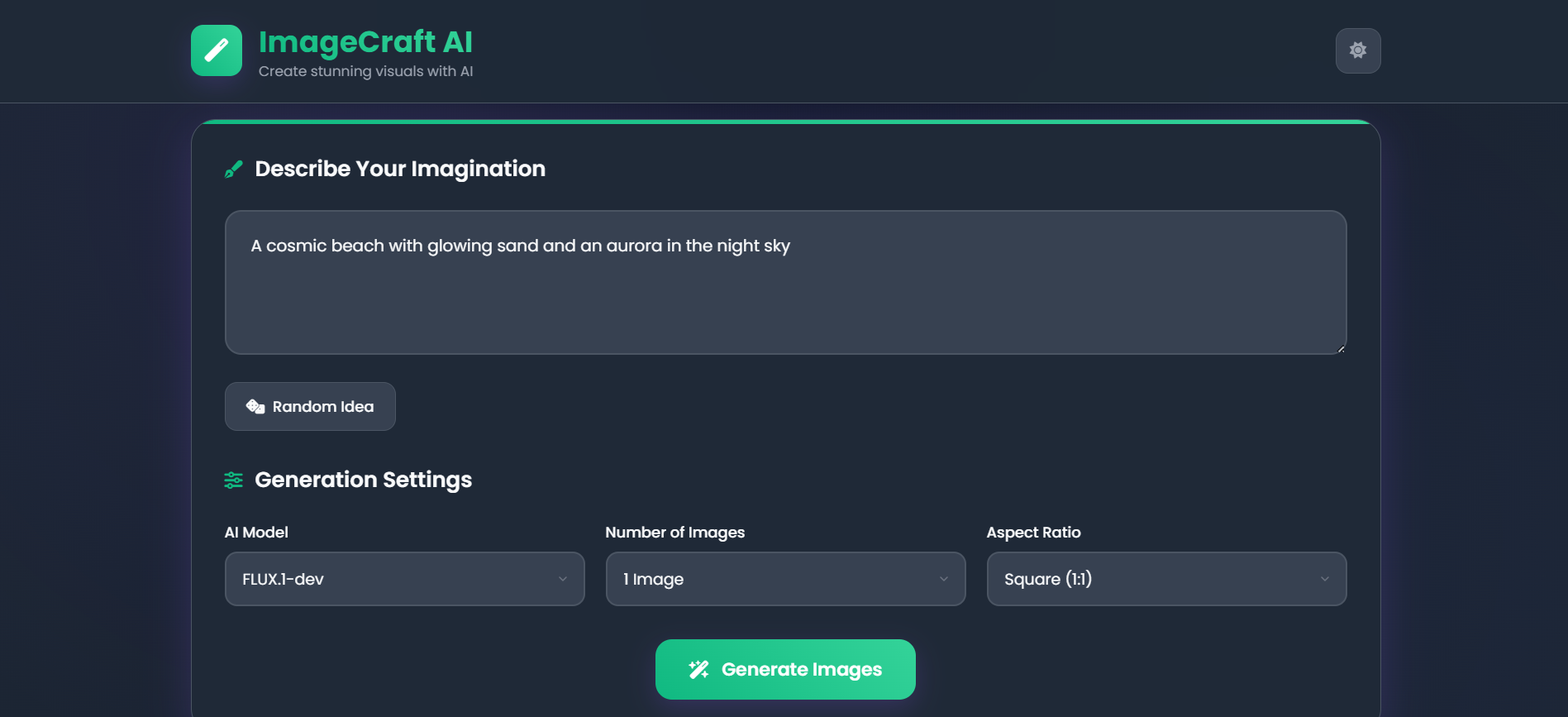
Challenge: Balancing feature richness with interface simplicity. Solution: Created an intuitive three-step process (describe, configure, generate) with clear visual hierarchies and helpful defaults.
4. Performance & Loading States
Challenge: Managing user expectations during potentially long generation times. Solution: Implemented engaging loading animations with descriptive status messages and real-time updates for each image being generated.
5. Cross-Device Compatibility
Challenge: Ensuring consistent experience across desktop, tablet, and mobile devices. Solution: Adopted a mobile-first responsive design approach with flexible grid systems and adaptive component sizing.
🚀 What's Next
This project has opened our eyes to the incredible possibilities at the intersection of AI and user experience design. We're excited to continue improving ImageCraft AI with features like:
- Advanced Prompt Engineering: Built-in suggestions and prompt enhancement tools
- Style Presets: Curated collections of artistic styles and themes
- Image Editing: Basic post-processing capabilities for generated images
- Community Gallery: A platform for users to share and discover amazing creations
ImageCraft AI represents more than just a tool - it's our contribution to making AI creativity accessible, enjoyable, and inspiring for everyone. We're proud of what we've built and excited about the creative possibilities it unlocks for our users.
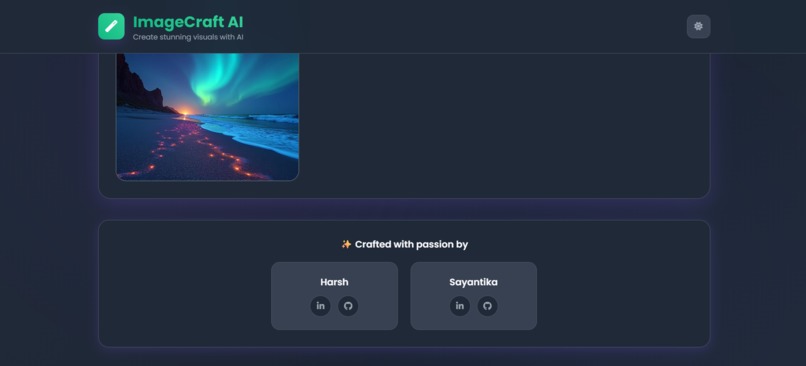
Built with ❤ by Harsh and Sayantika
Built With
- blob-api
- css3
- fetch-api
- font-awesome-icons
- google-fonts
- html5
- hugging-face-inference-api
- javascript
- local-storage-api
- node.js
- vercel

Log in or sign up for Devpost to join the conversation.